
SketchPro is a professional-grade drawing and design application tailored for digital artists, illustrators, and creative professionals. This app provides an extensive suite of advanced AI tools and customizable features that cater to various artistic needs, including sketching, painting, and illustrating. With its user-friendly interface, SketchPro allows artists to create detailed artwork on both tablets and phones, making it versatile for different devices.
The app stands out with its professional customisable brushes, AI-driven drawing tools, and a comprehensive layer system. These features enable users to produce high-quality digital art efficiently. Whether you're working on illustrations, comics, or manga, SketchPro supports your creative process from concept to completion. Its ability to transform hand-drawn sketches into polished images using simple prompts makes it invaluable for modern digital artists.
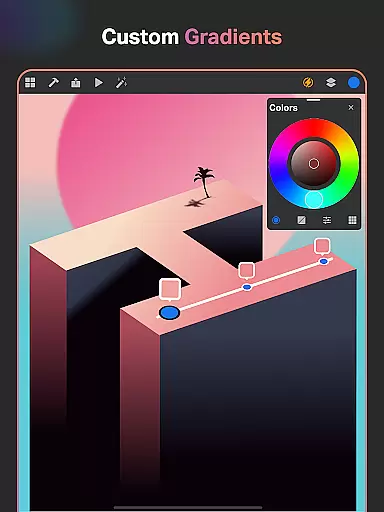
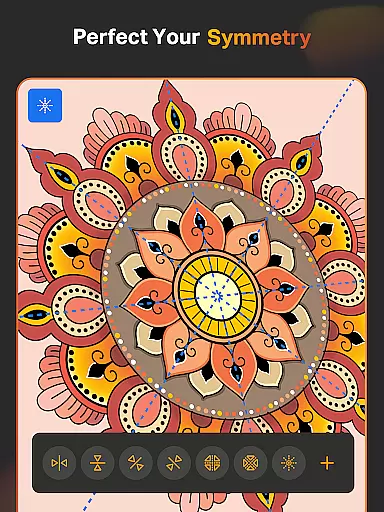
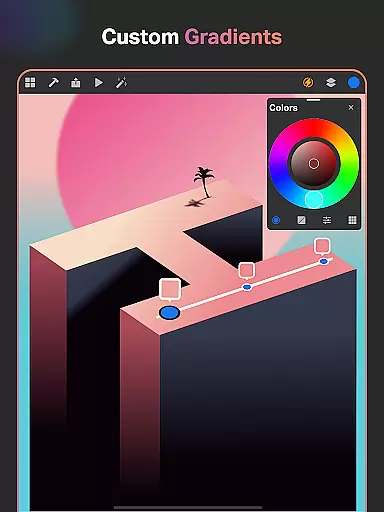
For graphic designers and illustrators, SketchPro offers essential tools like Smart Shapes, Symmetry Tools, and Gradient options. These functionalities streamline the drawing and designing process, allowing users to focus more on creativity rather than technicalities. Additionally, the app's cloud syncing feature ensures that all artwork is securely stored and accessible from anywhere, enhancing productivity and convenience.
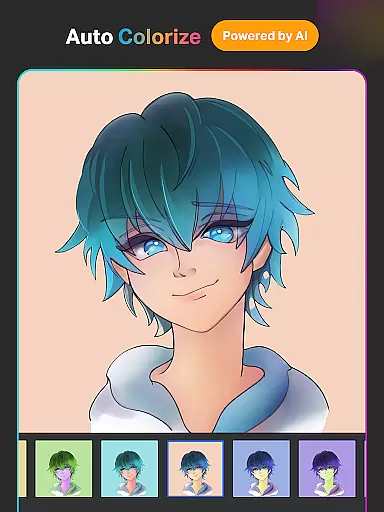
SketchPro boasts a rich array of features designed to enhance the digital art creation process. One of its standout capabilities is the integration of advanced AI tools that significantly boost productivity. The Text to Image AI tool allows users to generate artwork effortlessly through simple prompts, while the Sketch to Image AI tool transforms hand-drawn sketches into refined images. These innovations make the transition from traditional to digital art seamless and efficient.
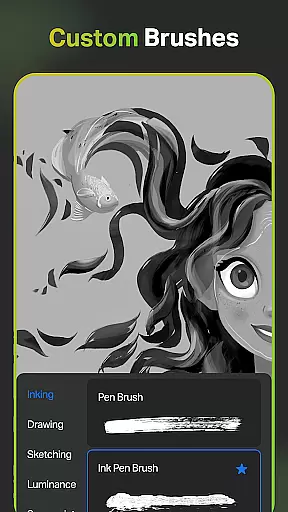
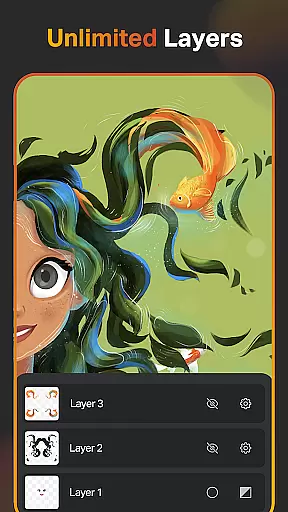
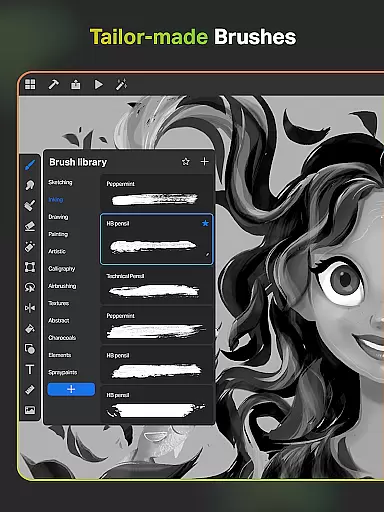
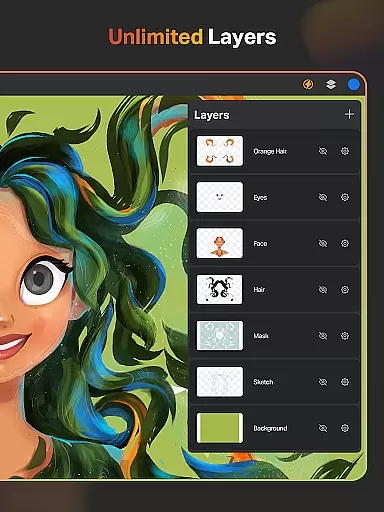
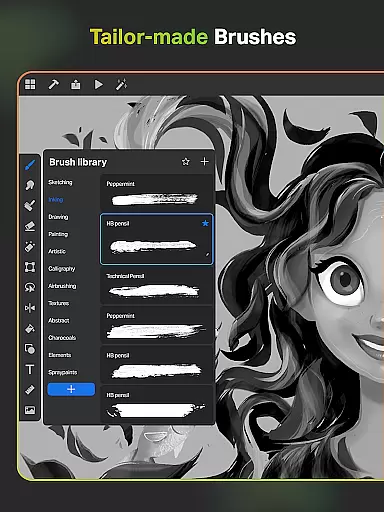
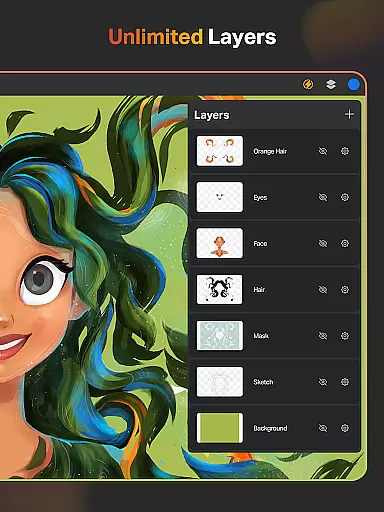
In addition to AI tools, SketchPro offers a robust set of professional drawing features. Users can access a wide range of customizable brushes tailored for sketching, painting, and illustrating. The app also includes a Free Roller Brush with over 100 patterns, providing endless possibilities for creative expression. Furthermore, the layer system supports unlimited layers, enabling complex designs and illustrations without limitations.
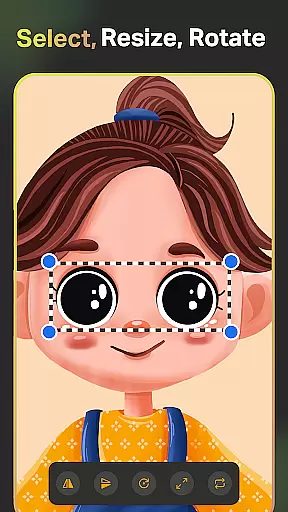
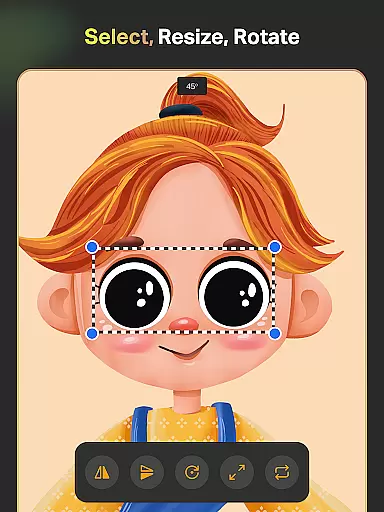
SketchPro doesn't stop at drawing tools; it extends to comprehensive design functionalities as well. The app includes text tools with customizable font styles, an extensive color palette with adjustable values, and a library of shapes and symbols. These elements empower users to create themed color palettes, import colors from images, and utilize various shapes in their projects. With features like the Smudge Tool, Fill Bucket, and Cutter Tool, artists have everything they need to bring their visions to life.
SketchPro offers an extensive suite of creative tools that cater to the needs of professional digital artists. The application includes customizable brushes for sketching, painting, and illustrating, allowing artists to tailor their tools to their specific style and workflow.
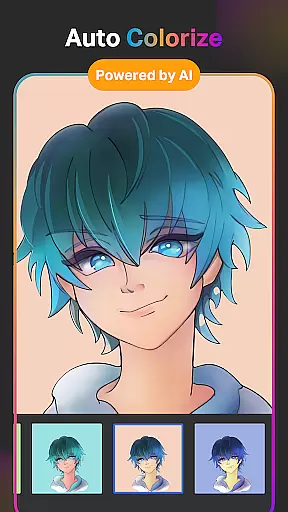
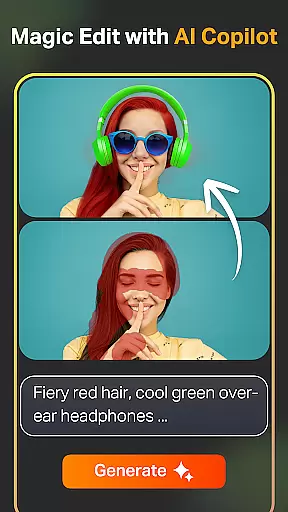
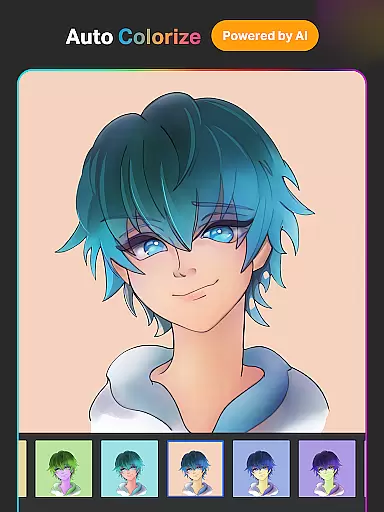
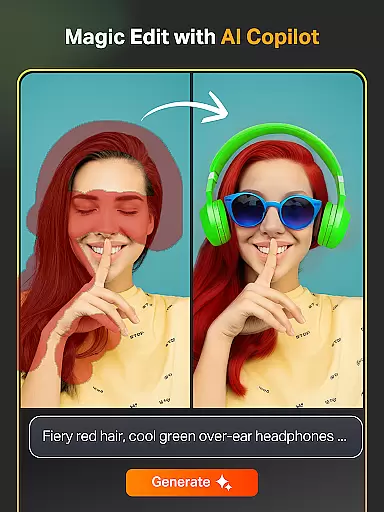
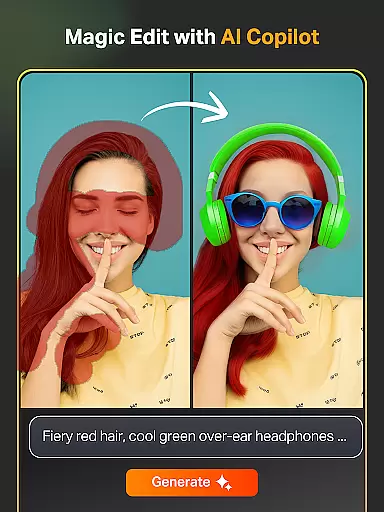
In addition to traditional drawing tools, SketchPro is equipped with advanced AI-driven features such as Text to Image, Sketch to Image, and Magic Edit, which revolutionize the creative process. These tools enable artists to transform simple prompts into complex artworks, revamp colors and textures, and modify objects within their creations effortlessly.
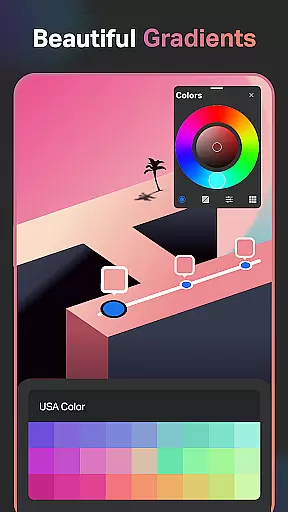
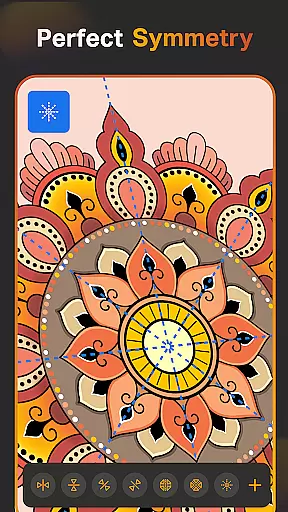
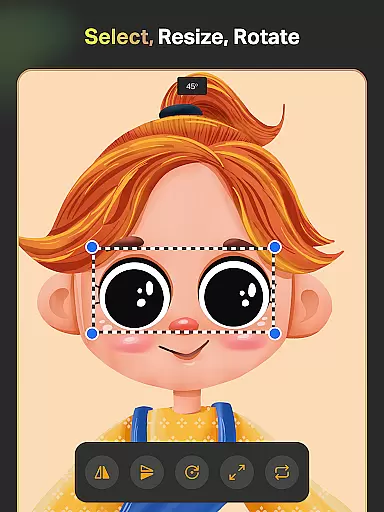
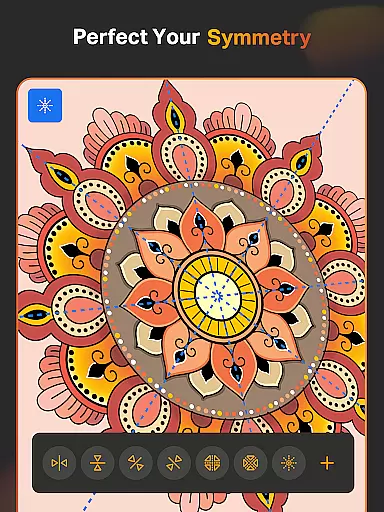
The app also provides pro creative utilities like Smart Shapes, Symmetry Tools, and Gradient options, which are designed to speed up the drawing and designing process. With these features, users can create perfectly mirrored designs, apply gradients with precision, and draw shapes instantly, thus enhancing productivity and creative potential.
SketchPro stands out in its provision of canvas and format flexibility, essential for accommodating various artistic projects. Users have access to a custom canvas feature, enabling them to define their workspace according to the demands of each piece, whether it's for graphic design, illustration, or comic art.
The layer system within SketchPro supports unlimited layers, empowering artists to manage complex compositions with ease. This system allows for rasterizing, duplicating, and merging layers, alongside options like Fill, Color Invert, Lock Alpha, and Lock Layer, granting full control over the artistic process.
Moreover, SketchPro facilitates importing colors from photos and images, creating themed color palettes, and using an extensive library of shapes and symbols. These capabilities ensure that artists can execute their visions without being constrained by the app's format limitations, making SketchPro a versatile tool for all digital art forms.
User-friendly interface
Advanced AI tools
Customizable brushes
Comprehensive layer system
Cloud syncing feature
Steep learning curve
High system requirements
Limited free features
Occasional bugs
Premium subscription needed

AI Face Swap, Video Effects Editor, Realtime Morph, Funny Video FX,AI Filters
 3.70
3.70
Remove Background, Magic Eraser, Photo Enhancer, Story Templates, Collage Maker
4.30
Unleash your drawing and painting potential
4.50
Your Essential Color Theory Guide: Red, Yellow, Blue (RYB)
4.0
Art of Combination Wear OS Watch Faces
4.5
Create stunning art with AI.
4.80
Photo editor for art, avatars, filters & fun transformations.
4.60
Turn your drawings into flipbook-style animations with simple creative tools
4.60
Create cute cat emojis & PFPs! Fun, custom avatars for cat lovers.
3.70
See Color, Paint Color
4.90
Discover Cartoon Dream : Unleash Your Creativity with CuttingEdge AI
4.50
The perfect place to start sketching! Use Sketchbook to draw and paint sketches.
4.50
Draw Trace image sketch by, AR art projector app, Easy to trace any image.
4.50
Kling AI is an image and video generation and editing studio powered by AI.
4.50
Easy 3D drawing design maker & creator. Model designing, Sculpting. Create&paint
4.00
AR Anime Drawing: How to draw anime with AR drawing & sketching apps!
4.00
Resize photos and print photos in exact size with our powerful photo printer!
3.80
Create stunning video, photo & magic from text with FlixAI GPT video generator.
3.10
Retouch photos. Create or edit images. Endless capabilities.
2.70


User Reviews