
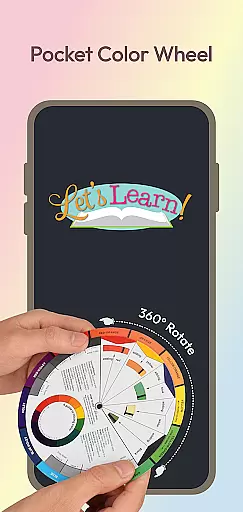
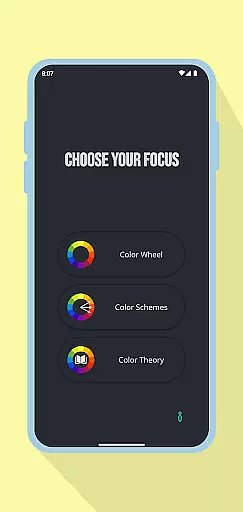
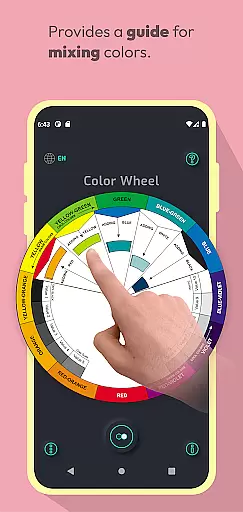
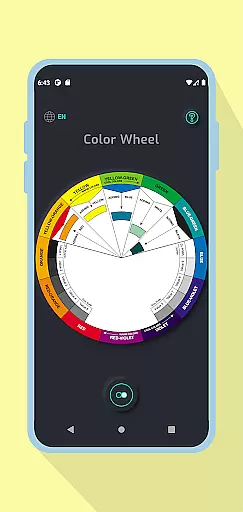
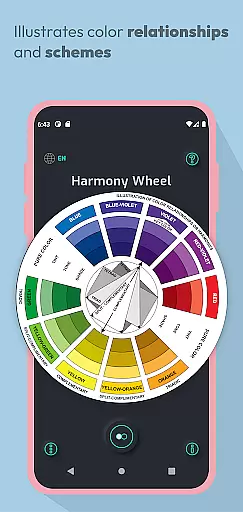
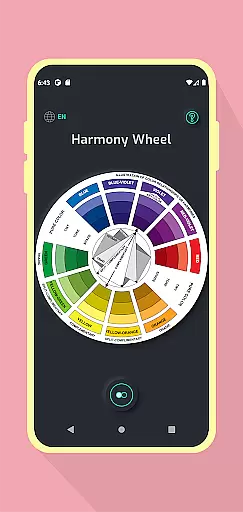
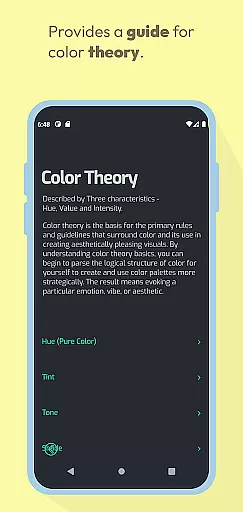
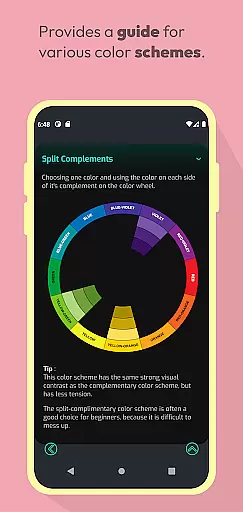
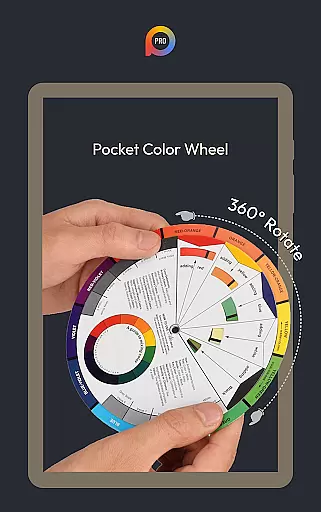
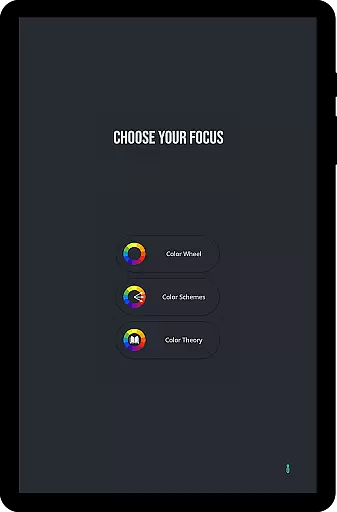
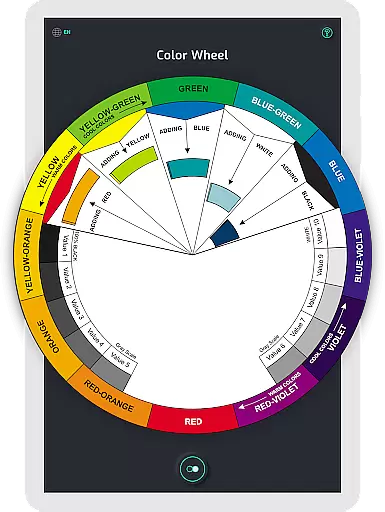
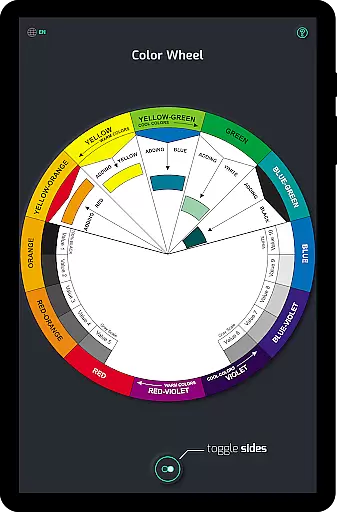
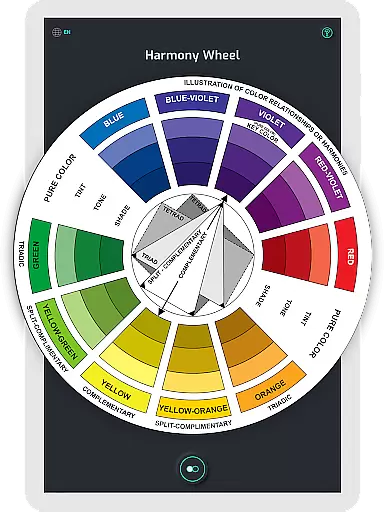
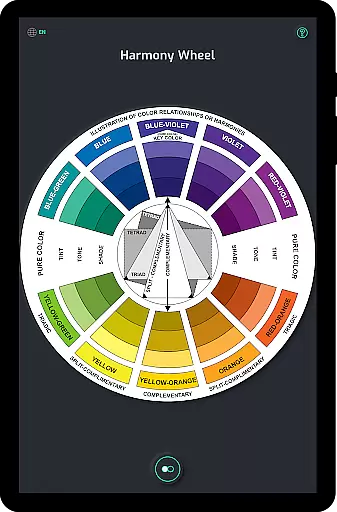
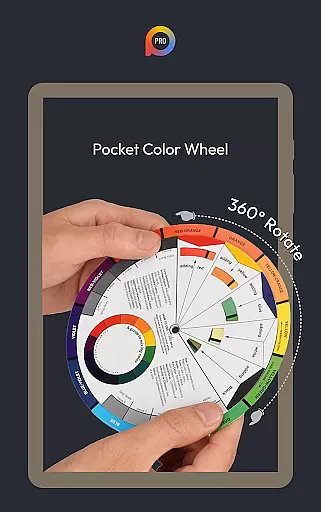
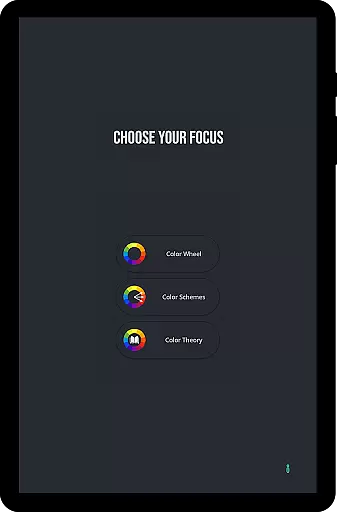
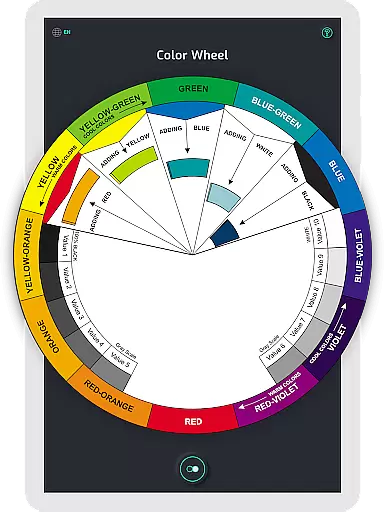
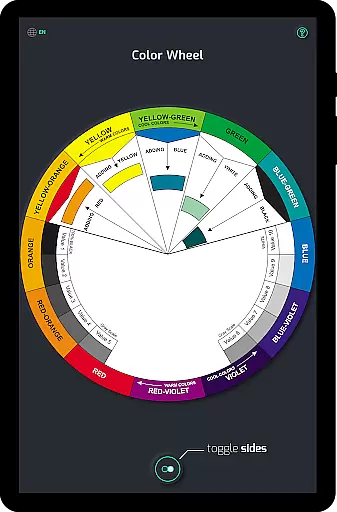
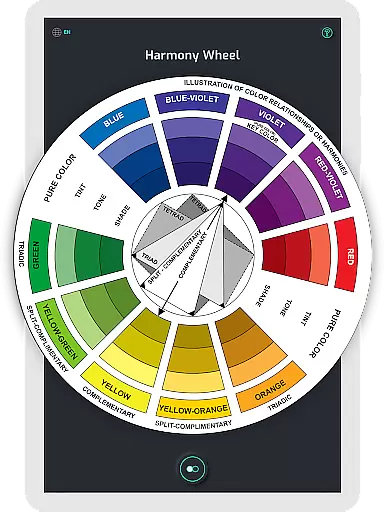
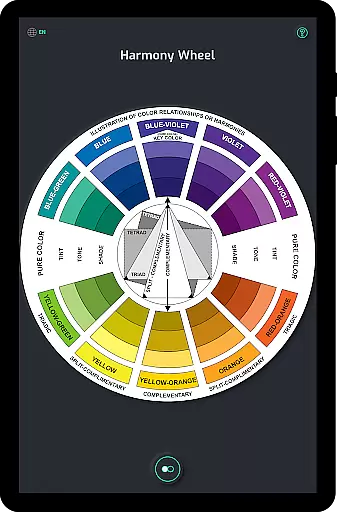
Pocket Color Wheel Pro is an essential reference tool for mastering colour theory on the go. Designed for students, artists, and designers, this app simplifies colour mixing, relationships, and harmonies through an interactive and visually intuitive interface. With features like 12 or 18 color wheel options, users can explore a wide range of hues and blends to create diverse color schemes such as monochromatic, complementary, and triadic combinations.
One standout feature is its offline functionality, allowing users to access all tools without an internet connection. Whether you're designing artwork, studying color theory, or working in remote areas, Pocket Color Wheel Pro ensures seamless performance anytime, anywhere. Its comprehensive visual guide makes it an indispensable companion for creative projects, offering clarity on tins, tones, shades, and grey scale variations.
The app offers a robust set of features tailored to enhance creativity and streamline design workflows. The interactive Colour Wheel lets users rotate and explore various colour relationships, including complementary, triadic, and analogous combinations. This hands-on approach helps users discover harmonious palettes effortlessly.
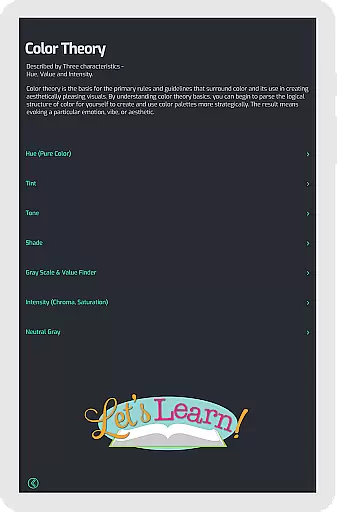
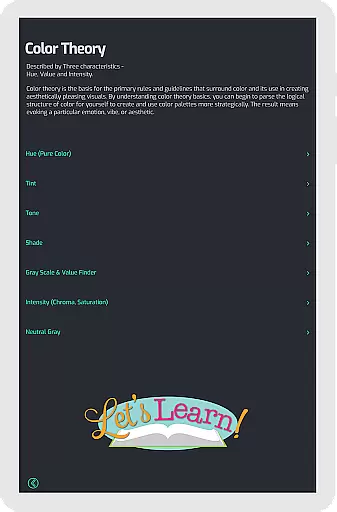
For advanced users, the Pro version provides 12 or 18 Color Wheel Options, enabling deeper exploration into complex color schemes. Additionally, the app includes tools for tone, shade, and tint variations, along with a built-in grey scale for neutral tones. These features ensure that both beginners and professionals can experiment with confidence while learning key concepts in colour theory.
Another advantage is the offline access capability, which allows uninterrupted use regardless of connectivity issues. By combining practical tools with portability, Pocket Color Wheel Pro becomes a reliable resource for creatives who need quick inspiration or precise guidance at their fingertips.
In the realm of digital art and design, having a comprehensive set of creative tools is paramount. Pocket Color Wheel Pro rises to the occasion by offering an extensive suite of features that cater to colour theory mastery. The app includes an interactive colour wheel that allows users to explore various colour relationships such as complementary, triadic, and analogous colours simply by rotating the wheel.
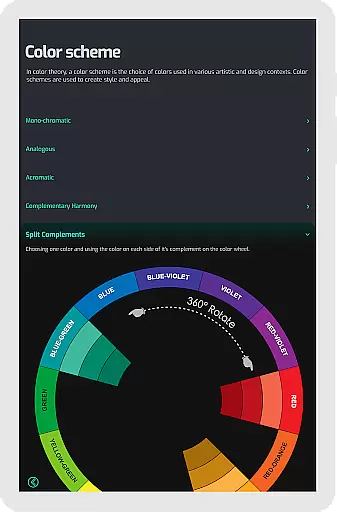
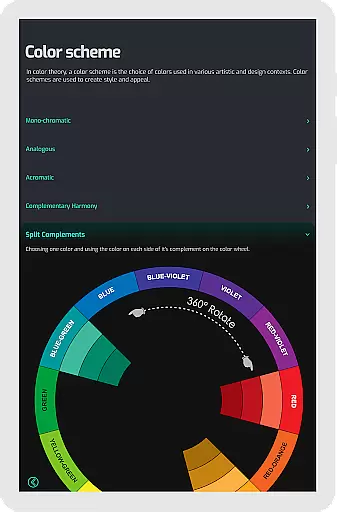
Additionally, the Color Schemes Tool provides the flexibility of choosing between 12 or 18 color wheel options, empowering users to experiment with more hues and blends. This feature is crucial for artists and designers who need to create diverse color schemes like monochromatic, analogous, complementary, split-complementary, triadic, and tetradic.
The app simplifies colour mixing, enabling users to select a colour and immediately view the mix results on the wheel. With functionalities that extend to visualizing complete colour harmonies, understanding tone and shade variations, and providing a grey scale along with common terms, Pocket Color Wheel Pro ensures that creatives have all they need at their fingertips.
Flexibility in canvas and format options can significantly enhance the creative process, allowing artists and designers to work without constraints. Pocket Color Wheel Pro addresses this need by ensuring its features are versatile and adaptable to various project requirements. Whether it's through precise control over tints, tones, and shades or clear examples displayed directly on the colour wheel, users can customize their workspace to fit their artistic vision.
Moreover, the app offers offline access, which means that creatives are not limited by internet connectivity. This ensures uninterrupted creativity whether traveling, in remote areas, or simply wishing to save data. The ability to seamlessly use all features without network access underscores the appu2019s commitment to user convenience and flexibility.
With Pocket Color Wheel Pro, users can also rely on essential definitions and a grey scale for neutral tones, making certain that their projects maintain consistency and accuracy across different formats and presentations. This level of adaptability makes the app an indispensable companion for any creative professional.
Comprehensive color theory
Offline functionality
Interactive UI
Wide color options
Easy-to-use
Limited free features
No advanced tools
Paid pro version
Basic UI design
Few customization

Trace, draw, and create art with AR - from memes to masterpieces!
 4.30
4.30
Logo Generator powered by AI: Create stunning logos effortlessly!
4.70
Unleash your drawing and painting potential
4.50
See Color, Paint Color
4.90
Turn your drawings into flipbook-style animations with simple creative tools
4.60
Powerful home decoration & house design that allows you to design dream home.
3.80
Kling AI is an image and video generation and editing studio powered by AI.
4.50
Create amazing pictures and unleash your creative genius with AR Drawing Sketch
4.40
All-in-One art, logo & collage maker. Design photos and edit video backgrounds
4.80
The ultimate tool for creating animations
4.60
Digital, Abstract, Classic - all types of color wheels in one app!
4.60
Draw beautiful mandala's very easily
4.60
Draw anime & manga drawing, art with templates to create stunning picture!
4.50
Create color palette from Image, RGB & RYB Color wheel harmonies, Color Scheme
4.50
AI Tattoo Generator: Create Tattoo Designs & Get Ideas! Ink & Stencil Maker
4.50
Sketch, plan, take notes and illustrate on an infinite canvas.
4.20
OneUI 8.5 icons ✨ Smooth, modern & based on the latest Play Store design ??
4.10
Sketch and paint on your device with the feel and freedom of drawing on paper
4.00
Vidu is an AI video generator made for creators and aspiring makers.
3.30


User Reviews