
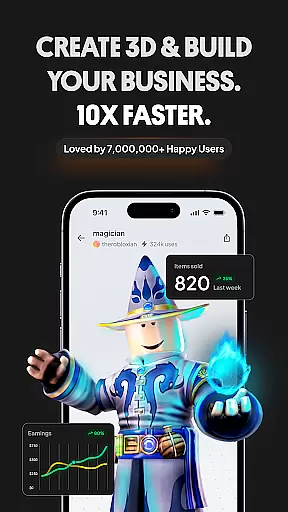
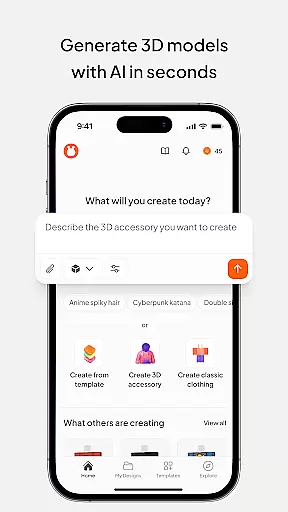
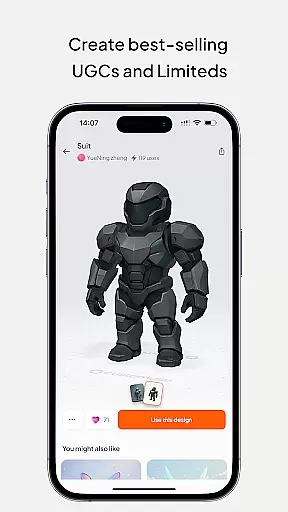
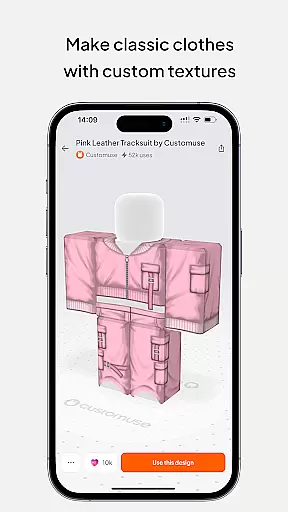
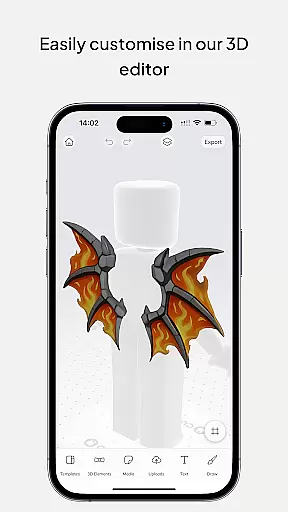
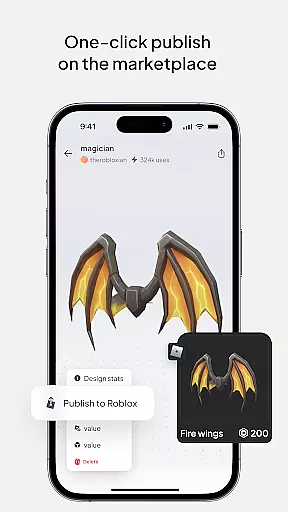
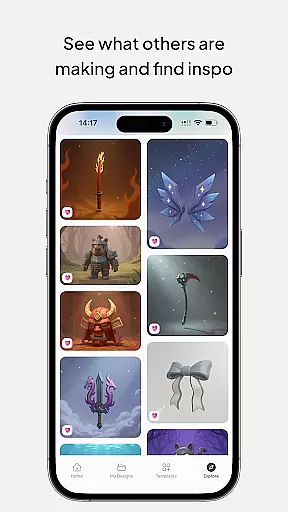
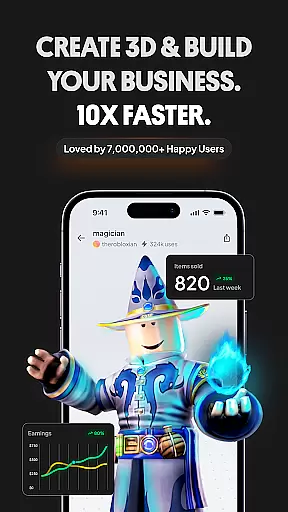
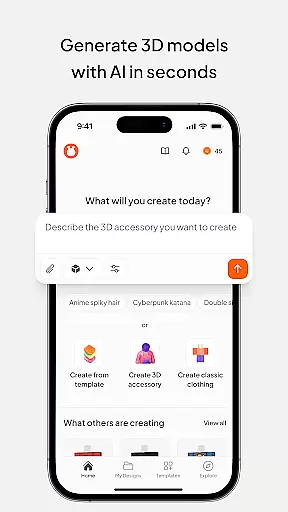
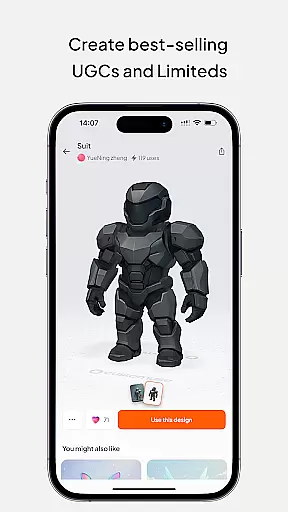
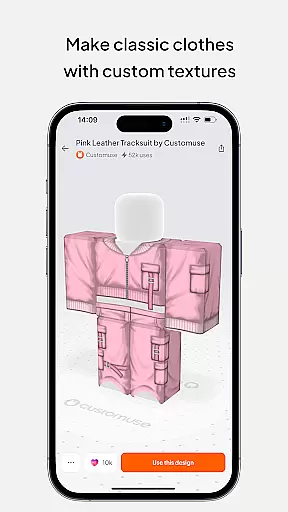
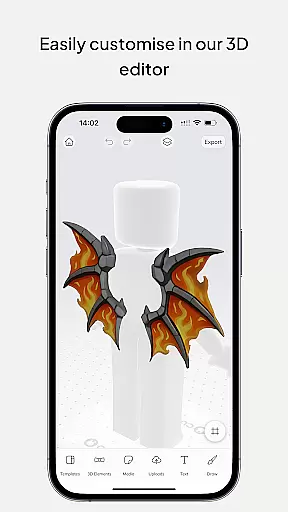
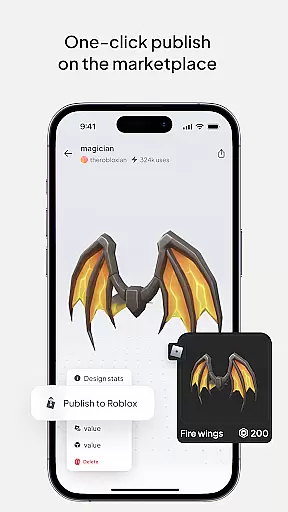
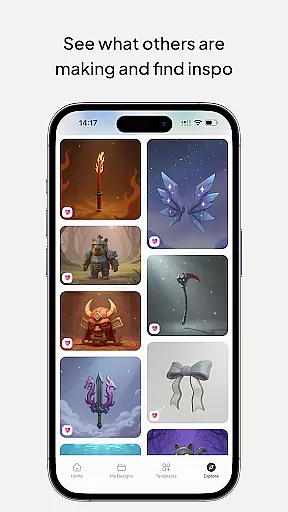
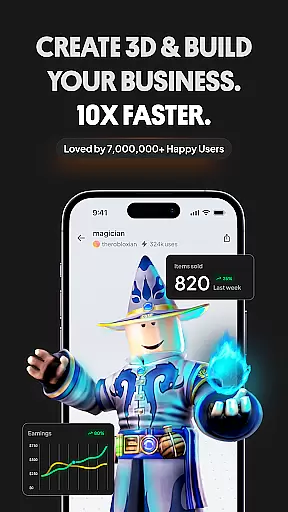
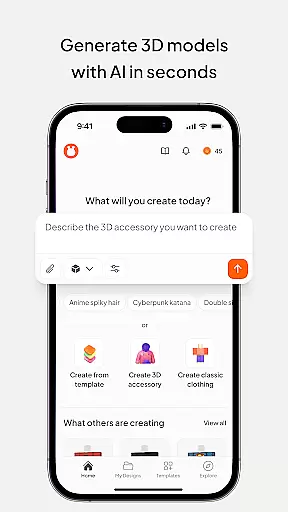
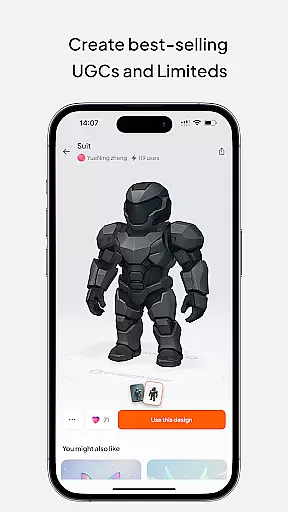
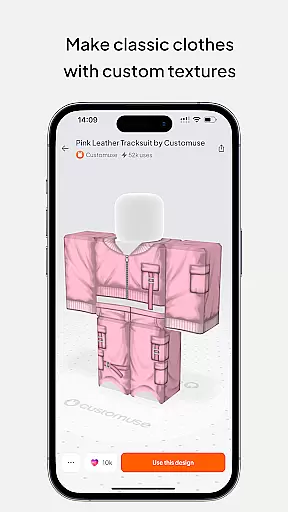
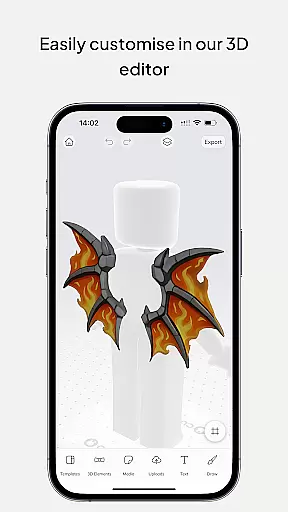
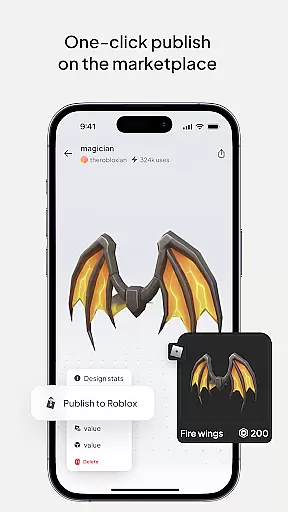
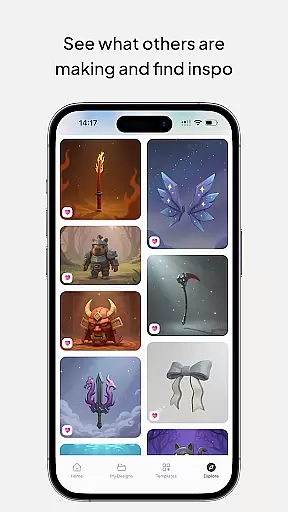
Customuse is a premier 3D design tool tailored for designers and creators, boasting a community of over 2 million users. It specializes in crafting unique designs for platforms like Roblox, Minecraft, and Zepeto, alongside customizing AR filters for social media channels such as TikTok, Snapchat, and Instagram. With its AI-assisted features and virtual try-on capabilities, Customuse empowers users to effortlessly create and share their bespoke designs while also offering monetization opportunities through various marketplaces.
The app's versatility extends beyond gaming skins to fashion design and social media content creation, making it an all-in-one platform for creative expression. Whether you're looking to design your dream Roblox skin, create eye-catching Zepeto outfits, or develop engaging AR filters, Customuse provides the tools necessary to bring your visions to life. Its compatibility across multiple devices ensures that creativity is not confined to a single platform, allowing for seamless design experiences on iPhone, Desktop, or iPad.
Customuse stands out with its comprehensive suite of design tools that cater to both beginners and professionals. The app offers thousands of templates for Roblox skins, Minecraft avatars, and Zepeto clothes, enabling users to either start from scratch or customize existing designs. Its AI generator simplifies the creation process by allowing users to generate skins and clothing with simple prompts, providing tailored design suggestions to enhance creativity.
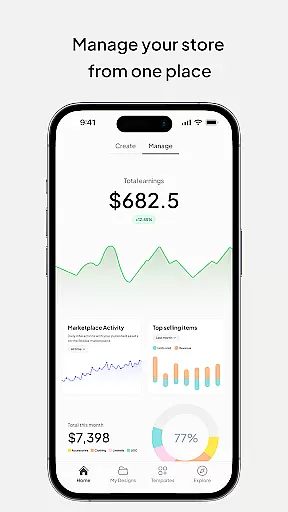
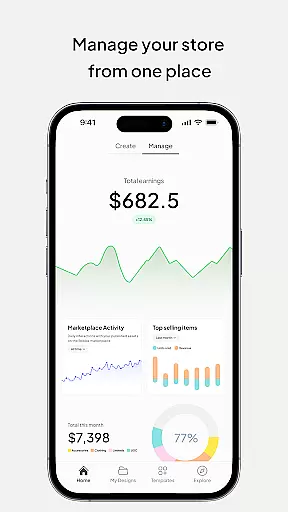
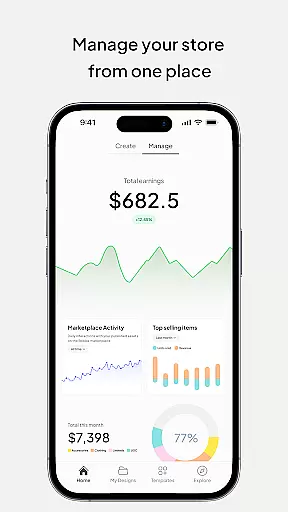
One of the key highlights is the ability to publish designs directly to platforms like Roblox and Minecraft, streamlining the workflow for designers. Additionally, the app's virtual try-on feature for creating 3D clothing mockups offers a realistic preview of designs, which is invaluable for aspiring fashion designers. Users can also monetize their creations by selling them on various marketplaces, earning Robux or ZEMs. With advanced AI tools and cross-device functionality, Customuse ensures a dynamic and flexible design experience that adapts to the user's skill level and creative needs.
In the realm of digital design, having a comprehensive suite of creative tools is essential for unleashing one's full artistic potential. Customuse rises to this occasion by offering an extensive array of features tailored for designers and creators alike. With capabilities ranging from crafting unique Roblox skins to designing Zepeto clothes, and even creating Minecraft avatars, the app serves as an all-in-one 3D design platform.
Customuse doesn't just stop at game-related creations; it extends its utility towards social media content creation too. Users can customize AR filters for platforms like TikTok, Snapchat, and Instagram, thanks to integrated AI tools that simplify the process of making face filters. This versatility ensures that whether you're looking to enhance your gaming avatar or captivate audiences on social media with dynamic posts, Customuse has got you covered.
The true power of Customuse lies in its ability to cater to both novices and professionals. Beginners will appreciate the ready-made templates and user-friendly interface, while seasoned designers can dive into more complex projects such as creating 3D clothing mockups complete with virtual try-on features. By bridging the gap between simplicity and sophistication, Customuse empowers users across different skill levels to bring their creative visions to life.
Flexibility in canvas and format options is crucial for designers who wish to express their creativity without limitations. Customuse understands this need and provides a highly adaptable environment where users can explore various dimensions of design freely. Whether itu2019s adjusting the canvas size for intricate Minecraft skin details or formatting designs suitable for large-scale social media campaigns, Customuse offers unparalleled adaptability.
Moreover, the application supports cross-platform compatibility, enabling seamless transitions from one project type to another. For instance, after finalizing a Roblox outfit design, users can easily switch gears to develop engaging AR filters for Instagram Storiesu2014all within the same intuitive workspace. Such fluidity not only saves time but also enhances productivity by allowing creators to focus on what truly mattersu2014their art.
Customuse further enriches the design experience through advanced graphic design tools that let users add personalized branding elements, logos, and custom prints onto their creations. The inclusion of AI-driven insights aids in optimizing these designs for different formats, ensuring they look impeccable regardless of where they are showcased. As a result, artists have the freedom to experiment with diverse styles and mediums, knowing that their work will maintain its integrity across all platforms.
User-friendly interface
Extensive template library
AI-assisted design tools
Cross-platform compatibility
Monetization opportunities
Limited to specific platforms
Requires learning curve
Premium features may cost extra
Dependent on third-party integrations
Occasional bugs reported

Sketch, plan, take notes and illustrate on an infinite canvas.
 4.20
4.20
Meet the magic aı 3d photo generator and smart AI video generator app.
3.20
Art of Combination Wear OS Watch faces
4.5
Art of Combination Wear OS Watch Faces
4.4
Unleash Your Creativity with Draw Cartoon - AR Drawing App
4.10
AR Anime Drawing: How to draw anime with AR drawing & sketching apps!
4.00
800+ Drawing, Painting Lessons App to Practice, Sketch & Paint Art.
4.30
Novices can also easily complete diamond painting masters
4.70
Share the joy of painting with ibis Paint! Drawing anime and manga art.
4.50
Digital, Abstract, Classic - all types of color wheels in one app!
4.60
Draw anime & manga drawing, art with templates to create stunning picture!
4.50
Painting, drawing, & sketching
4.50
Just trace a projected picture on paper and color! Draw & Paint with AR drawing
4.40
Floor Plan Creator lets you create, edit and share floor plans.
4.00
Art of Combination Wear OS Watch faces (for Wear OS 5+ devices)
3.90
Paint with oils and sketch with natural tools on a realistic virtual canvas.
3.80
AI Face Swap, Video Effects Editor, Realtime Morph, Funny Video FX,AI Filters
3.70
Draw anime easily with AR guidance, sketch templates & trace tools!
3.10
Art of Combination Wear OS Watch faces
4.2


User Reviews