
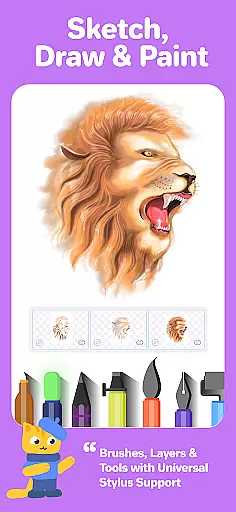
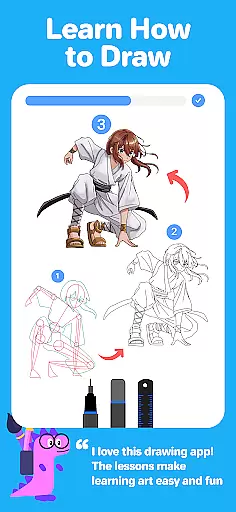

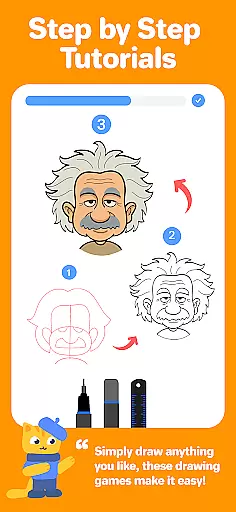

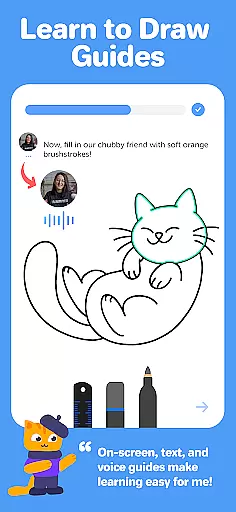

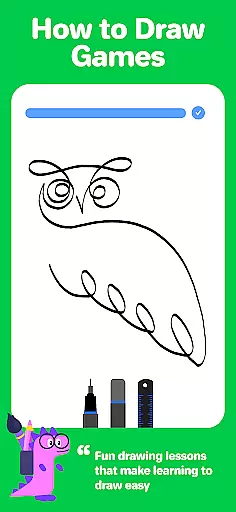
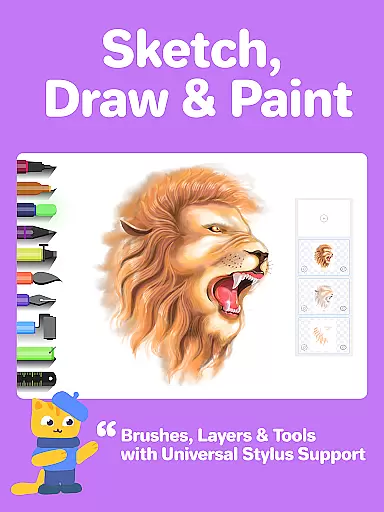
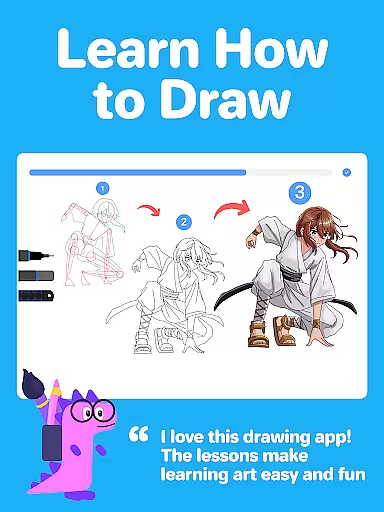
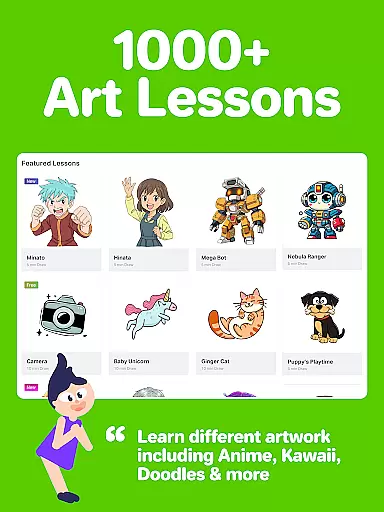
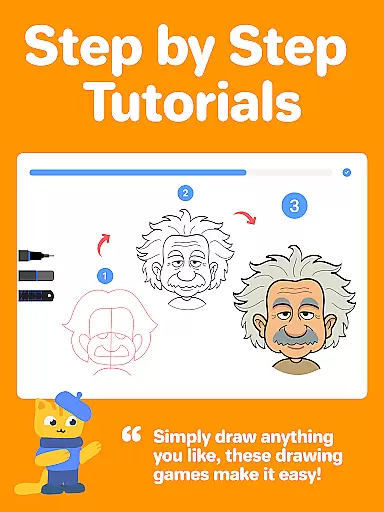

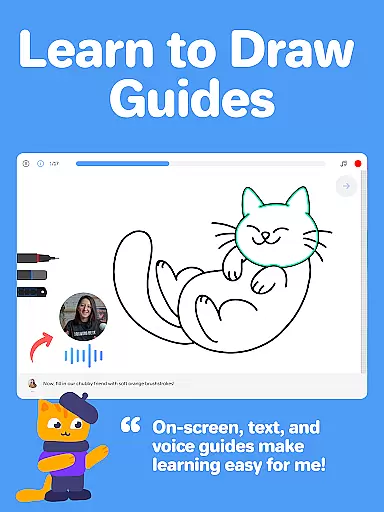

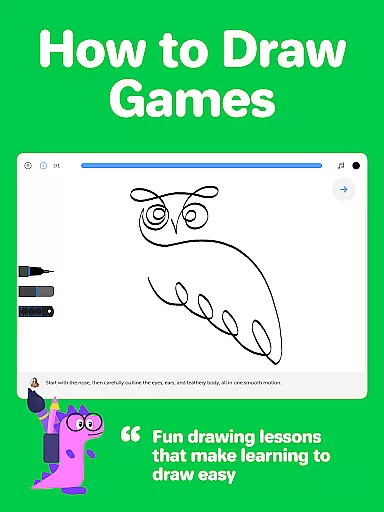
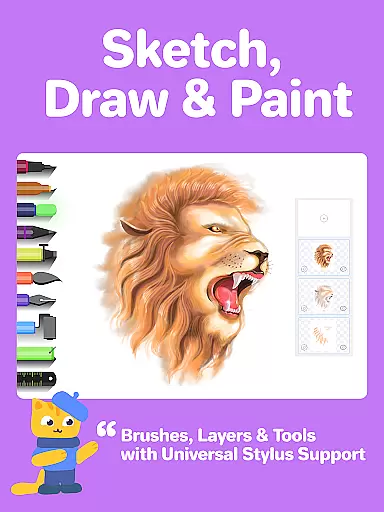
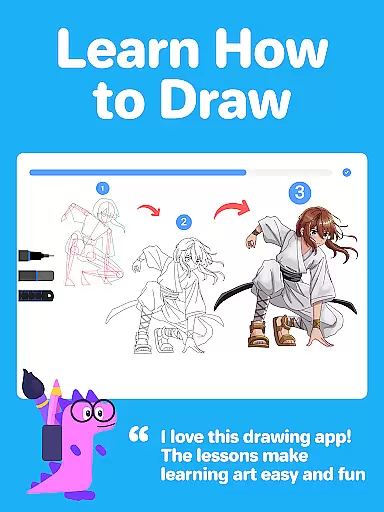
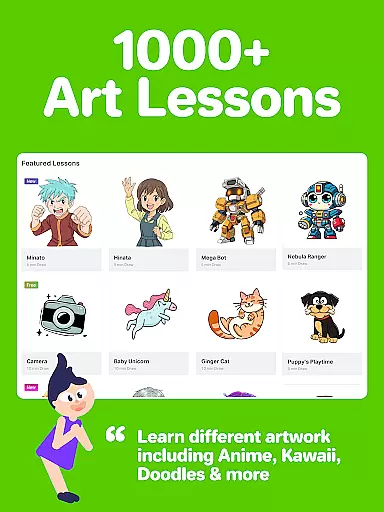
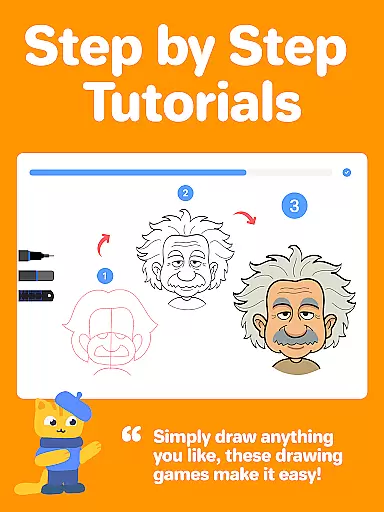

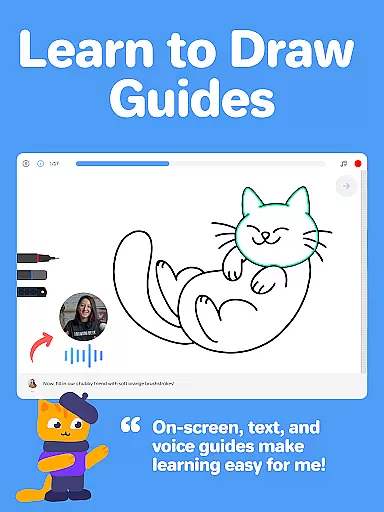

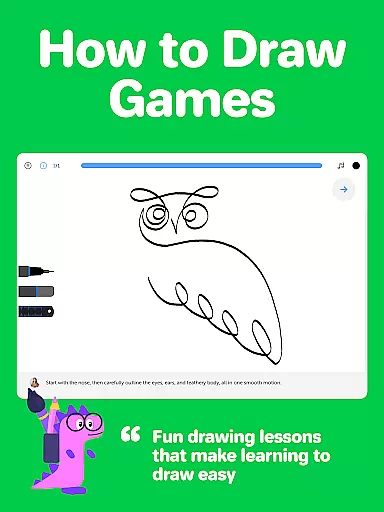
Drawing Desk is a premier digital art application designed for both beginners and advanced artists. With over 70 million users worldwide, this app offers an extensive suite of drawing and painting tools including pencils, crayons, watercolor brushes, and more. It provides a platform to learn and practice art skills through interactive lessons and masterclasses conducted by professional artists.
The app features a structured learning path where users can select artistic goals and unlock personalized plans with curated lessons. The inclusion of AI-powered tools such as Sketch to Art AI, Text to Art AI, and Auto Colorize enhances the creative process. Drawing Desk also supports unlimited layers, various canvas sizes, and quick shape drawing, making it versatile for different types of artwork.
Whether you're looking to learn new techniques or create professional illustrations, Drawing Desk caters to all levels of artistic ability. Its comprehensive toolset and guided lessons ensure that users can achieve their artistic goals efficiently and enjoyably.
Drawing Desk stands out with its rich feature set tailored for digital artists. The app includes over 25 sketch tools like pen, pencil, crayon, neon, and watercolor brush, allowing users to experiment with different styles. Advanced features such as unlimited layers, symmetry tools, and instant shapes enhance the drawing experience significantly.
One of the unique aspects of Drawing Desk is its AI-powered tools. These include Auto Colorize, which colors sketches in seconds, and tools to remove backgrounds or objects from photos. Additionally, the app offers masterclasses where professional artists provide step-by-step video lessons, text, and voice instructions, ensuring a thorough learning experience.
For those interested in structured learning, Drawing Desk provides a goal-oriented approach. Users can choose from various artistic goals and follow a curated plan that keeps them motivated. This combination of powerful tools and educational content makes Drawing Desk an essential app for anyone serious about digital art.
Creative tools are the backbone of any art and design application, providing users with the necessary instruments to bring their visions to life. Drawing Desk stands out by offering an extensive suite of over 25 sketch tools including pen, pencil, crayon, neon, watercolor brush, ink, smudge, eraser, and fill bucket. This comprehensive toolkit allows artists to experiment with different mediums without physical constraints.
Moreover, Drawing Desk supports drawing in various canvas sizes, catering especially to tablet users who require larger spaces for detailed work. The inclusion of unlimited layers gives artists the freedom to work on complex projects without worrying about layer limitations, thus enhancing productivity and creative exploration.
In addition to traditional tools, Drawing Desk incorporates innovative features such as symmetry tools, instant shapes, color palettes, gradients, and texture-filled buckets. These advanced options empower users to push the boundaries of their creativity while maintaining precision and control over their artwork.
The ability to adapt to different canvas sizes and formats is crucial for digital artists who wish to explore diverse artistic expressions. Drawing Desk addresses this need by enabling users to draw and paint in various canvas sizes, a feature particularly beneficial for those using tablets where screen real estate can significantly impact the creative process.
Beyond just canvas size, Drawing Desk offers unparalleled format flexibility through its support for unlimited layers. This feature allows artists to build intricate compositions layer by layer, facilitating non-destructive editing and encouraging experimentation without fear of losing original work.
Furthermore, Drawing Desk enhances format flexibility with AI-powered tools that automate tedious tasks like coloring and background removal. With Auto Colorize, users can instantly apply colors to sketches within seconds, streamlining workflows and allowing more time for creative endeavors. Such innovations underscore Drawing Desk's commitment to providing a versatile platform for digital art creation.
User-friendly interface
Extensive tool selection
AI-powered enhancements
Structured learning paths
Professional artist tutorials
Some features may require purchase
Advanced tools can be complex
Limited offline functionality
Occasional performance lags
Subscription model

Transform photos into amazing monochrome dither art with professional algorithms
 4.3
4.3
Sketch, trace and master AR drawing with awesome anime art!
3.30
Custom Character Creator & PFP Maker!
4.20
Unleash your drawing and painting potential
4.50
Art of Combination Wear OS Watch faces
4.5
Create stunning art with AI.
4.80
Design unique, funny and adorable cat stickers that reflect your own style!
3.80
Novices can also easily complete diamond painting masters
4.70
Your homescreen as an elegant glass with customized blur, lighting, and visuals.
3.70
Learn how to draw with step-by-step tutorials, fun lessons & multiplayer drawing
4.70
Your AI soulmate — meaningful chats, and unique emotional moments
4.70
Draw beautiful mandala's very easily
4.60
Share the joy of painting with ibis Paint! Drawing anime and manga art.
4.50
Video AI: Revolutionize Your Content Creation with Advanced Video Generation
4.50
Sketch, plan, take notes and illustrate on an infinite canvas.
4.20
Create cute cat emojis & PFPs! Fun, custom avatars for cat lovers.
3.70
Experience next-gen icons with a modern liquid glass look.
3.60
Download now for a stylish and functional timepiece
4.4
Art of Combination Wear OS Watch faces
4.1


User Reviews