
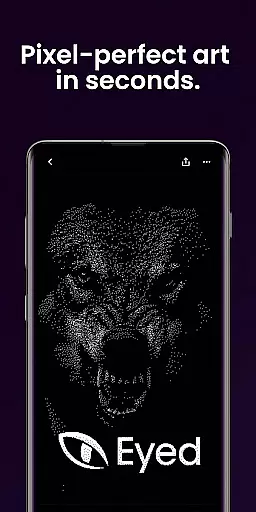
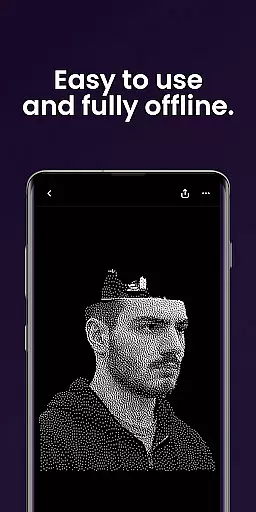
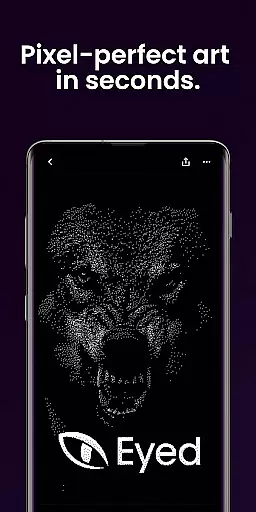
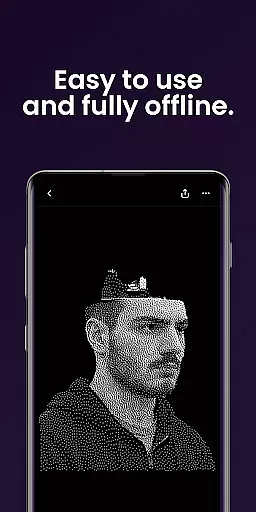
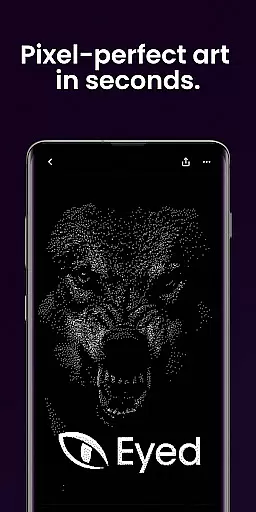
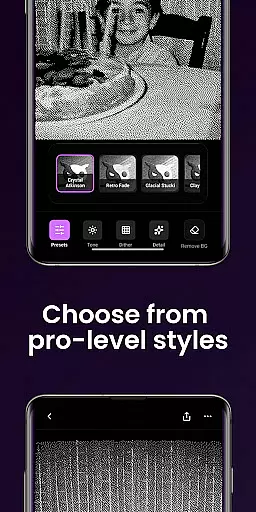
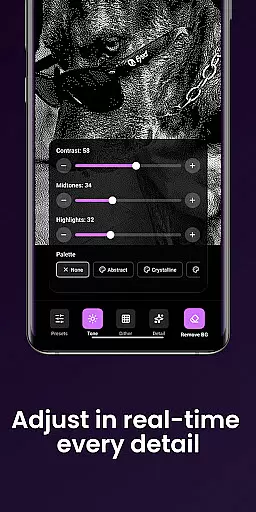
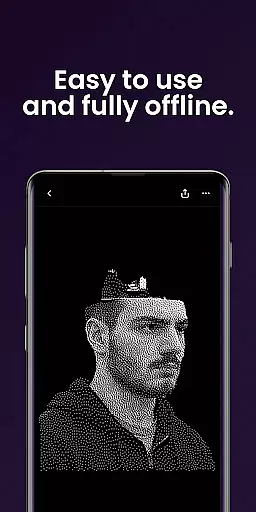
Dither By Eyed is a photo editor app designed to transform your images into print-inspired artwork with expressive results in seconds. It offers iconic processing methods like Floyd-Steinberg, Atkinson, and Stucki, along with curated looks that deliver instant character. The app allows fine-tuning of contrast, midtones, highlights, blur, scale, and threshold with real-time previews. You can isolate subjects cleanly and export high-quality results ready for print, web, or social media.
Thoughtfully designed for creators, Dither By Eyed supports importing from your photo library or capturing with the camera. It features pinch-to-zoom, pan functionality, and an optimized interface for both phones and tablets. With no account required, you can start creating and sharing your retro-inspired art effortlessly.
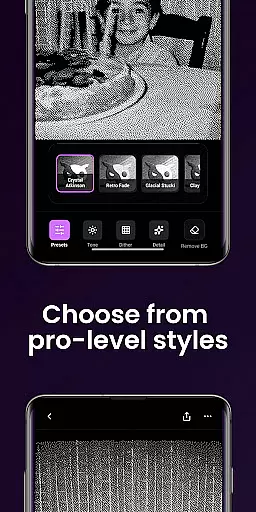
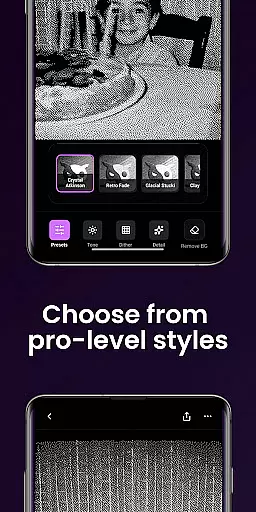
Dither By Eyed stands out with its array of iconic processing methods such as Floyd-Steinberg, Atkinson, Stucki, Bayer, and blue-noise patterns, which provide authentic texture and structure to your photos. The app includes curated one-tap looks like Crystal Atkinson, Retro Fade, Warm Grain, Glacial Stucki, and Frozen Bayer, offering instant character to any image.
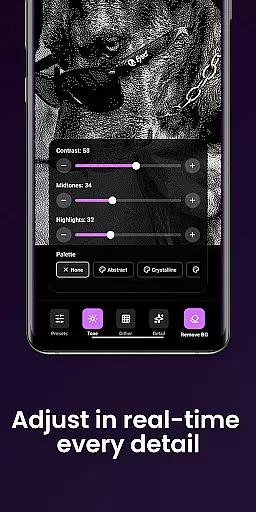
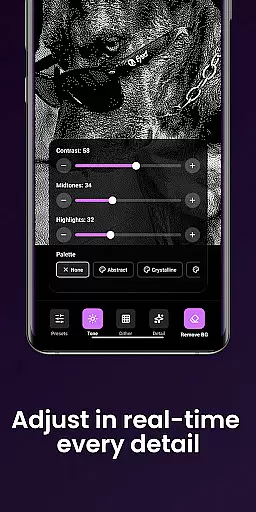
The app provides extensive fine-tuning options including adjustments for contrast, midtones, highlights, blur, scale, and threshold, all with responsive real-time previews. Users can isolate subjects cleanly, removing backgrounds to create crisp compositions or poster-style silhouettes. Additionally, Dither By Eyed supports high-quality exports, ensuring your creations are ready for print, web, or social media.
In the realm of digital artistry, having a comprehensive suite of creative tools is essential for bringing visions to life. Dither By Eyedu2122 stands out by offering an extensive array of iconic processing methods such as Floyd-Steinberg, Atkinson, and Stucki. These are not just filters but authentic texturing techniques that add depth and structure to your artwork.
Moreover, the app provides curated looks with one tap, including Crystal Atkinson, Retro Fade, Warm Grain, among others. This feature allows users to instantly infuse their images with character and emotion without needing any prior expertise in photo editing or graphic design.
Fine-tuning options like contrast, midtones, highlights, blur, scale, and threshold adjustments ensure that every detail can be meticulously crafted according to personal taste. The responsive real-time previews make this process seamless and intuitive, empowering creators to achieve their desired aesthetic effortlessly.
Flexibility in canvas size and format compatibility is crucial for artists who wish to explore various mediums without being constrained by technical limitations. Dither By Eyedu2122 excels in providing users with the freedom to import images from their photo library or capture new ones directly through the camera. This versatility ensures that inspiration can strike anytime and anywhere.
The ability to pinch-to-zoom and pan while working allows for precise adjustments on-the-go, catering especially well to mobile device users who value convenience alongside functionality. Whether you're refining minute details or adjusting broader elements within your composition, these features enhance control over your creative output significantly.
Furthermore, Dither By Eyed supports common image formats which simplifies both importing original works and exporting finished pieces ready for print, web use, or sharing across social platforms. Such adaptability makes it an indispensable companion for modern-day creatives seeking efficiency along with high-quality results.
User-friendly interface
Real-time previews
High-quality exports
No learning curve
Versatile image adjustments
Limited advanced tools
Few customization options
Occasional performance lags
Basic help resources
Ads in free version

Unleash your drawing and painting potential
 4.50
4.50
Paint with oils and sketch with natural tools on a realistic virtual canvas.
3.80
Make your phone cooler and have a fantastic experience
4.80
A luxurious gold watch face for an elegant and refined look.
4.1
Unleash the artist in you with our AR drawing and tracing tool for photo drawing
4.10
Bring One UI 8.5 Icons to life -elegant dark icons with a modern, premium touch.
4.30
Create and Design Custom Logos in Seconds with AI-Powered Tools!
4.40
An intuitive, high-performance painting app that lets you focus on creating
4.40
Multiplayer Drawing game, Coloring, Painting・Sketch, Handwriting・Paint, draw
4.30
2D animation studio for Android tablets - unlimited layers, infinite timeline
4.70
The ultimate tool for creating animations
4.60
Turn your drawings into flipbook-style animations with simple creative tools
4.60
Get an overview over all your embroidery threads, projects and more.
4.60
Draw anime & manga drawing, art with templates to create stunning picture!
4.50
Digital illustration drawing & painting pad app to paint Anime and Manga art
4.50
AI generated images & photos, turn your words into drawing, painting & pictures.
4.30
Create Logos, Tattoos, AI Art & more with our AI Photo Generator & Design Editor
4.20
Digital Drawing: Draw & Paint
4.10
Art of Combination Wear OS Watch faces (for Wear OS 5+ devices)
3.90


User Reviews