
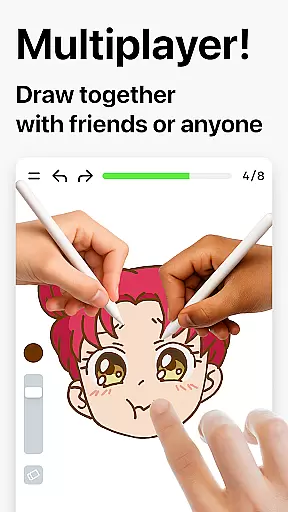
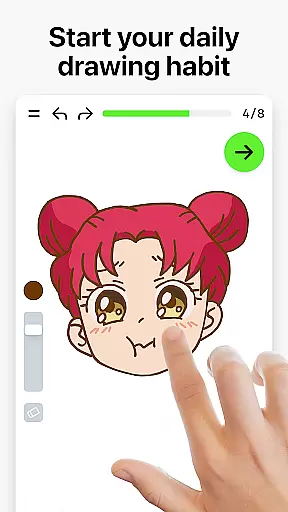

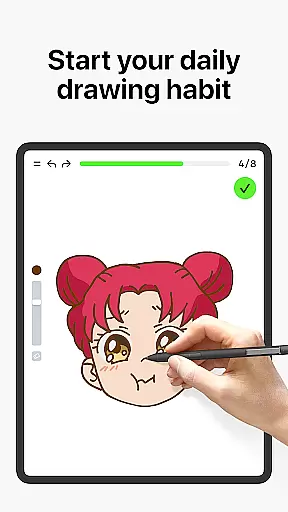
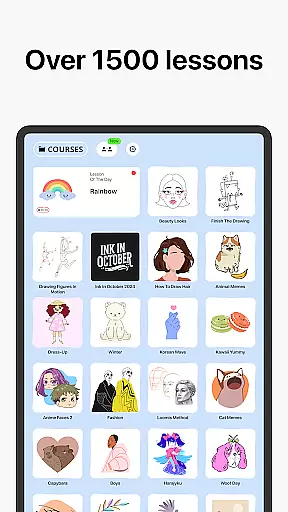

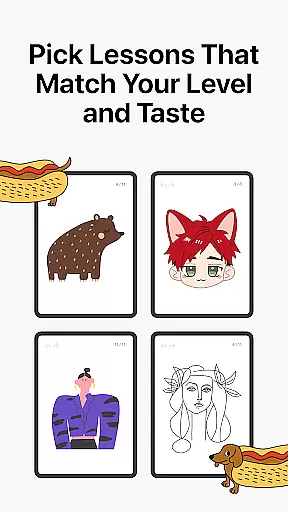
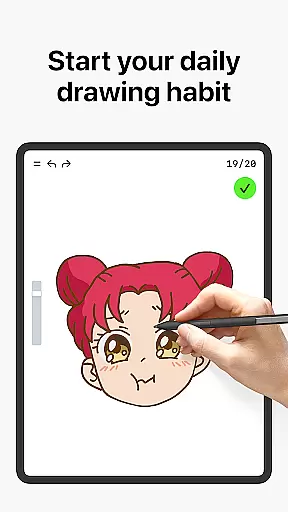
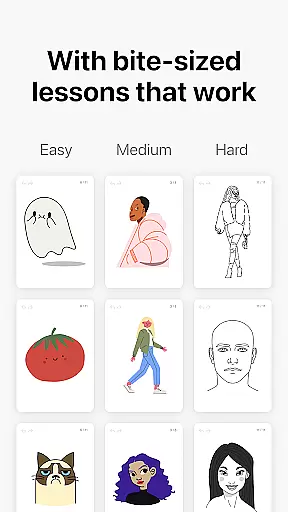
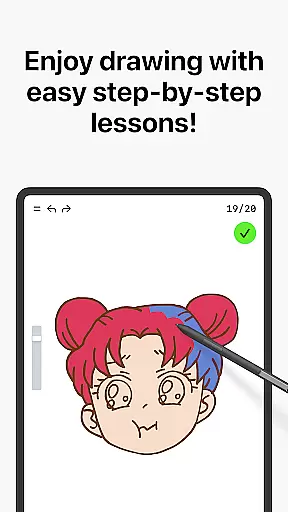
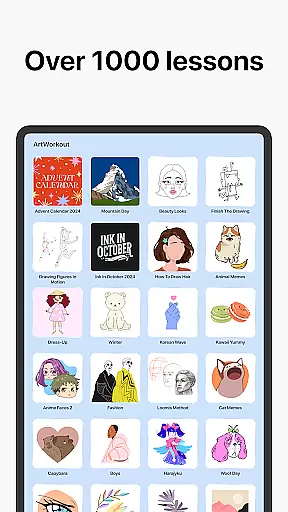

Learn how to draw is an innovative drawing and painting trainer app that combines art education with interactive gameplay. Designed for users of all ages, this application offers over 1000 step-by-step tutorials that cater to both beginners and experienced artists. The app's unique multiplayer mode allows users to draw and trace together in real time, fostering a collaborative creative environment.
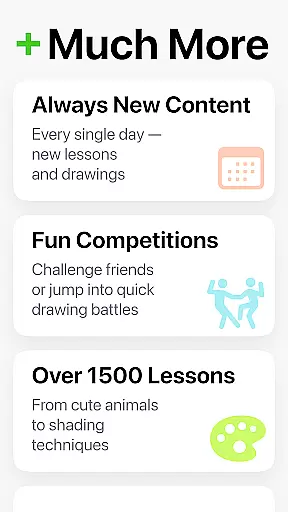
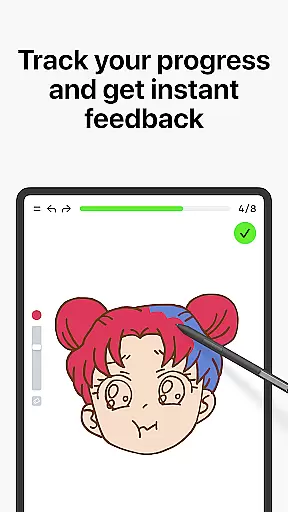
One of the standout features of Learn how to draw is its scoring system, which tracks user progress and provides clear evidence of improvement. With dynamic tutorials broken into simple steps, users can master various techniques while enjoying a stress-free learning experience. Additionally, themed courses cover diverse topics, ensuring there's something for everyone to explore and enjoy.
This app is particularly beneficial for those seeking to improve their artistic skills while having fun. Whether you're practicing basic sketching or refining advanced techniques, Learn how to draw creates an engaging space where users can grow artistically and connect with a community of like-minded individuals.
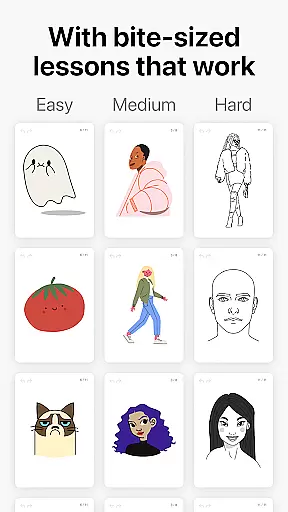
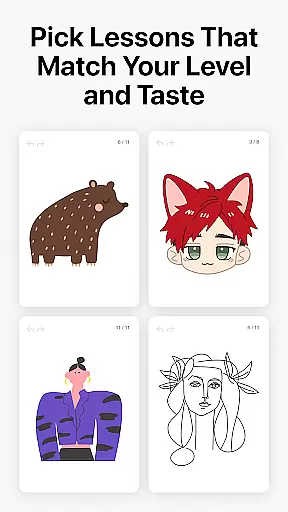
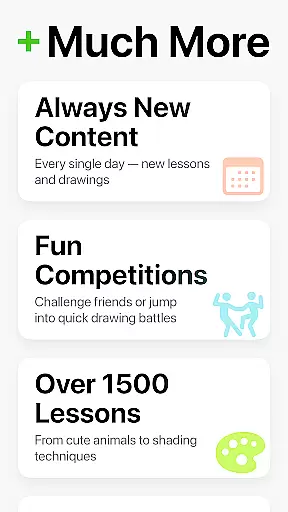
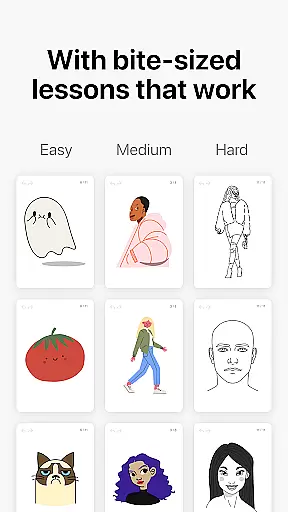
Learn how to draw stands out through its combination of educational content and interactive features. The app includes over 1000 dynamic tutorials, each divided into 10-30 simple steps, allowing users to learn at their own pace. These tutorials cover a wide range of techniques, from basic sketching to advanced painting, making it suitable for all skill levels.
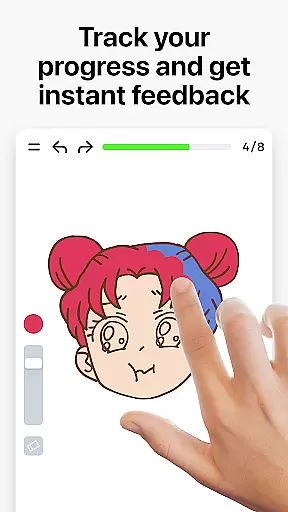
A key feature is the app's multiplayer mode, enabling real-time collaboration with friends or other users worldwide. This fosters a sense of community and friendly competition. Additionally, the scoring system evaluates both accuracy and stroke quality, providing detailed feedback to help users refine their skills. Beyond just tracing lines, the app analyzes steadiness, cleanliness, and expressiveness of strokes.
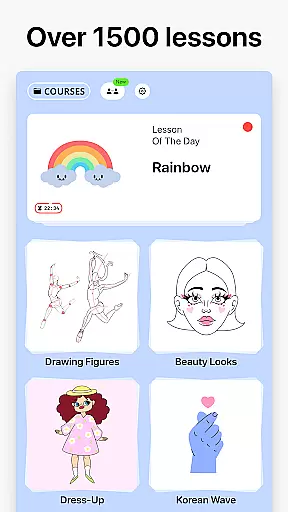
The app also incorporates weekly new courses and time-limited holiday events, keeping content fresh and engaging. Interactive courses span various categories including doodling, sketching, and handwriting. By blending essential theory with hands-on practice, Learn how to draw ensures a comprehensive learning experience that remains challenging yet enjoyable.
ArtWorkout offers a comprehensive suite of creative tools designed to cater to artists of all skill levels. With over 1000 step-by-step tutorials, users can explore various techniques in drawing, painting, and tracing.
The app's unique algorithm tracks user progress, providing clear evidence of improvement over time. This feature-rich platform ensures that whether you're a beginner learning the basics or an experienced artist refining your skills, ArtWorkout has the tools necessary for artistic growth.
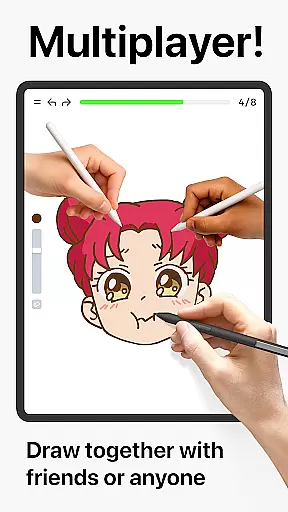
Additionally, the introduction of a multiplayer mode allows users to draw together with friends or other artists worldwide. This collaborative space fosters creativity and friendly competition, making it an innovative addition to the app's extensive toolkit.
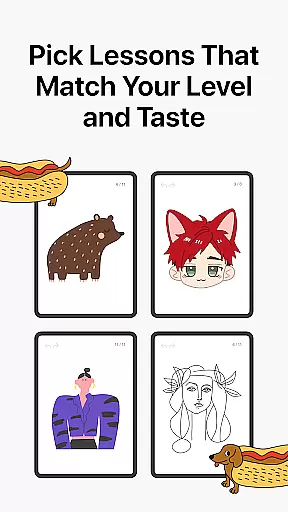
Flexibility is at the core of ArtWorkout's design, allowing users to engage with art in diverse ways. The app supports a wide range of interactive courses including Doodling, Sketching, Drawing, Painting, and Handwriting, ensuring that users can find lessons that suit their interests.
ArtWorkout stands out by measuring the accuracy and quality of strokes, offering immediate feedback that helps users refine their technique. This level of detail extends to the variety of formats available, from bite-sized tutorials to comprehensive lessons with essential theory and practice.
Moreover, weekly updates introduce new courses often inspired by global cultures, keeping content fresh and engaging. This commitment to diversity in both format and subject matter makes ArtWorkout a versatile platform for anyone looking to enhance their artistic abilities.
User-friendly interface
Comprehensive tutorials
Real-time multiplayer
Detailed progress tracking
Active community support
Limited advanced tools
Occasional bugs
In-app purchases
High system requirements
Steep learning curve

Stylish letters, Stylish Keyboard, Symbols, Emojis, Cool nickname
 4.40
4.40
Text to Image, Image to Video & AI Chat
4.20
Your Essential Color Theory Guide: Red, Yellow, Blue (RYB)
4.0
Art of Combination Wear OS Watch faces
4.3
Design unique, funny and adorable cat stickers that reflect your own style!
3.80
Minecraft & Roblox Clothes
4.70
Mobile pixel art editor. Simple. Fast. Portable.
4.80
2D animation studio for Android tablets - unlimited layers, infinite timeline
4.70
OneUI 8.5 icons ✨ Smooth, modern & based on the latest Play Store design ??
4.10
Make your phone cooler and have a fantastic experience
4.80
Photo stitcher for automatically screenshot stitching into a long screenshot
4.70
Image resizer to resize, crop, rotate, flip, change dpi photo or picture in bulk
4.60
Get an overview over all your embroidery threads, projects and more.
4.60
Digital illustration drawing & painting pad app to paint Anime and Manga art
4.50
Draw Trace image sketch by, AR art projector app, Easy to trace any image.
4.50
Remove Background, Magic Eraser, Photo Enhancer, Story Templates, Collage Maker
4.30
AI Art Generator transforms your words into AI generated art & paintings.
3.70
Art of Combination Wear OS Watch faces (for Wear OS 5+ devices)
3.00
Android 14 style widgets and wallpapers app.
4.4


User Reviews