
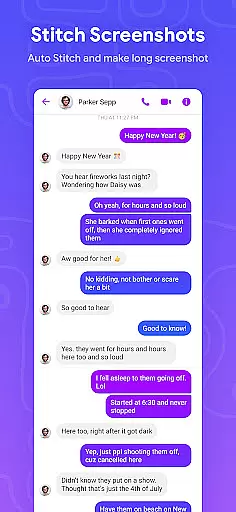
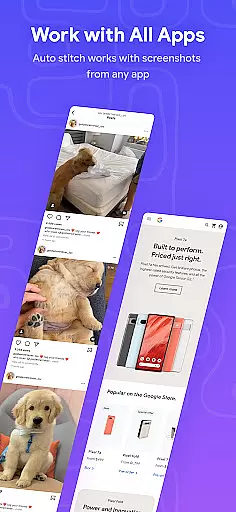


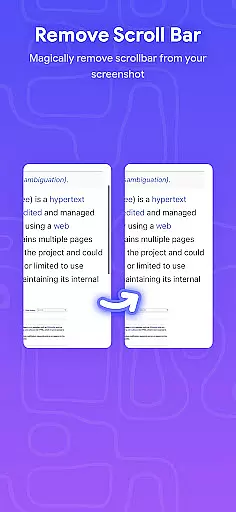
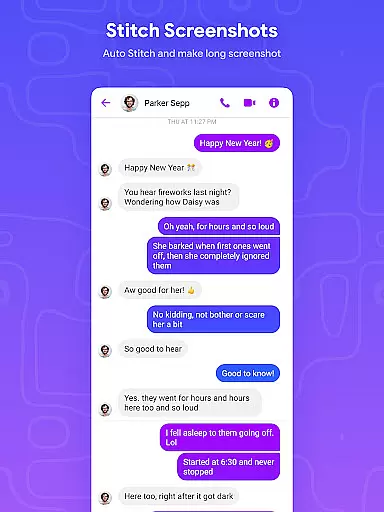
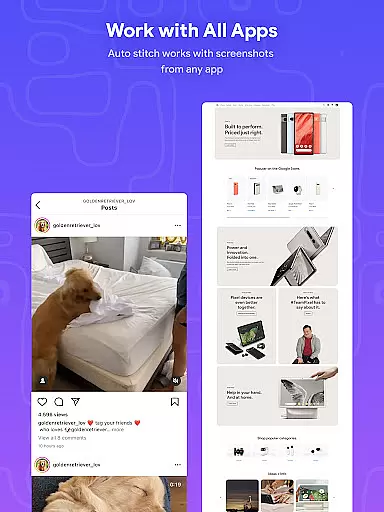
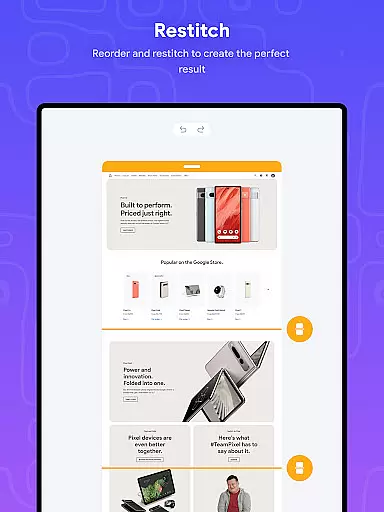
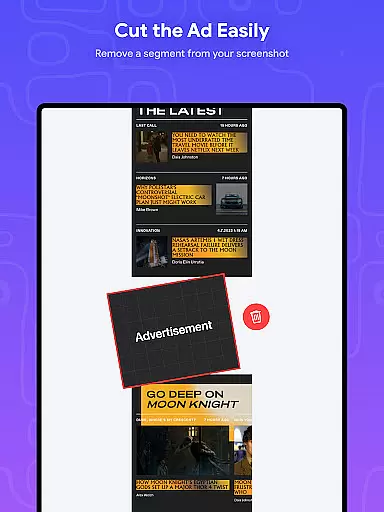
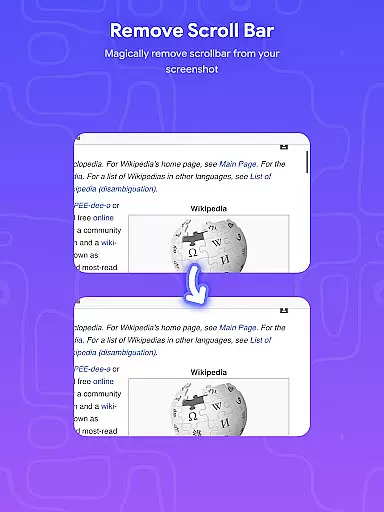
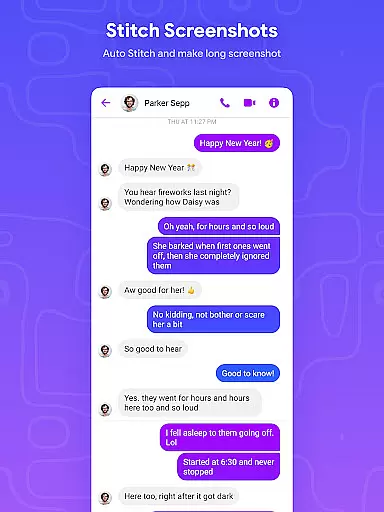
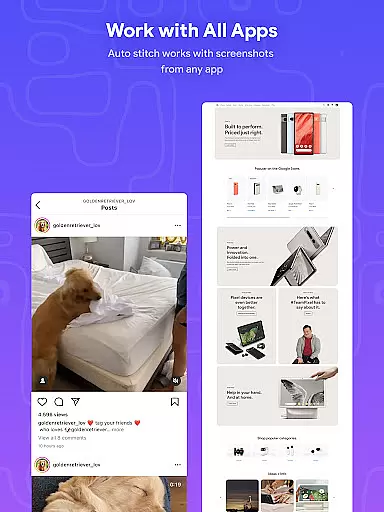
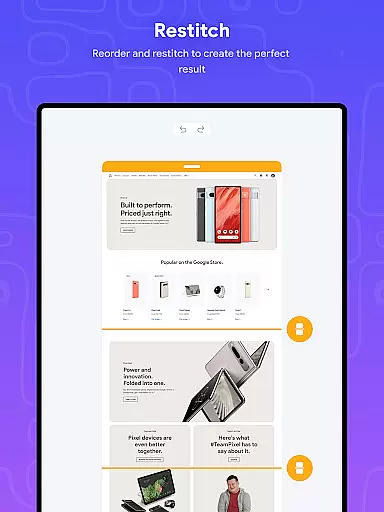
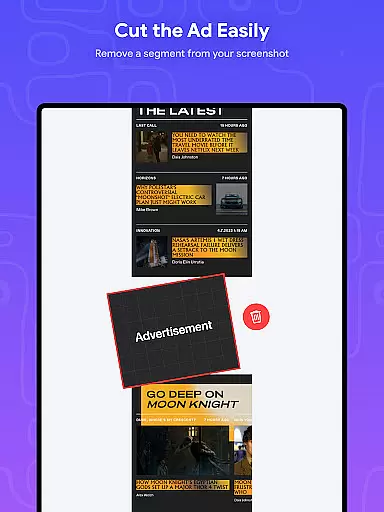
Stitch Photos is an innovative photo stitching application designed for both casual users and photography enthusiasts. The app utilizes advanced AI-powered technology to automatically recognize and stitch screenshots or long website captures both vertically and horizontally. Whether you want to create flawless panoramas, document scans, or capture majestic landscapes, Stitch Photos ensures that no detail is missed. With its user-friendly interface, the app provides a seamless experience, allowing users to effortlessly create high-resolution stitched images in just one touch.
The application is particularly useful for those who need to capture entire web pages or create long screenshots without the hassle of aligning multiple shots manually. By offering a smooth, glitch-free experience, Stitch Photos stands out as a reliable tool for all your photo stitching needs. Its ability to save high-resolution images ensures that your creations retain their quality, making it perfect for sharing on social media or storing for future use.
Stitch Photos offers a variety of features that make it a top choice for photo stitching. One of its standout capabilities is the automatic photo stitching function, which works both vertically and horizontally. This feature allows users to seamlessly stitch long screenshots or website captures with minimal effort. The app also supports high-resolution image saving, ensuring that the final output is clear and detailed.
In addition to its core functionality, Stitch Photos boasts a user-friendly interface that enhances the overall user experience. The intuitive design makes it easy for anyone to use, regardless of their technical expertise. Users can quickly stitch photos and share the results directly via social media or other platforms. This combination of powerful features and ease of use makes Stitch Photos an essential tool for anyone looking to create stunning panoramic images or document scans efficiently.
In the realm of digital creativity, having a comprehensive suite of tools is paramount. Stitch Photos rises to the occasion by offering an innovative set of features powered by AI technology. This app allows users to automatically stitch photos both vertically and horizontally, providing a versatile platform for creating panoramas or document scans with precision.
The application's automatic stitching functionality extends to long screenshots or website captures, ensuring that every detail is captured without distortion. With high-resolution saving capabilities, your stitched images retain their quality, making them perfect for both personal and professional use. The inclusion of these advanced features ensures that no matter the project, Stitch Photos has the right tools to bring your vision to life.
Moreover, the user-friendly interface enhances the photo stitching experience by simplifying complex processes into a hassle-free operation. Whether you're looking to capture majestic landscapes or compile extensive documents, Stitch Photos provides all the necessary tools in one place. This complete creative toolkit empowers users to focus on their artistic expression rather than the technicalities of image editing.
Flexibility in canvas size and format options is crucial for any art and design application. Stitch Photos excels in this area by allowing users to seamlessly stitch long screenshots or website captures with ease. The app's ability to handle various image formats ensures that whether you're working on a panorama or a document scan, the final output will meet your specific needs.
Stitch Photos offers a smooth, glitch-free experience when it comes to adjusting canvas sizes for different projects. Whether you need to create vertical or horizontal compositions, the app adapts effortlessly to your requirements. This adaptability makes it an ideal choice for artists and designers who demand precision and control over their work environment.
Additionally, once your images are stitched together, sharing them directly via social media or other platforms becomes a breeze. The app supports multiple sharing options, ensuring that your creations can reach their intended audience without format restrictions. By prioritizing canvas and format flexibility, Stitch Photos enables users to explore new creative possibilities while maintaining full control over their artistic process.
AI-powered stitching
User-friendly interface
High-resolution output
Seamless panorama creation
Effortless sharing options
Limited customization
Occasional glitches
Few templates available
Basic editing tools
Ads in free version

Premium version of Shimeji-ee app with no ads & no limit active shimeji
 4.4
4.4
Create trending AI photos & videos with powerful effects and 3D styles.
3.20
Custom Character Creator & PFP Maker!
4.20
Meet the magic aı 3d photo generator and smart AI video generator app.
3.20
Draw glowing spinners, relax, and spin your creative art
4.60
Your AI soulmate — meaningful chats, and unique emotional moments
4.70
Beauty Camera - Selfie Camera is the ultimate beauty camera and selfie app
4.30
An intuitive, high-performance painting app that lets you focus on creating
4.40
Multiplayer Drawing game, Coloring, Painting・Sketch, Handwriting・Paint, draw
4.30
Mobile pixel art editor. Simple. Fast. Portable.
4.80
Photo editor for art, avatars, filters & fun transformations.
4.60
Create color palette from Image, RGB & RYB Color wheel harmonies, Color Scheme
4.50
Image/ Text to Video Generator
4.40
AR Anime Drawing: How to draw anime with AR drawing & sketching apps!
4.00
Design unique, funny and adorable cat stickers that reflect your own style!
3.80
AI Art Generator transforms your words into AI generated art & paintings.
3.70
Apply cartoon, caricature, and portrait effects to make your photos stand out!
3.60
Art of Combination Wear OS Watch faces (for Wear OS 5+ devices)
3.00
Inky runs Inkscape on Android devices and Chromebooks
2.90


User Reviews