
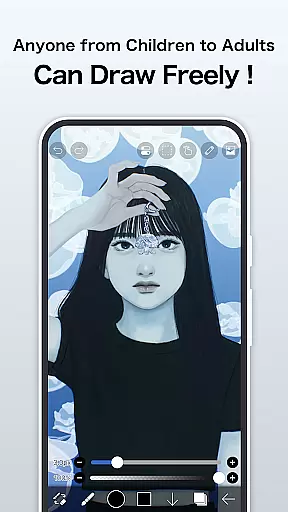
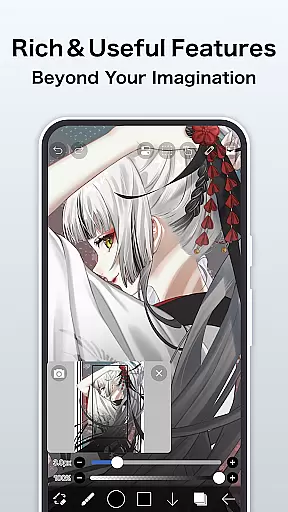
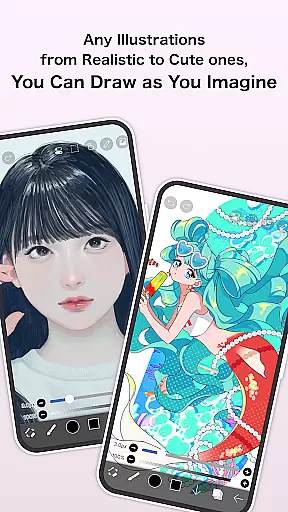
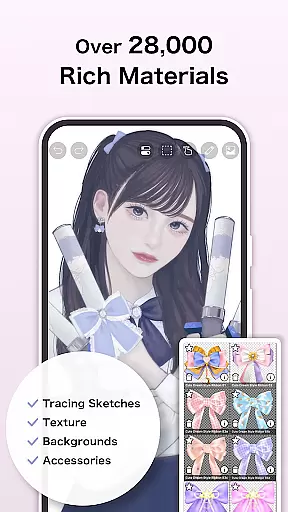
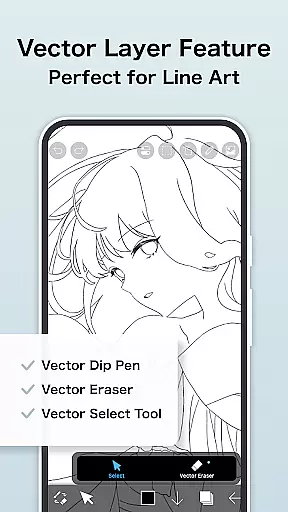
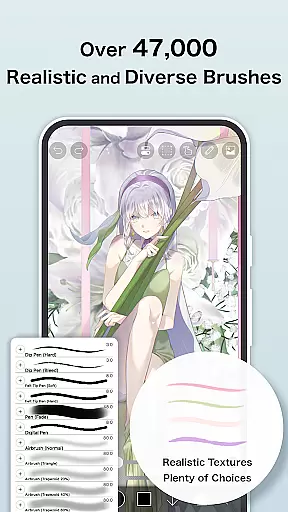
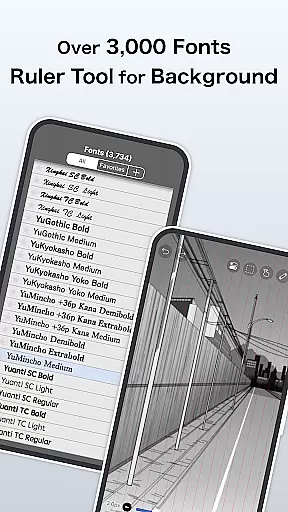
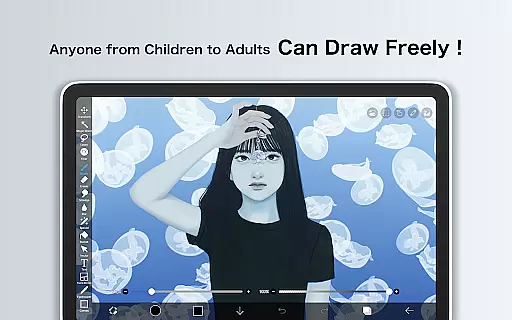
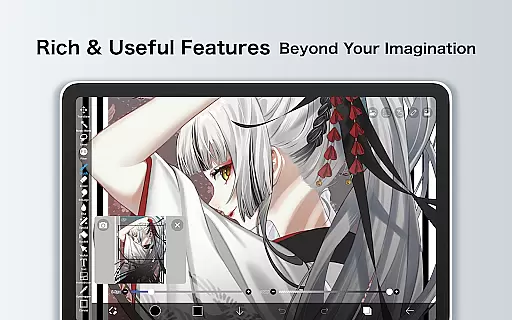
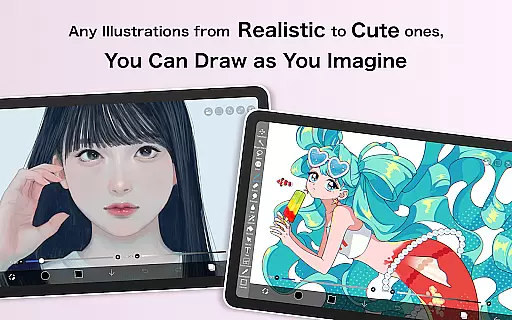
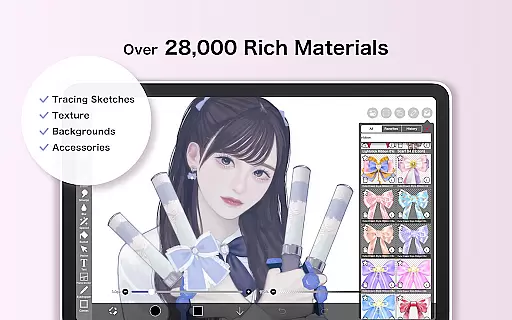
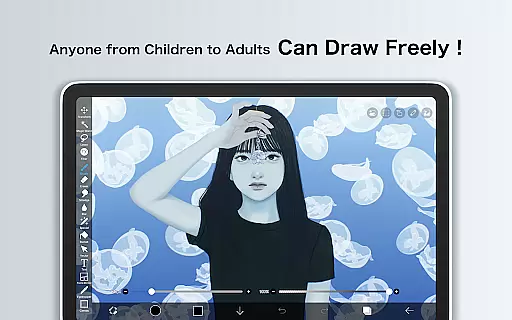
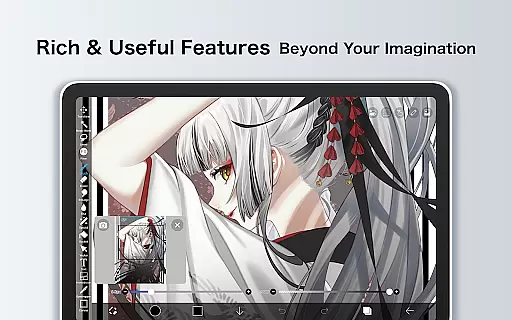
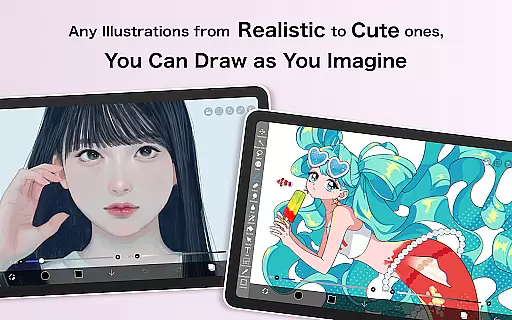
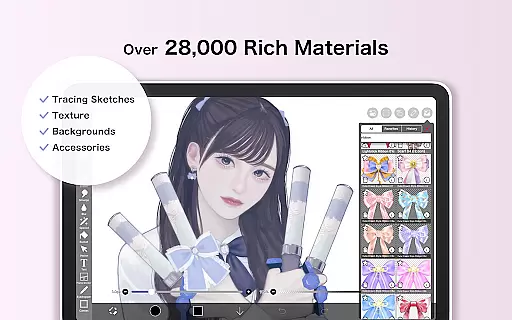
ibis Paint X is a feature-rich drawing application that has achieved over 460 million downloads, offering users an extensive suite of artistic tools. With more than 47000 brushes, 27000 materials, and 2100 fonts, it caters to both amateur doodlers and professional artists. The app includes advanced features such as stroke stabilization, animation support, and AI Disturbance, alongside traditional drawing elements like screentones and blending modes.
This versatile app provides a smooth drawing experience at up to 60 fps using OpenGL technology. It also allows users to record their creative processes, share them via the app's social network, and learn from others through tutorial videos available on its dedicated YouTube channel. Whether you're sketching, painting, or creating manga, ibis Paint X delivers a comprehensive digital art studio on your mobile device.
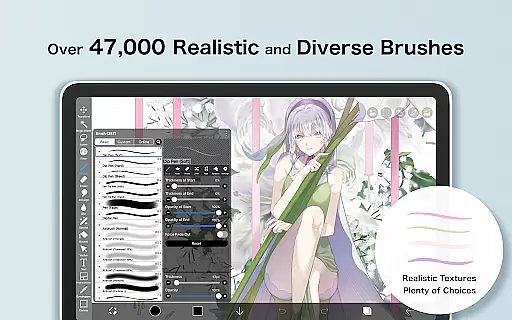
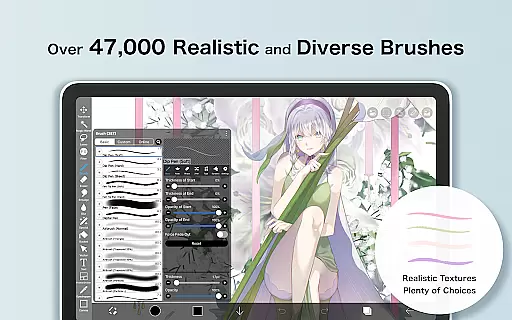
One of the standout aspects of ibis Paint X is its vast array of customization options. Users can choose from thousands of brushes, including dip pens, oil brushes, and airbrushes, each with adjustable settings for a personalized touch. The layer functionality is equally impressive, allowing unlimited layers with individual opacity, blending modes, and transformation tools.
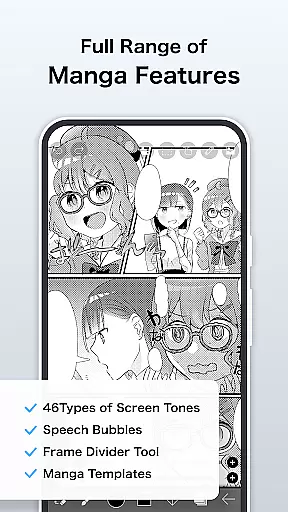
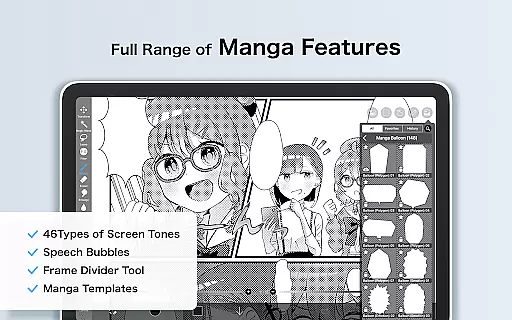
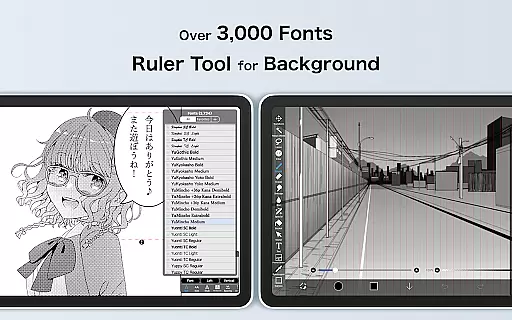
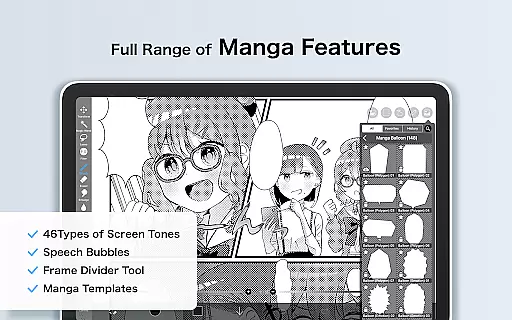
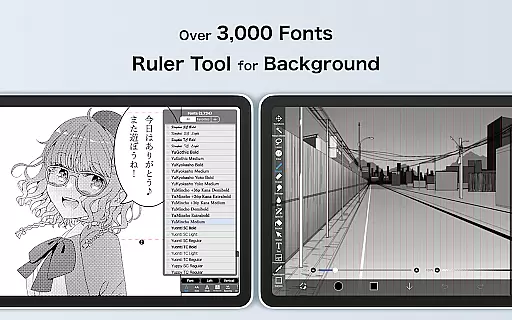
In addition to its robust brush and layer features, ibis Paint X offers specialized tools for manga creation. Its text tool supports vertical and horizontal writing, multiple fonts, and stroke effects. For those seeking more advanced capabilities, the Prime Membership unlocks vector tools, cloud storage, and exclusive filters. These features ensure that artists have everything they need to bring their visions to life with precision and creativity.
ibis Paint X stands out in the Art & Design category by offering an extensive suite of creative tools that cater to both amateur and professional artists. With over 47,000 brushes, 2,700 materials, and 2,100 fonts, the app provides a rich variety of options for creating diverse art styles.
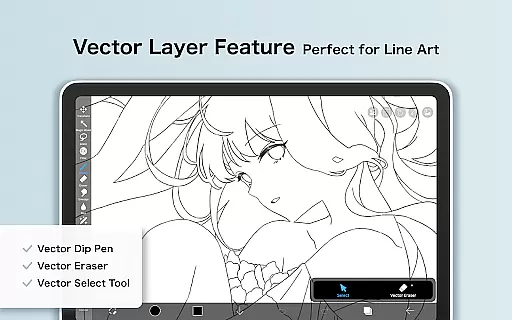
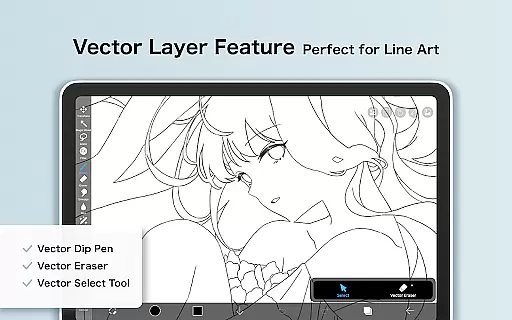
The app includes advanced features such as an Animation tool, Vector tool, and AI Disturbance, which are designed to enhance the creative process. These tools allow users to experiment with different techniques and styles without limitations, providing a platform for boundless creativity.
Additionally, ibis Paint X supports various layer features including alpha blending, clipping masks, and layer commands like duplication and inversion. This comprehensive layer functionality enables intricate artwork composition and manipulation, giving artists full control over their creations.
Flexibility in canvas and format options is crucial for digital artists, and ibis Paint X excels in this area. The app offers a range of canvas sizes and formats, accommodating different project requirements and ensuring high-quality output across all devices.
Users can take advantage of specialized manga features, including advanced text tools with vertical and horizontal stroke options, font selection, and multiple text functions. These features provide the precision needed for detailed manga creation and graphic design work.
Furthermore, Prime Membership unlocks exclusive features such as 20GB cloud storage, prime materials, and canvas papers, enhancing the overall flexibility and capability of the app. This membership ensures that artists have access to premium resources and features that support their creative endeavors.
User-friendly interface
Extensive brush library
Advanced layer options
Smooth drawing performance
Active community support
Prime Membership required
Ads in free version
Steep learning curve
Large app size
Occasional bugs

AI generated images & photos, turn your words into drawing, painting & pictures.
 4.30
4.30
Transform photos into amazing monochrome dither art with professional algorithms
4.5
Trace, draw, and create art with AR - from memes to masterpieces!
4.30
Draw on screen: FP sDraw is a simple and lightweight drawing app
4.70
Create color palette from Image, RGB & RYB Color wheel harmonies, Color Scheme
4.50
Nano Banana AI Image Generator, Anime Filter, AI Portrait, AI Photo Generator
4.30
Get an overview over all your embroidery threads, projects and more.
4.60
Video AI: Revolutionize Your Content Creation with Advanced Video Generation
4.50
All-in-One art, logo & collage maker. Design photos and edit video backgrounds
4.80
Create stunning art with AI.
4.80
Kling AI is an image and video generation and editing studio powered by AI.
4.50
Image/ Text to Video Generator
4.40
Digital Drawing: Draw & Paint
4.10
Unleash the artist in you with our AR drawing and tracing tool for photo drawing
4.10
Floor Plan Creator lets you create, edit and share floor plans.
4.00
Turning simple sketches into captivating tales filled with life and motion
3.90
Experience next-gen icons with a modern liquid glass look.
3.60
Sketch, trace and master AR drawing with awesome anime art!
3.30
Create trending AI photos & videos with powerful effects and 3D styles.
3.20


User Reviews