
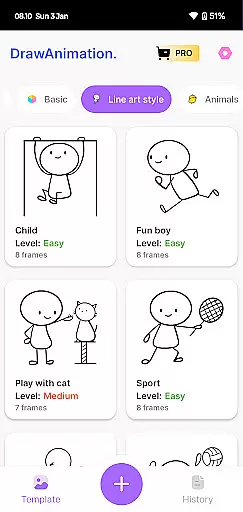
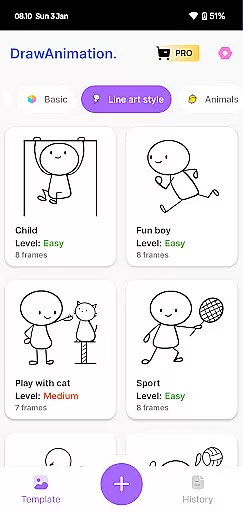
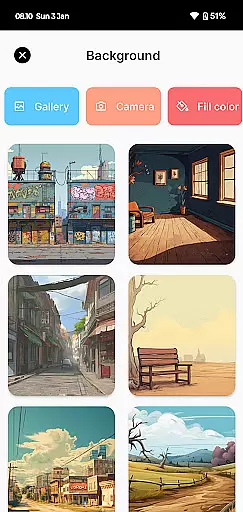
Draw Animation Maker is an innovative app in the Art & Design category that empowers users to transform simple doodles into captivating animations. The application provides a complete animation creation experience, allowing users to craft frame-by-frame flipbooks directly on their mobile devices.
The app stands out with its easy-to-use interface and powerful features that cater to both beginners and experienced animators. Whether you want to create funny cartoons or epic anime-like sequences, Draw Animation Maker offers the tools needed to bring your ideas to life. Its intuitive design makes animation accessible to everyone, while advanced features ensure professional-quality results.
Perfect for creative professionals, hobbyists, or anyone interested in animation, this app enables users to save their creations as GIFs or MP4 files for easy sharing. With Draw Animation Maker, you can unleash your creativity anytime, anywhere, making it an essential tool for modern digital artists.
Draw Animation Maker distinguishes itself through a comprehensive set of features designed to streamline the animation process. The app's core functionality revolves around its frame-by-frame animation system, which allows users to create smooth transitions between frames with precision control.
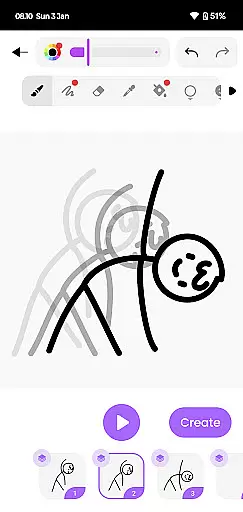
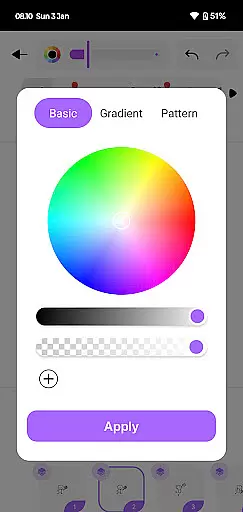
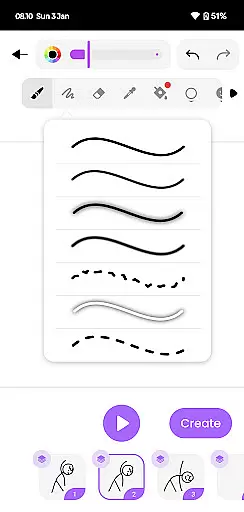
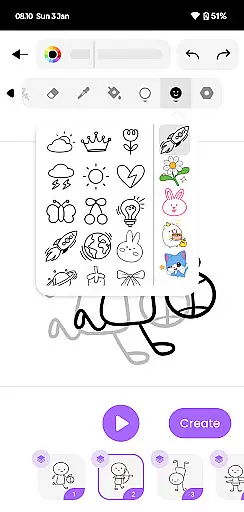
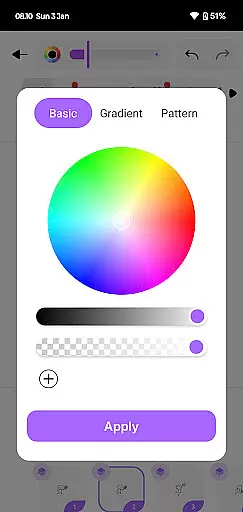
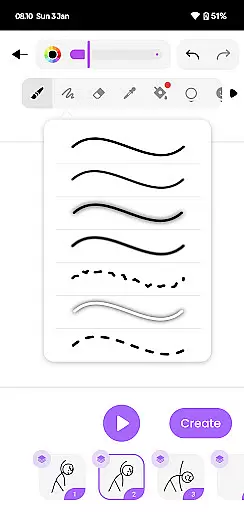
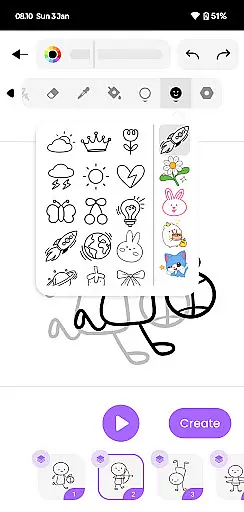
One of the standout features is its robust drawing toolkit, which includes various brushes, colors, and customization options. Users can create detailed stickman characters or elaborate scenes with ease. The app also supports layer management, enabling more complex animations and professional-grade effects.
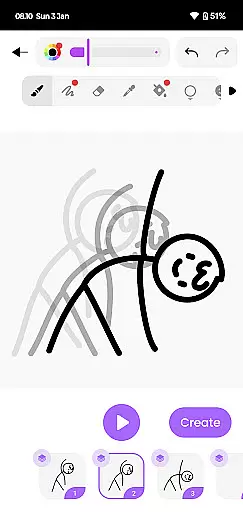
Additional notable features include customizable frame rates, onion skinning for better frame referencing, and multiple export options. These capabilities ensure that users can create high-quality animations while maintaining full creative control. Whether you're crafting short cartoons or longer animated stories, Draw Animation Maker provides everything needed to produce polished, professional results.
When it comes to creating animations, having a complete set of creative tools is essential. Draw Animation Maker offers a comprehensive suite that allows users to effortlessly transform simple doodles into captivating animated stories.
The app provides an intuitive interface where creators can draw frame by frame, similar to traditional flipbook animation. This feature enables animators to weave unique plots with the same level of detail and engagement found in epic anime movies.
Users will find themselves equipped with all they need to bring their characters to life, from crafting individual frames to building entire animated sequences. The inclusion of various drawing tools ensures that each frame is a work of art in itself.
By empowering users with these robust animation capabilities, Draw Animation Maker stands out as an ultimate companion for both budding artists and experienced animators looking to explore the enchanting world of animation.
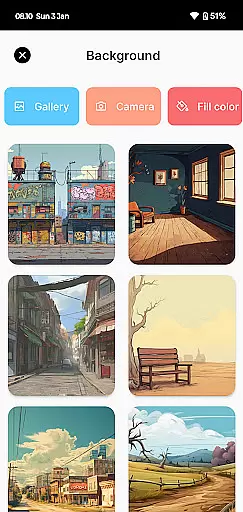
A hallmark of a great animation app is its canvas and format flexibility, allowing creators the freedom to experiment with different styles and dimensions. Draw Animation - Anim Creator excels in this area by providing users with a versatile platform for their artistic expression.
Artists can customize their workspace to fit their project's needs, whether they are working on small-scale sketches or expansive scenes. This adaptability ensures that every piece of art conforms perfectly to the creator's vision without being constrained by fixed formats.
In addition to flexible canvas sizes, the app supports exporting animations in multiple formats such as GIFs and MP4 files. This versatility enables animators not only to create but also share their masterpieces across various platforms easily.
With these dynamic features at hand, Draw Animation Maker becomes more than just an application; it transforms into a launchpad for creativity where ideas take flight unrestricted by technical limitations.
User-friendly interface
Powerful drawing tools
Frame-by-frame control
Multiple export formats
Onion skinning feature
Limited free features
Occasional performance lag
Steep learning curve
In-app purchases required
Advanced tools locked

Sketch, trace and master AR drawing with awesome anime art!
 3.30
3.30
Trace, draw, and create art with AR - from memes to masterpieces!
4.30
Draw on screen: FP sDraw is a simple and lightweight drawing app
4.70
Create stunning video, photo & magic from text with FlixAI GPT video generator.
3.10
Design unique, funny and adorable cat stickers that reflect your own style!
3.80
Painting, drawing, & sketching
4.50
Turn your drawings into flipbook-style animations with simple creative tools
4.60
Share the joy of painting with ibis Paint! Drawing anime and manga art.
4.50
Multiplayer Drawing game, Coloring, Painting・Sketch, Handwriting・Paint, draw
4.30
Create color palette from Image, RGB & RYB Color wheel harmonies, Color Scheme
4.50
Kling AI is an image and video generation and editing studio powered by AI.
4.50
Photo blender app to create overlay photos & double exposure.
4.40
Nano Banana AI Image Generator, Anime Filter, AI Portrait, AI Photo Generator
4.30
Beauty Camera - Selfie Camera is the ultimate beauty camera and selfie app
4.30
Sketch, plan, take notes and illustrate on an infinite canvas.
4.20
AI Art Generator transforms your words into AI generated art & paintings.
3.70
Draw anime easily with AR guidance, sketch templates & trace tools!
3.10
Inky runs Inkscape on Android devices and Chromebooks
2.90
Retouch photos. Create or edit images. Endless capabilities.
2.70


User Reviews