
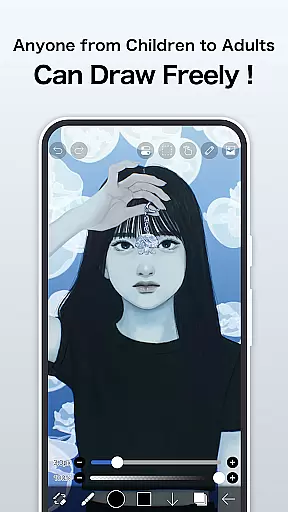
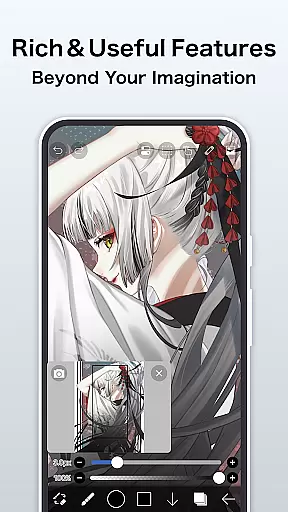
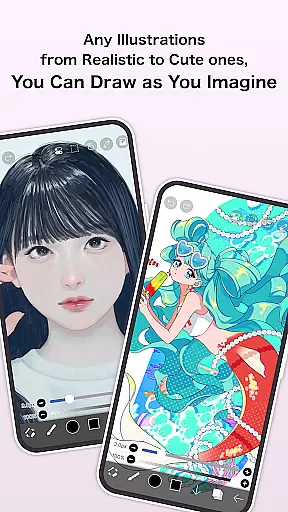
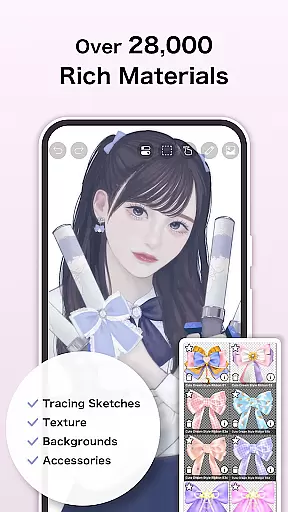
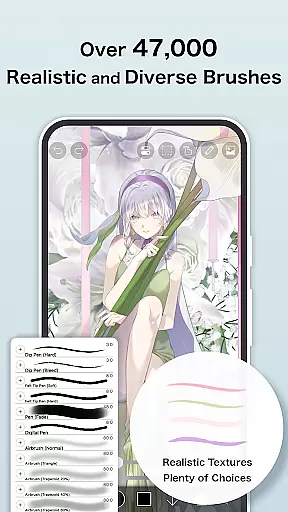
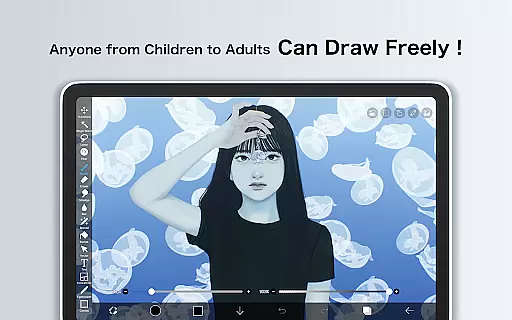
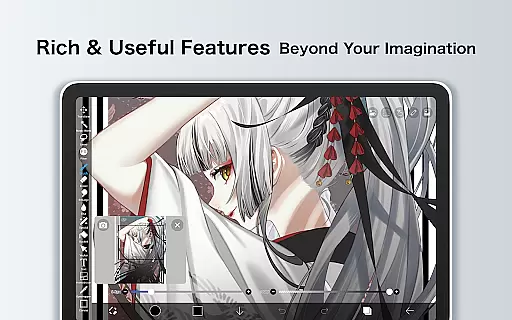
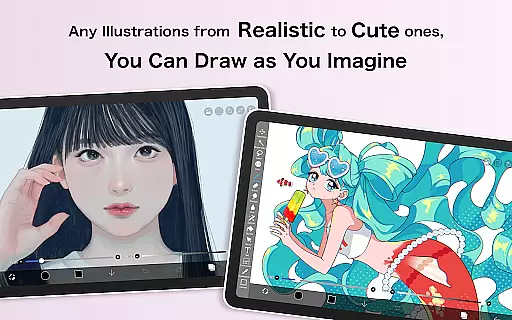
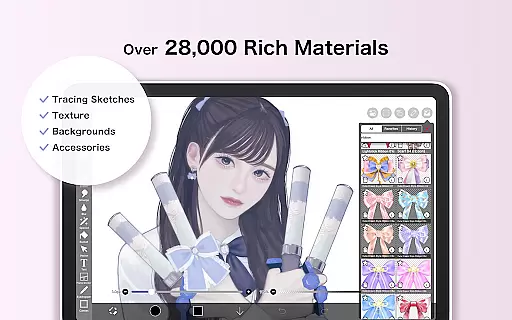
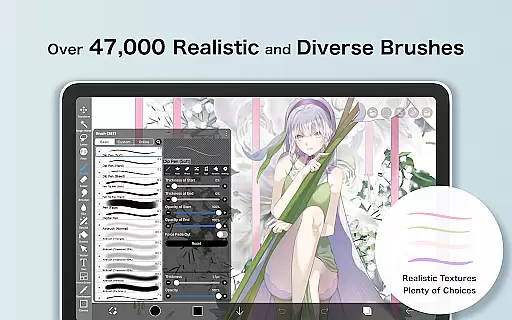
ibis Paint is a premier digital art studio that offers an extensive suite of creative tools for artists and designers. With over 47000 brushes, 27000 materials, and 2100 fonts, it provides unparalleled versatility for drawing, painting, and manga creation. The app features advanced functionalities such as stroke stabilization, various rulers, and blending modes, ensuring professional-quality artwork on mobile devices.
Beyond its robust drawing capabilities, ibis Paint fosters a vibrant community by allowing users to share their creative processes. Whether you're sketching with pencils or experimenting with oil brushes, the app's smooth 60 fps drawing performance and precise control cater to both casual doodlers and professional illustrators alike.
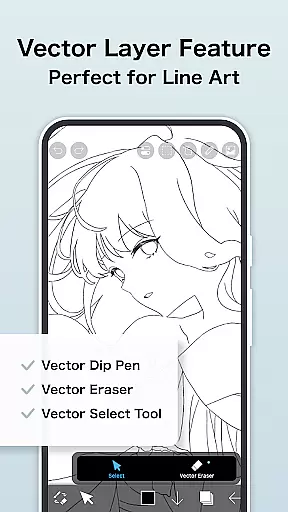
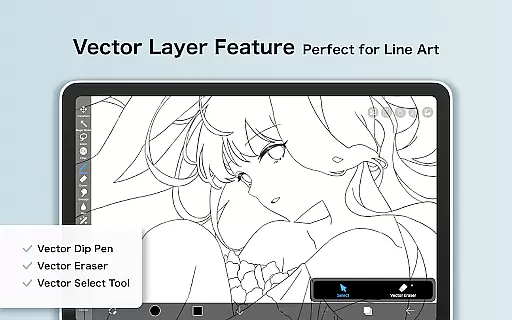
The Prime Membership unlocks additional cloud storage and exclusive features like vector tools and AI assistance, making it an ideal choice for artists seeking to elevate their digital art practice while maintaining an affordable budget.
ibis Paint distinguishes itself through its comprehensive feature set tailored for digital artists. The application boasts an impressive selection of brush types including dip pens, airbrushes, and charcoal tools, each customizable to suit individual styles. Its layer management system supports unlimited layers with advanced parameters like alpha blending and clipping masks, providing sophisticated control over complex compositions.
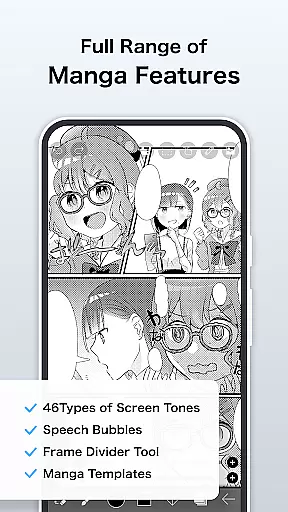
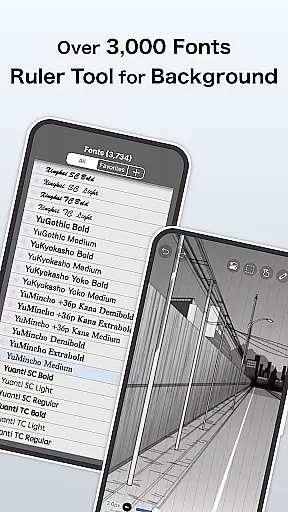
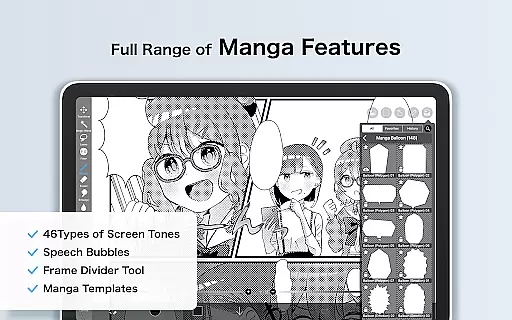
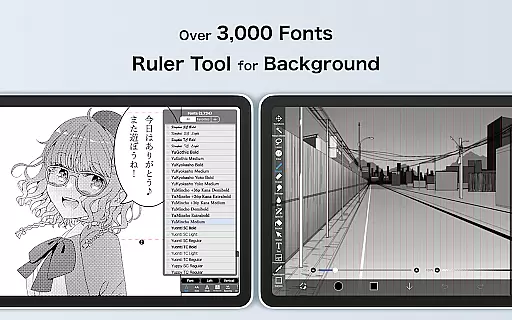
For manga creators, the app includes specialized text tools with vertical and horizontal writing options, multiple font selections, and precise stroke control. The recording feature captures entire drawing processes, enabling artists to review their techniques or share tutorials with others. Additionally, unique tools like radial line rulers and symmetry functions help maintain precision in geometric designs.
Prime Members gain access to enhanced capabilities such as 20GB cloud storage, vector tools, and advanced filters like tone curve and gradient mapping. These premium features, combined with regular updates and new content additions, ensure that ibis Paint remains at the forefront of mobile digital art applications.
ibis Paint stands out as a comprehensive drawing app that offers an extensive range of creative tools, making it a versatile choice for artists. With over 47,000 brushes, users can explore various textures and styles, from dip pens to oil brushes.
The app provides advanced layer features with unlimited layers and individual layer parameters such as opacity and blending modes. This flexibility allows artists to create complex compositions and experiment with different effects seamlessly.
In addition to its impressive brush and layer capabilities, ibis Paint includes manga features with an advanced text tool. Users can choose from vertical or horizontal text orientation, select fonts, and utilize multiple text functions, enhancing the comic creation process.
For those seeking more, the Prime Membership unlocks exclusive features like vector tools, AI disturbance, and adjustment layers, elevating the creative possibilities to professional levels.
One of ibis Paint's strengths is its canvas and format flexibility, catering to diverse artistic needs. Artists can work on custom-sized canvases and choose from a variety of canvas papers, including exclusive Prime Canvas Papers for premium members.
The app supports importing original brush patterns, allowing users to personalize their toolkit further. This feature ensures that artists can replicate traditional media or develop unique digital techniques tailored to their style.
Export options in ibis Paint are equally flexible, with support for various file formats suitable for both digital sharing and print. Users can export high-quality images without watermarks, particularly beneficial for professional projects.
Moreover, the ability to record drawing processes adds another dimension of flexibility, enabling artists to share their creative journey with others or review their techniques for improvement.
User-friendly interface
Extensive brush library
Advanced layer controls
Smooth drawing performance
Vibrant artist community
Premium features locked
Subscription required
Complex for beginners
Resource intensive
Limited free trial

Transform photos into amazing monochrome dither art with professional algorithms
 4.4
4.4
Create trending AI photos & videos with powerful effects and 3D styles.
3.20
Digital Drawing: Draw & Paint
4.10
Digital illustration drawing & painting pad app to paint Anime and Manga art
4.50
Create neon drawing with magic doodle and fun doodle art effects!
4.50
Draw beautiful mandala's very easily
4.60
Castle is social media for creating and playing games!
4.60
AI Tattoo Generator: Create Tattoo Designs & Get Ideas! Ink & Stencil Maker
4.50
Multiplayer Drawing game, Coloring, Painting・Sketch, Handwriting・Paint, draw
4.30
Just trace a projected picture on paper and color! Draw & Paint with AR drawing
4.40
Beauty Camera - Selfie Camera is the ultimate beauty camera and selfie app
4.30
Unleash the artist in you with our AR drawing and tracing tool for photo drawing
4.10
Floor Plan Creator lets you create, edit and share floor plans.
4.00
Design your dream room with AI. Get decor ideas & plan home interiors
3.90
Powerful home decoration & house design that allows you to design dream home.
3.80
AI Assistant, powered by ChatGPT GPT-4 & GPT-4o. Your intelligent companion.
3.50
Sketch, trace and master AR drawing with awesome anime art!
3.30
Inky runs Inkscape on Android devices and Chromebooks
2.90
Your Essential Color Theory Guide: Red, Yellow, Blue (RYB)
4.2


User Reviews