
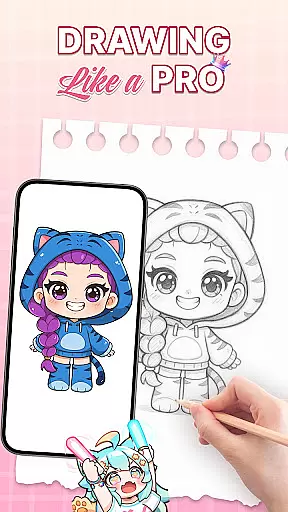
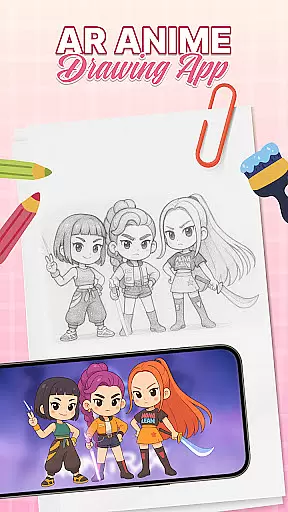
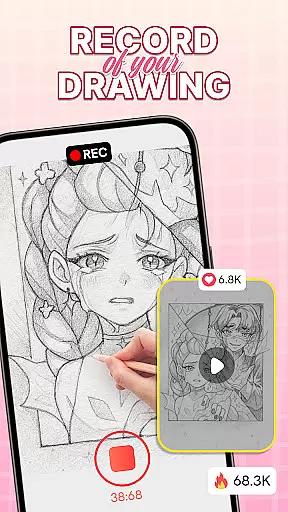
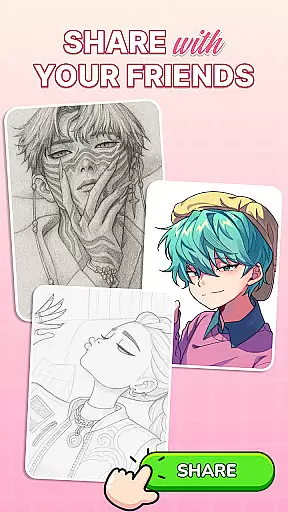
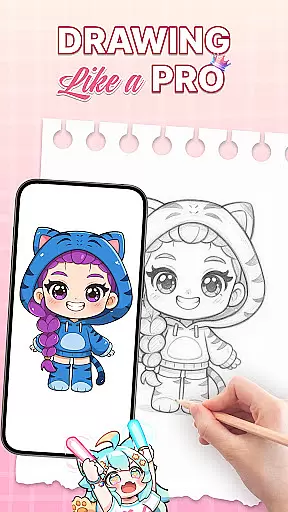
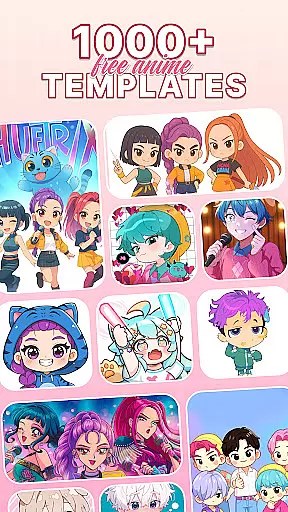
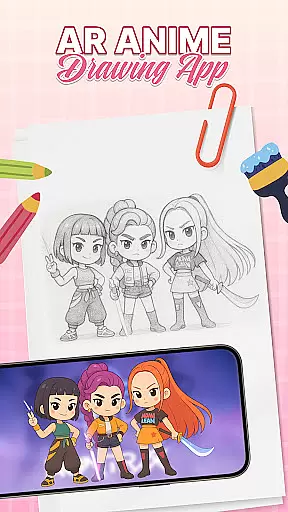
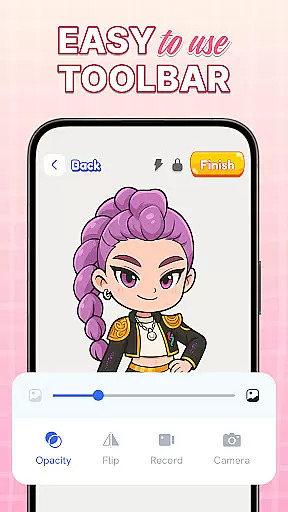
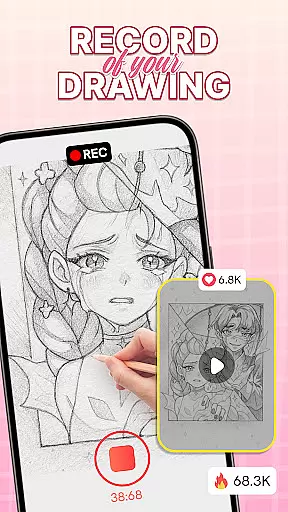
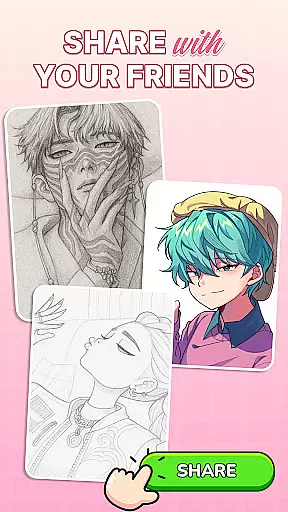
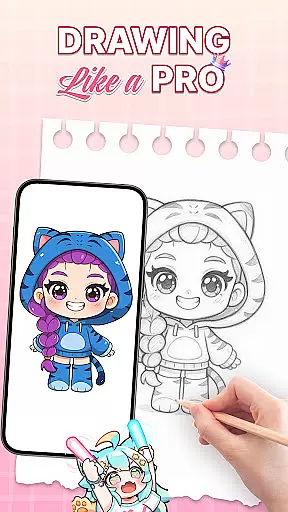
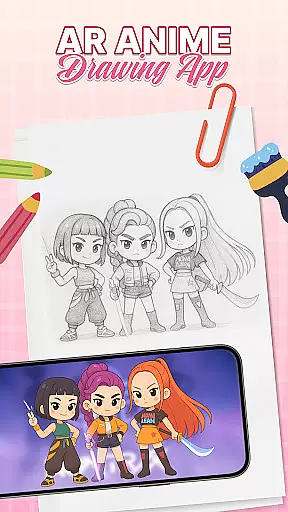
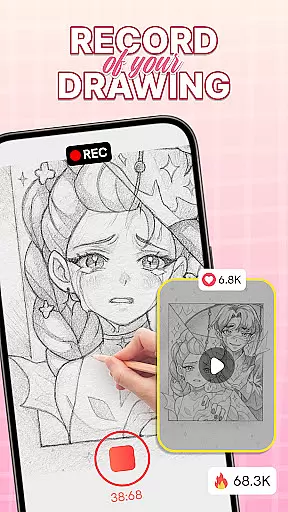
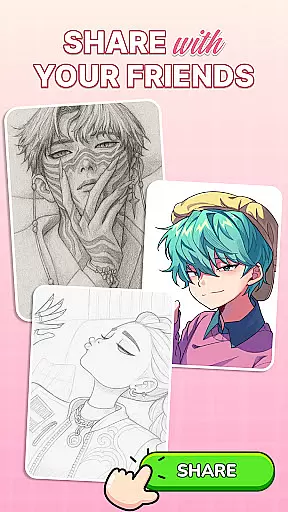
AR Drawing: Sketch & Trace is an innovative mobile application that merges augmented reality with artistic expression, allowing users to project any image onto paper for effortless tracing. The app's core functionality lies in its ability to transform images into traceable guides through AR technology, making it an ideal tool for both aspiring and professional artists.
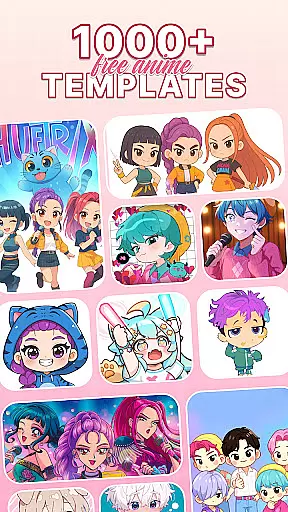
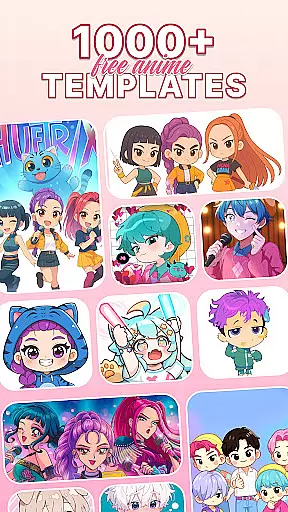
Beyond basic tracing, the app offers a diverse range of drawing templates covering popular categories like anime, animals, and nature. These templates serve as creative inspiration while the app's intuitive Sketch & Paint tools enable users to add vibrant colors and intricate details to their artwork. Whether you're looking to refine your anime drawing skills or explore traditional sketching techniques, this app provides the perfect platform to develop your artistic abilities.
The application finds particular value in educational settings and family environments. Parents can use the app to teach children basic drawing skills, while students can leverage its structured guidance to progressively improve their artistic techniques. The combination of advanced AR features with user-friendly design makes this app suitable for all age groups and skill levels.
One of the most remarkable aspects of AR Drawing: Sketch & Trace is its comprehensive feature set designed to enhance the drawing experience. The app's augmented reality tracing capability allows users to project inverted images directly onto their drawing surface, enabling precise tracing with minimal effort. This feature particularly benefits those learning to draw complex subjects like anime characters or detailed landscapes.
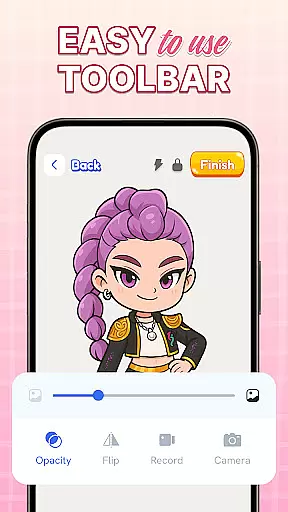
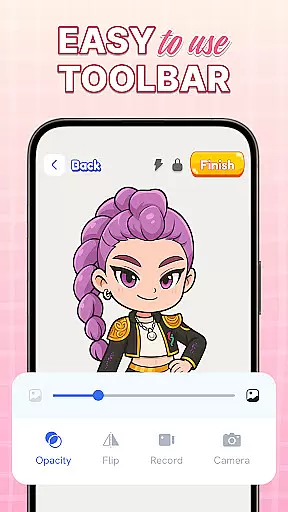
The application includes professional-grade Sketch & Paint tools that cater to various artistic styles. Users can access an extensive color palette, experiment with different brush strokes, and utilize specialized artistic tools to refine their techniques. The integrated camera system with adjustable flash functionality ensures optimal tracing conditions regardless of lighting situations, while the diverse template library provides endless creative possibilities.
What sets this app apart is its commitment to accessibility and continuous improvement. The interface has been carefully designed to accommodate both beginners and experienced artists, while regular updates ensure the app remains at the forefront of AR art technology. These features collectively create a powerful yet approachable tool for anyone interested in developing their artistic skills through modern technology.
In the realm of digital art, having access to comprehensive creative tools is essential for unleashing one's artistic potential. AR Drawing: Sketch & Trace offers an impressive suite of features that cater to both budding artists and seasoned professionals. The app provides a diverse range of drawing templates including anime, animals, food, nature, and more, ensuring that users will never run out of inspiration.
Moreover, the Sketch & Paint functionalities allow users to add vibrant colors and intricate details to their work, transforming simple sketches into masterpieces. With integrated camera use and flashlight options, artists can project images onto any surface and trace them with precision even in low-light conditions. This combination of AR technology with traditional sketching methods creates a seamless experience that bridges the gap between imagination and reality.
The true value of these creative tools lies in their ability to make art accessible to everyone. Whether you're looking to refine your skills or simply enjoy a new hobby, this app provides all the necessary instruments to create stunning artworks. By offering regular updates and new features, AR Drawing ensures that its toolkit remains cutting-edge and continues to support the evolving needs of its users.
Flexibility in canvas and format options is crucial for artists who wish to explore different styles and dimensions in their work. AR Drawing: Sketch & Trace excels in providing users with the freedom to experiment with various surfaces and image types. By utilizing augmented reality, the app allows you to project any image onto paper or other materials, effectively turning them into dynamic canvases ready for your creative expression.
This innovative approach supports not only standard drawing practices but also enables unique art forms such as anime drawing and digital sketches. Users can select from a vast library of templates or import their own images, giving them complete control over their artistic process. The appu2019s intuitive interface makes it easy to switch between different formats and adjust settings according to individual preferences.
Ultimately, the flexibility offered by AR Drawing empowers artists to push boundaries and redefine what's possible within the art world. It encourages experimentation without limitations while maintaining high-quality output across all creations. For anyone eager to expand their artistic horizons, this level of adaptability is invaluable.
User-friendly interface
Extensive template library
Precise AR tracing
Vibrant color options
Regular feature updates
Requires stable surface
Limited free content
Device compatibility issues
Subscription fees apply
Learning curve for AR

Download now for a stylish and functional timepiece
 4.3
4.3
Easy 3D drawing design maker & creator. Model designing, Sculpting. Create&paint
4.00
Apply cartoon, caricature, and portrait effects to make your photos stand out!
3.60
Digital, Abstract, Classic - all types of color wheels in one app!
4.60
AI Art Generator transforms your words into AI generated art & paintings.
3.70
Art of Combination Wear OS Watch Faces
3.30
Get an overview over all your embroidery threads, projects and more.
4.60
Experience next-gen icons with a modern liquid glass look.
3.60
Draw, make movies & animate cartoons easily with our 2D animation maker app
4.40
Mobile pixel art editor. Simple. Fast. Portable.
4.80
Castle is social media for creating and playing games!
4.60
The ultimate tool for creating animations
4.60
Custom Character Creator & PFP Maker!
4.20
Create stylish invitation cards using templates for weddings, birthdays & RSVP.
4.20
Text to Image, Image to Video & AI Chat
4.20
Floor Plan Creator lets you create, edit and share floor plans.
4.00
Design unique, funny and adorable cat stickers that reflect your own style!
3.80
Powerful home decoration & house design that allows you to design dream home.
3.80
Transform photos into amazing monochrome dither art with professional algorithms
4.4


User Reviews