![[KNA003] SHADOW](https://cdn.linksharehub.com/ocp/?u=https%3A%2F%2Fl3.fancapitalize.com%2Fimages%2F2025%2F12%2Fed57289588f1b2b2f7d51c4bcafcf7a9.jpg&t=webp)
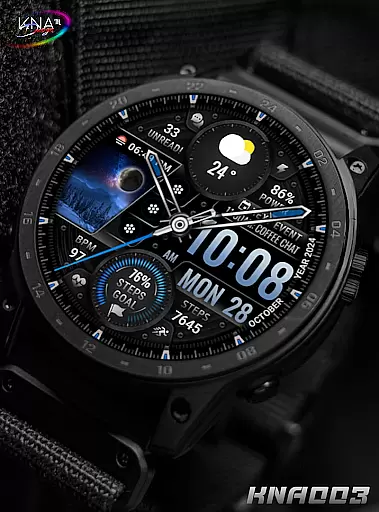
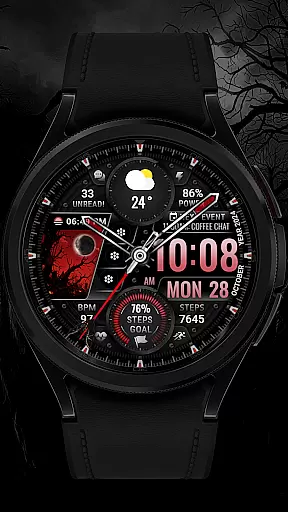
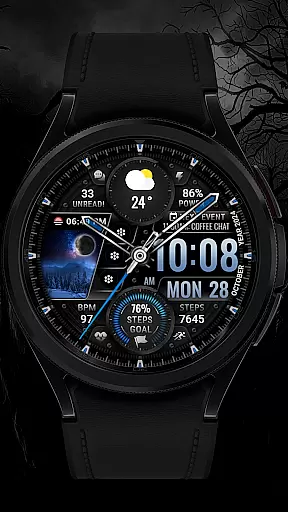
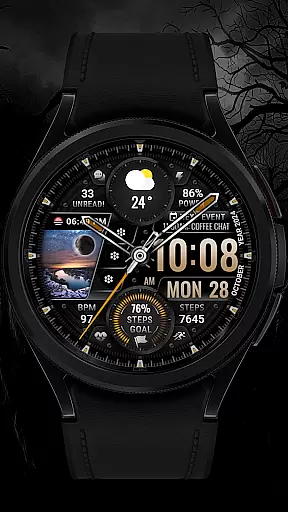
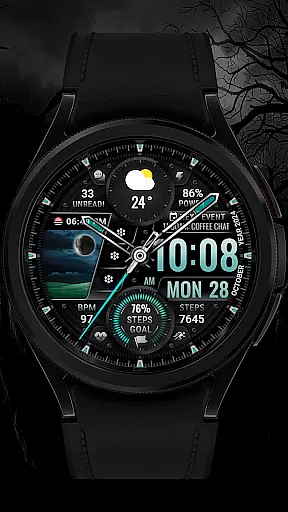
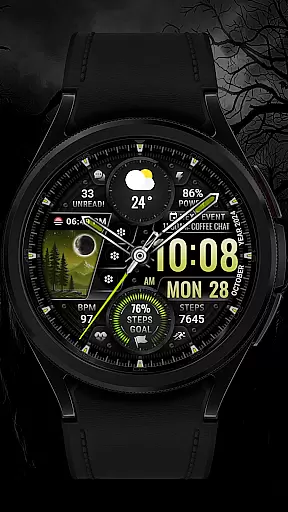
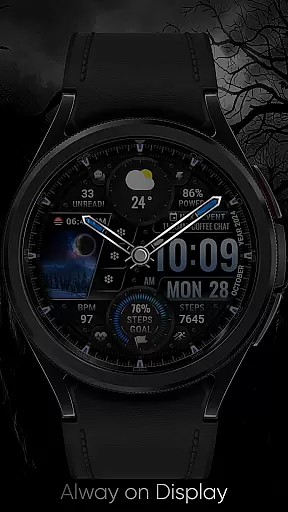
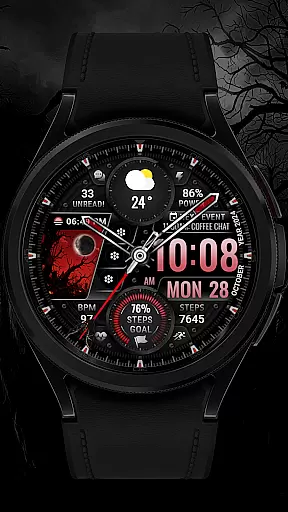
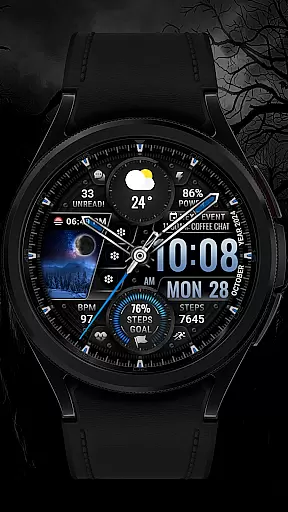
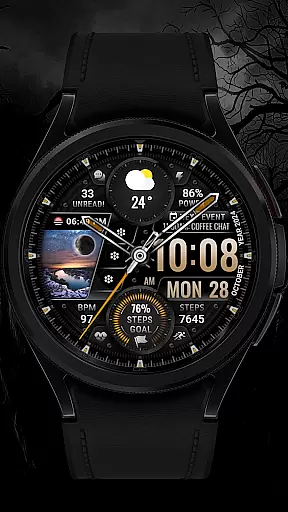
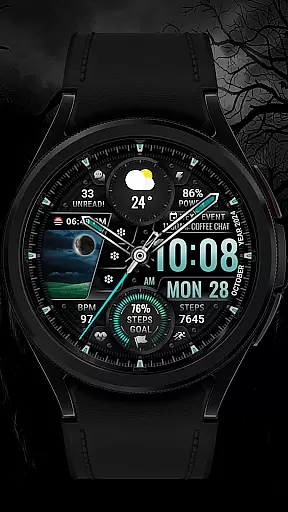
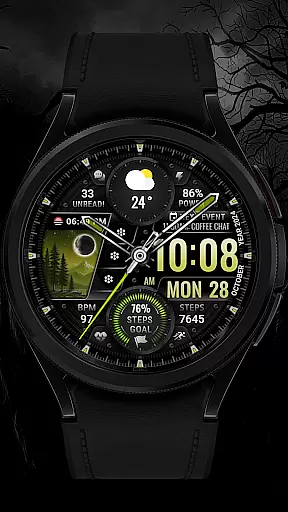
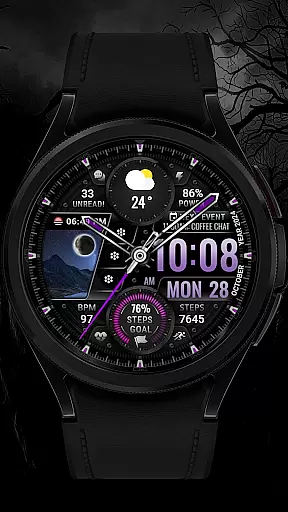
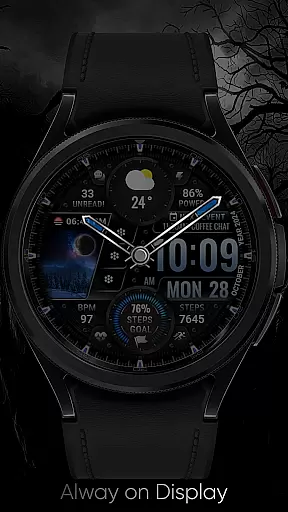
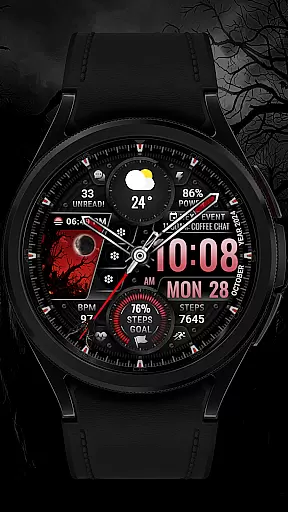
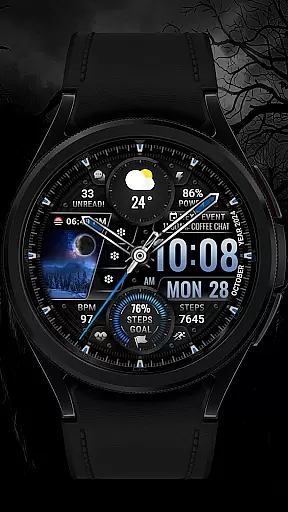
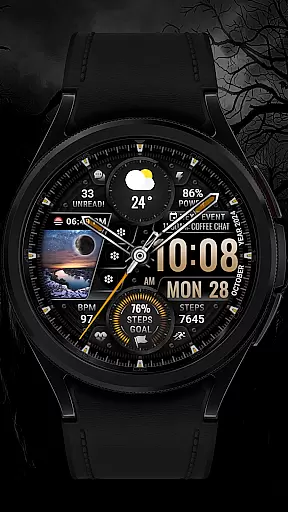
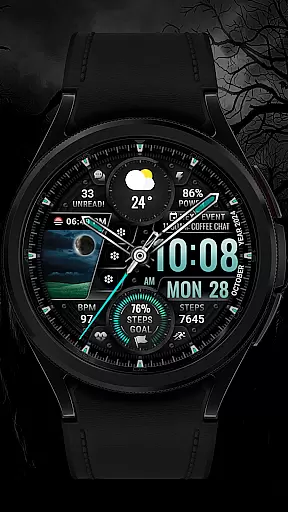
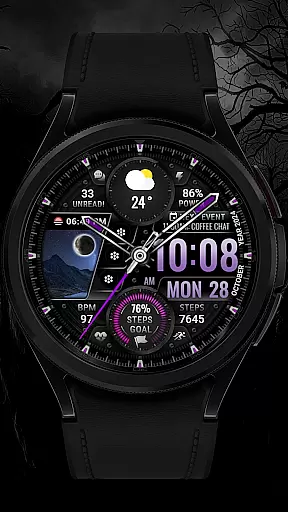
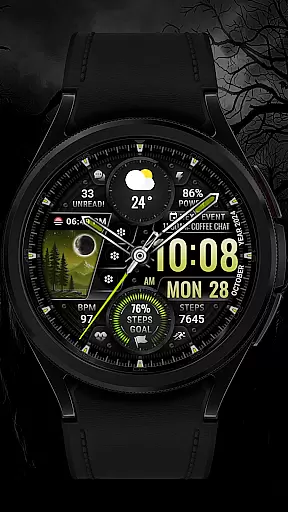
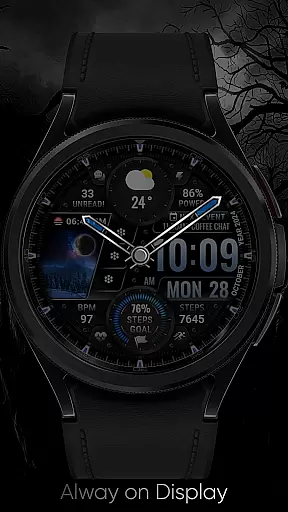
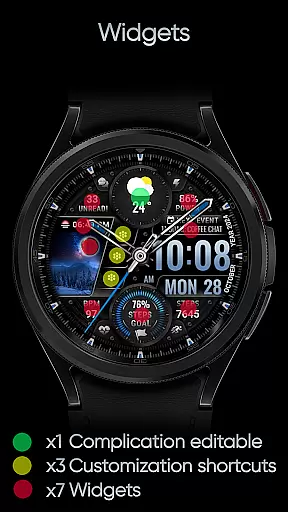
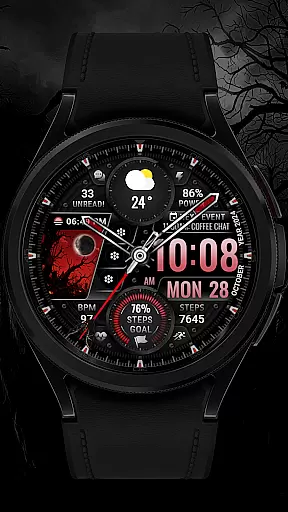
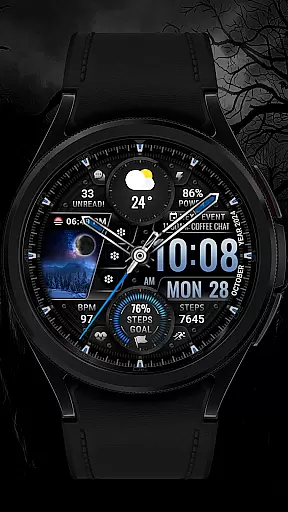
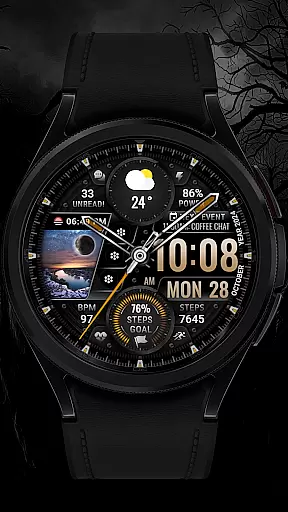
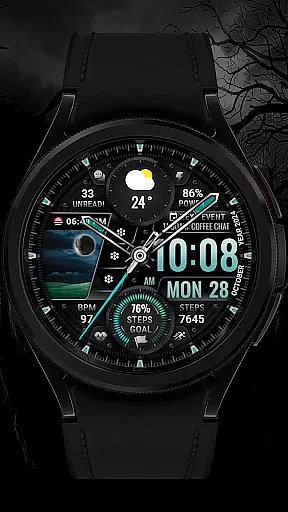
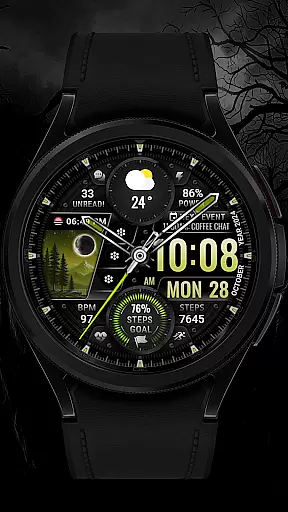
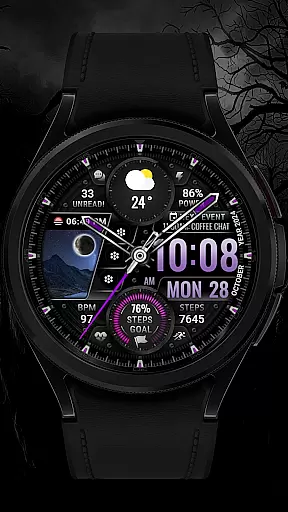
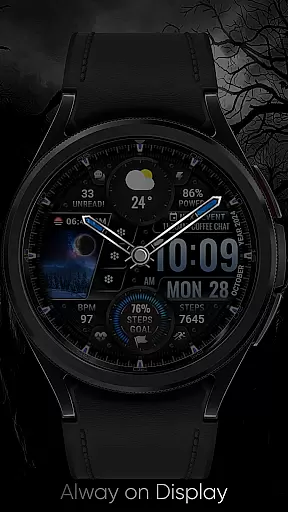
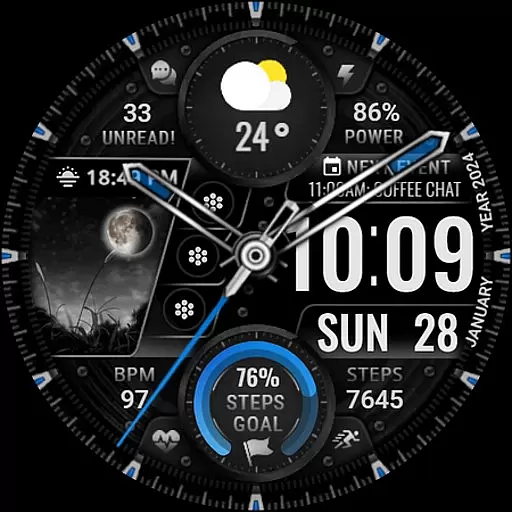
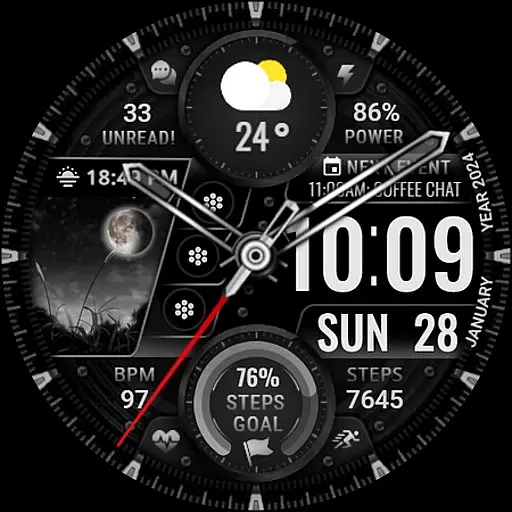
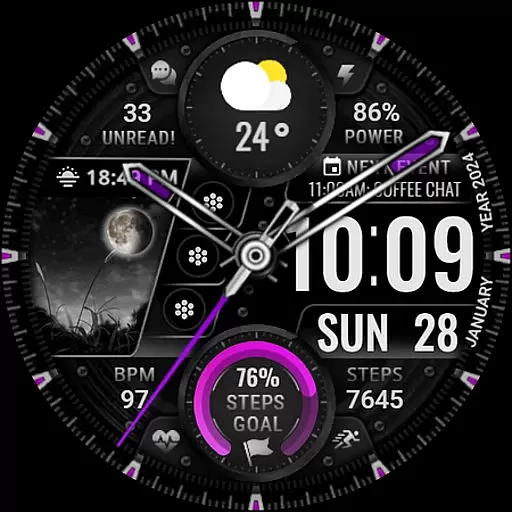
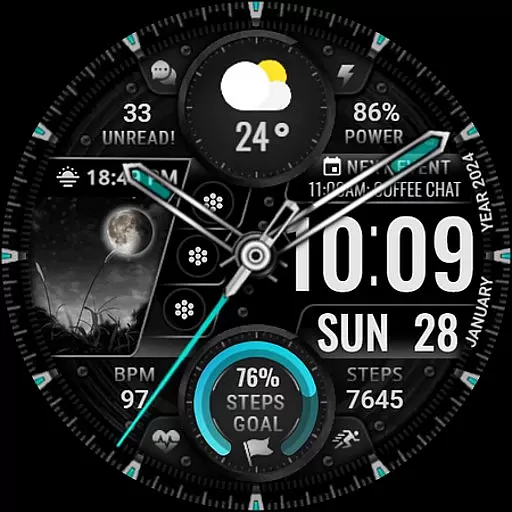
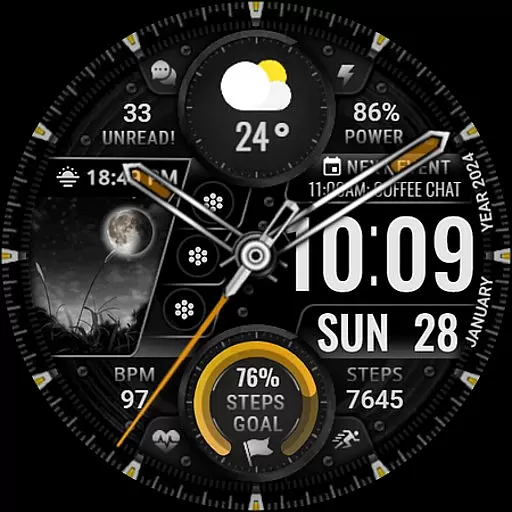
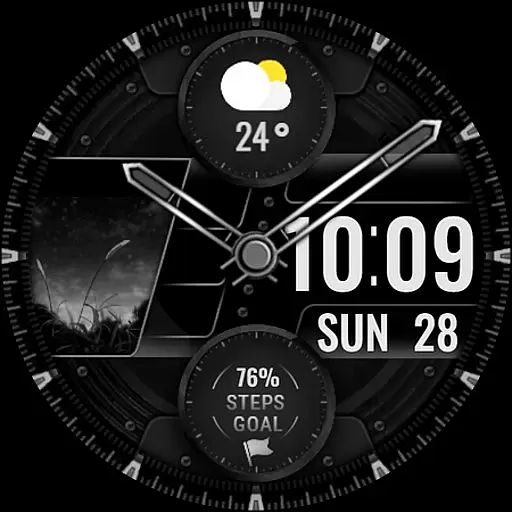
[KNA003] SHADOW is a feature-rich watch face designed specifically for Wear OS devices, offering users a customizable and visually appealing experience. Compatible with API level 30+ devices such as Google Pixel and Galaxy Watch 4, 5, 6 series, this watch face brings both functionality and style to your smartwatch.
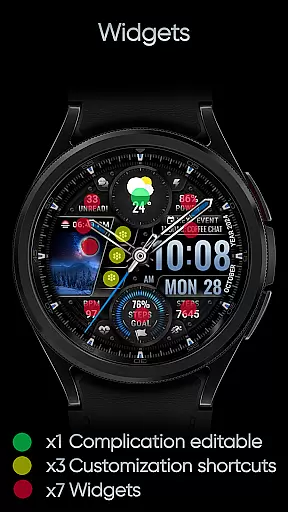
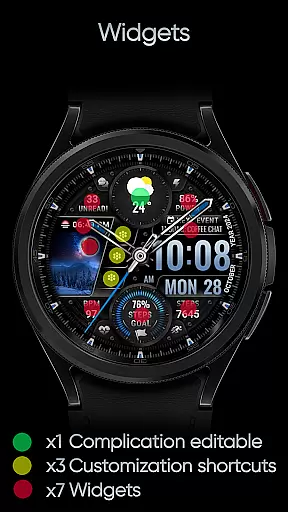
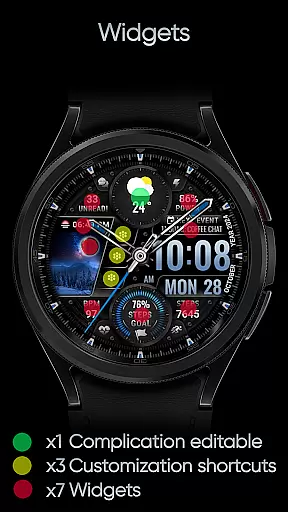
The design combines analog and digital elements, displaying essential information like date, day of the week, and month. With one editable complication, three app shortcuts, and multiple color options for the background, clock hands, and steps progress, users can tailor the appearance to match their preferences. Additionally, it provides practical features including step count, heart rate monitoring, battery level display, moon phase tracking, unread message count, and upcoming event notifications.
Perfect for those seeking both aesthetics and utility on their Wear OS device, [KNA003] SHADOW ensures that you stay connected while expressing your personal style through customizable complications and vibrant animations.
[KNA003] SHADOW stands out with its extensive customization options and versatile features tailored for Wear OS users. The watch face supports both analog and digital styles, allowing users to choose between classic or modern aesthetics. It displays key details such as date, day of the week, and month, ensuring you always have essential information at a glance.
One of the standout features is the ability to customize complications. Users can select from various data sources like weather updates, world clocks, sunrise/sunset times, and more. Additionally, the watch face includes three editable app shortcuts, enabling quick access to frequently used applications directly from the home screen. Five color options are available for the background, clock hands, and steps progress, giving users complete control over the visual presentation.
Practicality meets personalization with features like step counting, heart rate monitoring, battery level display, moon phase tracking, unread message counts, and next-event notifications. These functionalities ensure that [KNA003] SHADOW not only looks great but also serves as a valuable tool in managing daily activities efficiently.
In the realm of digital art and design, having a comprehensive set of tools is paramount. The [KNA003] SHADOW watch face for Wear OS offers an impressive suite of creative features that cater to both aesthetic customization and functional utility.
With options ranging from analog and digital styles to displaying date, day of the week, and month, this application provides users with the flexibility to tailor their watch faces according to personal preferences or practical needs. Additionally, it includes one editable complication and three app shortcuts which allow for further personalization.
The ability to choose from five different colors for the background, clock hands, and steps progress adds another layer of individual expression. Moreover, by integrating health metrics such as step count, heart rate, battery level, moon phase, unread message counts, and upcoming events, the watch face becomes not just a timepiece but also a personalized dashboard reflecting the wearer's lifestyle.
Flexibility in canvas and format options is essential for designers looking to push the boundaries of creativity. The [KNA003] SHADOW watch face excels in providing users with adaptable formatting capabilities that ensure compatibility across various devices while maintaining visual integrity.
This Wear OS watch face supports high API levels, ensuring that it runs smoothly on modern smartwatches like Google Pixel watches and Samsungu2019s Galaxy Watch series starting from model 4 upwards. By specifying device compatibility within its installation notes, including clear guidance regarding non-supported models, the application ensures optimal performance without compromising user experience.
Furthermore, customization does not end at mere aesthetics; users can modify complications with data points relevant to themu2014be it weather updates, world clocks, or environmental sensors like barometers. This adaptability extends beyond static visuals into dynamic elements such as field background animations, making each glance at your wrist a unique interaction tailored specifically to you.
Highly Customizable
Versatile Complications
Stylish Design
Practical Features
Compatible with Multiple Devices
Limited to Wear OS
Some Features Not Available on All Watches
Requires Manual Setup
No Automatic Application
Potential Compatibility Issues

Art of Combination Wear OS Watch faces
 4.3
4.3
Meet the magic aı 3d photo generator and smart AI video generator app.
3.20
Apply cartoon, caricature, and portrait effects to make your photos stand out!
3.60
Your Essential Color Theory Guide: Red, Yellow, Blue (RYB)
4.1
Make your phone cooler and have a fantastic experience
4.80
Nano Banana AI Image Generator, Anime Filter, AI Portrait, AI Photo Generator
4.30
800+ Drawing, Painting Lessons App to Practice, Sketch & Paint Art.
4.30
Share the joy of painting with ibis Paint! Drawing anime and manga art.
4.50
Draw, make movies & animate cartoons easily with our 2D animation maker app
4.40
2D animation studio for Android tablets - unlimited layers, infinite timeline
4.70
Your AI soulmate — meaningful chats, and unique emotional moments
4.70
The ultimate tool for creating animations
4.60
Draw, fidget, and spin glow art! Relax and express your creativity with a finger
4.60
The perfect place to start sketching! Use Sketchbook to draw and paint sketches.
4.50
Bring One UI 8.5 Icons to life -elegant dark icons with a modern, premium touch.
4.30
Design your dream room with AI. Get decor ideas & plan home interiors
3.90
Sketch, trace and master AR drawing with awesome anime art!
3.30
Inky runs Inkscape on Android devices and Chromebooks
2.90
Download now for a stylish and functional timepiece
4.3


User Reviews