
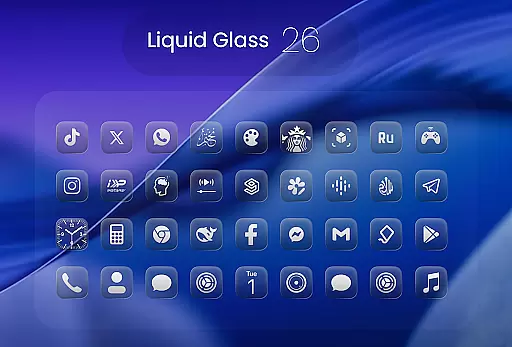
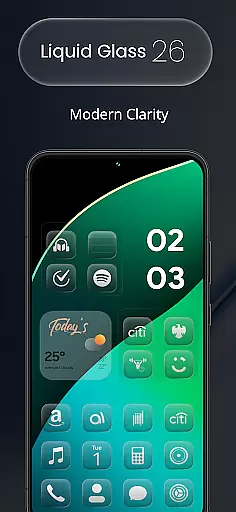
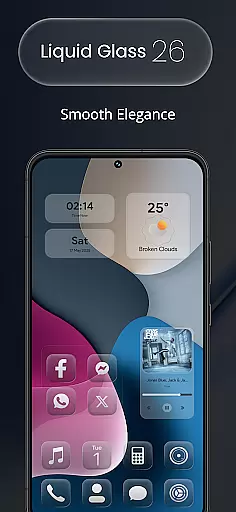
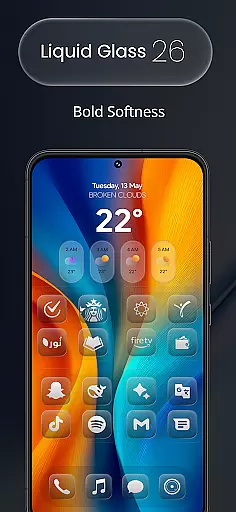
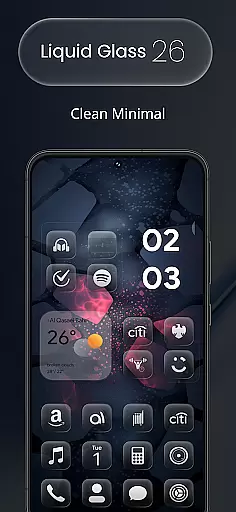
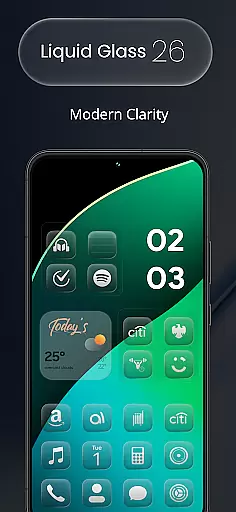
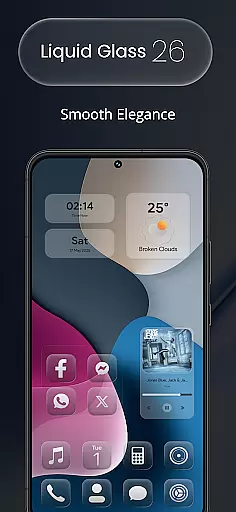
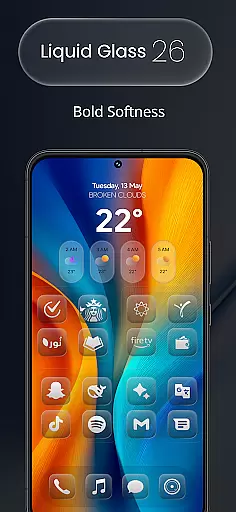
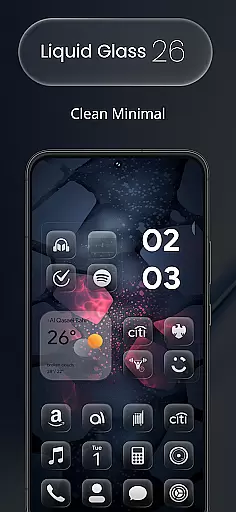
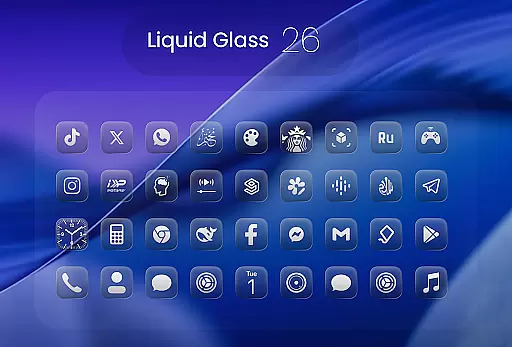
Liquid Glass 26 Icon Pack is a premium customization tool designed for users seeking a sleek, futuristic aesthetic on their devices. Inspired by the translucent elegance of iOS 26, this icon pack offers over 2500 handcrafted icons that blend glassmorphism with minimal design.
Each icon is meticulously crafted to provide a fresh and modern look, making it ideal for users who want both style and functionality. Compatible with all major launchers, Liquid Glass 26 supports dynamic calendars and includes alternate icons for popular apps, ensuring a personalized experience.
Whether you're aiming for a professional or playful layout, this pack adapts seamlessly to your needs, offering a unique way to revamp your home screen while maintaining usability.
The Liquid Glass 26 Icon Pack stands out with its comprehensive set of features tailored for design enthusiasts. With over 2500 high-quality icons, the pack ensures extensive coverage for a wide range of apps, and its growing library means continuous updates and improvements.
One of the key highlights is its inspiration drawn from the Liquid Glass aesthetic of iOS 26, providing a cutting-edge appearance that feels both familiar and innovative. The inclusion of multiple alternate icons for popular apps allows for further customization, catering to individual preferences.
Additionally, the pack supports all major launchers such as Nova, Smart, and Lawnchair, and offers dynamic calendar support, enhancing both form and function. Users can also request missing icons via an in-app tool, ensuring their home screens remain consistently styled.
In the realm of digital customization, having a comprehensive set of creative tools is essential for users seeking to personalize their device's aesthetic. Liquid Glass 26 Icon Pack offers an extensive suite of over 2500 handcrafted icons, ensuring that no matter your design preference, there is an icon to match your style.
These aren't just basic icons; they're crafted with the elegance and translucency reminiscent of iOS 26's Liquid Glass aesthetic. This means each icon not only serves a functional purpose but also brings a touch of futuristic minimalism to any home screen.
Moreover, the pack supports all major launchers including Nova, Smart, Lawnchair, and more, providing seamless integration into your existing setup. With dynamic calendar support and multiple alternate icons for popular apps, this pack ensures you have everything needed to customize your device extensively.
The hallmark of any top-tier icon pack is its ability to adapt to various formats and sizes without losing quality or aesthetic appeal. Liquid Glass 26 Icon Pack excels in this area by offering canvas/format flexibility that caters to diverse user needs.
Each icon within the pack is designed to maintain its clarity and beauty across different screen resolutions and devices. Whether you're using a high-resolution smartphone or a tablet, these icons scale beautifully, preserving their intricate details and translucent effects.
Additionally, the pack includes multiple alternate icons for popular apps, allowing users to switch up their home screen's look whenever they desire. And if certain icons are missing, the in-app request tool enables users to ask for specific additions in future updates, ensuring the pack remains versatile and responsive to user feedback.
Stylish Design
Wide Compatibility
Continuous Updates
Customization Options
User-Friendly Interface
Premium Price
Learning Curve
Occasional Bugs
Limited Free Icons
Device-Specific Issues

Discover Cartoon Dream : Unleash Your Creativity with CuttingEdge AI
 4.50
4.50
Stylish letters, Stylish Keyboard, Symbols, Emojis, Cool nickname
4.40
Digital Drawing: Draw & Paint
4.10
Design unique, funny and adorable cat stickers that reflect your own style!
3.80
Draw glowing spinners, relax, and spin your creative art
4.60
Powerful home decoration & house design that allows you to design dream home.
3.80
Minecraft & Roblox Clothes
4.70
Mobile pixel art editor. Simple. Fast. Portable.
4.80
Create and Design Custom Logos in Seconds with AI-Powered Tools!
4.40
Castle is social media for creating and playing games!
4.60
The perfect place to start sketching! Use Sketchbook to draw and paint sketches.
4.50
Draw Trace image sketch by, AR art projector app, Easy to trace any image.
4.50
Customizable Outlined Fonts. Watch Face Format. Battery friendly Digital Clock.
4.20
Get creative and make art with your Sesame Friends!
4.00
Paint with oils and sketch with natural tools on a realistic virtual canvas.
3.80
Your homescreen as an elegant glass with customized blur, lighting, and visuals.
3.70
Apply cartoon, caricature, and portrait effects to make your photos stand out!
3.60
Art of Combination Wear OS Watch Faces
3.30
Your Essential Color Theory Guide: Red, Yellow, Blue (RYB)
4.1


User Reviews