
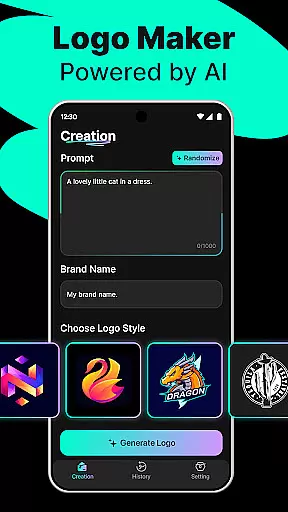
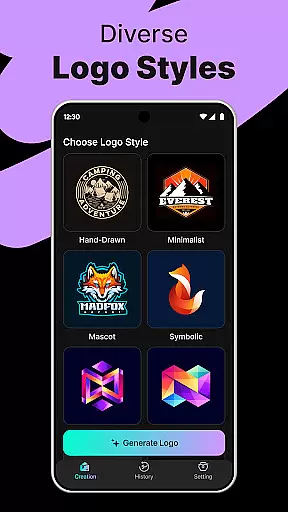
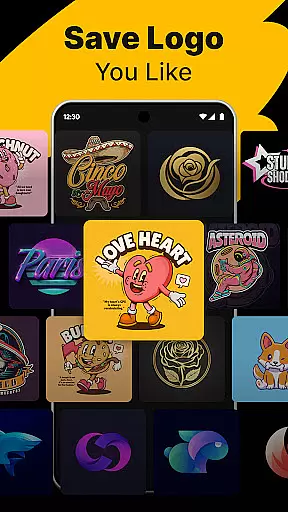
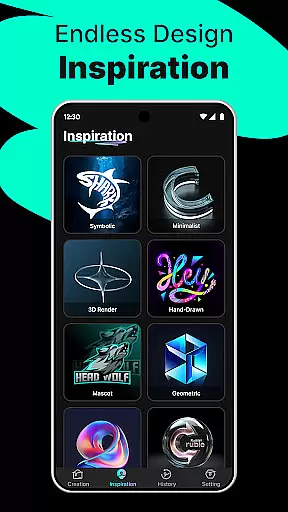
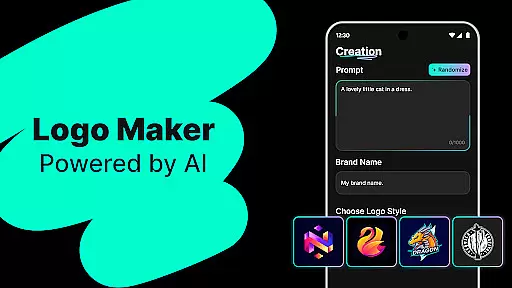
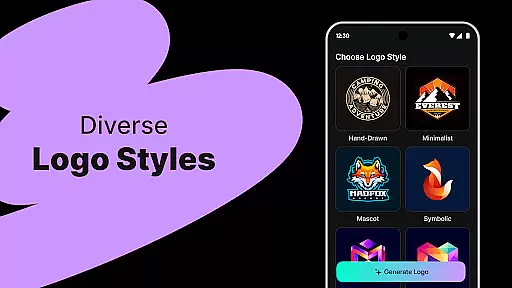
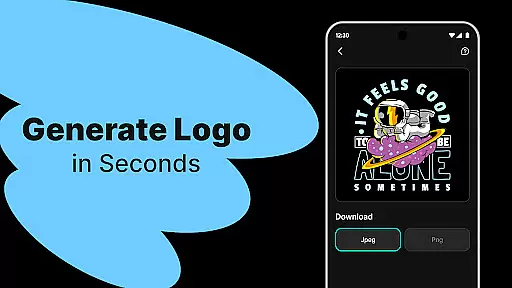
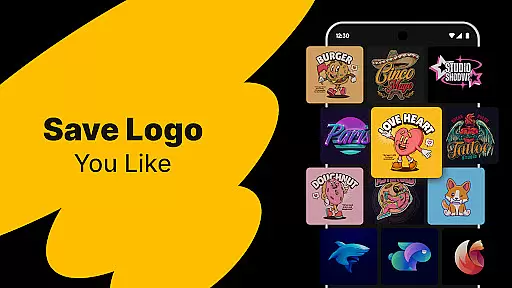
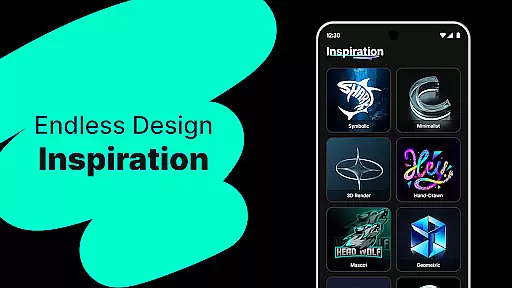
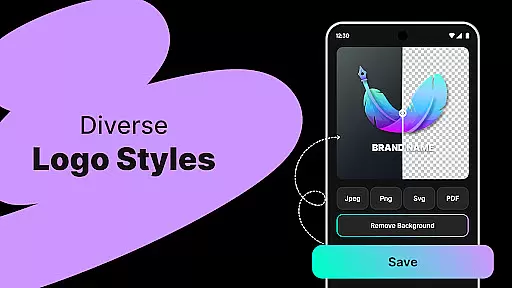
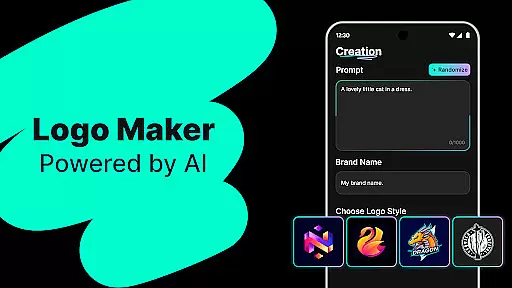
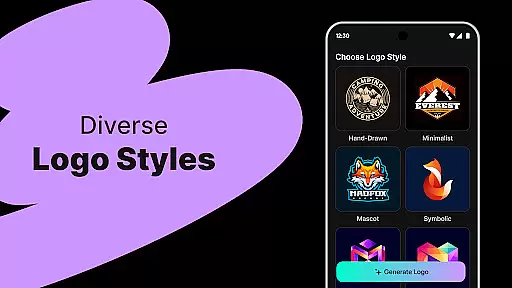
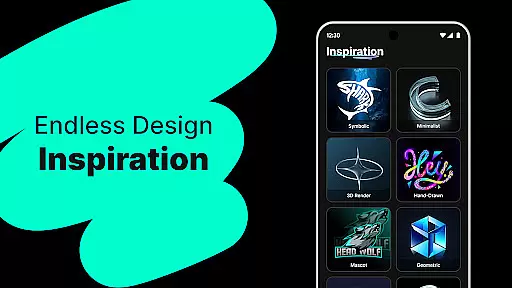
Logo Maker is an AI-powered logo design tool that enables users to create professional logos effortlessly. Designed for entrepreneurs, small businesses, and creators, it eliminates the need for design expertise by generating unique logos based on brand names and keywords. The app offers hundreds of customizable templates across various styles such as modern, minimalist, vintage, and hand-drawn designs.
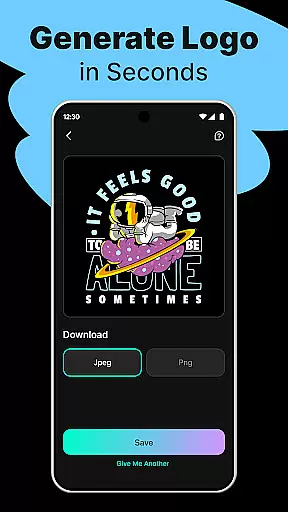
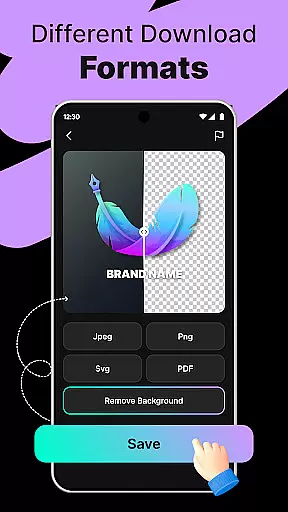
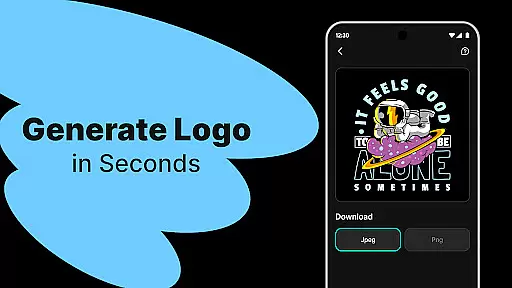
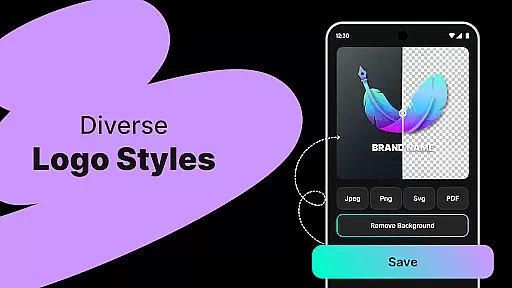
Users can download high-quality logo files in PNG and JPG formats, suitable for websites, business cards, social media, and print materials. Its user-friendly editor allows easy customization through drag-and-drop functionality, making it accessible even to non-designers. Whether you're a startup, freelancer, or content creator, Logo Maker provides tools to build a strong brand presence quickly and affordably.
Logo Maker stands out with its AI-driven logo generation, which instantly creates multiple unique logo designs tailored to user inputs like brand names and keywords. It includes hundreds of professionally designed templates spanning diverse artistic styles, ensuring there's something for every brand identity. The app supports high-quality exports in PNG and JPG formats, optimized for both digital and print use.
The intuitive drag-and-drop editor empowers users to customize their logos without requiring prior design experience. From color adjustments to layout modifications, the editing process is seamless and straightforward. Additionally, Logo Maker caters to a wide audience, including startups, freelancers, and content creators, offering budget-friendly solutions that deliver premium results within minutes rather than days.
In the realm of digital design, having access to comprehensive creative tools is essential for bringing visions to life. Logo Maker stands out by offering an extensive suite of features that cater to both novices and seasoned designers. The AI-Powered Logo Generation allows users to input their brand name and keywords, instantly receiving multiple unique logo concepts.
Additionally, the platform boasts hundreds of customizable templates spanning various styles such as modern, minimalist, vintage, and hand-drawn designs. This ensures that every user can find a template that aligns with their brand identity. With the User-Friendly Editor, individuals can effortlessly drag, drop, and tweak elements without needing any prior design experience.
The true value of these complete creative tools lies in their ability to democratize design. Entrepreneurs, small businesses, and creators can now produce high-quality logos suitable for websites, business cards, social media, and print. By providing High-Quality Exports in formats like PNG and JPG, Logo Maker empowers users to implement their logos across diverse platforms seamlessly.
Flexibility in canvas and format options is crucial for creating versatile designs that meet various application needs. Logo Maker excels in this area by enabling users to customize their canvas settings extensively. Whether you require a logo for digital platforms or physical print materials, the tool provides adaptable solutions tailored to your specific requirements.
Users can choose from different canvas sizes and orientations, ensuring optimal logo presentation on business cards, billboards, or social media profiles. Moreover, the platform supports exporting logos in multiple formats including PNG and JPG, which are widely accepted across various mediums. This versatility guarantees that your logo maintains its integrity and visual appeal regardless of where it's displayed.
Logo Makeru2019s commitment to format flexibility extends beyond mere export options. It encompasses an intuitive editing interface that simplifies adjustments, making it easy for anyone to modify their designs according to evolving branding needs. This adaptability not only enhances user convenience but also amplifies the professional quality of the final output.
AI-Powered Design
User-Friendly Interface
High-Quality Exports
Budget-Friendly Solution
Versatile Templates
Limited Free Features
Paid Export Options
Basic Editing Tools
Template Repetition
No Live Support

Create trending AI photos & videos with powerful effects and 3D styles.
 3.20
3.20
Paint with oils and sketch with natural tools on a realistic virtual canvas.
3.80
AI Art Generator transforms your words into AI generated art & paintings.
3.70
Beauty Camera - Selfie Camera is the ultimate beauty camera and selfie app
4.30
Video AI: Revolutionize Your Content Creation with Advanced Video Generation
4.50
Create cute cat emojis & PFPs! Fun, custom avatars for cat lovers.
3.70
How to draw anime step by step for beginner easily by AR drawing sketch & paint.
3.60
Multiplayer Drawing game, Coloring, Painting・Sketch, Handwriting・Paint, draw
4.30
Unleash your inner artist! Sketchar: AR Drawing for Limitless Creativity
4.40
Novices can also easily complete diamond painting masters
4.70
Unleash your drawing and painting potential
4.50
Kling AI is an image and video generation and editing studio powered by AI.
4.50
Custom Character Creator & PFP Maker!
4.20
Create Logos, Tattoos, AI Art & more with our AI Photo Generator & Design Editor
4.20
AR Anime Drawing: How to draw anime with AR drawing & sketching apps!
4.00
AI Face Swap, Video Effects Editor, Realtime Morph, Funny Video FX,AI Filters
3.70
Experience next-gen icons with a modern liquid glass look.
3.60
Your Essential Color Theory Guide: Red, Yellow, Blue (RYB)
4.4
Android 14 style widgets and wallpapers app.
4.0


User Reviews