
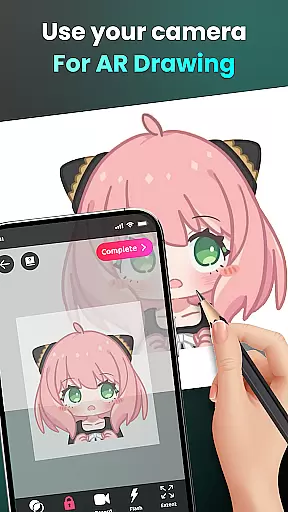
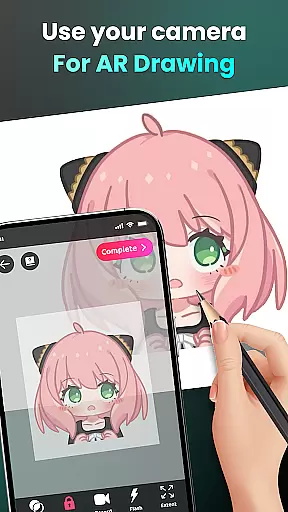
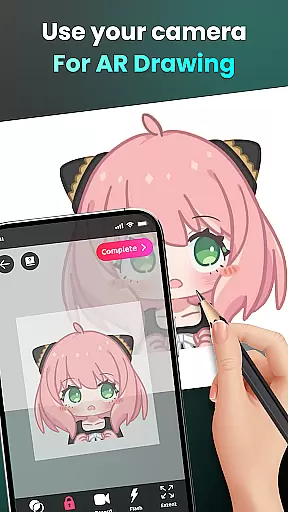
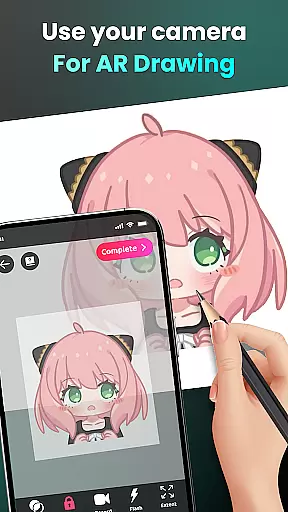
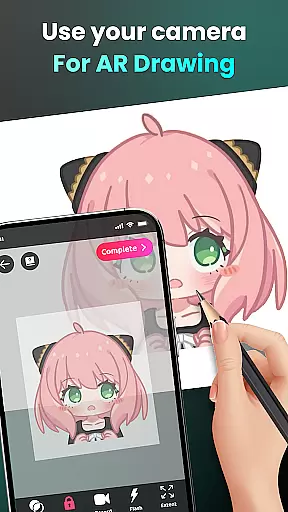
AR Drawing - Sketchar App represents a breakthrough in the Art & Design category, offering users an innovative way to learn and create art through augmented reality. This app allows both beginners and professional artists to draw, sketch, and trace anything using their device's camera.
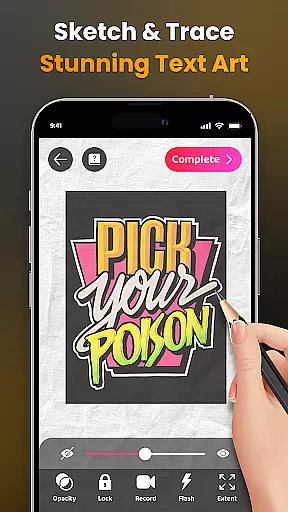
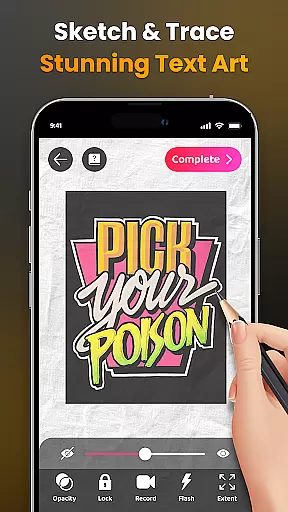
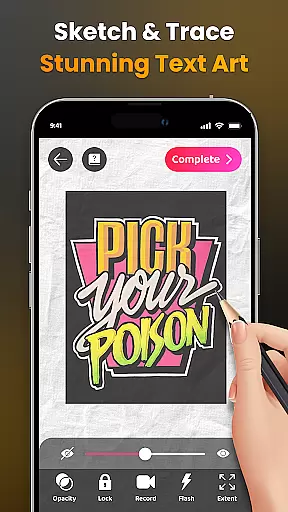
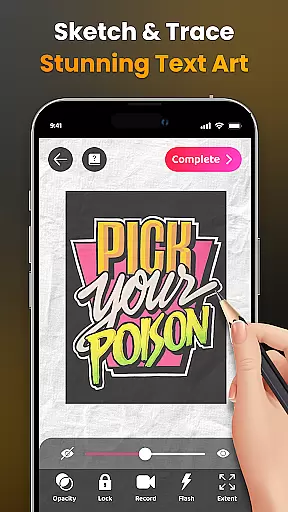
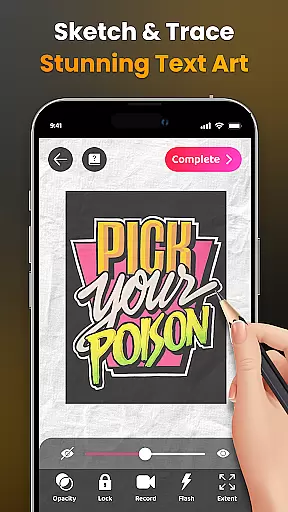
The core functionality includes transforming real-world scenes into drawable outlines, enabling users to recreate everything from anime characters to complex sceneries. With features like adjustable opacity, flash control, and zoom options, AR Drawing provides complete creative freedom.
Ideal for anyone looking to improve their drawing skills or produce unique artwork, this app serves as a virtual art tutor that fits in your pocket. The ability to track progress and access personalized content adds significant educational value to the overall artistic experience.
AR Drawing stands out with its comprehensive feature set tailored for modern digital artists. The app's signature capability lets users draw through their camera, effectively turning any environment into a potential canvas.
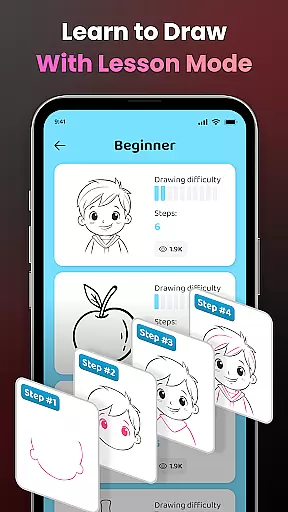
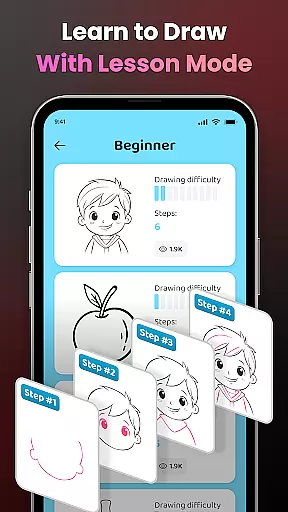
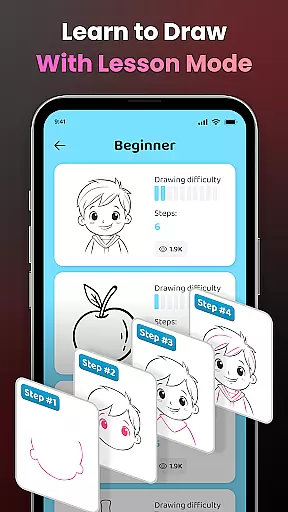
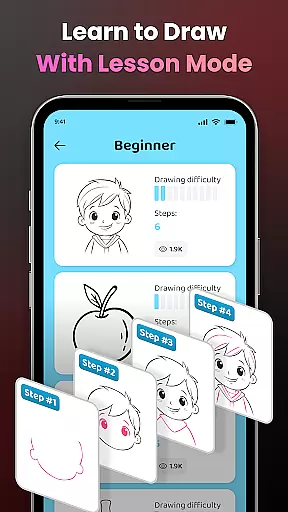
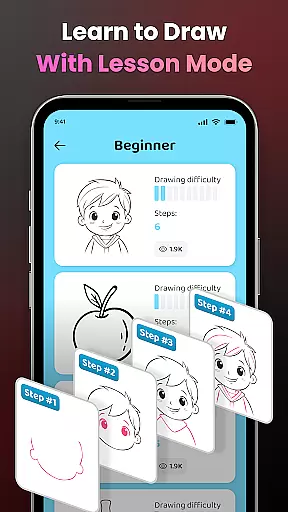
Learning tools include simplified tracing outlines, progressive difficulty levels, and detailed video tutorials. These features create an optimal learning environment where users can develop their skills at their own pace while exploring diverse artistic styles.
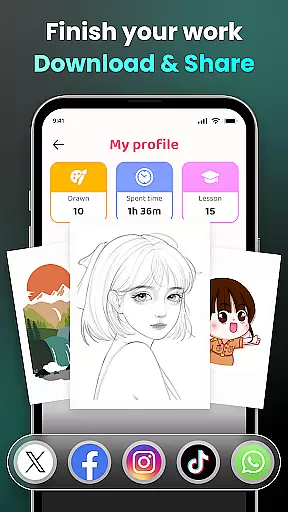
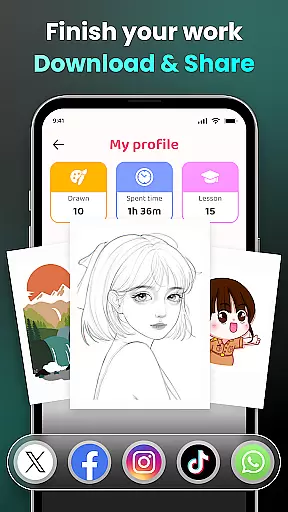
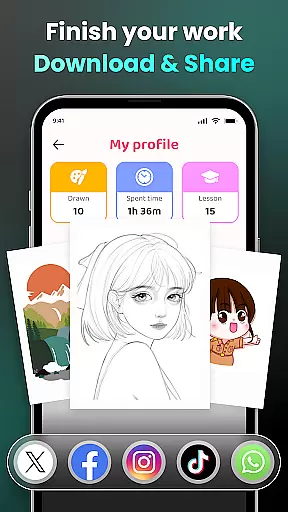
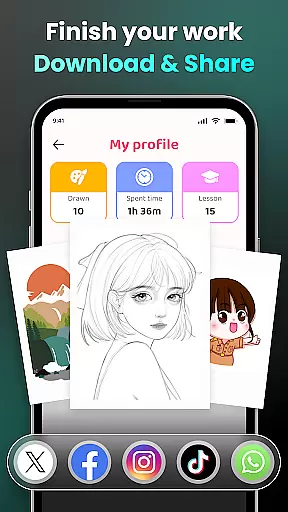
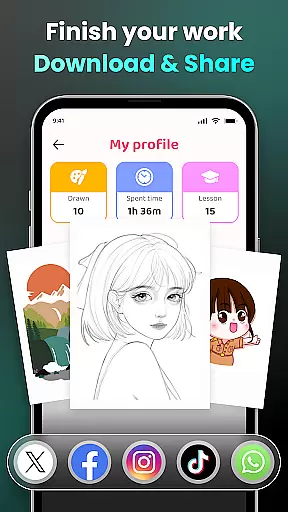
Advanced functionality such as video recording of drawing sessions, customizable drawing parameters, and extensive content libraries provide professional-grade tools accessible to all skill levels. The app's community aspect enables sharing masterpieces while tracking personal artistic growth through detailed user profiles.
In the realm of digital art, having access to comprehensive creative tools is essential for unleashing an artist's full potential. AR Drawing - Sketchar App positions itself as a versatile platform that offers a wide array of features designed to cater to artists of all levels.
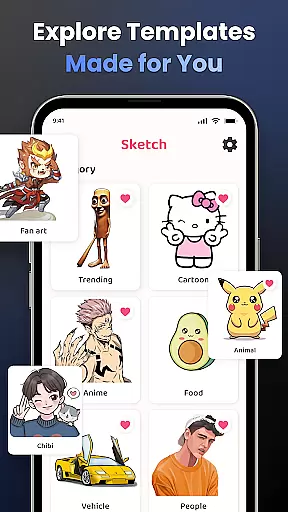
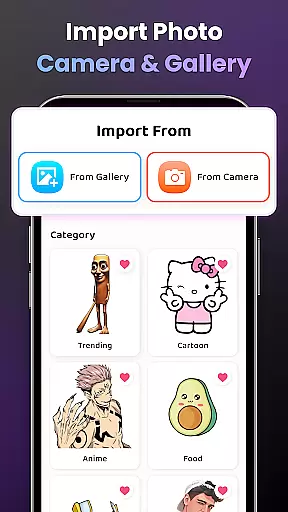
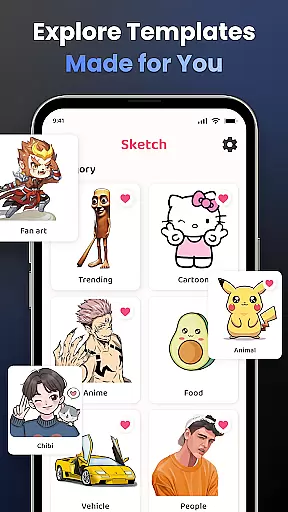
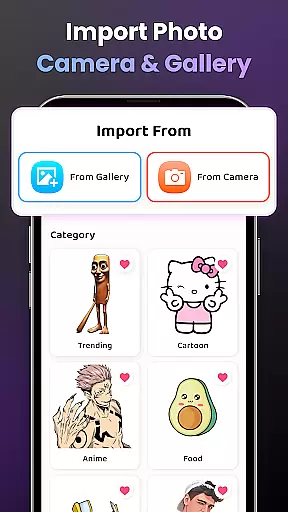
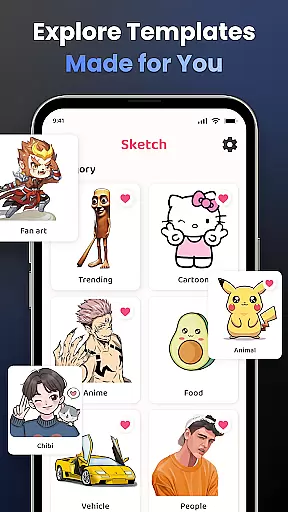
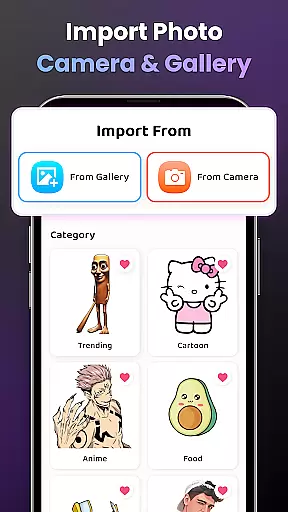
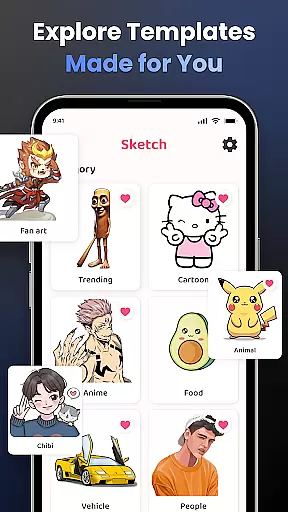
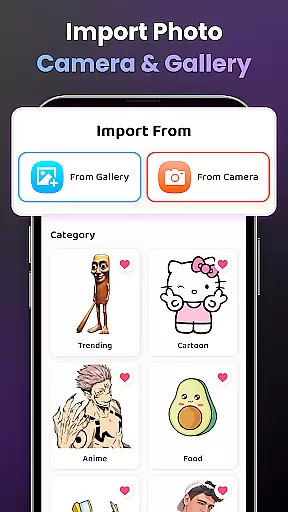
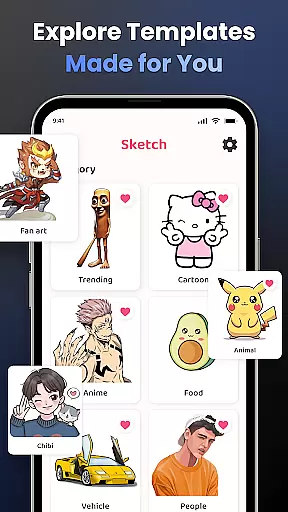
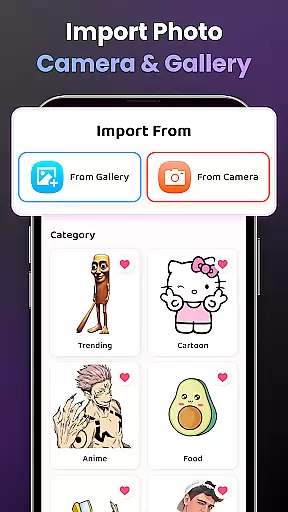
With functionalities ranging from transforming complex photos into simple outlines for tracing, to providing a diverse sample library and the option to import personal photos, this app ensures that your creative process is not limited by the tools at hand. The ability to adjust opacity, record drawing processes, zoom in and out, toggle flash on and off, and extend images, provides users with the flexibility needed for intricate artwork.
For beginners, detailed video tutorials guide them through specific drawings, while advanced users can appreciate the three difficulty levels offering progressively challenging exercises. This blend of accessibility and depth ensures that whether you're sketching beloved characters or exploring vast artistic themes like Anime, Cartoon, or Nature, AR Drawing - Sketchar App supports your journey towards mastery.
The hallmark of any powerful design application lies in its canvas and format flexibility, allowing creators to bring their visions to life without constraints. AR Drawing - Sketchar App embraces this principle by enabling artists to transform any real-world surface into their canvas using augmented reality technology.
This innovative approach means that users are no longer confined to traditional digital canvases; instead, they can utilize their surroundings as a backdrop for creativity. Whether it's sketching on a tabletop or visualizing artwork on a wall, the app's AR capabilities expand the possibilities for artistic expression.
Moreover, with options to customize content and personalize the drawing experience through individual profiles, users can track their progress over time. This includes monitoring time spent drawing and lessons completed, which enhances the learning curve. Such personalized adaptability not only enriches the useru2019s interaction with various formats but also fosters a more engaging and productive creative workflow.
User-friendly interface
Comprehensive learning tools
Versatile drawing options
Active community support
Regular content updates
Requires stable internet
Premium content costs
Steep learning curve
Limited offline features
Device compatibility issues

Download now for a stylish and functional timepiece
 4.3
4.3
Sketch, trace and master AR drawing with awesome anime art!
3.30
Digital, Abstract, Classic - all types of color wheels in one app!
4.60
Create stunning video, photo & magic from text with FlixAI GPT video generator.
3.10
Art of Combination Wear OS Watch faces (for Wear OS 5+ devices)
3.90
OneUI 8.5 icons ✨ Smooth, modern & based on the latest Play Store design ??
4.10
Photo stitcher for automatically screenshot stitching into a long screenshot
4.70
Inky runs Inkscape on Android devices and Chromebooks
2.90
Sketch and paint on your device with the feel and freedom of drawing on paper
4.00
Learn how to draw with step-by-step tutorials, fun lessons & multiplayer drawing
4.70
Draw glowing spinners, relax, and spin your creative art
4.60
Image resizer to resize, crop, rotate, flip, change dpi photo or picture in bulk
4.60
Stylish letters, Stylish Keyboard, Symbols, Emojis, Cool nickname
4.40
Draw, make movies & animate cartoons easily with our 2D animation maker app
4.40
Trace, draw, and create art with AR - from memes to masterpieces!
4.30
Bring One UI 8.5 Icons to life -elegant dark icons with a modern, premium touch.
4.30
Easy 3D drawing design maker & creator. Model designing, Sculpting. Create&paint
4.00
Turning simple sketches into captivating tales filled with life and motion
3.90
Premium version of Shimeji-ee app with no ads & no limit active shimeji
4.0


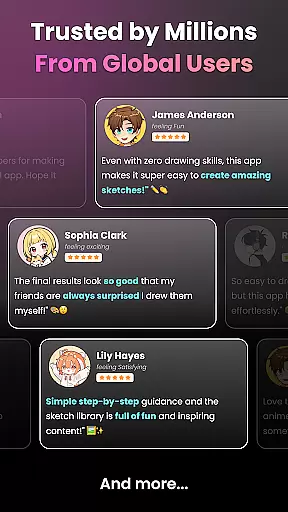
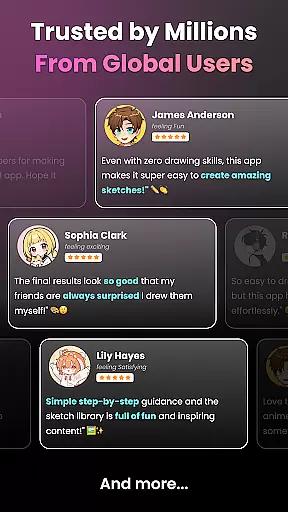
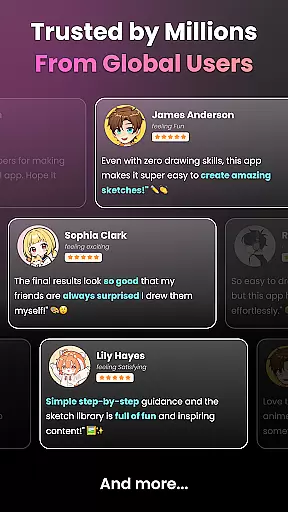
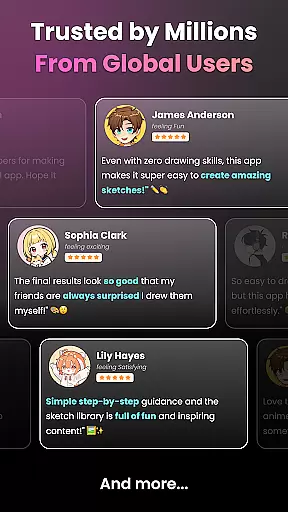
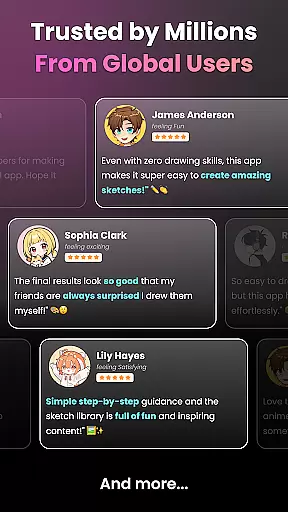
User Reviews