
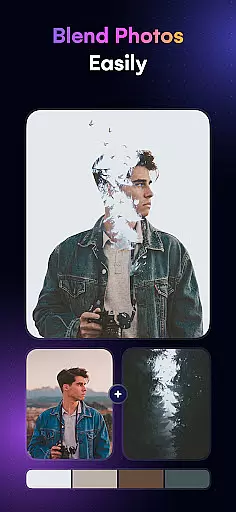
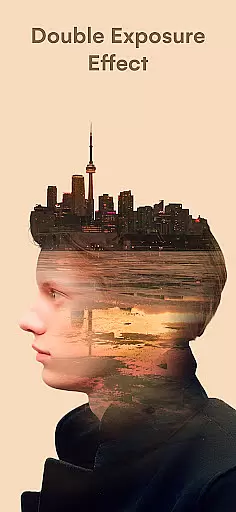
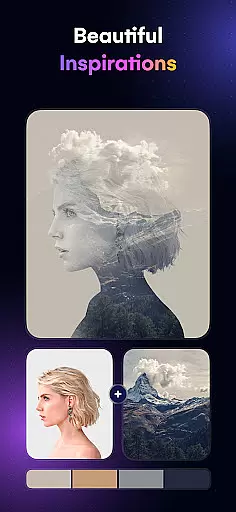
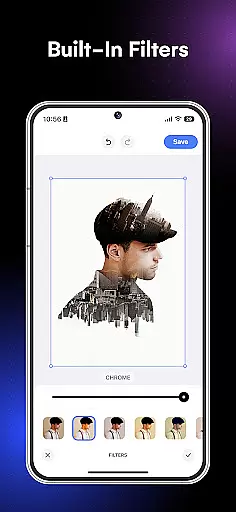
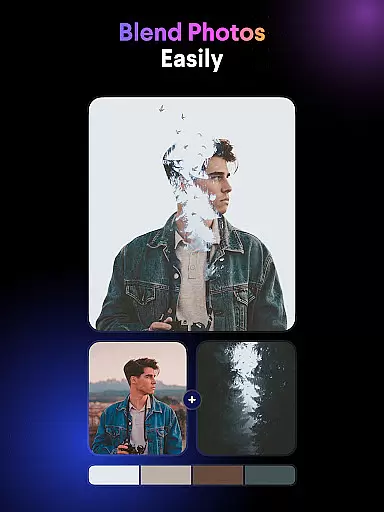
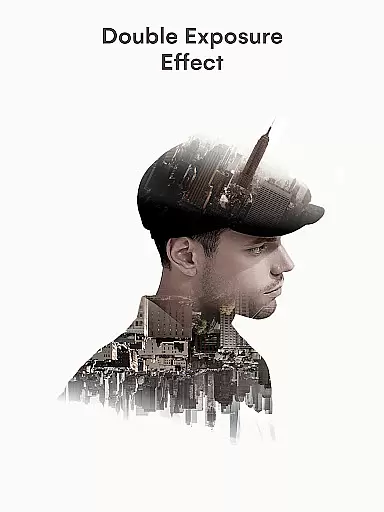
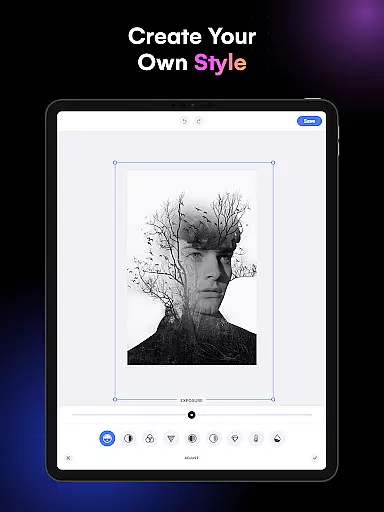
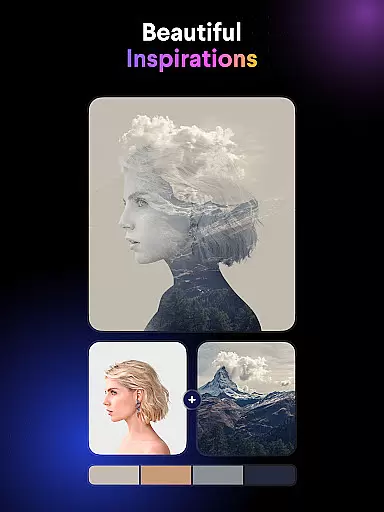
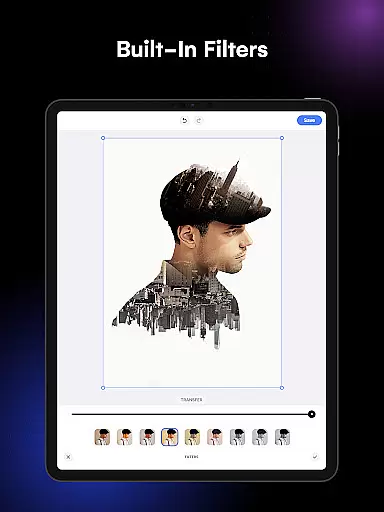
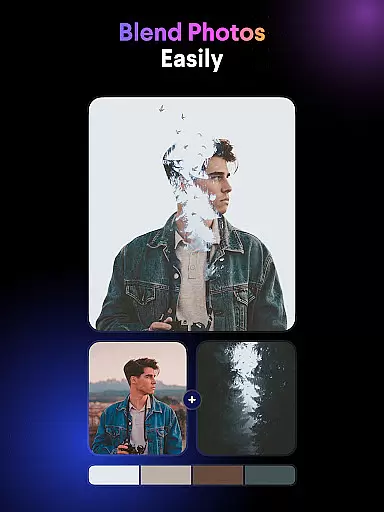
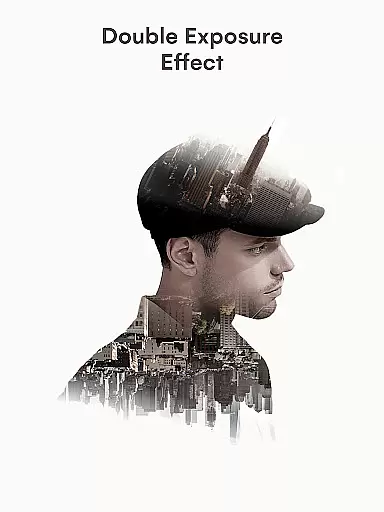
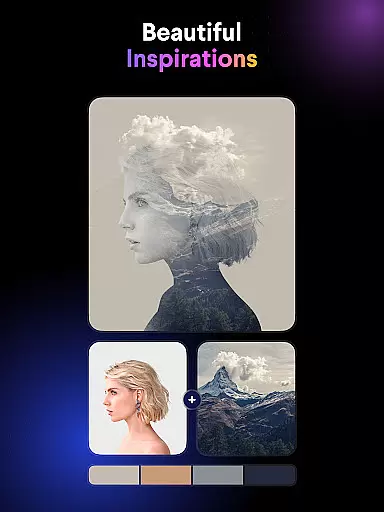
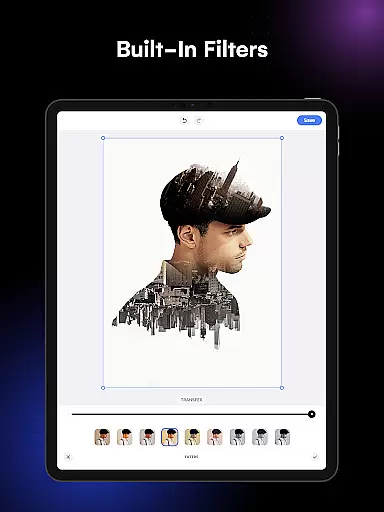
Blend Photos is an advanced photo editing application designed for creative professionals and hobbyists alike. This app specializes in photo blending, offering users the ability to create stunning double exposure images with just a few taps. The core functionality revolves around its powerful picture overlay features, allowing users to seamlessly merge multiple images into one cohesive artwork.
Beyond basic blending, the app provides a complete suite of editing tools including automatic background removal, shape masking, gradient creation, and precise cropping/rotation controls. What sets Blend Photos apart is its integration of smart AI technology that simplifies complex editing tasks while maintaining professional-grade results. Whether you're crafting social media content or working on digital art projects, this application streamlines the creative process through its intuitive interface and robust feature set.
The app's value extends beyond casual editing, as it supports HD resolution saving and sharing, making it suitable for both digital and print applications. Its clutter-free design ensures that even beginners can achieve impressive results without feeling overwhelmed by complicated controls. For artists and designers seeking to expand their creative possibilities, Blend Photos offers a comprehensive solution that combines ease of use with professional capabilities.
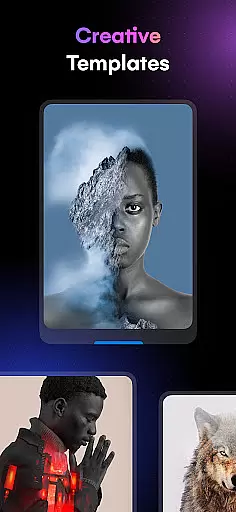
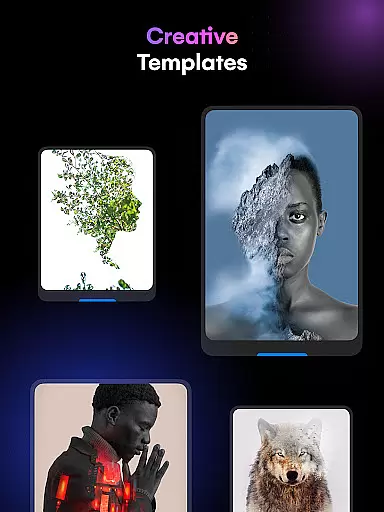
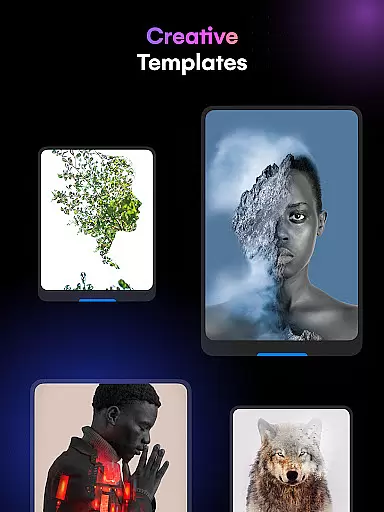
Blend Photos distinguishes itself through a rich collection of specialized features tailored for photo blending enthusiasts. The application provides various pre-designed photo blender templates that serve as excellent starting points for creating unique compositions. These templates range from basic overlays to more sophisticated double exposure effects, catering to different skill levels and artistic preferences.
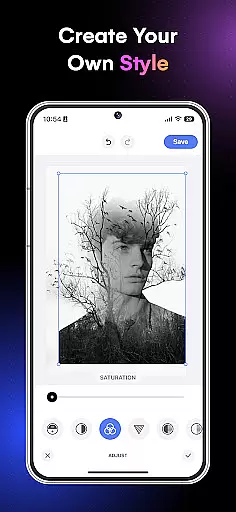
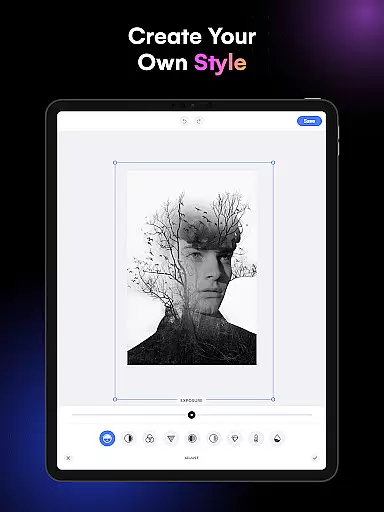
One of the standout features is the automatic background removal tool, which utilizes advanced AI algorithms to precisely separate subjects from their backgrounds. This functionality significantly reduces the time typically required for manual masking. The app also includes advanced adjustment controls that allow users to fine-tune blend parameters, add shape masks for creative framing, and generate smooth gradient transitions between images.
Additional notable features include comprehensive crop and rotation tools for precise composition control, plus support for high-definition output that maintains image quality throughout the editing process. The inclusion of direct sharing capabilities to social media platforms and messaging apps enhances workflow efficiency. These features collectively contribute to a seamless user experience that balances creative freedom with technical precision, making Blend Photos a valuable tool for anyone interested in digital photo manipulation.
In the realm of digital artistry, having a comprehensive suite of creative tools is essential for bringing artistic visions to life. Blend Photos stands out in the Art & Design category by offering an extensive array of features that cater to both amateur and professional artists alike.
At its core, this application provides various photo blender templates alongside advanced adjustment capabilities, allowing users to craft unique compositions with ease. The inclusion of automatic background removal and shape masking further expands the creative possibilities, enabling intricate picture overlays and double exposure effects.
Users benefit from not only basic editing functions such as cropping and rotating but also from sophisticated options like gradient blending. These powerful features ensure that whether you're looking to create simple edits or complex visual narratives, Blend Photos supports your journey with intuitive controls and high-definition output.
The flexibility of canvas and format options is crucial for artists who wish to express their creativity without constraints. Blend Photos excels in this area by providing a versatile platform where creators can explore different dimensions of digital art.
This app allows for HD resolution saving and sharing, ensuring that every artwork retains its quality from creation to publication. Artists are free to experiment with diverse compositions knowing that their final pieces will be presented in crisp detail across various media platforms.
Moreover, Blend Photos' smart AI technology enhances the user experience by simplifying complex tasks such as creating double exposure images and removing backgrounds automatically. This adaptability makes it an invaluable tool for anyone seeking to push the boundaries of traditional photo editing while maintaining complete control over their artistic process.
User-friendly interface
Advanced AI technology
HD quality output
Quick sharing options
Comprehensive editing tools
Limited free features
Subscription required
Occasional bugs
High system requirements
Learning curve for beginners

Custom Character Creator & PFP Maker!
 4.20
4.20
Create stunning art with AI.
4.80
Android 14 style widgets and wallpapers app.
4.4
Photo stitcher for automatically screenshot stitching into a long screenshot
4.70
Everything you need to create hand drawn animation, anywhere you go!
4.40
Retouch photos. Create or edit images. Endless capabilities.
2.70
Create cute cat emojis & PFPs! Fun, custom avatars for cat lovers.
3.70
Kling AI is an image and video generation and editing studio powered by AI.
4.50
Draw, make movies & animate cartoons easily with our 2D animation maker app
4.40
2D animation studio for Android tablets - unlimited layers, infinite timeline
4.70
Photo editor for art, avatars, filters & fun transformations.
4.60
Get an overview over all your embroidery threads, projects and more.
4.60
Discover Cartoon Dream : Unleash Your Creativity with CuttingEdge AI
4.50
Digital illustration drawing & painting pad app to paint Anime and Manga art
4.50
Just trace a projected picture on paper and color! Draw & Paint with AR drawing
4.40
Bring One UI 8.5 Icons to life -elegant dark icons with a modern, premium touch.
4.30
Digital Drawing: Draw & Paint
4.10
Experience next-gen icons with a modern liquid glass look.
3.60
Vidu is an AI video generator made for creators and aspiring makers.
3.30


User Reviews