
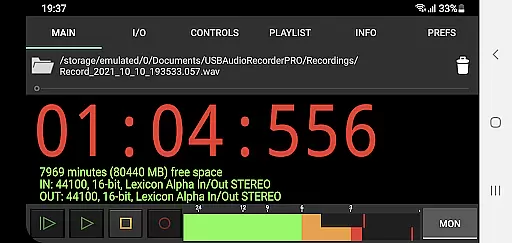
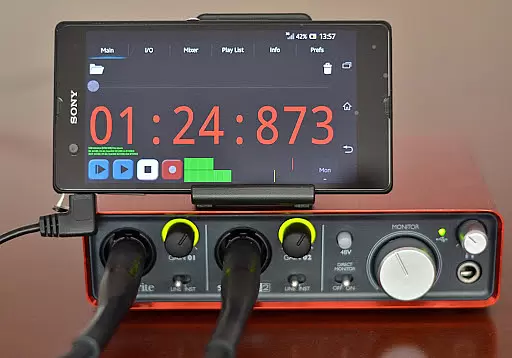
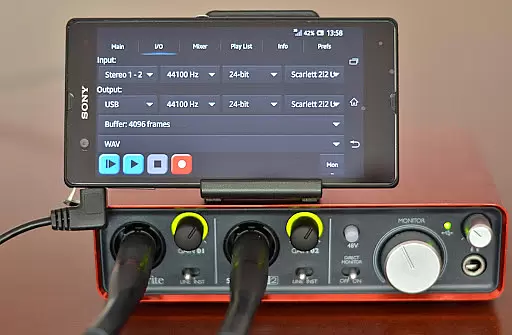
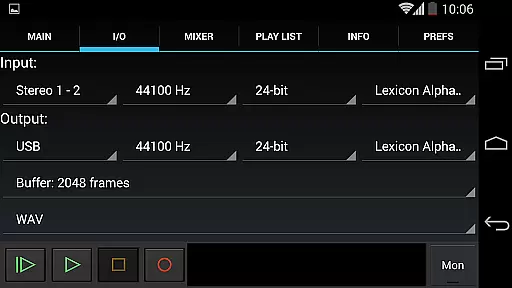
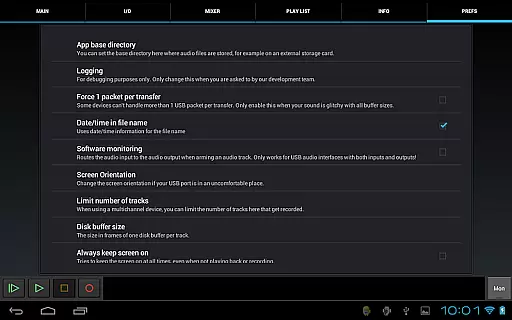
USB Audio Recorder PRO is a specialized audio recording and playback application designed for users who require high-quality audio processing directly through a USB audio interface. The app offers an extensive range of functionalities including mono, stereo, and multichannel recording, as well as stereo playback for devices with multiple outputs. It supports various bit depths such as 16-, 24-, and 32-bit depending on the connected device and can handle sample rates up to 384 kHz.
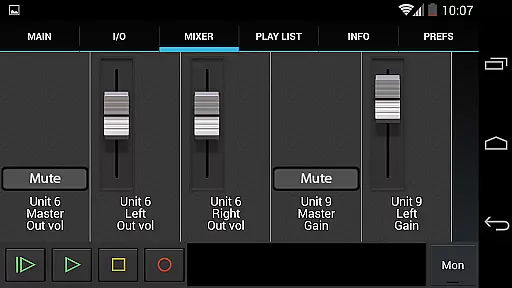
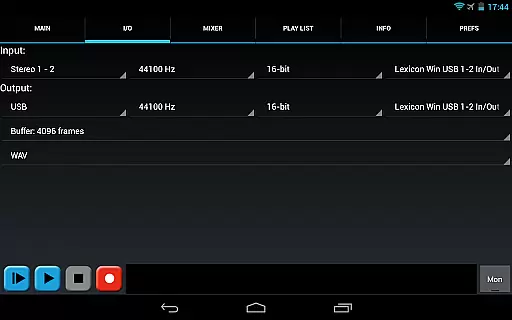
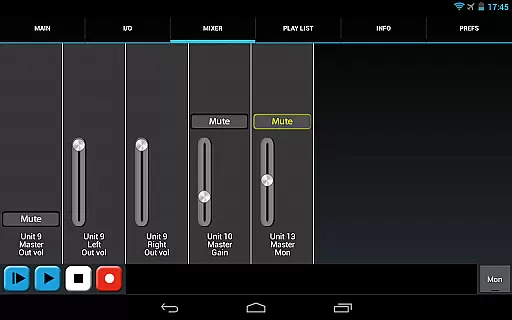
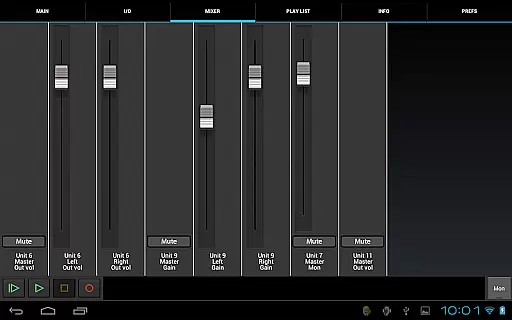
One of the key strengths of this app is its custom USB audio driver, which ensures full-quality audio without the need for rooting your Android device. This makes it ideal for professionals and enthusiasts who want to record and playback audio in lossless formats like WAV, FLAC, OGG, and AIFF. Additionally, the app provides essential tools such as level meters with peak hold, input/output selection, buffer size adjustment, and internal controls for gain, volume, and mute.
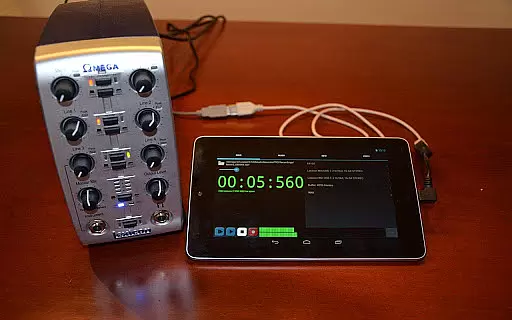
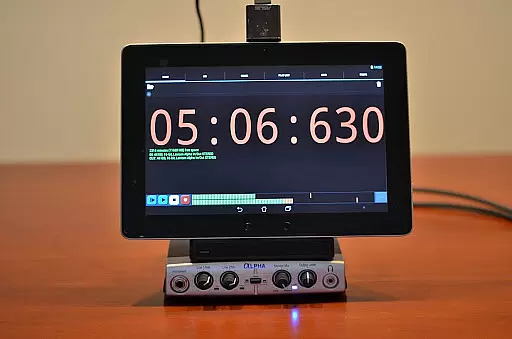
This app is particularly useful for musicians, podcasters, and audio engineers who need reliable and high-fidelity audio recording capabilities on their Android devices. By connecting a class-compliant USB audio device, users can achieve professional-grade recordings that are not possible with standard Android audio solutions.
USB Audio Recorder PRO stands out due to its comprehensive feature set tailored specifically for audiophiles and professionals. The app allows users to select from various recording formats including WAV, FLAC, OGG, and AIFF, ensuring flexibility and compatibility with different workflows. With support for high sample rates and bit depths, it caters to users who demand the highest audio fidelity.
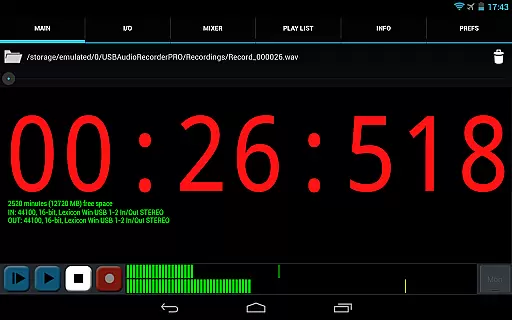
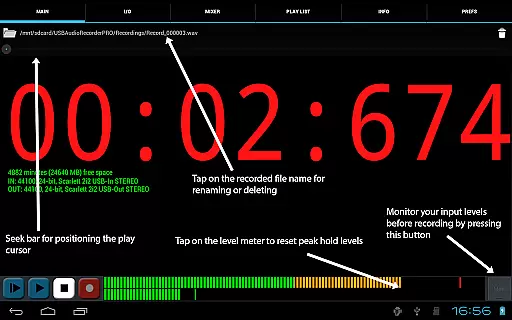
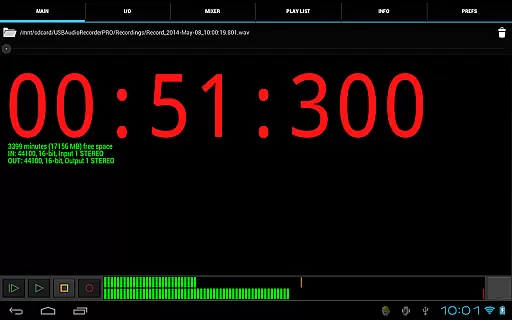
Another notable feature is the ability to monitor audio levels before recording using the built-in level meters and monitor button. This helps users set optimal recording levels to avoid clipping and distortion. The app also includes basic playlist functionality for directory playback, allowing users to organize and play back their recordings efficiently.
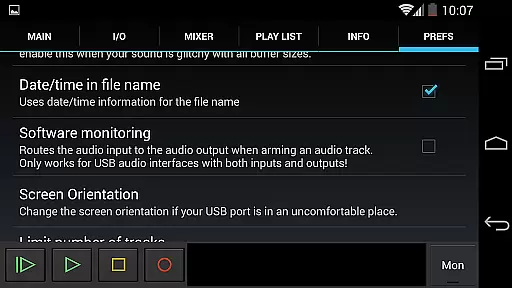
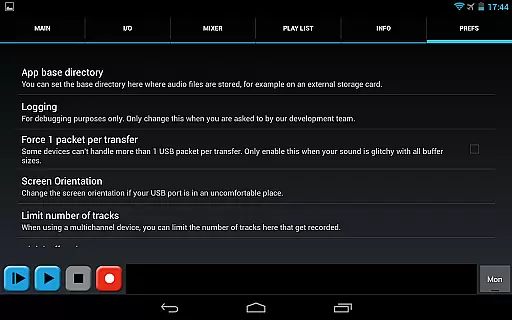
Furthermore, USB Audio Recorder PRO offers practical utilities such as renaming or deleting recordings, displaying available disk space, and setting custom recording folders, including external SD cards. These features enhance the overall user experience by providing greater control and convenience during audio projects.
USB Audio Recorder PRO offers a robust platform for managing audio files, ensuring users can record and playback high-quality audio directly from their USB audio interface. The app supports various formats including WAV, FLAC, OGG, and AIFF, which collectively contribute to an expansive music library that users can build and maintain.
The application's compatibility with different bit depths (16-, 24-, and 32-bit) and sample rates (up to 384 kHz) ensures that the integrity of the original recordings is preserved, providing users with authentic and high-fidelity audio content. This level of detail in audio processing underscores the app's commitment to copyright authenticity, as it allows creators to distribute their work without compromising on quality.
Moreover, the ability to share recordings via platforms like GMail and SoundCloud enhances the accessibility of the music library, allowing users to easily distribute their creations while maintaining legal compliance. This feature not only broadens the reach of the content but also reinforces its legitimacy in the digital space.
One of the standout features of USB Audio Recorder PRO is its comprehensive support for superior audio quality options. Users can record in mono, stereo, or multichannel formats, catering to a wide range of audio production needs. This flexibility ensures that whether you're capturing a simple voice recording or a complex musical arrangement, the app can accommodate your requirements with precision.
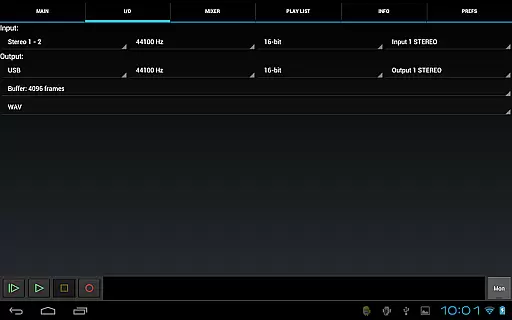
The app provides extensive control over audio parameters such as bit depth and sample rate, which are crucial for achieving professional-grade recordings. With support for up to 384 kHz sample rates and multiple bit-depth options, users have the tools necessary to produce audio content that meets industry standards. These capabilities allow for detailed and clear sound reproduction, essential for both amateur and professional audio projects.
Additionally, the inclusion of level meters with peak hold functionality and input/output selection empowers users to fine-tune their recordings effectively. Such features ensure optimal audio capture and playback, making USB Audio Recorder PRO a versatile tool for anyone seeking high-quality audio solutions on an Android device.
High-quality audio recording
Custom USB audio driver
Supports various formats
No root required
Professional-grade tools
Device compatibility issues
Limited to app usage
No MP3 support
Requires OTG cable
Basic UI design

Offline and always ad-free - stream in the highest quality available.
 4.10
4.10
Next generation modular control surface
4.10
Bass Booster & Volume Equalizer Pro improves your music and video sound quality
4.60
Smart piano keyboard, Classical to Pop, Real-time multiplayer connection!
4.20
Help you quickly get started with Shokz headphones
4.40
The official Sonos app
4.10
Let your Android device with the sound effects you want
4.50
The Minimalistic Premium Music Player. Handmade with passion for music
2.20
Play your music offline without limits
4.80
Responsive piano with great sounds, graphics, and songs
4.80
Your song collections with lyrics and chords on Android smartphones and tablets.
4.80
Pay Once, no monthly payment
4.60
Super Sound Editor, Song Maker & Mixer, Vocal Remover, Voice Recorder & Changer!
4.60
DJ Music Mixer Pro is a real DJ controllers and DJ Music Studio to remix DJ.
4.40
DJ Music Mixer - DJ Remix: remix songs, make beat music & record mix of DJ.
4.40
Master Salsa Rhythm quickly and with a lot of fun!
4.30
Permanently backup Now Playing. Maps, filters & listening stats.
4.00
Sing, record, and create music together — enhanced by smart voice tools.
4.00
Simple mp3 and mp4 player with advanced features.
3.40


User Reviews