



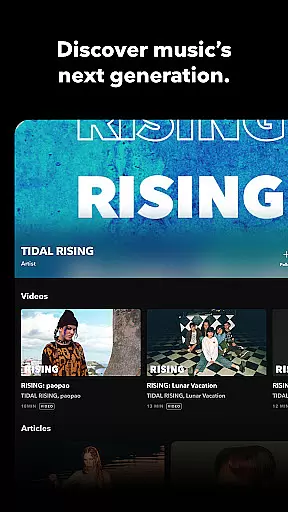
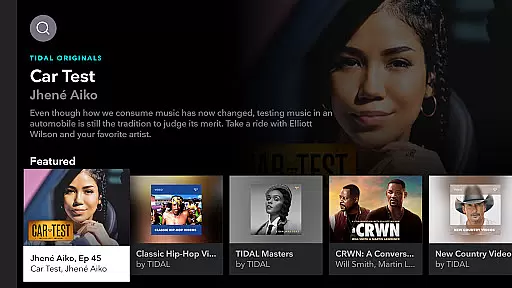

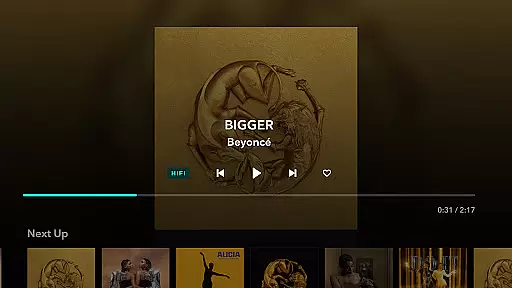
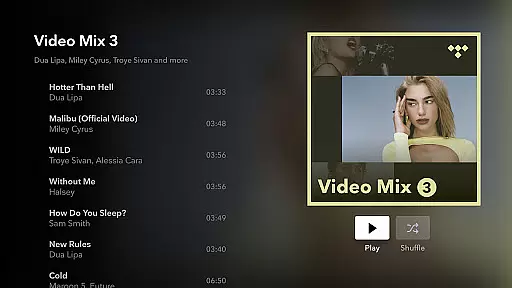
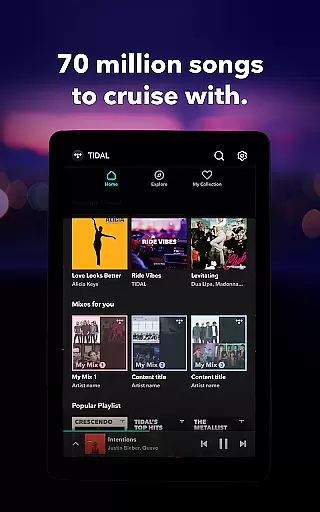

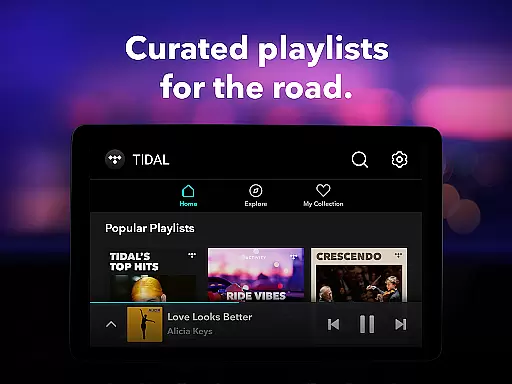
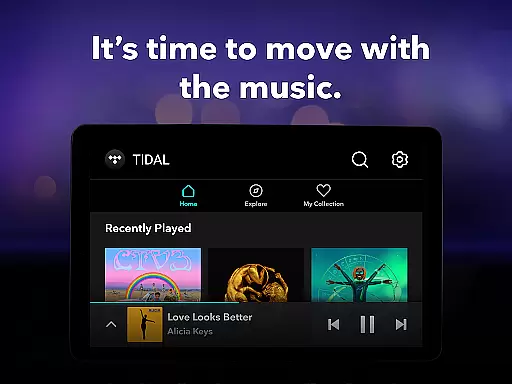
TIDAL Music is a premium music streaming service that offers an extensive library of tracks in high-fidelity sound quality. With millions of songs across various genres, the app provides users with an immersive listening experience through its HiFi audio capabilities. Whether you're commuting or relaxing at home, TIDAL ensures your favorite music is delivered with exceptional clarity.
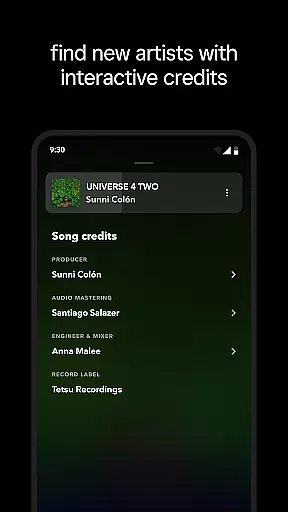
The app stands out with its offline listening feature, allowing subscribers to download albums and playlists for uninterrupted playback without an internet connection. Additionally, TIDAL's personalized recommendations and curated playlists help users discover new artists tailored to their preferences. This combination of superior sound quality, vast content selection, and user-focused features makes TIDAL ideal for audiophiles and casual listeners alike.
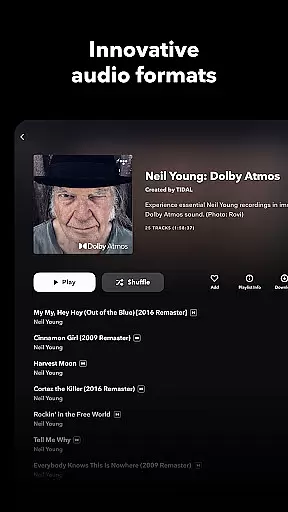
TIDAL Music distinguishes itself by offering lossless audio streams up to 24-bit/192 kHz, ensuring every note sounds as intended by the artist. The platform supports Dolby Atmos, providing a three-dimensional soundscape that enhances the overall listening experience. These technical specifications cater to discerning listeners who value pristine audio reproduction.
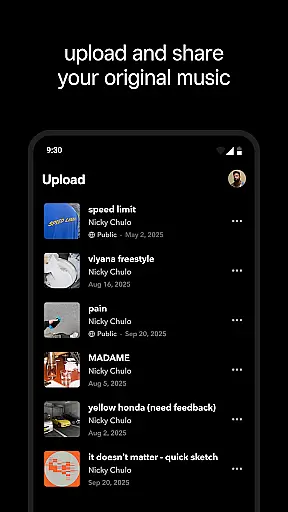
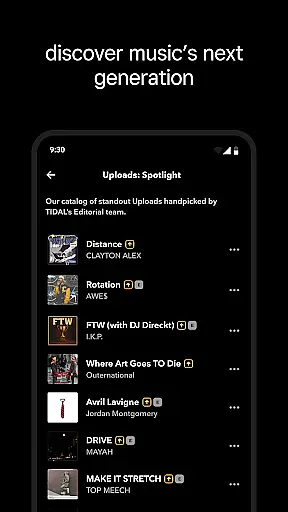
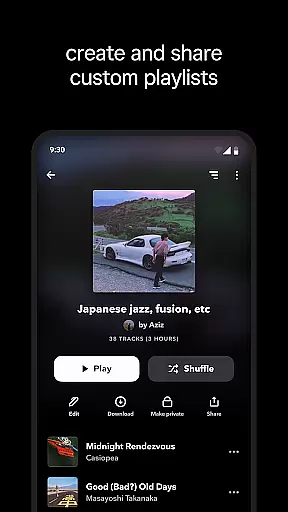
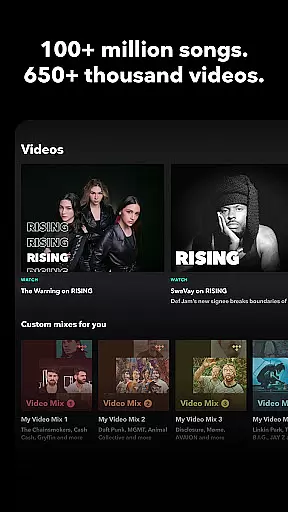
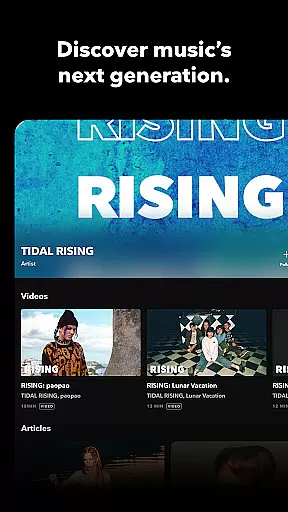
Beyond its high-quality streaming, TIDAL incorporates intelligent algorithms to deliver personalized music suggestions based on individual listening habits. Users can explore editorially curated playlists or create their own mixes while enjoying seamless navigation within the app. Furthermore, features like TIDAL Connect enable wireless playback on compatible devices, while social sharing options allow users to showcase their favorite tracks across platforms.
For added convenience, TIDAL offers flexible subscription plans including Individual, Family, and Student options, each granting access to ad-free music, unlimited skips, and offline mode functionality. This versatility ensures there's a plan suitable for every type of listener, making it easier than ever to enjoy premium music experiences.
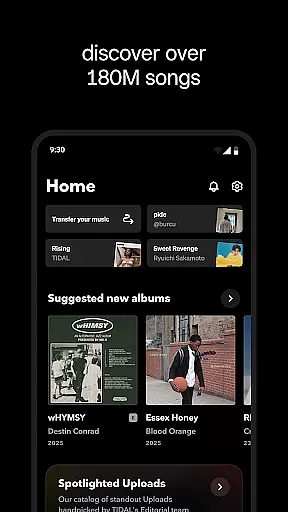
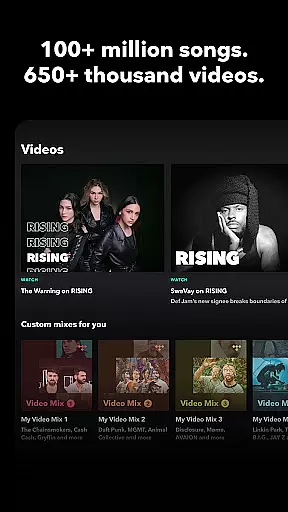
When evaluating a music streaming service, the size and authenticity of its music library are crucial factors. TIDAL Music boasts an extensive collection of millions of tracks across various genres, ensuring users have access to both mainstream hits and niche selections. This vast library allows listeners to explore new artists while enjoying their favorite songs, all within a single platform.
The service places a strong emphasis on copyright compliance and authenticity. Every track available on TIDAL is properly licensed, giving users peace of mind that they are accessing legitimate content. This commitment to legal integrity not only supports artists but also enhances the overall user experience by providing high-quality, authorized music.
For music enthusiasts, having such a comprehensive and legally sound music library means endless discovery opportunities. Whether you're into classical compositions or the latest pop releases, TIDAL's curated selection ensures you'll find exactly what you're looking for. The platform's dedication to maintaining a large, authentic music catalog sets it apart in the competitive streaming market.
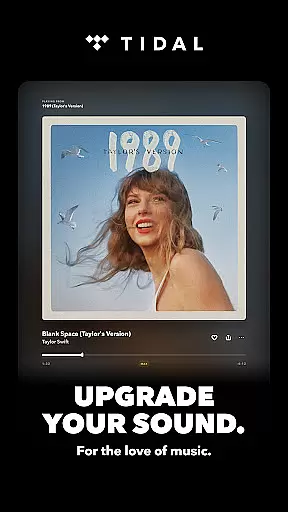
Audio quality is a defining feature of any music streaming application, and TIDAL Music excels in this area. The app offers multiple audio quality settings, including standard, high-fidelity, and even HiRes lossless sound up to 24-bit, 192 kHz. This range of options caters to audiophiles who demand the highest sound fidelity as well as casual listeners who prefer convenience over perfection.
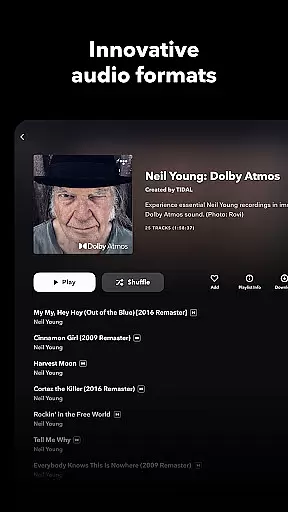
One of TIDAL's standout features is its support for Dolby Atmos, which provides an immersive three-dimensional audio experience. This technology enhances spatial awareness in sound, making listeners feel as if they are in the same room with the performers. Such advanced audio capabilities ensure that every note and beat is delivered with precision and clarity.
Users benefit from these audio quality options through a more engaging and enjoyable listening experience. Whether using high-end headphones or standard speakers, TIDAL adapts to deliver optimal sound based on the selected quality setting and playback device. This flexibility in audio output makes TIDAL a versatile choice for anyone seeking superior sound quality in their music streaming service.
High-fidelity audio
Extensive music library
Offline listening mode
Personalized recommendations
Flexible subscription plans
Higher cost compared to competitors
Limited free version availability
Occasional connectivity issues
Interface may feel complex for beginners
Fewer exclusive releases than some rivals

Formerly known as Spotistats! View your top tracks, artists, albums and more!
 4.40
4.40
DJ Music Mixer Pro is a real DJ controllers and DJ Music Studio to remix DJ.
4.40
More downloads than any other metronome. Includes drum machine & tempo trainer.
4.80
Visualize the guitar fretboard, master scales & play through changes like a pro!
4.50
Advanced 10-Band Audio Graphic Equalizer Sound Booster Pro
4.30
Learn to play the piano using falling notes!
3.80
Offline Music Player&MP3 Player with themes, equalizer, lyrics, music play mode
4.60
Reverse your voice & songs instantly! Fun singing challenge with cool effects.
4.60
One-tap booster for max volume - enjoy powerful sound with this audio booster
4.50
Voice recorder - Audio recorder. Best recorder for recording
4.90
Make songs with AI! Any genre, custom lyric, song generator for music creation!
4.80
Walkout Song DJ is the most intuitive app to manage your sports music.
4.70
Fun & Easy Voice Changer – Record, Edit & Add Hilarious Effects!
4.50
Play KORG’s revolutionary touch-based instrument on a variety of devices.
4.40
Network/Cloud Streaming, Visualization, Graphic Equalizer and Sound Effects.
4.20
Smart piano keyboard, Classical to Pop, Real-time multiplayer connection!
4.20
PowerAudio is a powerful offline music player.
4.20
Permanently backup Now Playing. Maps, filters & listening stats.
4.00
The Skullcandy App Experience
3.20


User Reviews