
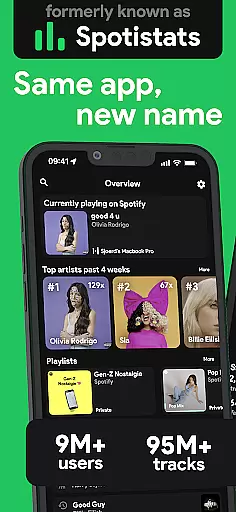
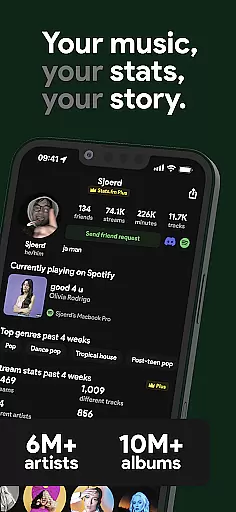
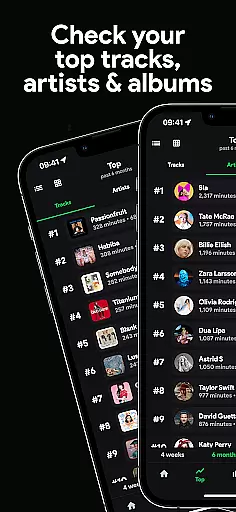
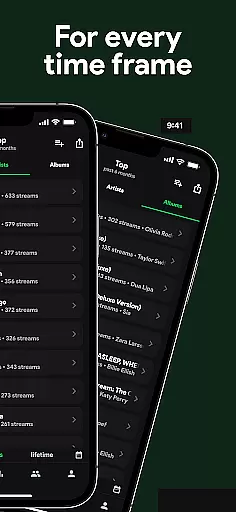
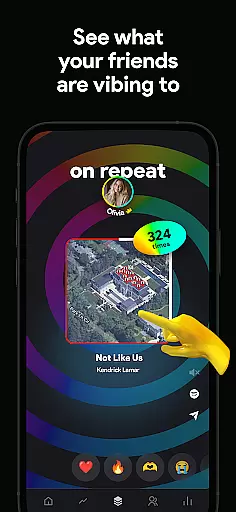
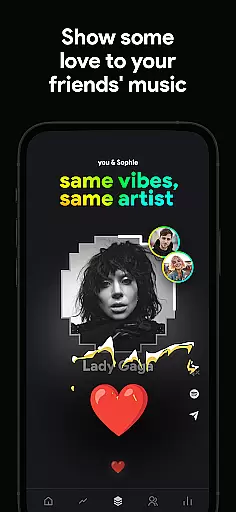
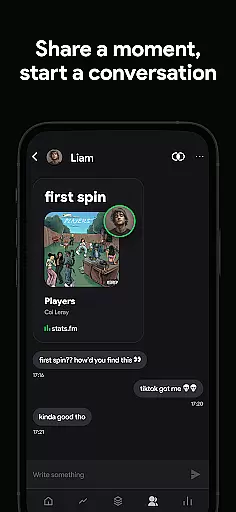
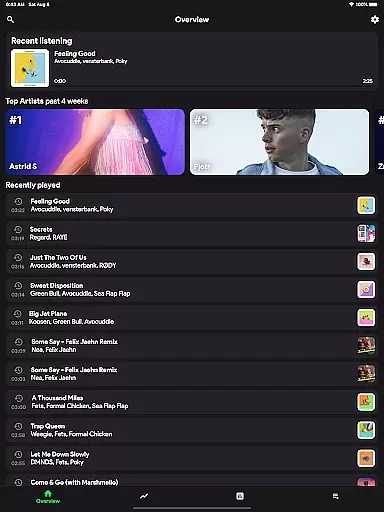
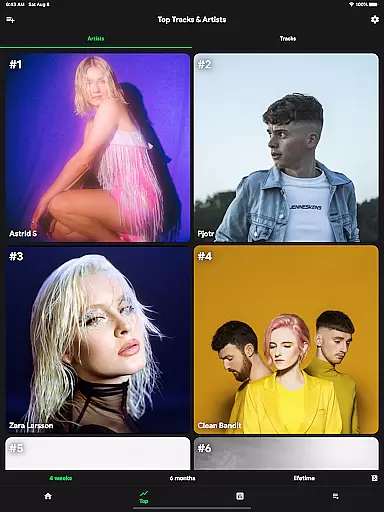
stats.fm for Spotify is a comprehensive music analytics application that allows users to gain deep insights into their listening habits. With over 10 million users globally, the app provides detailed statistics on tracks, albums, and artists, offering an in-depth look at your most listened songs and artists across various time periods.
The app stands out with its ability to display personalized music stats instantly, unlike Spotify Wrapped which only comes once a year. Users can view play counts, streaming minutes, top genres, and even analyze their listening behavior through cool graphs. The Plus feature enables tracking of individual song plays, making it an indispensable tool for true music enthusiasts.
Perfect for those who want to understand their music preferences better or compete with friends, stats.fm creates a personal journey through your streaming history while providing comparative features to see how you stack up against others.
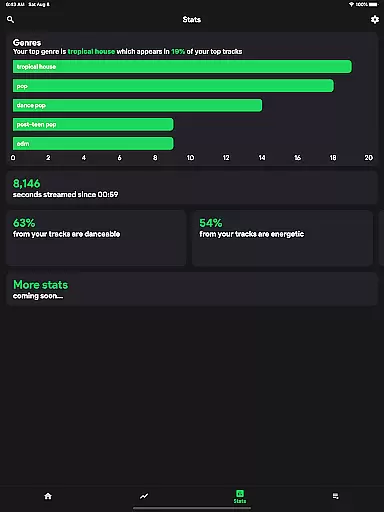
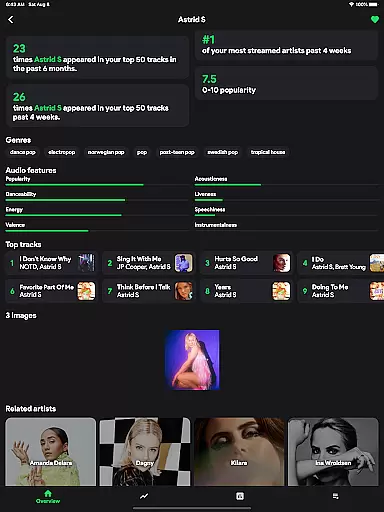
One of the standout features of stats.fm is its robust analytics capability. The app provides a complete overview of your listening history including top tracks, artists, albums, and genres. It goes beyond basic stats by showing when you listen (through a listening clock), how much you listen (total playcounts and streaming time), and what type of music you prefer (lively, energetic, etc.).
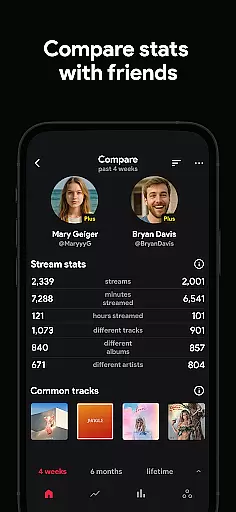
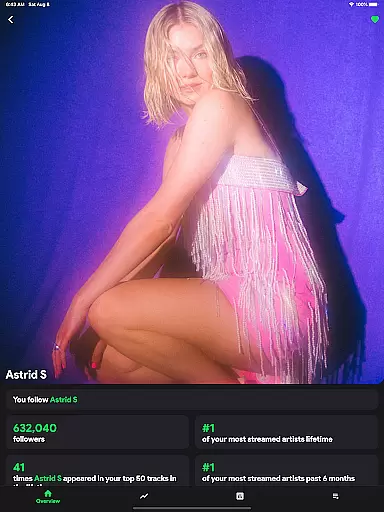
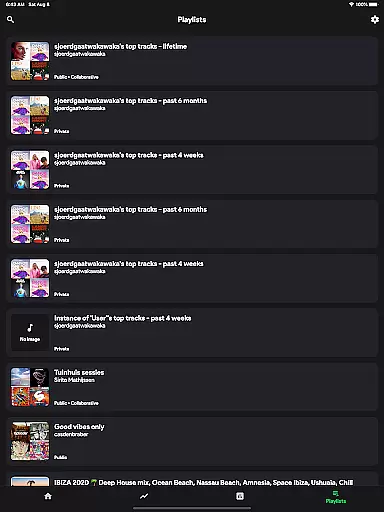
Another remarkable aspect is the social comparison feature. You can search for friends, add them, and compare your music stats. This competitive edge adds a layer of fun as you flex on your friends with your unique music taste and listening habits. Additionally, detailed insights about specific songs, artists, or playlists are available, such as play counts, popularity on Spotify, and even top listeners.
stats.fm also offers lifetime streaming history and advanced statistics like how danceable or instrumental a track is. These features make it not just a companion app to Spotify but an essential tool for anyone serious about understanding their musical journey.
With over 10 million users globally, stats.fm for Spotify offers an extensive music library that includes millions of tracks, albums, and artists. This vast collection ensures that users have access to a diverse range of music, catering to all tastes and preferences.
The app provides detailed statistics about your most listened songs and artists, aggregating data from more than 100 million track stats, 14 million albums, and 6 million artists. This breadth of content allows for deep insights into personal listening habits and trends over various periods.
Regarding copyright authenticity, stats.fm respects intellectual property rights by working within the framework provided by Spotify. As a result, users can trust that their favorite songs, albums, and playlists are legally accessible, ensuring a seamless and lawful music experience.
By leveraging this comprehensive music database, users gain valuable insights into their listening behavior without worrying about copyright infringement issues, making stats.fm a reliable tool for exploring your musical journey.
stats.fm for Spotify enhances user experience by offering advanced audio quality options. While it doesn't directly stream audio, it works in tandem with Spotify to provide detailed analytics on your listening habits, indirectly influencing how you perceive audio quality through informed choices.
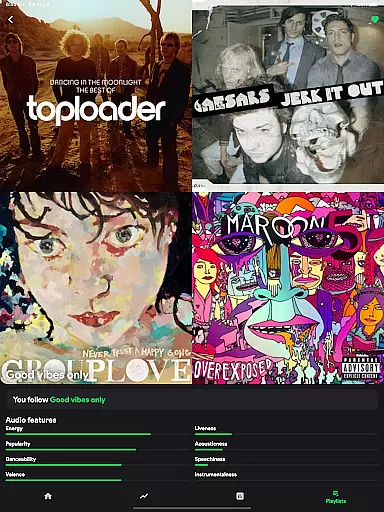
Users can discover specifics about their favorite tracks, such as how lively, energetic, or danceable they are. These insights help tailor future listening sessions to match preferred audio characteristics, effectively customizing the auditory experience.
Additionally, stats.fm allows tracking of playcounts and minutes listened, giving users a clearer picture of their streaming history. This feature encourages exploration of high-quality tracks and artists, eleving overall audio standards.
Ultimately, while stats.fm focuses on delivering rich statistical data rather than direct audio manipulation, its robust analytical tools empower users to curate a superior listening experience based on detailed metrics and personal preferences.
User-friendly interface
Detailed analytics
Social comparison tools
Instant stats updates
Comprehensive music insights
Premium features cost extra
Requires Spotify account
Limited without history import
Third-party app risks
Occasional sync issues

Remove ads permanently from Music Visualizer
 4.2
4.2
Walkout Song DJ is the most intuitive app to manage your sports music.
4.70
More downloads than any other metronome. Includes drum machine & tempo trainer.
4.80
USB audio recording and playback finally possible on Android 3.1 or higher!
3.90
Simple mp3 and mp4 player with advanced features.
3.40
Turn your Android phone into a professional audio analyser with up to 120 bands.
4.00
Travel To The Music Universe
3.40
Play your music offline without limits
4.80
Melody Beat: Great for travel, workouts, offline vibes, play your tunes anytime.
4.10
Full-featured, High-Quality Groovebox Workstation, perfect for Live Performance!
4.80
Brian Eno and Peter Chilvers’ acclaimed music app Bloom, radically reinvented.
4.80
Play your hearts out on TouchTunes jukeboxes & connect with fellow music lovers.
4.80
Ultimate Sonos Controller
4.70
Recording studio w/ 10k beats, pro vocal FX and a network of 20M rappers & fans!
4.60
Manage your Sonos system directly from your home-screen!
4.40
Powerful 10-Band equalizer pro with sound booster improves Android audio quality
4.30
The alternative folder based music player.
4.20
Permanently backup Now Playing. Maps, filters & listening stats.
4.00
Slow music down without changing pitch.
3.70


User Reviews