
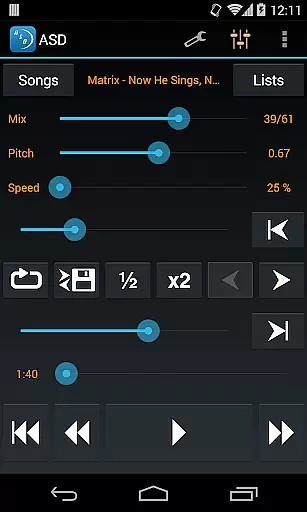
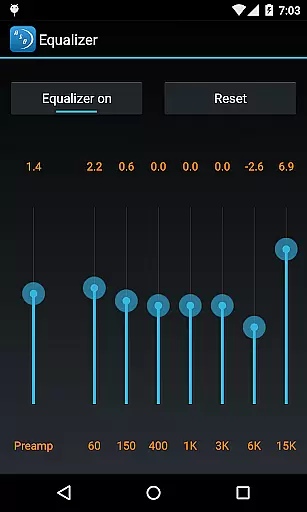
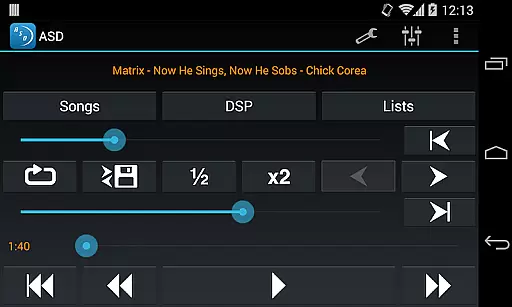
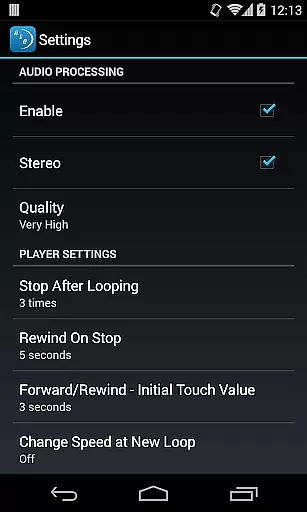
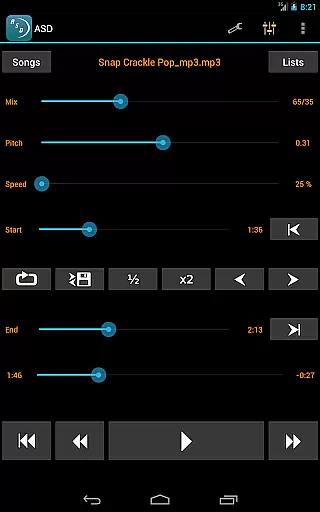
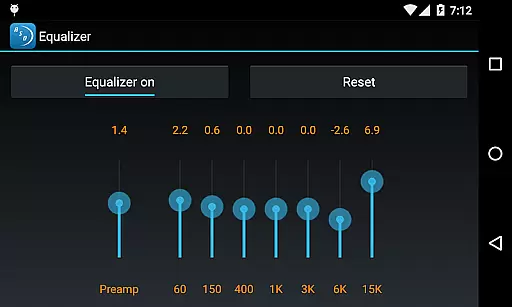
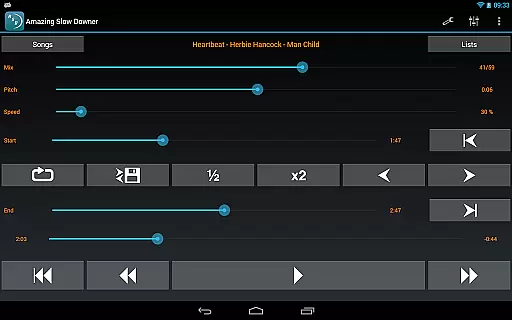
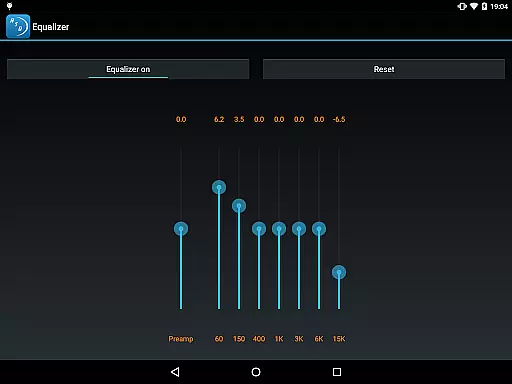
Amazing Slow Downer is a powerful tool designed for musicians, transcribers, and dancers who want to learn new songs and techniques by playing music at adjustable speeds. This app allows users to slow down or speed up any section of a song without altering its pitch, making it easier to practice and learn.
In addition to speed adjustments, Amazing Slow Downer also offers seamless looping and the ability to change the musical key. With outstanding sound quality and intuitive controls, this app is an essential companion for anyone looking to improve their musical skills.
One of the standout features of Amazing Slow Downer is its ability to adjust playback speed from 25% to 200% of the original speed, all without changing the pitch. This allows musicians to practice at a pace that suits them best.
The app also supports setting up seamless loops during playback, which is perfect for repetitive practice sessions. Users can easily mark sections of a track to loop, ensuring they can focus on mastering specific parts of a song.
Furthermore, Amazing Slow Downer provides the option to change the tuning or musical key, catering to musicians who need to adapt songs to different instruments or vocal ranges. Its exceptional sound quality ensures that even at slower speeds, the music remains clear and true to the original recording.
When evaluating a music application like Amazing Slow Downer, the size and authenticity of its music library are crucial factors. This app allows musicians to import their own music files, ensuring that users have access to a vast array of tracks without any copyright infringement concerns.
The ability to manipulate playback speed from 25% to 200% without affecting pitch is a standout feature, making it an invaluable tool for practice and learning. Users can legally slow down or speed up any section of their imported songs, enhancing their understanding of complex musical passages.
Moreover, Amazing Slow Downer supports changing the tuning or musical key, which further emphasizes its commitment to providing authentic and high-quality music manipulation tools. This ensures that musicians can adapt tracks to suit their specific needs while maintaining the integrity of the original piece.
By focusing on user-imported content, the app sidesteps potential legal issues associated with unauthorized music distribution, offering peace of mind regarding copyright compliance.
Audio quality is paramount when dealing with music applications, especially for professionals and enthusiasts who demand the best sound experience. Amazing Slow Downer excels in this area by delivering outstanding sound quality even when altering playback speeds significantly.
Users can enjoy seamless loops during playback, allowing them to focus on specific sections of a track repeatedly without any degradation in audio quality. This feature is particularly beneficial for transcription work or mastering challenging parts of a song.
In addition to speed adjustments, the app maintains excellent pitch accuracy, ensuring that slowed-down or sped-up sections retain their original tonal characteristics. This attention to detail sets Amazing Slow Downer apart from other similar tools on the market.
Overall, whether you're a musician looking to refine your skills or a dancer perfecting choreography, Amazing Slow Downer provides top-notch audio quality options that cater to all your professional needs.
User-friendly interface
High-quality audio output
Seamless looping functionality
Pitch-independent speed control
Versatile key and tuning adjustments
No official Spotify support
Limited free version features
Occasional bugs in older devices
Subscription fees apply
Interface may feel dated

Fun & Easy Voice Changer – Record, Edit & Add Hilarious Effects!
 4.50
4.50
Time Guru will strengthen your internal sense of musical time via random muting.
4.30
The Music Journey in Your Hands
4.30
Background pads for your band
3.80
Most Advanced AI Song Generator and Music Creator. Rap, Pop, Rock, Gospel & more
4.70
Visualize the guitar fretboard, master scales & play through changes like a pro!
4.50
Offline Music Player & MP3 Player.Powerful equalizer, Lyrics, Themes, Tag Editor
4.80
Play KORG’s revolutionary touch-based instrument on a variety of devices.
4.40
Versatile MP3 recorder with auto-backup to Dropbox and Google Drive
4.10
Bass Booster & Volume Equalizer Pro improves your music and video sound quality
4.60
Taal player that lets you sing any Indian & Western song with Tabla & Tanpura
4.60
Super Sound Editor, Song Maker & Mixer, Vocal Remover, Voice Recorder & Changer!
4.60
A complete sound package for the sound engineer or enthusiast
4.60
A synth that really lets you shape your sounds!
4.50
Guzheng Master supports many playing techniques as an acoustic Guzheng
4.50
The alternative folder based music player.
4.20
Next generation modular control surface
4.10
The Skullcandy App Experience
3.20
Make music anywhere. Turn your device into an instrument.
4.3


User Reviews