
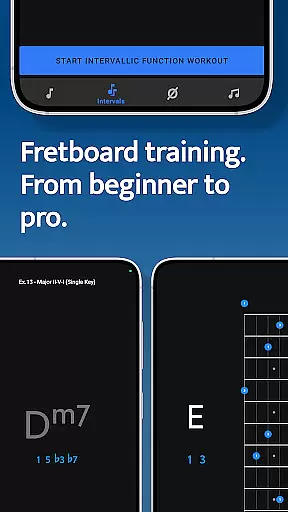
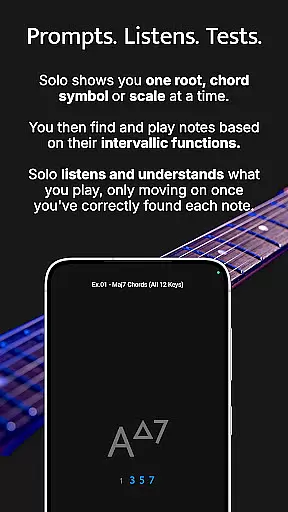

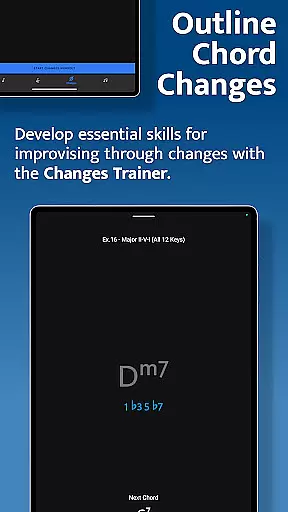

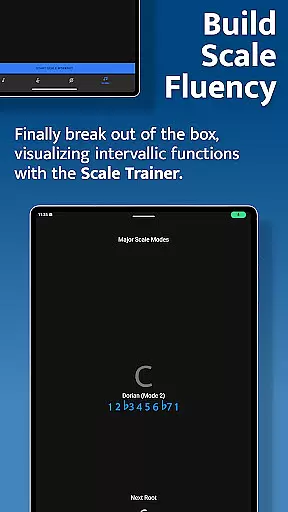
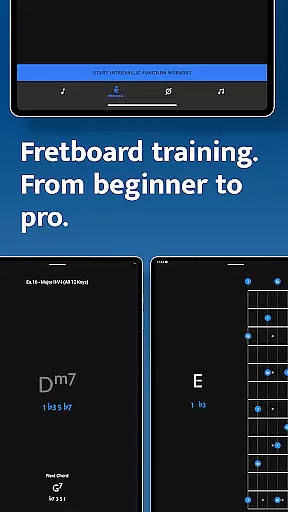
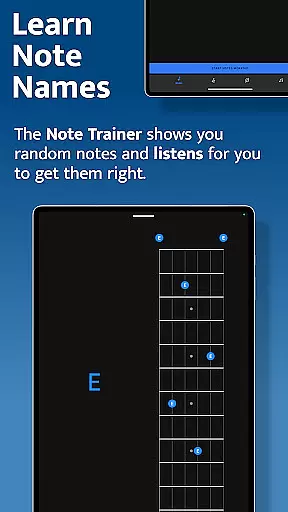

Solo is a comprehensive fretboard visualization app designed for guitarists and bassists who want to master their instrument. Created by renowned musicians Tom Quayle and David Beebee, this app focuses on four key areas of learning: note names, interval shapes, chord changes, and scales. Solo's interactive approach ensures that users develop a deep understanding of the fretboard through targeted practice sessions.
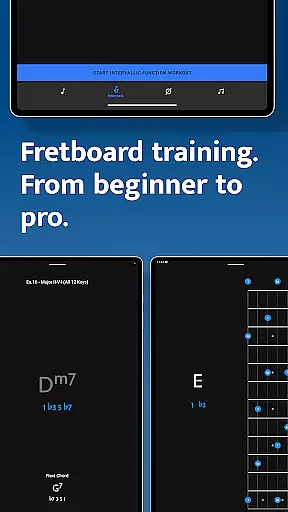
The app provides powerful training modules including Note Trainer, Interval Trainer, Changes Trainer, and Scale Trainer. Each module uses advanced listening technology to ensure accuracy as users play notes on their instruments. Whether you're a beginner or an advanced player, Solo offers customizable practice options that adapt to your skill level, helping you break out of scale boxes and confidently navigate chord progressions.
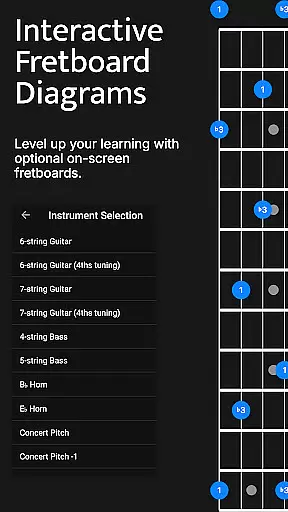
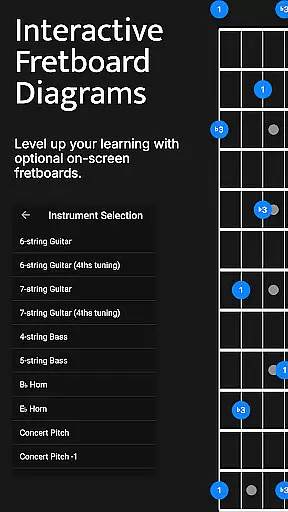
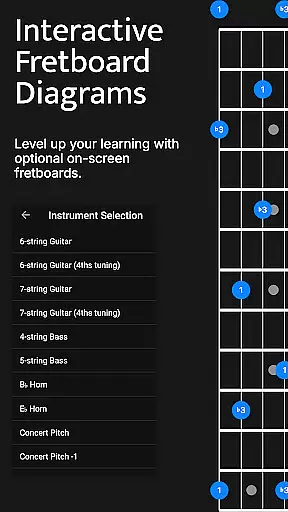
With support for various string configurations and tunings, Solo caters to both guitarists and bassists. The app's duration-based workouts and transposition features make it ideal for crafting personalized practice routines. By focusing on intervallic functions rather than just memorizing patterns, Solo transforms how musicians interact with their instruments, building true fretboard mastery and improvisational confidence.
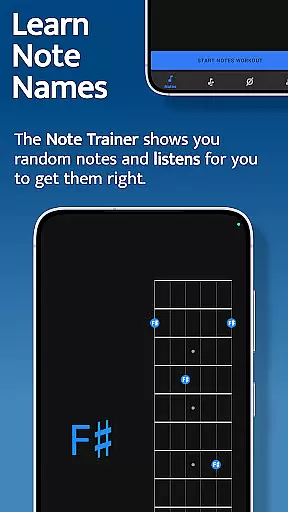
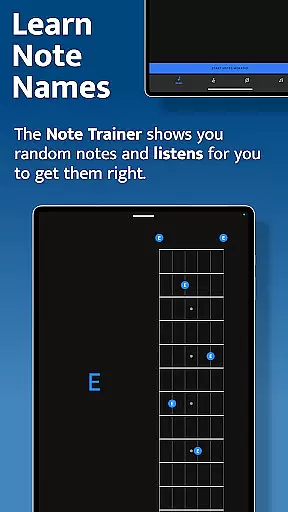
Solo stands out with its innovative approach to fretboard mastery through four specialized training modules. The Note Trainer helps beginners and intermediate players learn note names across different tunings and string configurations, while offering optional practice suggestions and duration-based workouts. This foundational tool establishes essential fretboard knowledge crucial for all musicians.
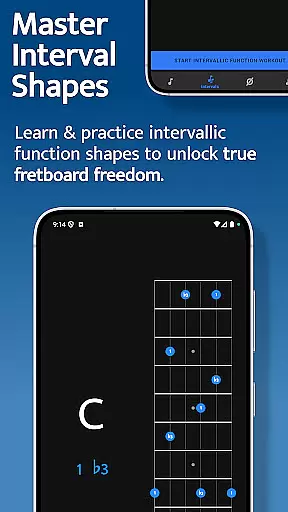
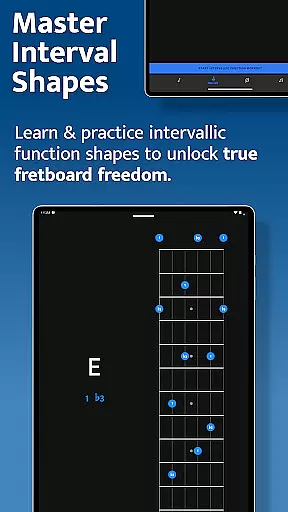
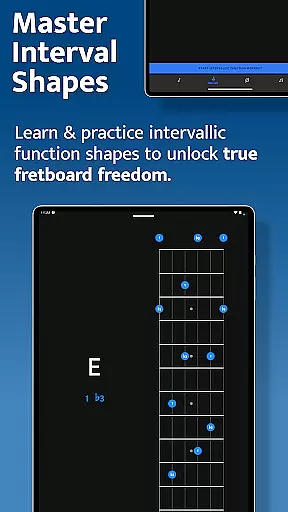
The Interval Trainer revolutionizes how players work on interval shapes by allowing customization of interval groups based on chord types or scales. Users can practice against fixed or random root notes, with interactive diagrams showing alternative positions across the neck. This feature particularly benefits those seeking true fretboard freedom beyond basic patterns.
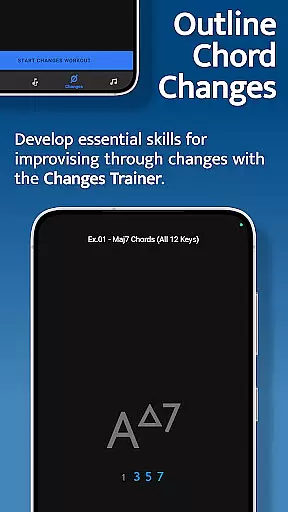
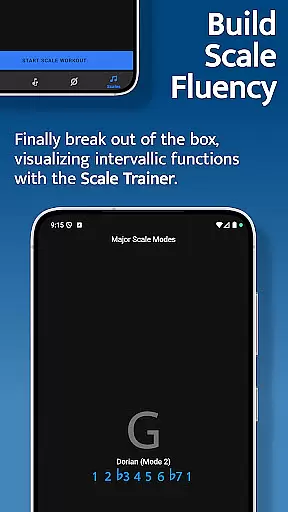
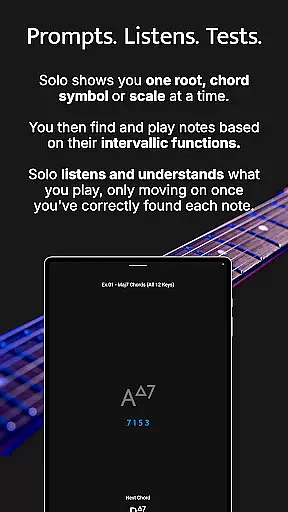
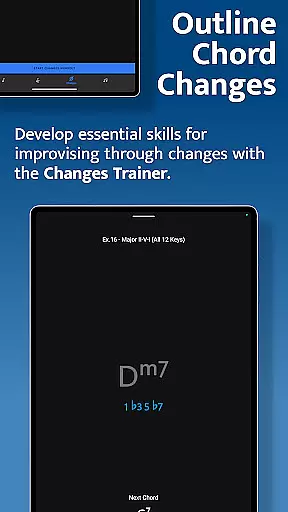
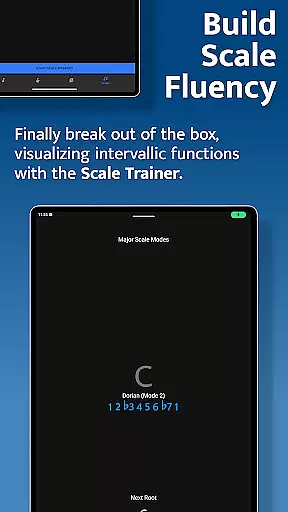
Advanced players will appreciate the Changes Trainer and Scale Trainer. The former helps users outline chord progressions through single-note lines, with over 100 common progressions and intelligent mapping of correct intervals. The latter contains more than 50 scales and modes, with melodic sequence options and powerful workout configurations. These professional-grade tools help musicians break through technical barriers and develop sophisticated improvisational skills.
When it comes to music learning applications, the depth and breadth of the music library are crucial for providing users with a comprehensive learning experience. Solo - Fretboard Visualization offers an extensive collection of scales, chords, and interval functions designed by professional guitarists Tom Quayle and David Beebee.
The application includes over 50 scales and modes in its Scale Trainer, ensuring that learners can explore various musical styles and techniques. This vast array of content is not only diverse but also authentic, as it is crafted based on real-world musical knowledge and expertise.
Moreover, the app emphasizes copyright authenticity, meaning all the educational material provided has been properly licensed and authorized. Users can be confident that they are learning from accurate and legitimate sources, which enhances their overall learning journey.
By offering such a rich and verified music library, Solo empowers musicians to expand their fretboard knowledge and improve their skills effectively.
Audio quality is paramount when practicing musical instruments, especially for those aiming to master fretboard visualization. The Solo app ensures high-quality audio output, allowing users to hear every note and interval with clarity and precision.
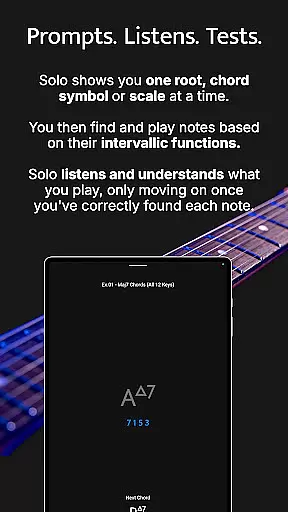
Within the app, features like the Interval Trainer and Changes Trainer rely heavily on clear audio feedback. As users play notes on their instrument, the app listens and verifies if the correct intervals or chord changes have been executed. This interactive process demands top-notch audio quality to ensure accuracy in practice sessions.
Solo provides multiple audio settings tailored to different user preferences and devices. Whether using headphones or external speakers, users can adjust these settings to achieve optimal sound reproduction during their practice routines.
This focus on superior audio quality helps musicians develop a keen ear for detail, ultimately enhancing their performance and confidence on the fretboard.
Comprehensive fretboard coverage
Customizable practice options
Advanced listening technology
Multiple instrument support
Professional musician design
Steep learning curve
Requires actual instrument
No beginner tutorials
Complex interface
Premium price point

Turn your phone into a musical instrument from the future!
 3.90
3.90
Equalizer, Bass Booster and Volume Booster (Eq & Bass) improve sound quality
4.30
Control your MIDI USB or Bluetooth devices in app and avoid some trampling
3.30
10-Band Audio Equalizer, Sound / Bass Booster for Spotify Users & Music Players
4.40
Remove ads permanently from Music Visualizer
4.1
AI Music Maker: Generate And Compose AI Tunes & AI Songs & AI Music & AI Melody!
4.60
A sleek, no-frills player designed for true music lovers.
4.20
The official Sonos app
4.10
Turn Every Moment into Music
3.60
Brian Eno and Peter Chilvers’ acclaimed music app Bloom, radically reinvented.
4.80
Responsive piano with great sounds, graphics, and songs
4.80
SqueezePlayer turns your Android phone or tablet into a SqueezeBox on its own!
4.60
Pay Once, no monthly payment
4.60
Offline Music Player&MP3 Player with themes, equalizer, lyrics, music play mode
4.60
Permanently backup Now Playing. Maps, filters & listening stats.
4.00
Turn your Android phone into a professional audio analyser with up to 120 bands.
4.00
Learn to play the piano using falling notes!
3.80
Powerful beat maker & DJ mixer to remix tracks, make music, & perform DJ mix
3.70
Make music anywhere. Turn your device into an instrument.
4.2


User Reviews