

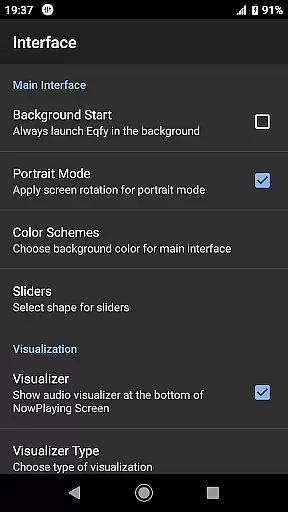
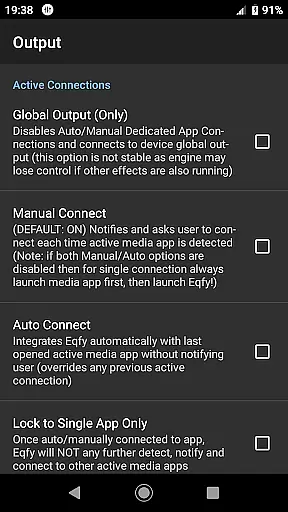
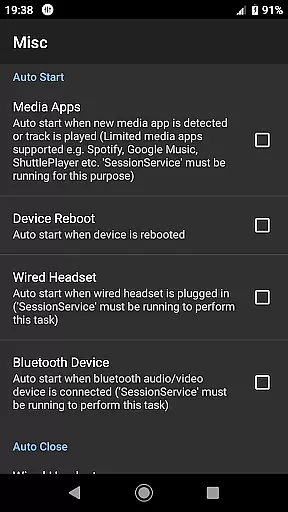
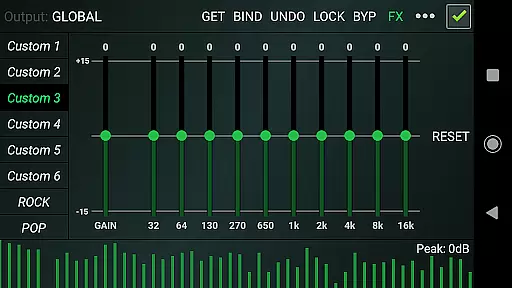
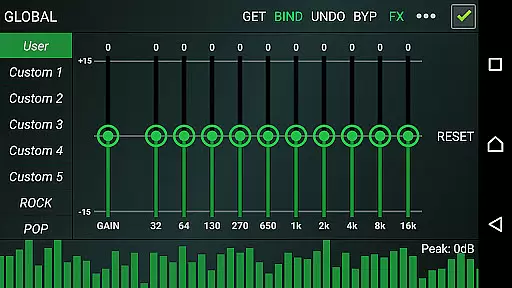
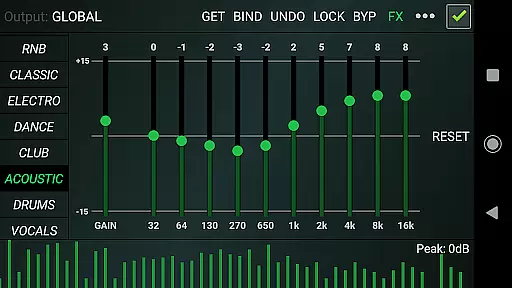
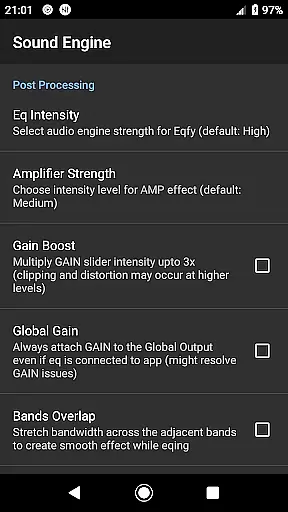
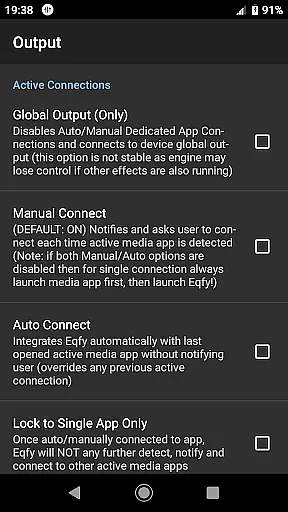
Eqfy Equalizer for Spotify is a powerful audio enhancement tool designed to elevate your music listening experience. This app works seamlessly with Spotify and other music applications on Android, providing users with clear bass and treble adjustments that significantly improve sound quality.
The app features an advanced 'RE Equalizer' engine with a user-friendly interface, making it easy to use while delivering top-notch audio performance. Whether you're a casual listener or an audiophile, Eqfy ensures you get the best sound possible from your favorite tracks. Its compatibility with various music apps makes it a versatile choice for all your audio needs.
With its ability to enhance sound across different platforms, Eqfy is perfect for anyone looking to customize their audio experience. Whether you're at home, in the car, or on the go, this equalizer helps you achieve the perfect sound balance, making every listening session more enjoyable.
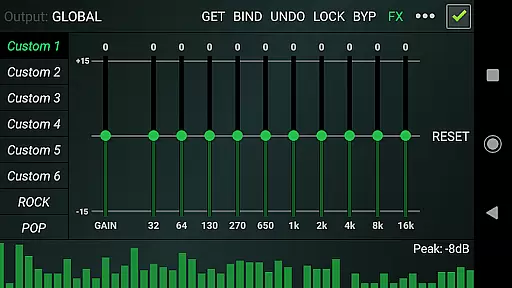
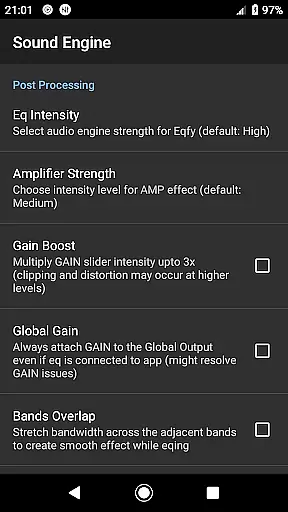
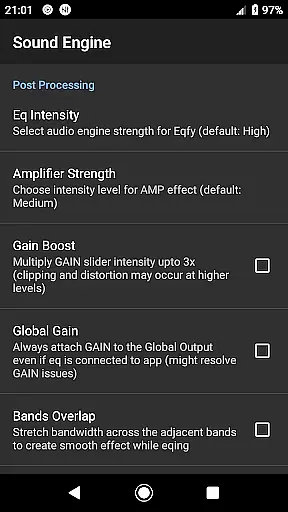
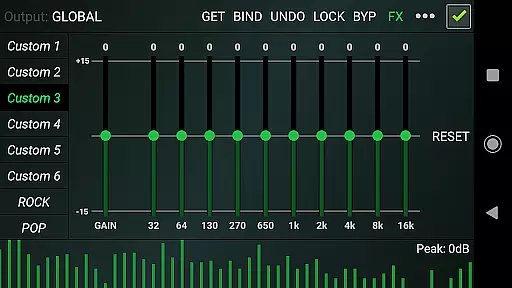
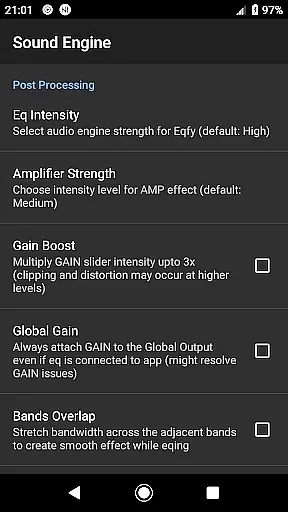
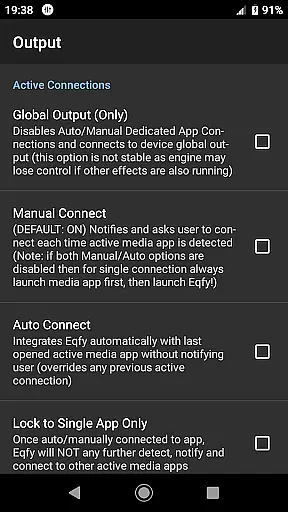
Eqfy Equalizer offers a comprehensive suite of features designed to optimize your audio experience. At its core is a dedicated audio engine that supports music players with equalizer and audio effects, ensuring global output compatibility with Android apps like Spotify and YouTube Music.
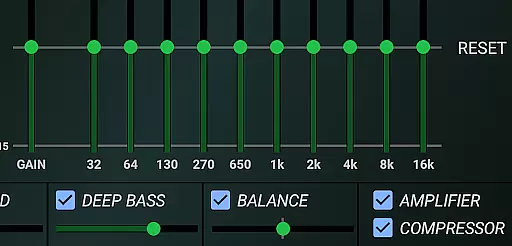
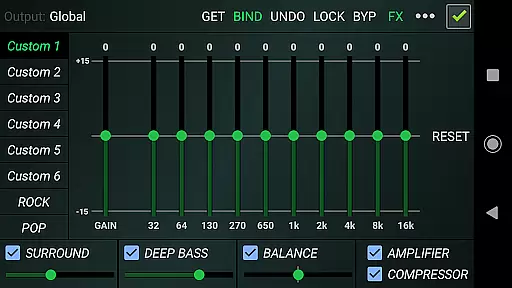
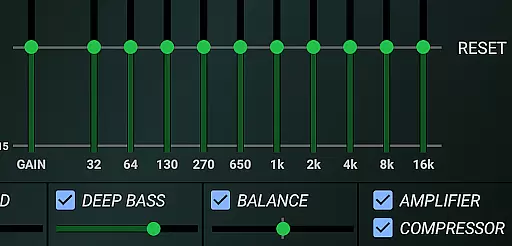
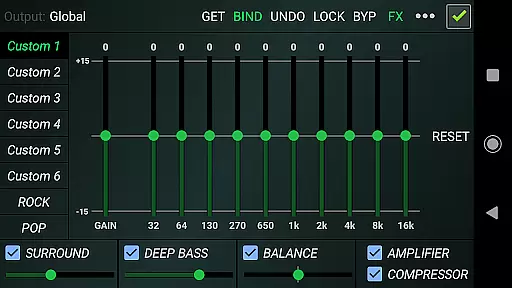
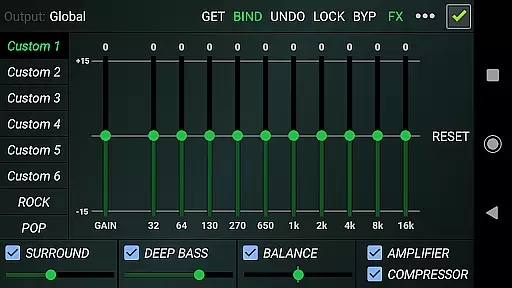
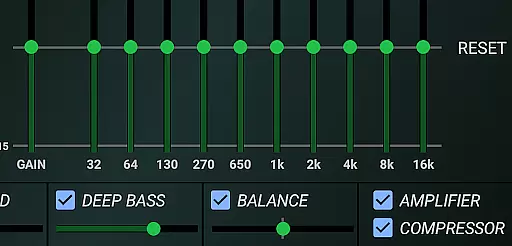
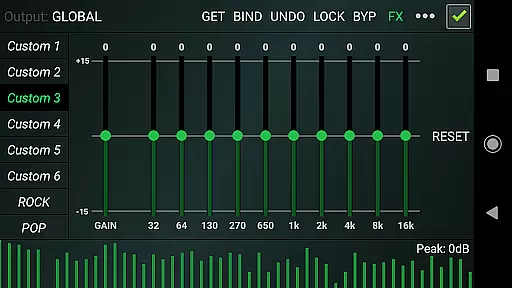
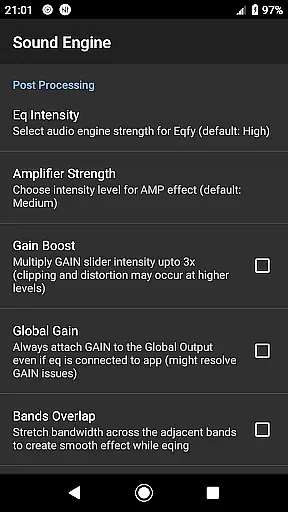
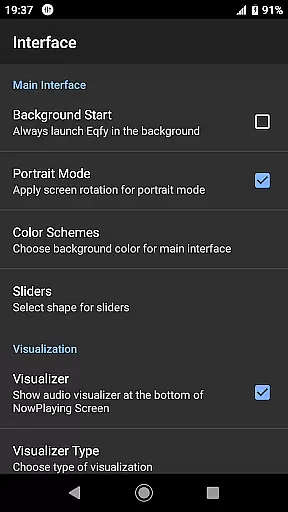
The app includes a sound booster with a multi 10-band equalizer and powerful pre-amp gain, allowing users to enhance loudness and volume. Additional audio effects such as compressor, amplifier, and deep bass boost provide further customization options. The surround feature creates an immersive listening environment, while the music visualizer displays peak values for precise adjustments.
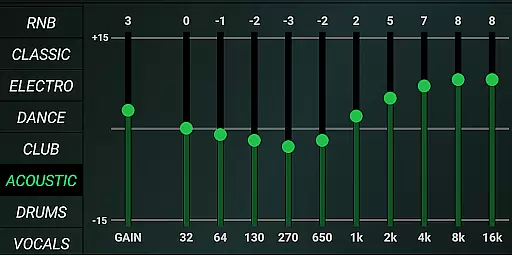
With 21 configurable presets including factory settings and custom slots, users can easily switch between different sound profiles. The quick and responsive interface makes it simple to adjust settings on the fly, ensuring you always have the perfect sound for any genre or mood.
Eqfy Equalizer for Spotify offers a unique approach to enhancing your music listening experience through its powerful audio engine, rather than by hosting a music library itself. This means that while it doesn't directly contribute to the size of a music library, it significantly improves the quality of the music you listen to across various platforms including Spotify and YouTube Music.
The app's compliance with copyright laws is evident in its design as a third-party tool that works alongside music services. It respects the integrity of copyrighted materials by not altering or distributing music files, but instead by offering users advanced equalizer settings to personalize their listening experiences within legal boundaries.
Users benefit from this setup by enjoying superior sound quality without infringing on any legal rights. The app's ability to work globally with Android music and audio apps ensures that your entire existing music library can be enjoyed with enhanced clarity and depth.
Ultimately, Eqfy adds value to your music collection by making every track sound better, thus extending the life and enjoyment of your legally acquired music library.
One of the standout features of Eqfy Equalizer for Spotify is its extensive range of audio quality options designed to elevate the listening experience. With a dedicated audio engine, it supports a wide array of music players and apps, including Spotify and YouTube Music, allowing users to fine-tune their audio output with precision.
The app includes an updated multi 10-Band equalizer with a powerful pre-amp Gain, enabling users to boost volume and enhance loudness without distortion. Additional optimized audio effects such as Compressor, Amplifier, and Deep Bass provide further customization, ensuring that each track sounds as rich and dynamic as possible.
Moreover, Eqfy offers 21 configurable presets catering to different music genres like Rock, Pop, Classic, and Dance, among others. These presets are fully customizable, allowing users to save and read their preferred settings as files, thus providing unparalleled control over audio quality.
This level of customization ensures that whether you're using high-end headphones or standard speakers, Eqfy can adapt to deliver optimal sound performance tailored specifically to your equipment and preferences.
Advanced audio engine
User-friendly interface
Wide app compatibility
Customizable presets
Powerful sound booster
Limited iOS support
Advanced features may overwhelm beginners
Occasional stability issues
Some features require technical knowledge
Not officially part of Spotify

SqueezePlayer turns your Android phone or tablet into a SqueezeBox on its own!
 4.60
4.60
Your HD audio recorder on the go for music, meetings, ambience, animal sounds…
4.30
Time Guru will strengthen your internal sense of musical time via random muting.
4.30
Remove ads permanently from Music Visualizer
4.0
Next generation modular control surface
4.10
The alternative folder based music player.
4.20
AI Music Maker: Generate And Compose AI Tunes & AI Songs & AI Music & AI Melody!
4.60
A sleek, no-frills player designed for true music lovers.
4.20
Be a true music maker: create beats, mix and make music like a real DJ!
4.30
24,000 free audio books and no ads!
4.90
Full-featured, High-Quality Groovebox Workstation, perfect for Live Performance!
4.80
Your song collections with lyrics and chords on Android smartphones and tablets.
4.80
Music, News & Sports Radio Tuner App. Tune in Live FM & AM Radio Stations.
4.80
Performance-Synthesizer & Multi-Track-Sequencer, polyphonic + multi timbral!
4.70
Super Sound Editor, Song Maker & Mixer, Vocal Remover, Voice Recorder & Changer!
4.60
Learn the notes on the guitar fretboard fast with this easy and fun app
4.60
Save hundreds of dollars for a physical strobe tuner and instead use this app.
4.50
The Music Journey in Your Hands
4.30
Sheet music reader, piano & music note player. Play music score & learn to read.
3.90


User Reviews