
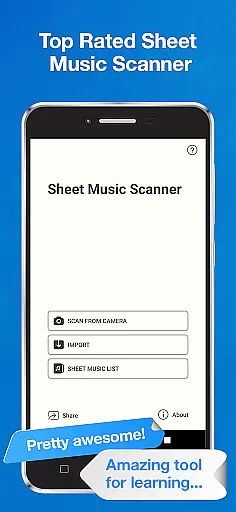
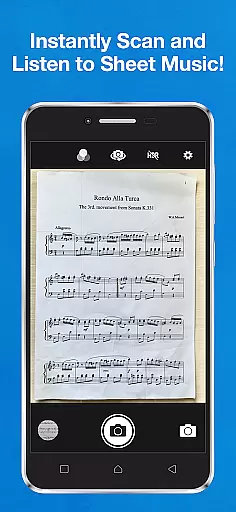
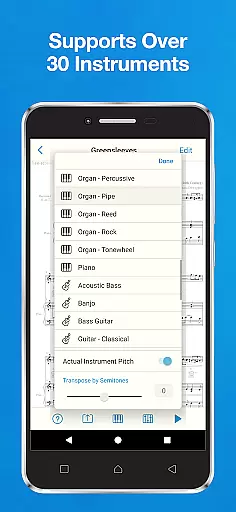
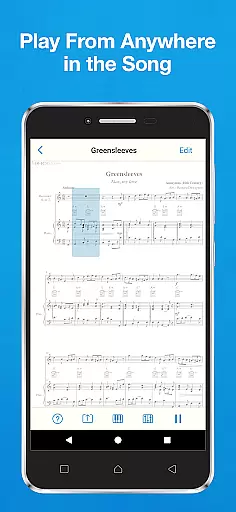
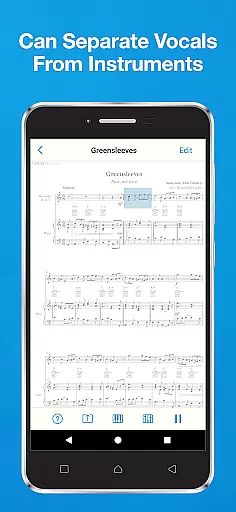
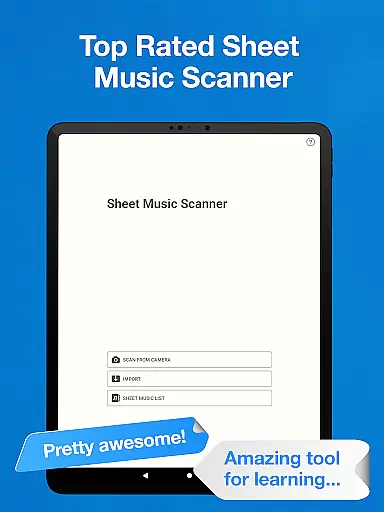
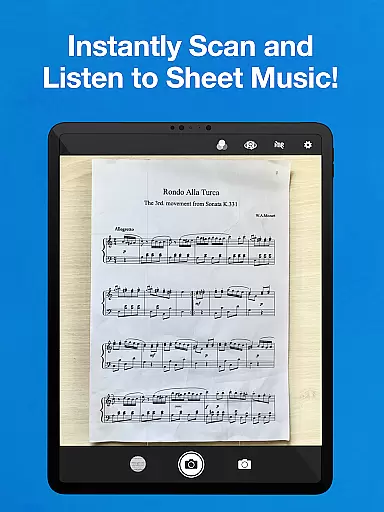
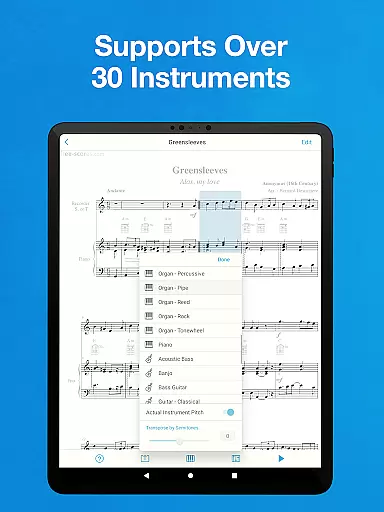
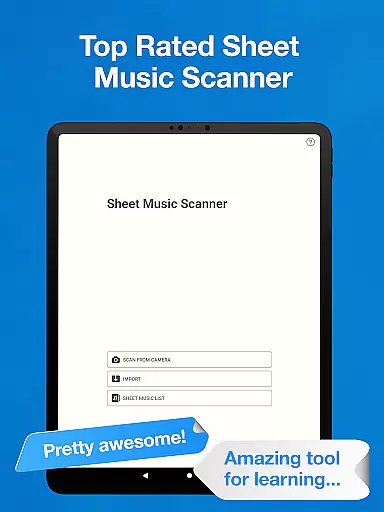
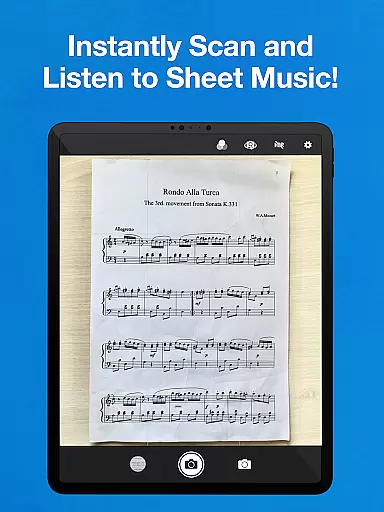
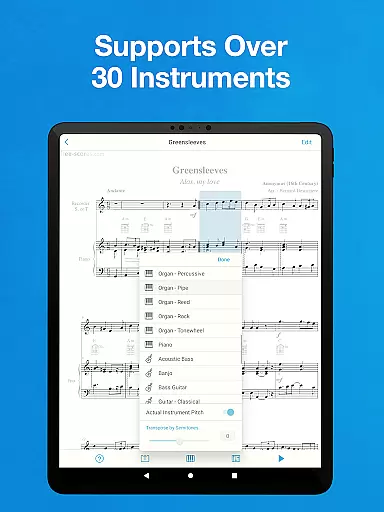
Sheet Music Scanner & Reader is a premier music application designed for musicians and learners alike. This app allows users to scan printed sheet music using their device's camera, transforming it into playable scores. With support for over 30 instruments, including piano, violin, and trumpet, it serves as an excellent tool for learning and practicing music.
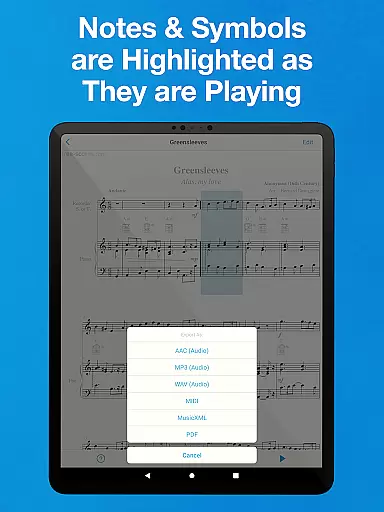
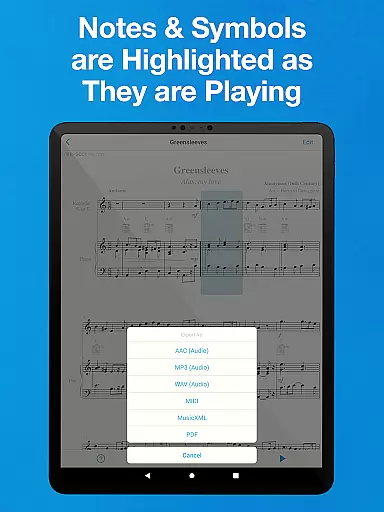
The app highlights music notes and symbols in real-time during playback, making it easier for users to follow along and understand complex compositions. Whether you're a beginner wanting to learn the basics of music notation or an experienced musician needing a digital archive of your sheet music, this app provides a comprehensive solution.
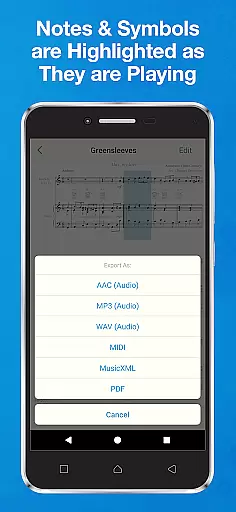
One notable feature is its ability to export scanned music sheets into various formats such as MIDI, MusicXML, and audio files. This functionality makes it highly versatile for different use cases, from educational purposes to professional performances. The app bridges traditional sheet music with modern technology, enhancing the musical learning experience.
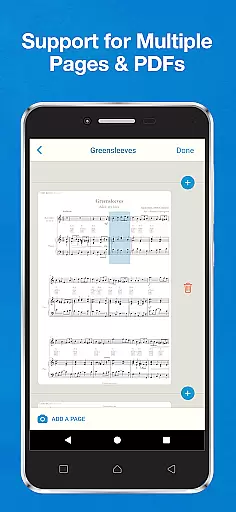
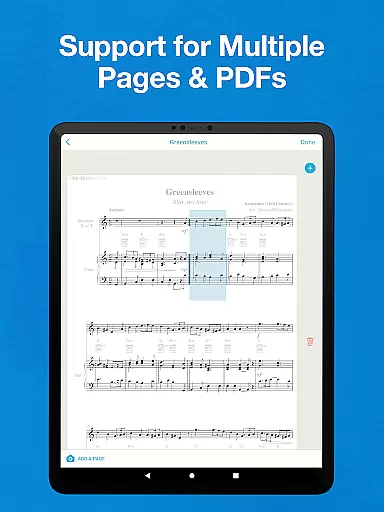
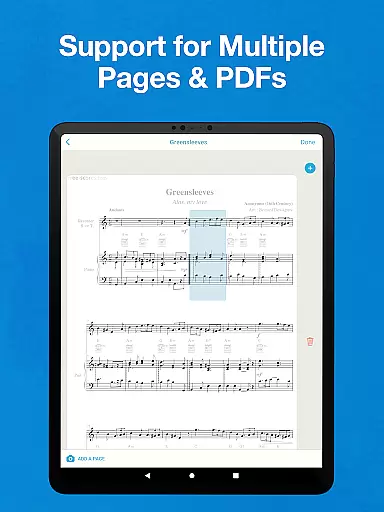
Sheet Music Scanner & Reader boasts an array of features that cater to diverse musical needs. One standout capability is its Optical Music Recognition (OMR) technology, which instantly scans entire sheets of music and converts them into editable and playable formats. Users can upload PDFs or image files, allowing for flexibility in how they input their music sheets.
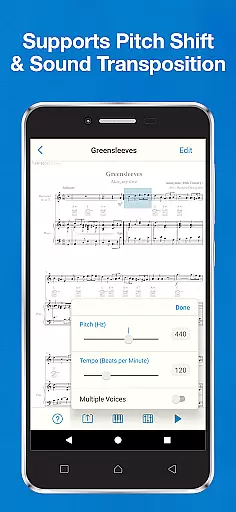
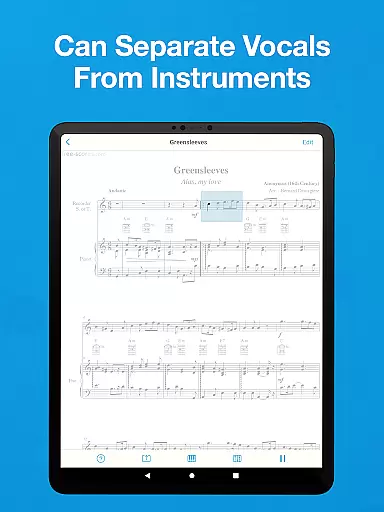
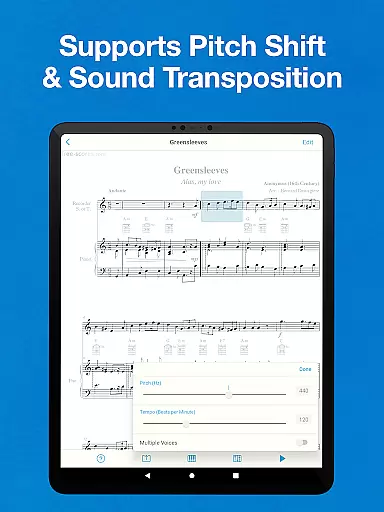
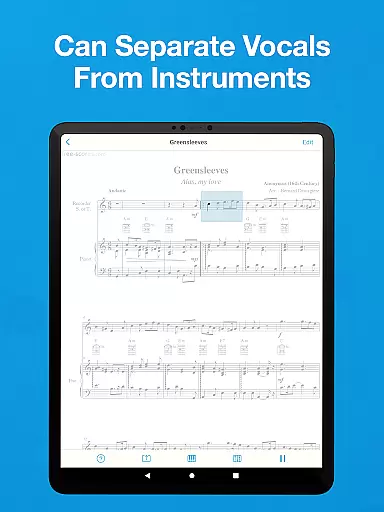
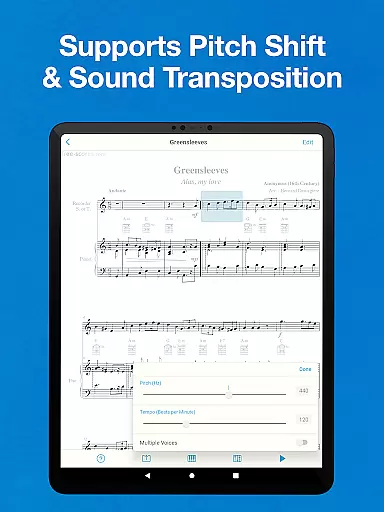
The app supports multiple clefs and recognizes various musical symbols related to melody, harmony, and rhythm. It accommodates different playing speeds and offers pitch shift options, catering to transposing instruments. Additionally, the app can play individual staffs separately, providing a tailored learning experience for users focusing on specific parts of a composition.
Another significant feature is the ability to export files to cloud storage services like Google Drive and Dropbox. This ensures that users can access their music library from any device, anywhere. Overall, Sheet Music Scanner & Reader combines powerful scanning capabilities with robust playback and export options, making it an indispensable tool for musicians.
Sheet Music Scanner & Reader offers an extensive virtual music library that supports over 30 instruments, ranging from piano and violin to more unique options like bagpipes and celeste. This vast selection ensures that musicians of all kinds can find their instrument of choice within the app.
The app's ability to scan printed sheet music using optical recognition technology (OMR/OCR) provides users with a legitimate way to access and interact with copyrighted material. By uploading PDFs or image files, users can work with legally obtained scores while respecting intellectual property rights.
With its support for exporting files in multiple formats such as MIDI, MusicXML, and audio types including M4A/AAC, MP3, WAV, as well as PDFs, the app facilitates sharing and storing music in line with copyright regulations. Integration with major cloud storages allows for secure backup and easy access across devices.
By focusing on high-quality printed sheet music and recommending optimal scanning conditions, Sheet Music Scanner & Reader emphasizes the importance of accurate representation of musical works, which is crucial for maintaining the integrity of the original compositions.
The audio playback feature of Sheet Music Scanner & Reader delivers clear sound output for over 30 instruments, ensuring that each note played back is true to its real-life counterpart. The inclusion of pitch shift and sound transposition capabilities up to two octaves allows musicians to customize their listening experience according to their needs.
Users have control over playback speed, accommodating tempos between 50 and 330 beats per minute. This flexibility enables learners to practice at slower speeds before gradually increasing tempo, which is essential for developing technical proficiency without compromising audio clarity.
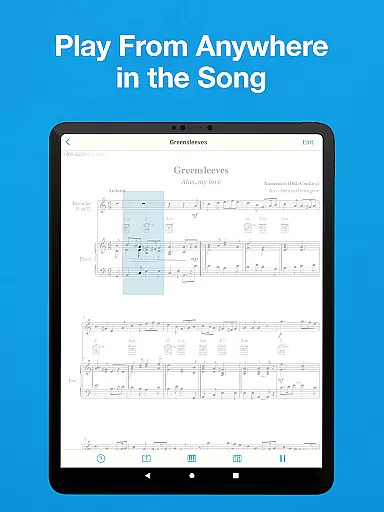
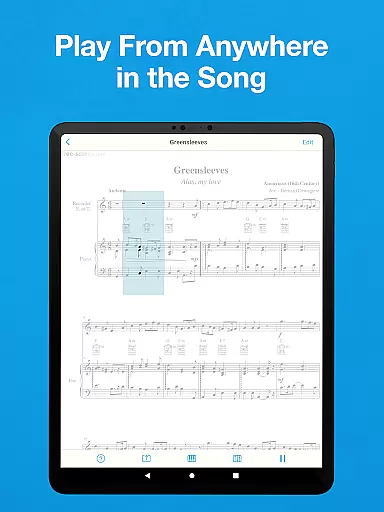
Advanced recognition features highlight music notes and notation symbols during playback, providing visual cues that enhance auditory learning. This combination of visual and audio feedback creates an immersive environment conducive to effective practice sessions.
Although there are some limitations regarding supported symbols, the app continues to provide reliable audio quality for standard music notations. Continuous updates and improvements ensure that the app remains a trustworthy tool for musicians seeking high-fidelity audio reproduction.
Accurate scanning
Multi-instrument support
Real-time playback
Export versatility
User-friendly interface
No handwriting support
Limited symbol recognition
Requires good lighting
Premium features locked
Occasional bugs

The Music Journey in Your Hands
 4.30
4.30
Remove ads permanently from Music Visualizer
4.4
Save hundreds of dollars for a physical strobe tuner and instead use this app.
4.50
Network/Cloud Streaming, Visualization, Graphic Equalizer and Sound Effects.
4.20
Music Streaming suite for Ampache, Nextcloud Music and compatible backends.
4.3
Super Sound Editor, Song Maker & Mixer, Vocal Remover, Voice Recorder & Changer!
4.60
Offline Music Player&MP3 Player with themes, equalizer, lyrics, music play mode
4.60
The Minimalistic Premium Music Player. Handmade with passion for music
2.20
The iconic iOS metronome app is now on Android.
3.70
JBL PartyBox APP works with 110/310/710/120/320/520/Encore/Encore 2/Encore Ess 2
4.80
More downloads than any other metronome. Includes drum machine & tempo trainer.
4.80
Offline Music Player & MP3 Player.Powerful equalizer, Lyrics, Themes, Tag Editor
4.80 4.70
4.70
Most Advanced AI Song Generator and Music Creator. Rap, Pop, Rock, Gospel & more
4.70
Pay Once, no monthly payment
4.60
A complete sound package for the sound engineer or enthusiast
4.60
DJ Music Mixer - DJ Remix: remix songs, make beat music & record mix of DJ.
4.40
The official Sonos app
4.10
Versatile MP3 recorder with auto-backup to Dropbox and Google Drive
4.10


User Reviews