
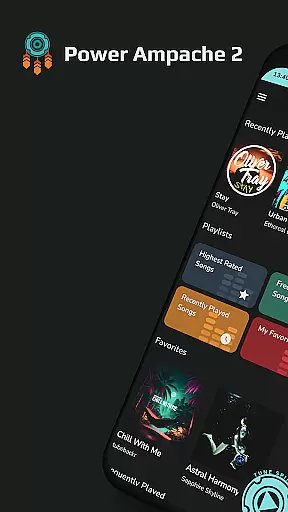
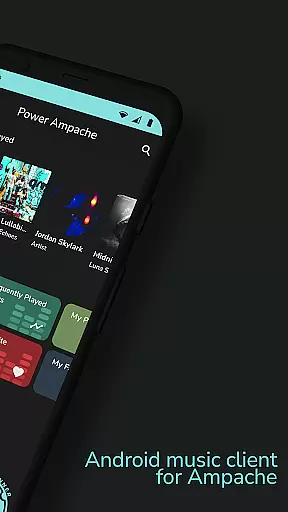
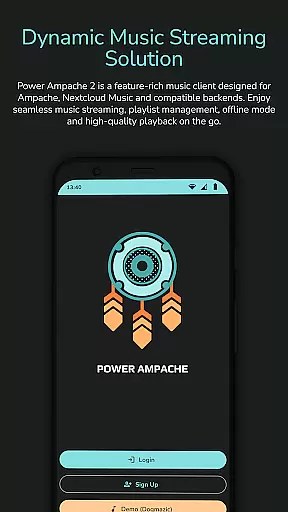
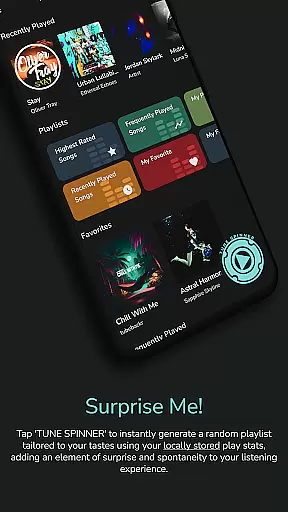
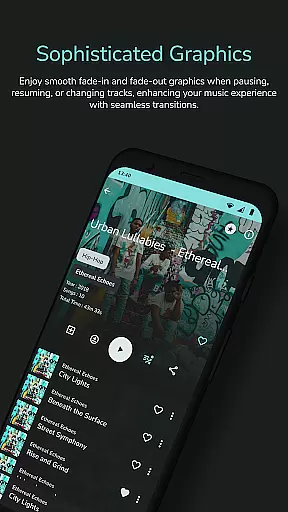
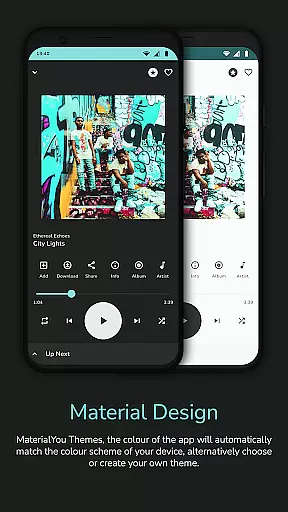
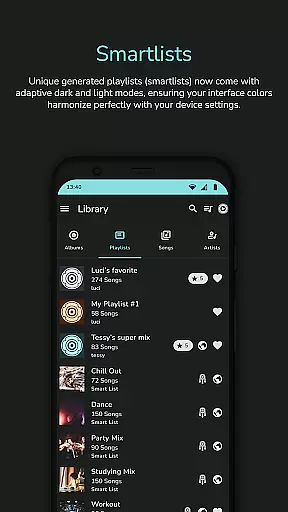
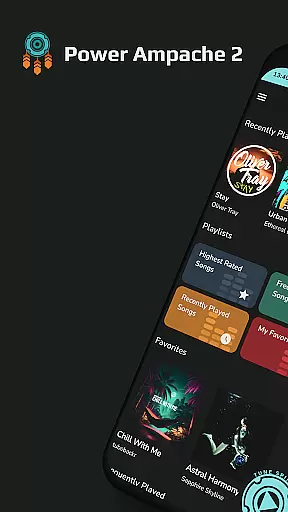
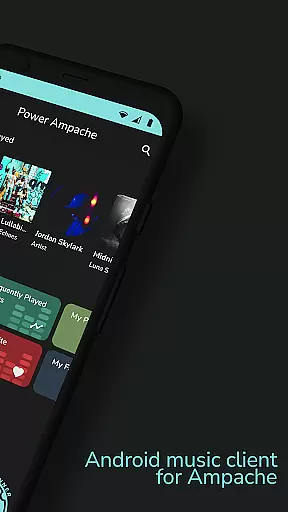
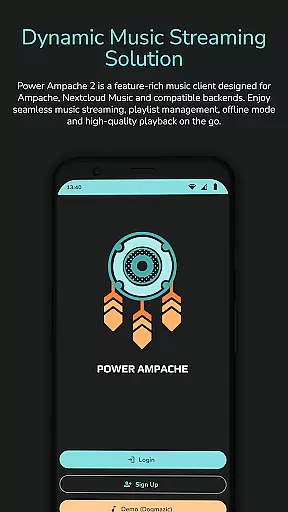
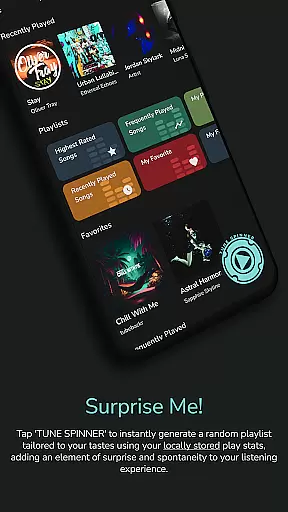
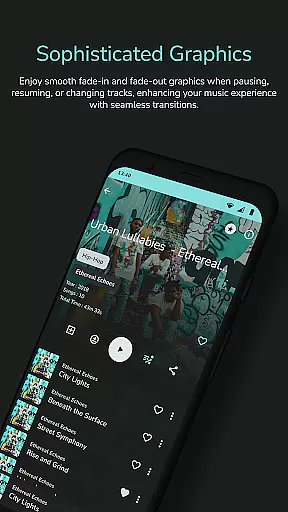
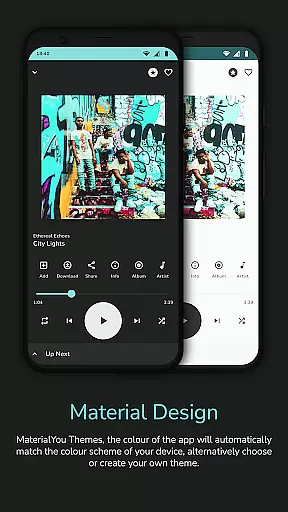
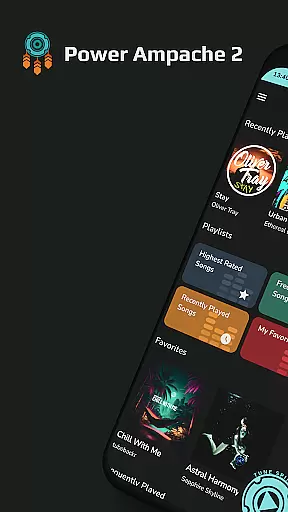
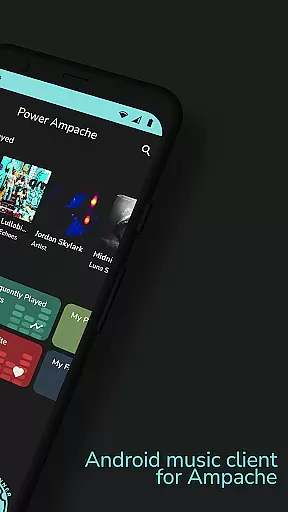
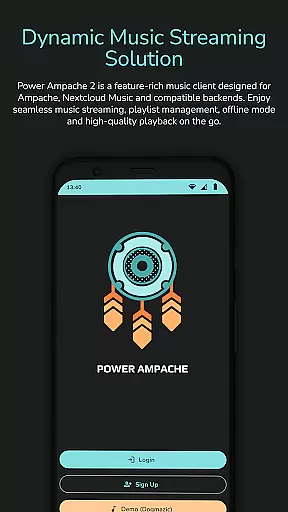
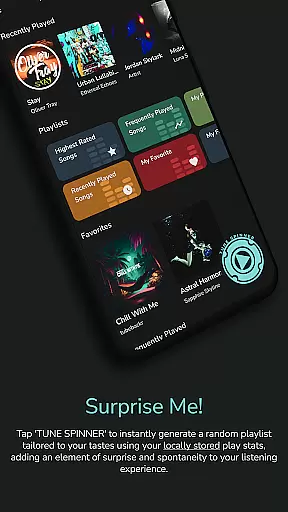
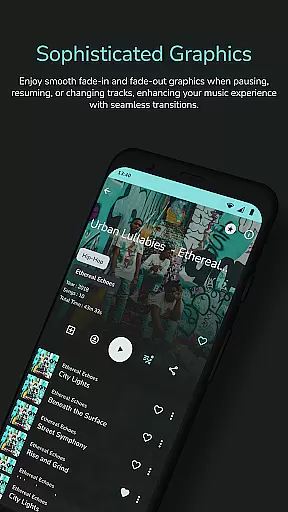
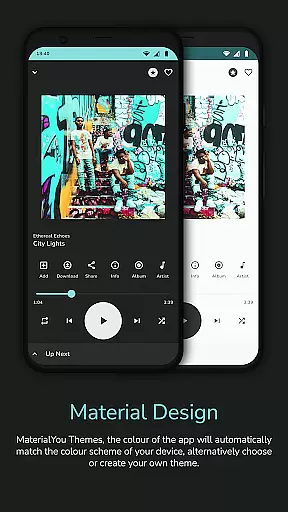
Power Ampache 2 is a versatile music client tailored for Ampache, Nextcloud Music, and compatible backends. It combines all standard music player features with advanced functionalities like smartlists, offline mode, and adaptive interface colors. The app emphasizes privacy by ensuring an ad-free, tracking-free experience while allowing users to download and export music files.
With support for multiple accounts and innovative features such as the 'Spin it!' button for instant playlist generation, Power Ampache 2 caters to both casual listeners and audiophiles. Its modern design includes dark and light modes, lock screen controls, and optimized tablet UI, making it adaptable to various user preferences and devices.
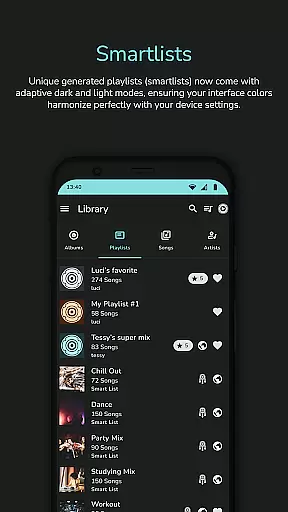
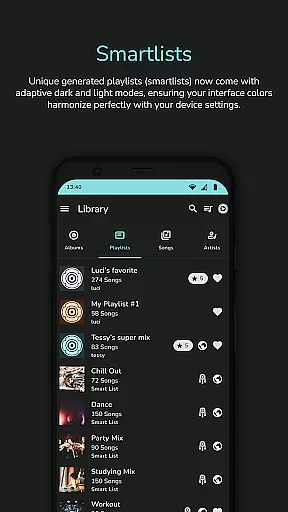
Power Ampache 2 stands out with its comprehensive feature set designed to enhance music streaming and management. Unique generated playlists, called smartlists, offer dynamic listening experiences, while drag-and-drop playlist editing simplifies music organization. Advanced search capabilities ensure quick access to songs, albums, and artists.
The app's offline mode allows uninterrupted music enjoyment without an internet connection, and its adaptive interface colors provide a visually pleasing experience. With media key support, Bluetooth functionalities, and Android TV compatibility on the horizon, Power Ampache 2 ensures seamless integration across devices. Additionally, its open-source nature guarantees transparency and security for privacy-conscious users.
Power Ampache 2 offers an extensive music library by connecting to Ampache, Nextcloud Music, and other compatible backends. This ensures users have access to a vast array of tracks across various genres.
The app emphasizes copyright authenticity by allowing users to connect to their own music servers or trusted sources. This way, listeners can be confident that their music streaming supports the rightful creators and copyright holders.
With the ability to download music for offline use, Power Ampache 2 not only expands access but also respects copyright laws by ensuring that downloads are for personal, legal use. This feature is crucial for users who want to enjoy their music library without internet connectivity while complying with legal standards.
Power Ampache 2 places a strong emphasis on audio quality, supporting high-quality formats for an enhanced listening experience. Users can stream music at full quality, with FLAC support coming soon, ensuring audiophiles can enjoy their tracks in the best fidelity possible.
The app's efficient performance means that even with high-quality audio, users can expect quick loading times and smooth playback. This efficiency makes it easy to listen to music without compromising on quality due to slow streaming speeds.
Additionally, the app provides users with control over their audio settings, allowing them to customize their experience according to their preferences and equipment capabilities. Whether using high-end headphones or standard speakers, Power Ampache 2 optimizes audio output for the best possible sound.
User-friendly interface
Ad-free experience
Advanced offline mode
Open-source transparency
Multi-account support
Widgets not available yet
FLAC support pending
Some features in beta
Limited Android Auto
No unnecessary permissions

Fun & Easy Voice Changer – Record, Edit & Add Hilarious Effects!
 4.50
4.50
Background pads for your band
3.80
Simple & Intuitive Metronome
4.70
More downloads than any other metronome. Includes drum machine & tempo trainer.
4.80
Super Sound Editor, Song Maker & Mixer, Vocal Remover, Voice Recorder & Changer!
4.60
Learn to play the piano using falling notes!
3.80
Turn your Android phone into a professional audio analyser with up to 120 bands.
4.00
The iconic iOS metronome app is now on Android.
3.70
Play your music offline without limits
4.80
24,000 free audio books and no ads!
4.90
SqueezePlayer turns your Android phone or tablet into a SqueezeBox on its own!
4.60
Pay Once, no monthly payment
4.60
Taal player that lets you sing any Indian & Western song with Tabla & Tanpura
4.60
Help you quickly get started with Shokz headphones
4.40
Master Salsa Rhythm quickly and with a lot of fun!
4.30
Time Trainer: accurate metronome w tools to help you develop your internal time!
4.20
Sing, record, and create music together — enhanced by smart voice tools.
4.00
Simple mp3 and mp4 player with advanced features.
3.40
The Skullcandy App Experience
3.20


User Reviews