
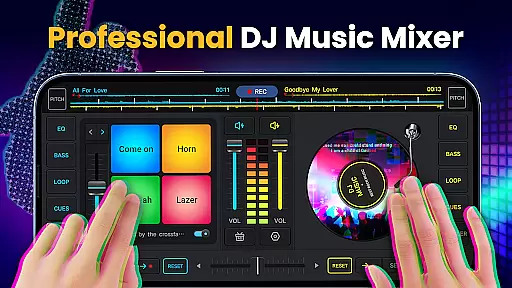
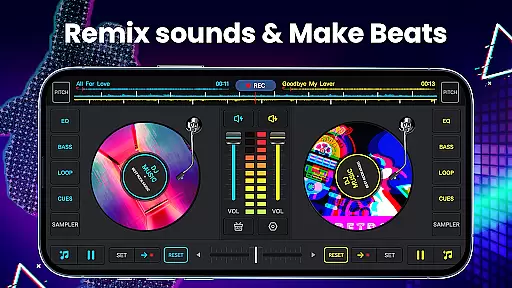
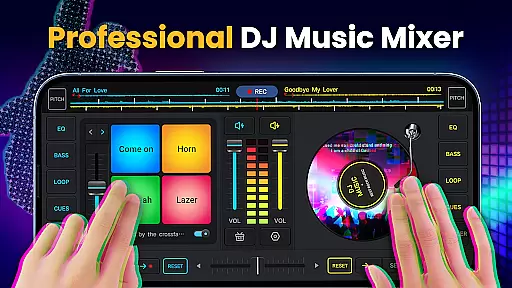
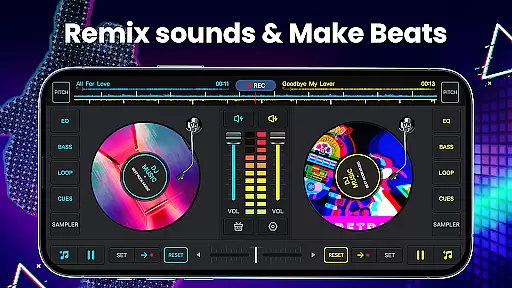
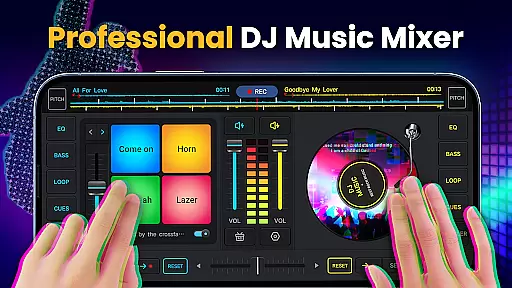
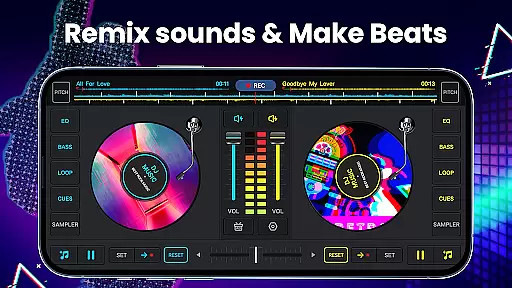
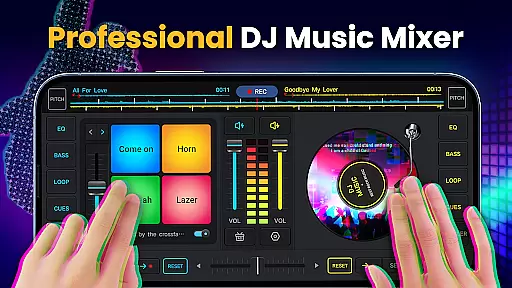
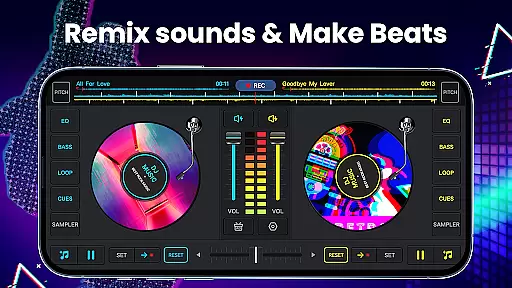
DJ Music Mixer - DJ Mix Studio is a feature-rich virtual DJ application designed for both professional and amateur music enthusiasts. The app provides an intuitive interface with two virtual turntables, real-time equalizer controls, and bass boost functionality, allowing users to create seamless music mixes. With its crossfader capabilities and support for up to 6 Hot Cues per deck, the app enables precise beat matching and creative sound manipulation.
One of the standout features is its extensive library of built-in sound effects and sample packs, including options like gunshots, claps, and scratches. The app also supports high-quality MP3 recording of mixes, making it easy to save and share your creations. Whether you're preparing for a live set or creating custom tracks for personal use, DJ Music Mixer offers the tools needed to produce professional-grade audio content.
This application is particularly useful for mobile DJs who need a portable solution for music mixing. Its optimization for modern devices ensures smooth performance across different hardware configurations. The app's combination of powerful mixing tools and user-friendly design makes it an excellent choice for anyone looking to explore the world of DJing or enhance their existing setup.
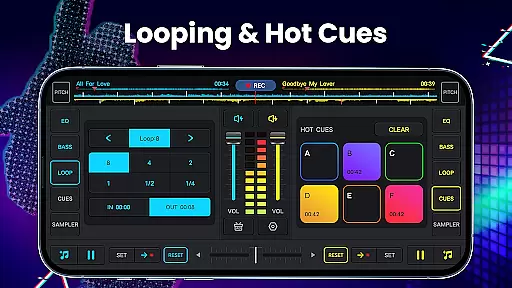
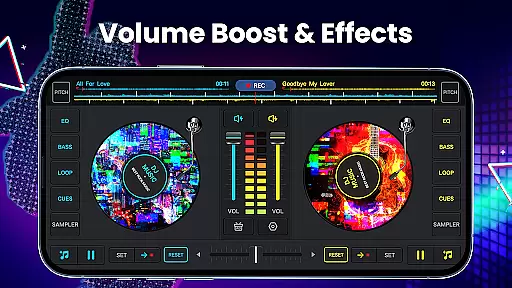
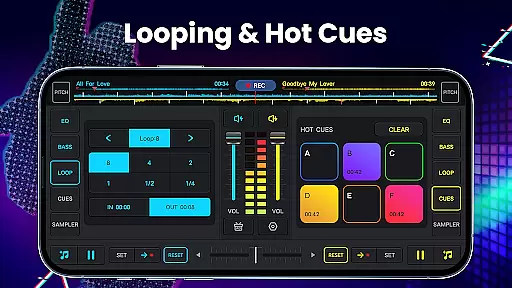
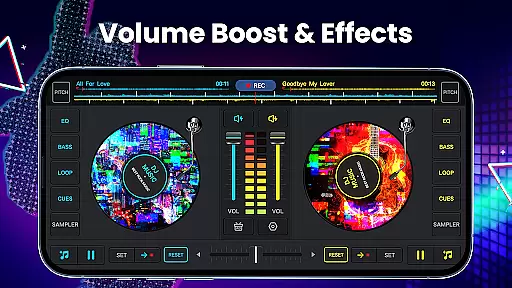
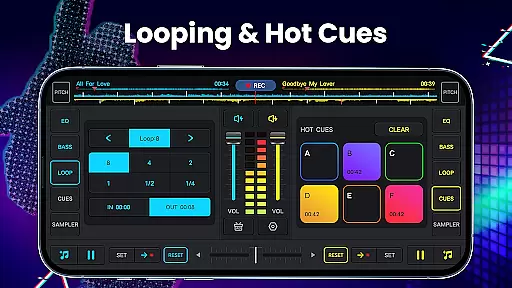
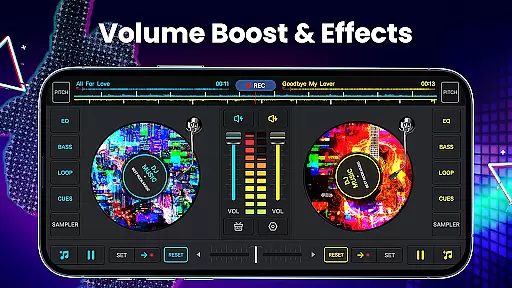
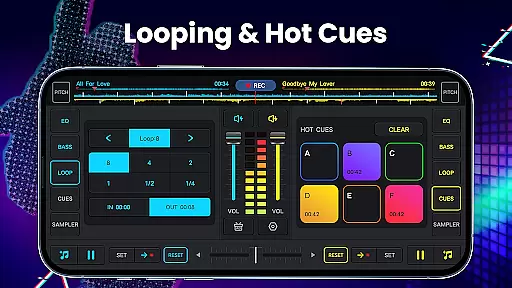
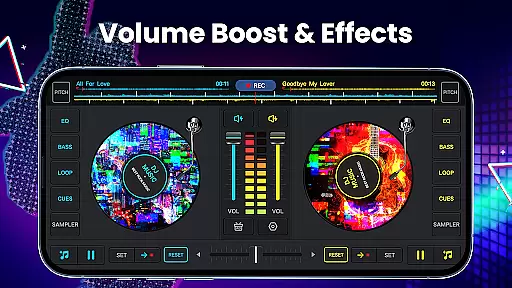
DJ Music Mixer stands out with its comprehensive set of DJing tools that cater to various skill levels. The app includes two virtual turntables with a real crossfader system, providing users with authentic DJ equipment simulation. Each deck supports advanced looping options ranging from 1/64 to 128 beats, allowing for complex mix patterns and creative transitions between tracks.
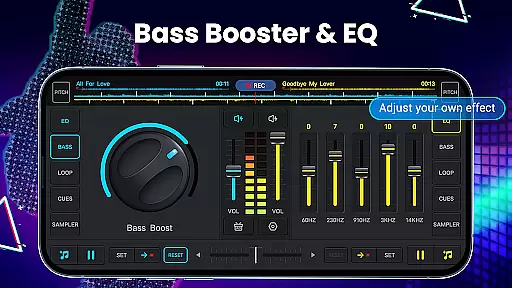
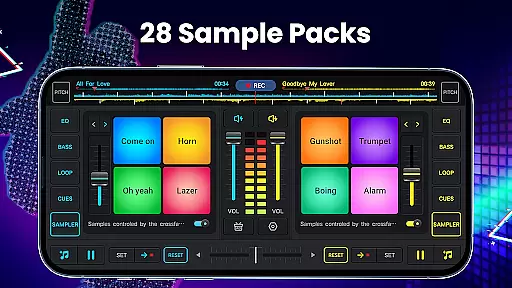
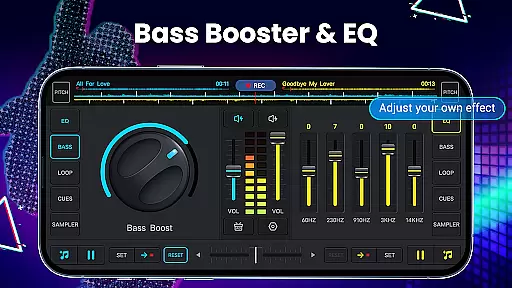
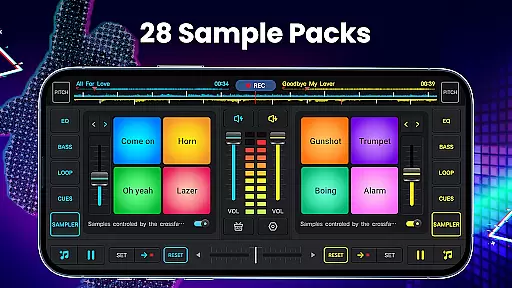
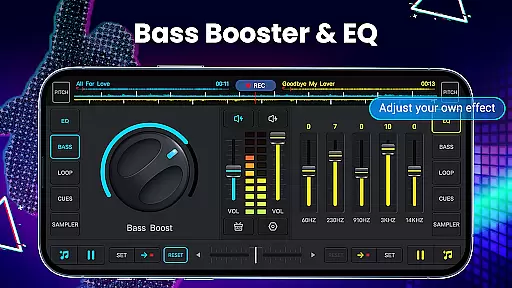
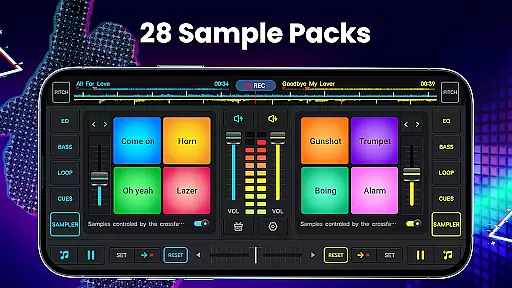
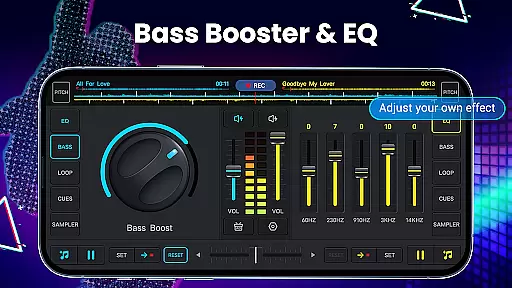
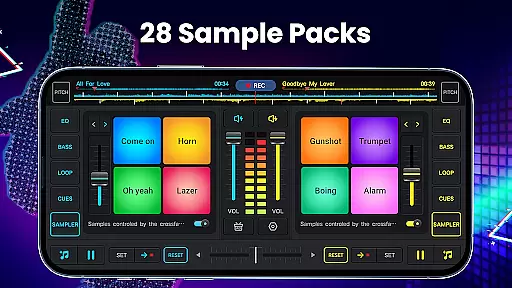
The application's sound processing capabilities are equally impressive, featuring a five-band equalizer and adjustable pitch control. Users can enhance their mixes with 28 free sample packs containing various sound effects, from standard DJing sounds to unique audio samples like boings and scratches. The built-in beat detection system works in conjunction with a wide audio spectrum analyzer, ensuring accurate tempo matching and synchronization.
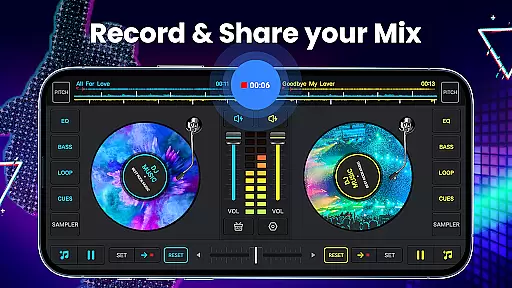
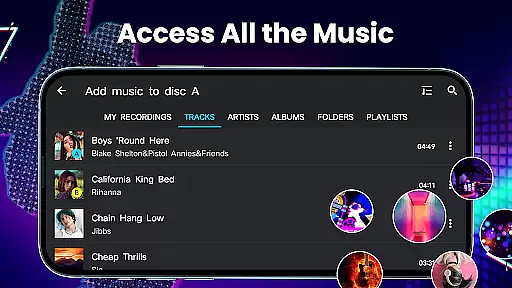
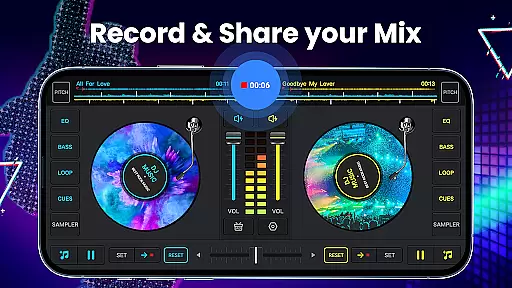
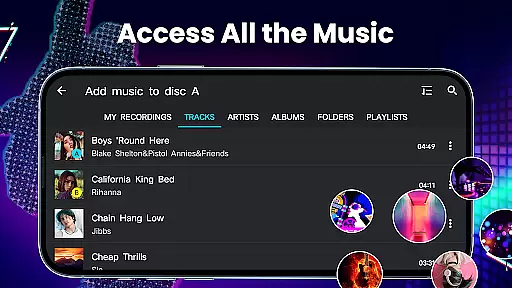
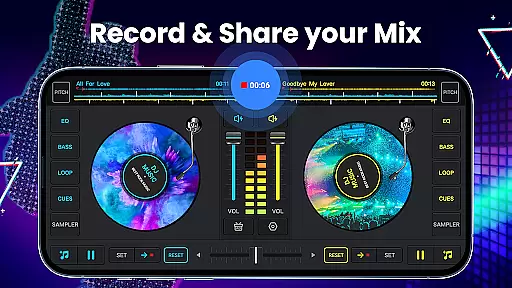
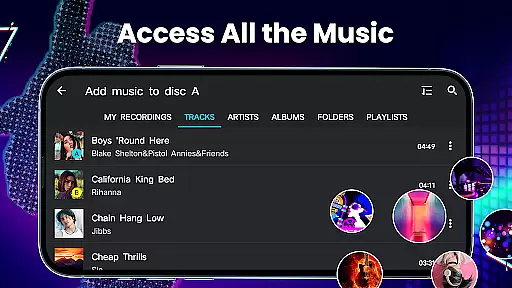
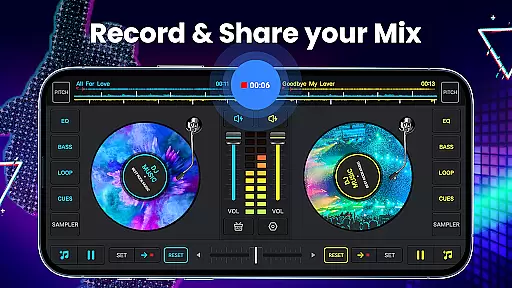
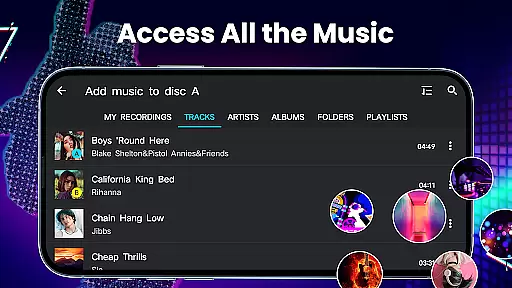
Additional features include a high-quality audio recorder that captures mixes in MP3 format, supporting both internal audio routing and microphone input. The app provides multiple ways to organize and access music files through its integrated library system, which supports browsing by tracks, artists, albums, and folders. These professional-grade tools, combined with the ability to create and manage playlists, make DJ Music Mixer a complete solution for mobile music production and live performance preparation.
In the realm of digital music creation, having access to an extensive music library is crucial for any DJ or music producer. DJ Music Mixer - DJ Mix Studio offers a vast array of tracks, artists, albums, and folders directly from your device, ensuring that you have all the resources needed to create unique mixes. This app allows users to easily import music into a playlist library, making track selection and management seamless.
Copyright authenticity is another significant aspect of DJ Music Mixer - DJ Mix Studio. The app provides 28 free sample packs, including various sound effects like DJing, Gunshot, Boom, Clap, Boing, and Scratch sounds, which are legally available for use. These samples ensure that creators can add professional touches to their mixes without worrying about copyright infringement.
The inclusion of high-quality audio features such as five-band equalizers and bass boosters enhances the user's ability to manipulate sound authentically. With these tools, users can adjust mix volumes and pitch, providing a personalized touch to every track while maintaining the integrity of the original music.
Furthermore, DJ Music Mixer - DJ Mix Studio supports HD recording of mixes in .mp3 format, allowing DJs to save their creations with high fidelity. This feature not only preserves the quality of the mix but also ensures that the final product is suitable for distribution or performance, reinforcing the importance of both size and authenticity in a music library.
Audio quality is paramount when producing music, especially for DJs who rely on clear and crisp sound to captivate their audience. DJ Music Mixer - DJ Mix Studio excels in this area by offering advanced audio quality options that cater to both amateur and professional DJs. The app includes a wide audio spectrum for optimized beat detection, ensuring that every mix is perfectly timed and harmonized.
One of the standout features of DJ Music Mixer - DJ Mix Studio is its real crossfader with two virtual mixer turntables. This setup allows for smooth transitions between tracks, enhancing the overall audio experience. Additionally, the app provides up to six hot cues on each deck, enabling precise control over loops ranging from 1/64 to 128 beats, thus giving users unparalleled command over their music.
The app also boasts a simple yet effective equalizer to control turntable effects, allowing users to fine-tune their mixes with ease. Whether adjusting bass levels or tweaking treble, the equalizer ensures that every sound is balanced and pleasing to the ear. Moreover, the app's compatibility with Android 10 enables high-quality uninterrupted DJ songs, whether using internal audio or a microphone for recording.
Finally, DJ Music Mixer - DJ Mix Studio offers a rotating disc feature that lets users play remixes either backward or forward, adding a creative twist to traditional mixing techniques. This flexibility, combined with high-quality circles and an intuitive interface designed by pro DJs, makes DJ Music Mixer - DJ Mix Studio an indispensable tool for anyone serious about achieving top-notch audio quality in their mixes.
User-friendly interface
Extensive sound effects library
High-quality recording capability
Professional-grade mixing tools
Optimized mobile performance
Limited advanced features
No cloud integration
Occasional stability issues
Ads in free version
Learning curve for beginners

Time Guru will strengthen your internal sense of musical time via random muting.
 4.30
4.30
The Skullcandy App Experience
3.20
Performance-Synthesizer & Multi-Track-Sequencer, polyphonic + multi timbral!
4.70
A synth that really lets you shape your sounds!
4.50
Next generation modular control surface
4.10
Bass Booster & Volume Equalizer Pro improves your music and video sound quality
4.60
Voice recorder - Audio recorder. Best recorder for recording
4.90
Customize Your Favorite Songs and Videos with booster.
4.70
Be a true music maker: create beats, mix and make music like a real DJ!
4.30
Taal player that lets you sing any Indian & Western song with Tabla & Tanpura
4.60
Manage your Sonos system directly from your home-screen!
4.40
Full featured mp3 and audio player with Chromecast and Android Auto support.
4.40
Advanced 10-Band Audio Graphic Equalizer Sound Booster Pro
4.30
Enjoy singing any song, no matter how high or low it is
4.30
Smart piano keyboard, Classical to Pop, Real-time multiplayer connection!
4.20
The original SP-1200 experience on your iPad
4.20
The only true audiophile music player with Hi-Fi audio rendering and DSP engine
3.90
USB audio recording and playback finally possible on Android 3.1 or higher!
3.90
Slow music down without changing pitch.
3.70


User Reviews