
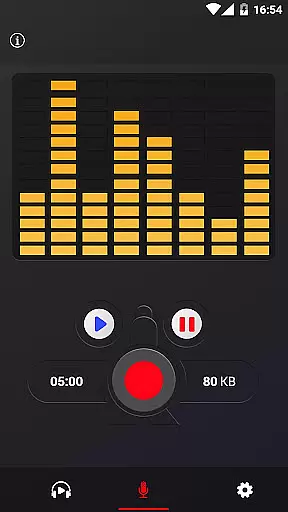
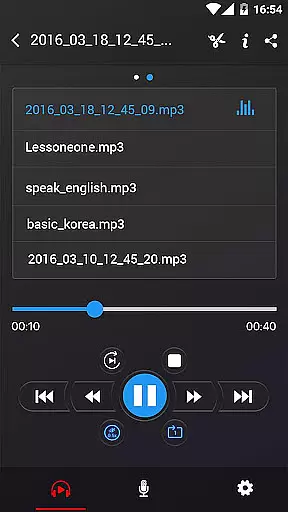
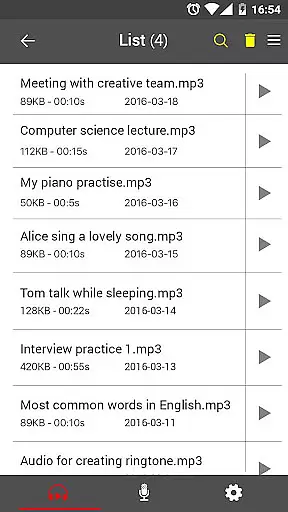
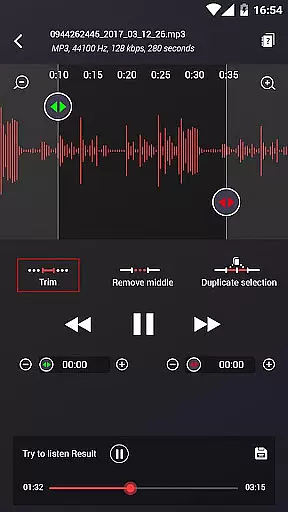

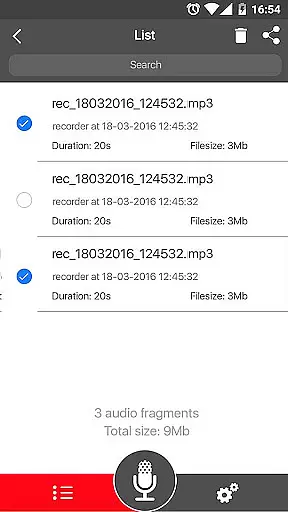
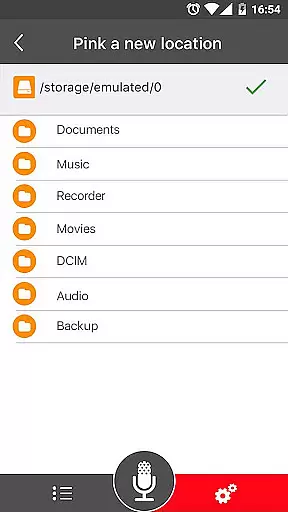
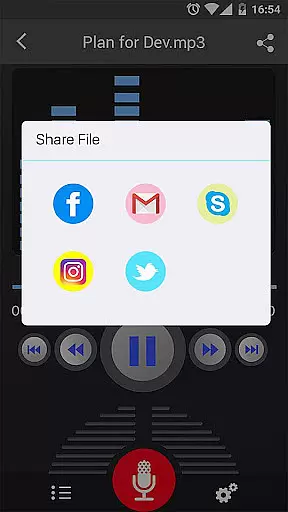
Voice Recorder is a top-tier audio recording application designed for users who need to capture high-quality sound on their mobile devices. This app stands out in the Music & Audio category by offering professional-grade recording capabilities without any time restrictions. Whether you're recording business meetings, lectures, interviews, or creative content like songs, this app ensures reliable performance and excellent audio quality.
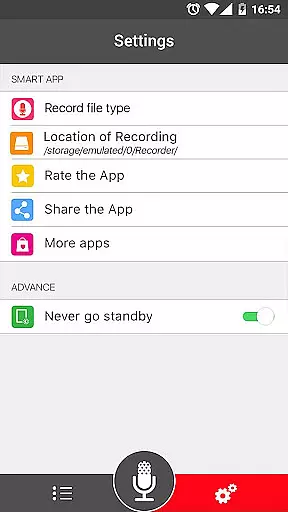
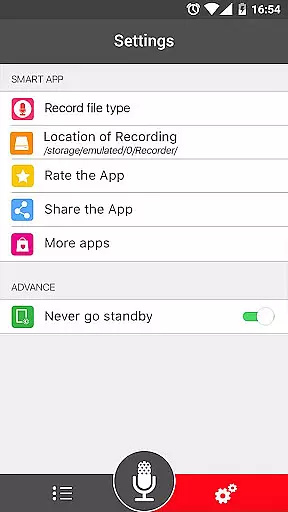
The application's versatility makes it suitable for various use cases. Its intuitive interface allows users to easily manage recordings, while advanced features like MP3 encoding with adjustable sample rates and background recording provide flexibility for different needs. With support for multiple file formats (MP3, OGG) and seamless sharing options via email, SMS, social media platforms, and cloud services, Voice Recorder proves to be an essential tool for anyone looking to capture and share audio content efficiently.
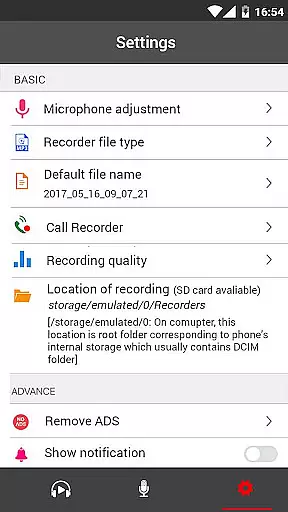
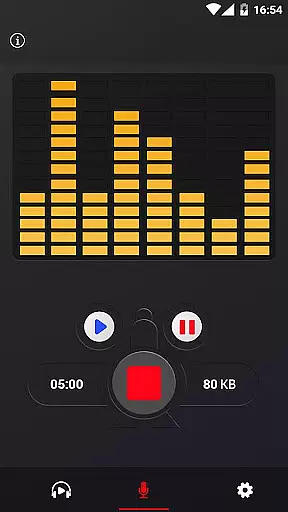
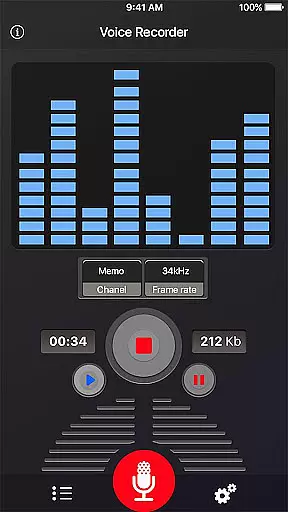
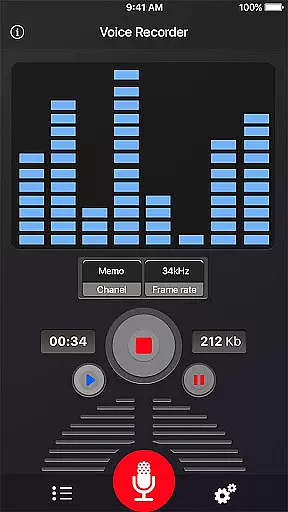
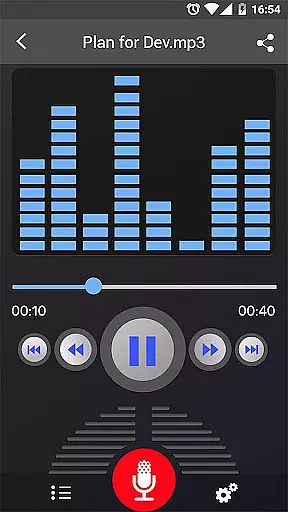
Voice Recorder offers an impressive array of features that cater to both casual and professional users. The app supports high-quality recording with an adjustable sample rate ranging from 8 kHz to 44 kHz, ensuring optimal audio clarity for different scenarios. A live audio spectrum analyzer helps users monitor recording quality in real-time, while a microphone gain calibration tool allows for precise audio level adjustments.
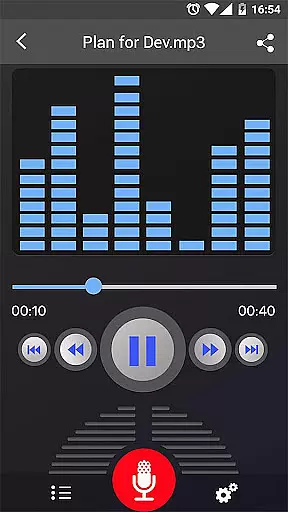
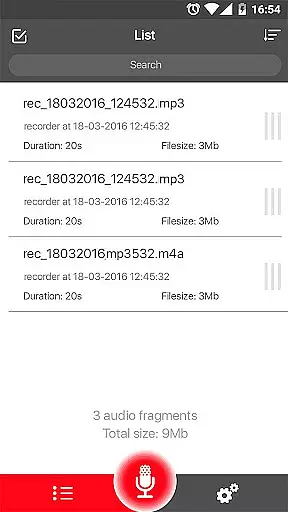
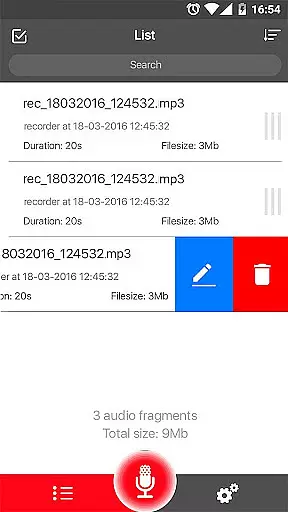
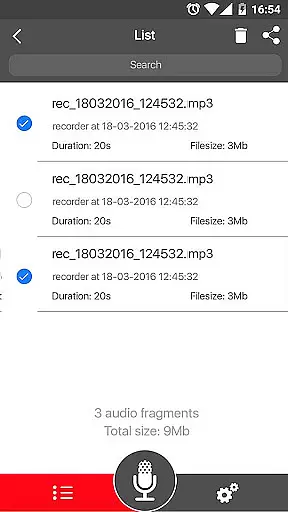
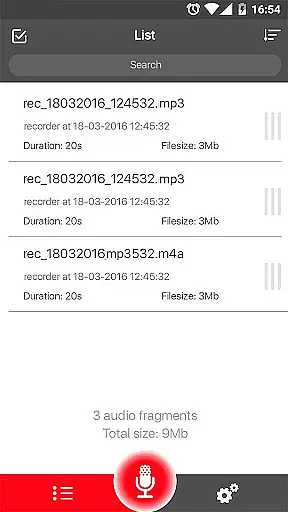
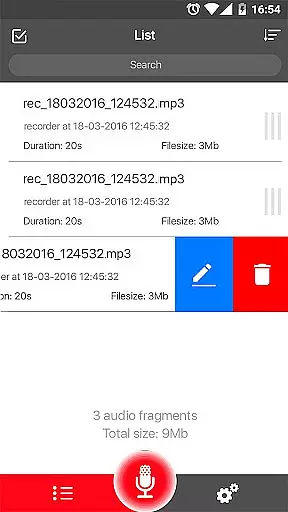
Usability is at the core of this application's design. The simple user interface enables effortless control over the recording process, including options to save, pause, resume, or cancel recordings. Users can manage their recordings through an easy-to-navigate list, and perform essential functions such as play, pause, stop, delete, and share audio files directly from the app. Additional practical features include background recording capability and support for various sharing methods across multiple platforms.
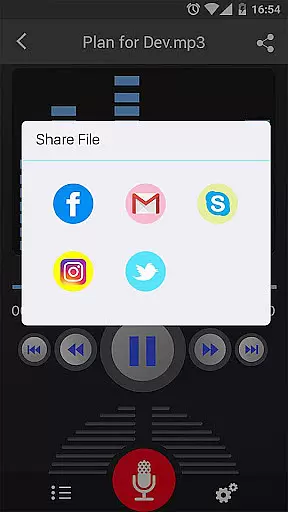
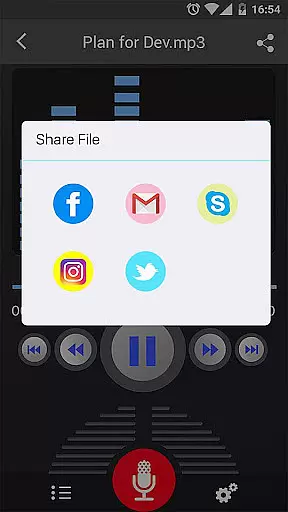
The app's comprehensive functionality extends to its sharing capabilities. Recordings can be shared via numerous channels including email, SMS, MMS, Facebook, WhatsApp, and Dropbox, making collaboration and distribution seamless. While it doesn't support call recording, the combination of its robust feature set and user-friendly design establishes Voice Recorder as a leading choice in mobile audio recording solutions.
Voice Recorder offers a comprehensive set of features that cater to both casual and professional audio recording needs. Despite not having an inherent music library, the app excels in allowing users to create their own collections by recording high-quality audio. This includes support for various formats such as mp3 and ogg, ensuring recordings are widely compatible and accessible.
The application's strength lies in its ability to record without time limits, making it suitable for capturing lengthy musical performances or practice sessions. With adjustable mp3 encoding sample rates ranging from 8-44 kHz, users can fine-tune the quality and file size of their recordings, thus maintaining a balance between audio fidelity and storage efficiency.
Moreover, Voice Recorder ensures that all user-generated content is authentic and free from copyright issues since every recording is original. The app provides tools like a live audio spectrum analyzer and microphone gain calibration, which help users achieve professional-grade results while respecting intellectual property rights.
One of the standout features of Voice Recorder is its commitment to delivering top-notch audio quality options. Users can select from multiple formats including mp3 and ogg, each offering distinct advantages depending on the intended use case. Whether it's for personal notes or detailed musical compositions, these format choices ensure optimal sound reproduction tailored to individual preferences.
In addition to format flexibility, the app supports background recording even when the display is off, enabling uninterrupted capture of high-fidelity audio. The adjustable sample rate feature further enhances this capability by allowing users to specify their desired level of detail, ranging from 8 kHz for voice-centric applications to 44 kHz for music-rich environments.
Voice Recorder also includes playback controls such as play, pause, and stop, along with easy sharing options via email, SMS, social media platforms, and cloud services. These functionalities empower users to manage their recordings efficiently while enjoying superior audio clarity across different devices and contexts.
User-friendly interface
High-quality recording
Multiple sharing options
Background recording
No time limitations
Lacks call recording
Basic UI design
Occasional bugs
Ads present
File size limit

DJ Music Mixer Pro is a real DJ controllers and DJ Music Studio to remix DJ.
 4.40
4.40
Network/Cloud Streaming, Visualization, Graphic Equalizer and Sound Effects.
4.20
AI Music Maker: Generate And Compose AI Tunes & AI Songs & AI Music & AI Melody!
4.60
Enjoy singing any song, no matter how high or low it is
4.30
Learn and play 2M+ music tabs & chords on guitar, ukulele, bass, and more
4.30
Turn your Android phone into a professional audio analyser with up to 120 bands.
4.00
Versatile MP3 recorder with auto-backup to Dropbox and Google Drive
4.10
The iconic iOS metronome app is now on Android.
3.70
Play your music offline without limits
4.80
Music, News & Sports Radio Tuner App. Tune in Live FM & AM Radio Stations.
4.80
Most Advanced AI Song Generator and Music Creator. Rap, Pop, Rock, Gospel & more
4.70
Offline Music Player&MP3 Player with themes, equalizer, lyrics, music play mode
4.60
Reverse your voice & songs instantly! Fun singing challenge with cool effects.
4.60
Ringtone Maker is free app create ringtone from music files or your recording.
4.40
VB-AUDIO Software / VBAN-Receptor allows listening to any VBAN Streams
4.10
The only true audiophile music player with Hi-Fi audio rendering and DSP engine
3.90
Control your MIDI USB or Bluetooth devices in app and avoid some trampling
3.30
Remove ads permanently from Music Visualizer
4.5
Music Streaming suite for Ampache, Nextcloud Music and compatible backends.
4.0


User Reviews