

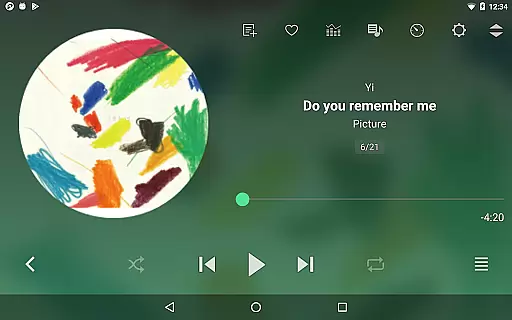
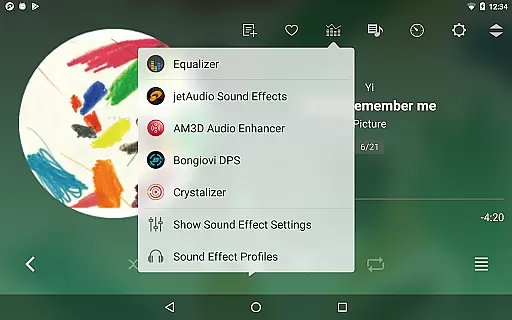
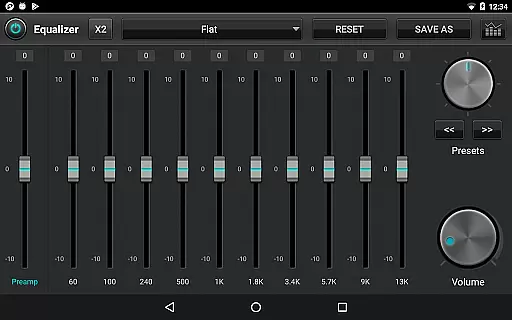
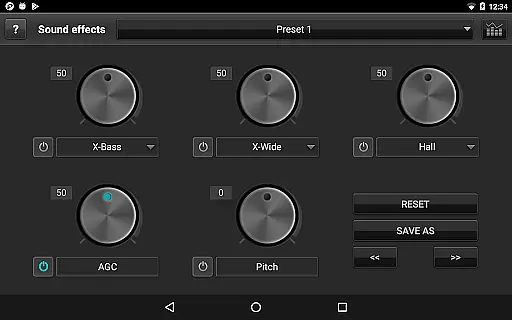
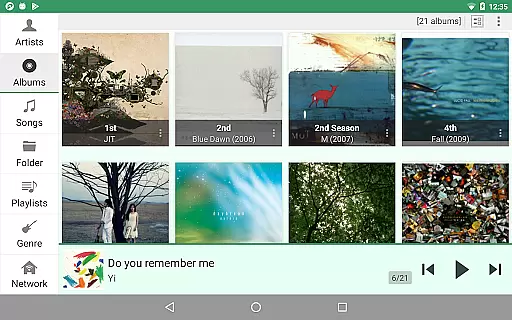
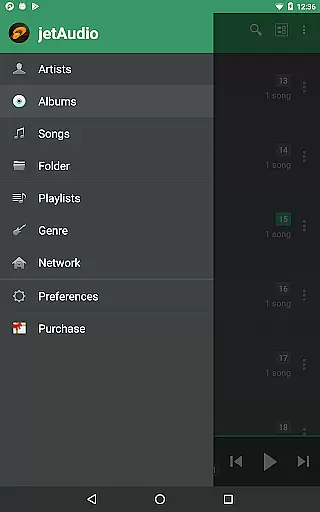
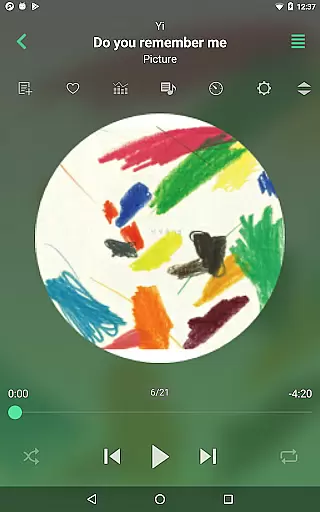
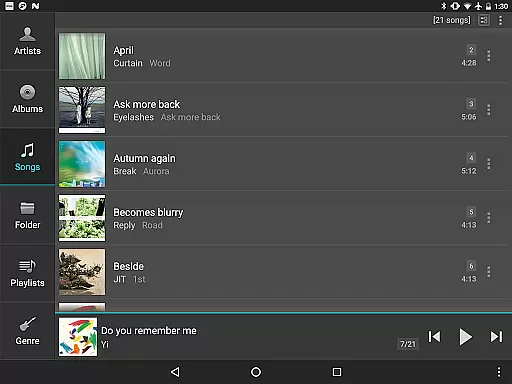
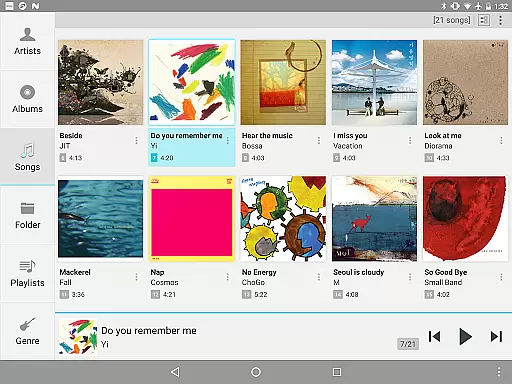
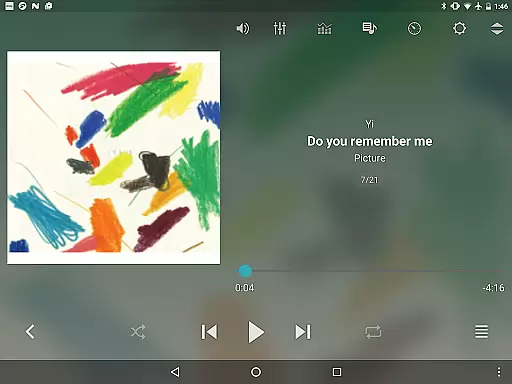
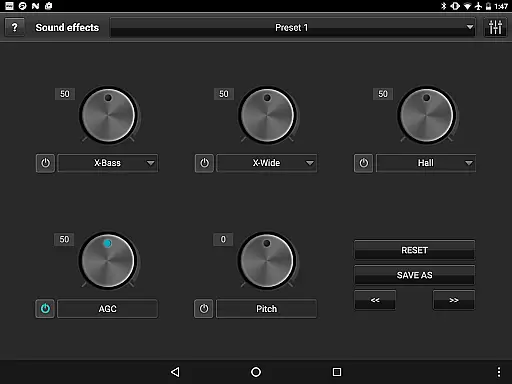
jetAudio+ Hi-Res Music Player is a premier audio solution for Android users, offering an exceptional listening experience. This app supports an extensive range of digital music files including .wav, .mp3, .ogg, and more, ensuring compatibility with virtually any audio format you may have. With advanced sound effects like Wide, Reverb, X-Bass, and a 32 equalizer preset selection, jetAudio provides high-quality sound customization options.
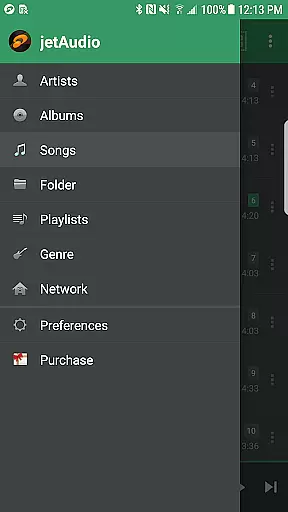
Beyond just playback, jetAudio+ allows streaming from local home network shared folders or cloud services such as Google Drive and Dropbox. The Plus version offers additional features like a 20-bands graphic equalizer, pitch shifter, and MIDI playback, enhancing the user's control over their music experience. Whether you're an audiophile or a casual listener, jetAudio+ delivers a rich, versatile audio environment that caters to your needs.
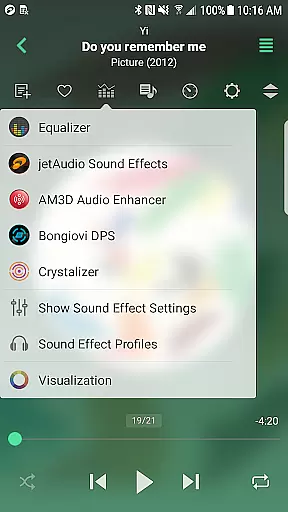
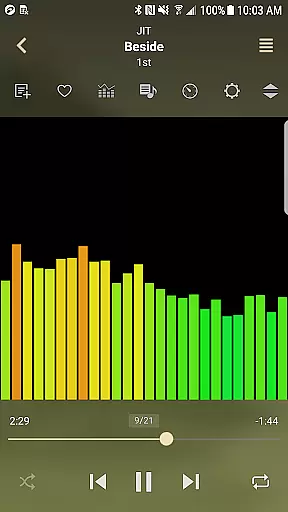
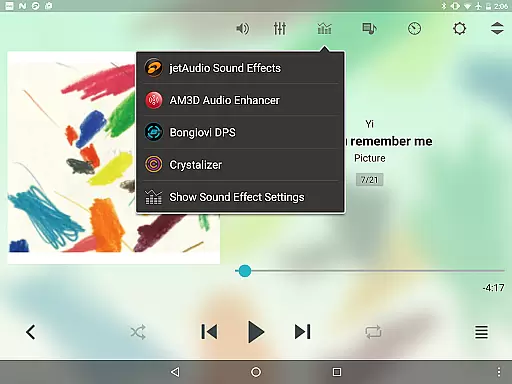
One of the standout aspects of jetAudio+ Hi-Res Music Player is its comprehensive feature set tailored for audio enthusiasts. The app includes specialized plugins like Crystalizer and AM3D Audio Enhancer, which elevate the standard listening experience to a more immersive level. Users can also enjoy visualizations that accompany their music, creating a complete sensory experience.
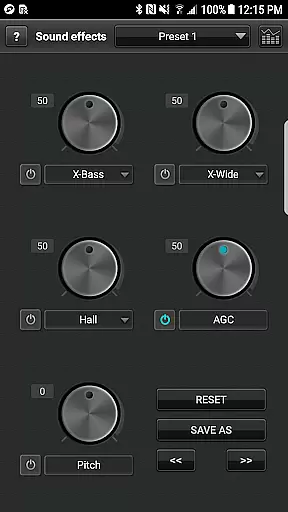
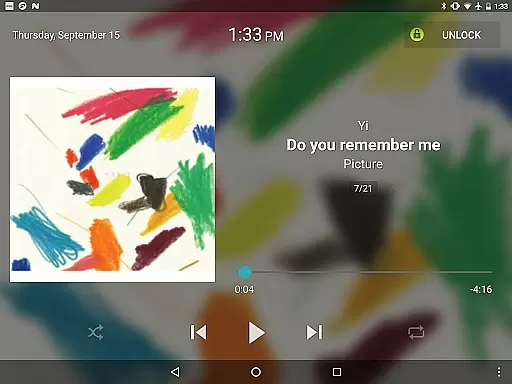
For those who prefer personalization, jetAudio+ does not disappoint. It offers advanced playback functions such as playback speed control, crossfading, and AGC, alongside multiple lock screens and app widgets for a customized interface. The ability to edit tags for formats like MP3 and FLAC, display unsynchronized lyrics, and adjust FF/REW intervals makes this app a powerful tool for managing and enjoying your music library with precision.
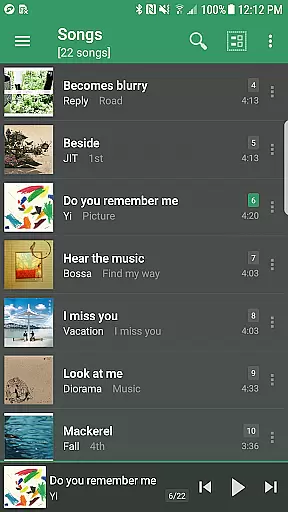
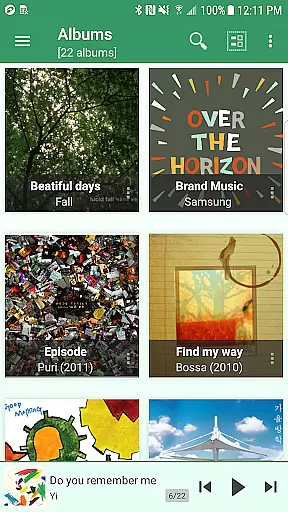
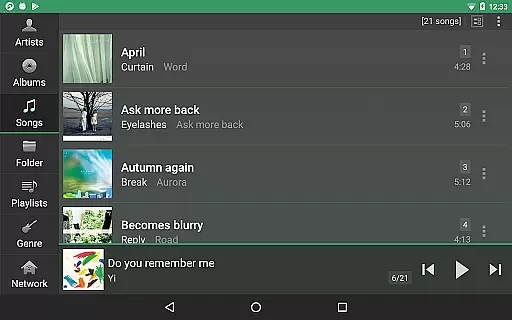
jetAudio+ Hi-Res Music Player offers an extensive music library that supports a wide range of audio formats including MP3, WAV, FLAC, and OGG. This ensures users have access to high-quality sound across various file types.
The application emphasizes copyright authenticity by enabling playback of legally purchased and downloaded music files. Users can manage their digital rights management (DRM) free tracks with confidence knowing they are engaging with authentic content.
With the ability to stream from cloud services like Google Drive and Dropbox, jetAudio+ extends its library potential while maintaining legal integrity. This feature allows users to enjoy their personal collections without concerns about copyright infringement.
One of jetAudio+'s standout features is its superior audio quality options. The app includes advanced sound effects such as Wide, Reverb, and X-Bass, which enhance the listening experience significantly.
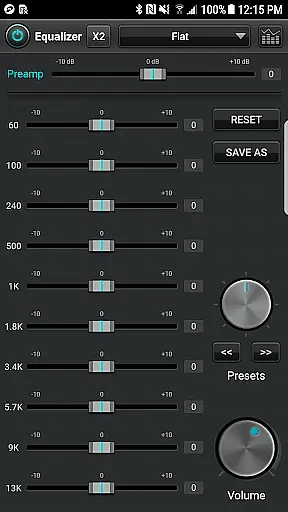
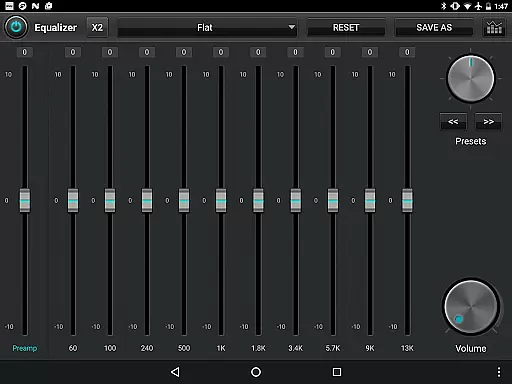
For audiophiles seeking customization, the Plus version provides a 20-band graphic equalizer and precise playback speed control. These tools allow for tailored audio experiences that cater to individual preferences and ensure optimal sound output.
Additionally, jetAudio+ integrates high-end audio enhancers like AM3D Audio Enhancer and Bongiovi DPS, offering professional-grade sound processing. Such enhancements guarantee that every track sounds as vibrant and clear as the artist intended.
High-quality sound output
Wide file format support
Customizable equalizer settings
Advanced playback controls
Cloud music streaming
Paid version required for full features
Some codecs may not be supported
Advertisements in free version
Interface may seem complex to new users
Separate purchase for plugins

Gorgeous UI, Powerful music Search and Equalizer, the great choice for you!
 4.70
4.70
Permanently backup Now Playing. Maps, filters & listening stats.
4.00
Advanced 10-Band Audio Graphic Equalizer Sound Booster Pro
4.30
Next generation modular control surface
4.10
Ultimate Sonos Controller
4.70
USB audio recording and playback finally possible on Android 3.1 or higher!
3.90
24,000 free audio books and no ads!
4.90
A complete sound package for the sound engineer or enthusiast
4.60
Versatile MP3 recorder with auto-backup to Dropbox and Google Drive
4.10 4.70
4.70
Taal player that lets you sing any Indian & Western song with Tabla & Tanpura
4.60
The best music and audio player, with beautiful UI, music search and equalizer.
4.60
Manage your Sonos system directly from your home-screen!
4.40
Master Salsa Rhythm quickly and with a lot of fun!
4.30
Turn your Android phone into a professional audio analyser with up to 120 bands.
4.00
Turn your phone into a musical instrument from the future!
3.90
The Cubase remote control app
3.60
Simple mp3 and mp4 player with advanced features.
3.40
Simply convert wav to mp3. Clear. Reliable. Safe.
4.2


User Reviews