
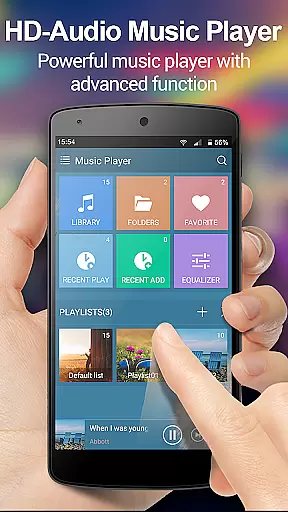
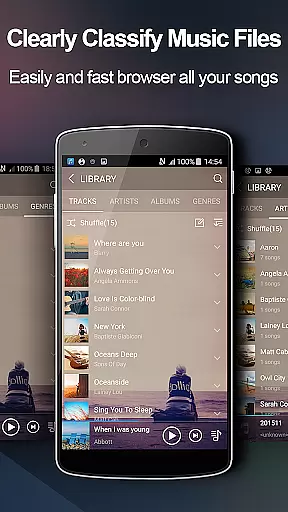
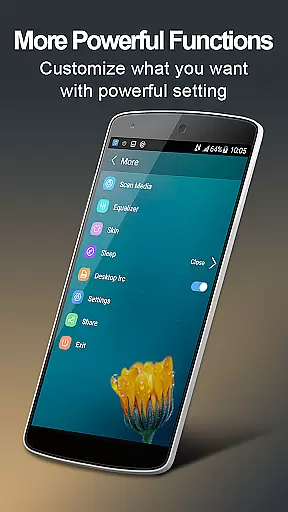
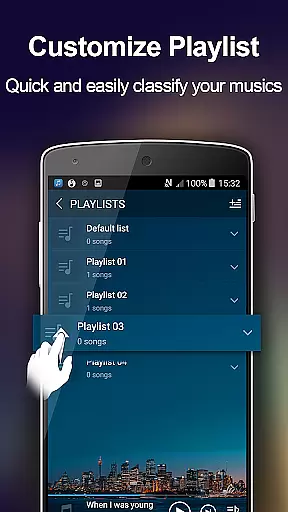
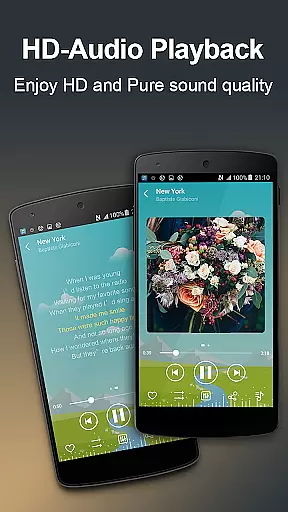
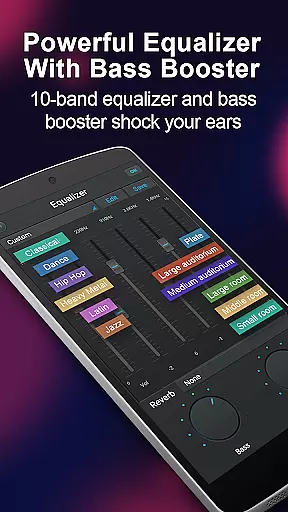
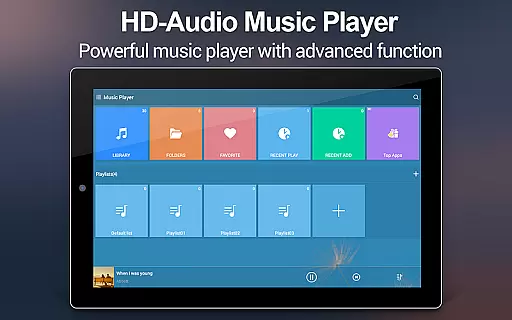
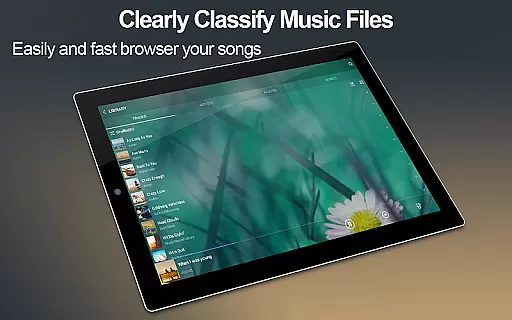
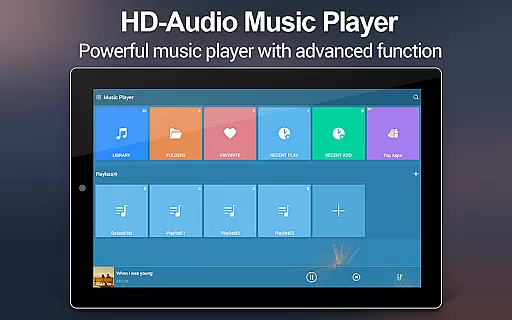
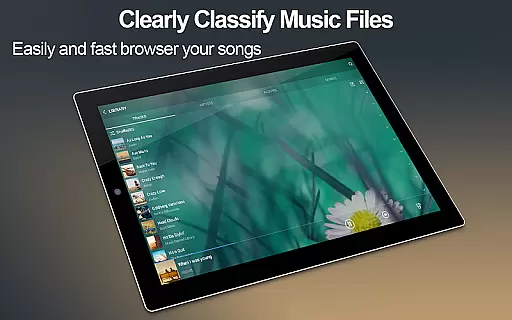
Music Player + is a feature-rich audio management app designed for Android users who demand both functionality and aesthetics. This application not only allows you to browse and play music through various organizational methods such as albums, artists, genres, playlists, and folders but also enhances your listening experience with its powerful equalizer. The unique five-band equalizer, coupled with eight preset tones, lets you customize sound output like never before.
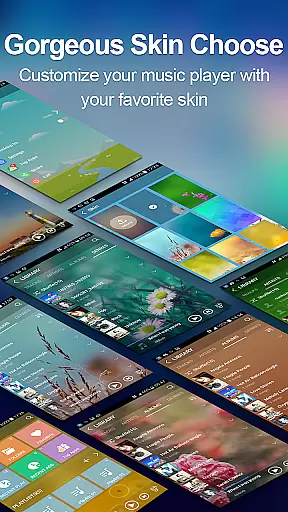
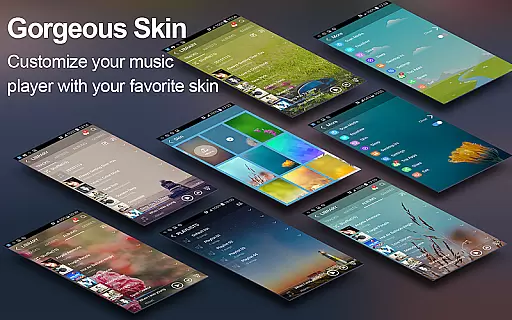
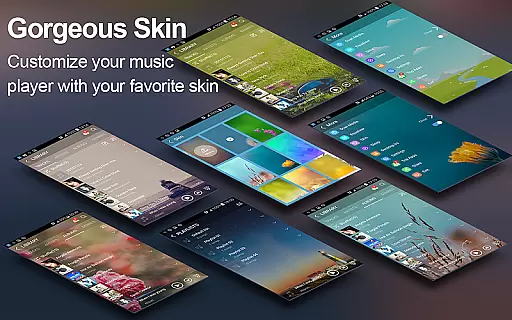
The app stands out with its customizable user interface, offering over 20 background skins including the option to use personal photos. With support for all music and audio file formats, Music Player + ensures seamless playback. Its intuitive folder-based navigation system and quick search feature make managing extensive music libraries effortless. Additionally, practical features like headset controls, notification bar playback controls, and shake-to-skip functionality provide unparalleled convenience.
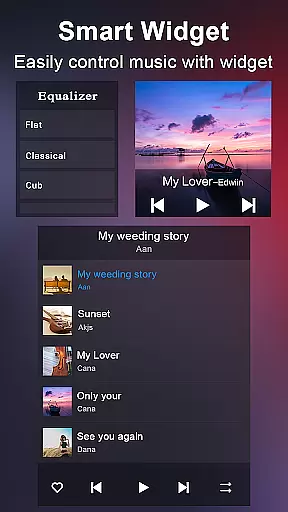
Whether you're commuting or relaxing at home, Music Player + adapts to your lifestyle. The inclusion of desktop widgets and lock screen controls means you can manage your music without interrupting your activities. This makes it an ideal choice for audiophiles and casual listeners alike who seek a versatile, ad-free music experience on their Android devices.
Music Player + boasts an impressive array of features that cater to diverse user needs. One of its standout capabilities is the automatic lyric matching system, which scans and pairs songs with corresponding lyric files, enhancing karaoke sessions or sing-alongs. The app supports multiple audio control options, including headset and Bluetooth controls, allowing users to manage playback remotely.
Customization is at the heart of Music Player +, with over 20 background skins available, including the option to use personal images. This level of personalization extends to its equalizer settings, where users can choose from eight preset tones or manually adjust the five-band equalizer for a tailored audio experience. The app's innovative 'Shake It' feature enables track skipping with a simple phone shake, adding a fun interactive element.
Practicality meets technology with features like the notification status bar, displaying album artwork and playback controls, and three different home screen widgets for easy access. The comprehensive music library search function ensures you can quickly locate any track, while custom playlist creation and song detail editing empower users to organize their collections efficiently. These robust features collectively deliver a next-level music management solution.
When evaluating a music player application like Music Player +, the size and authenticity of its music library are crucial factors. This app allows users to manage and play music from various sources, ensuring that all audio files are easily accessible. With support for all music and audio file formats, it provides an extensive collection that caters to diverse musical tastes.
The app's powerful search functionality makes it easy to find all your music files, whether they are sorted by albums, artists, genres, or folders. This comprehensive organization ensures that users can quickly locate their favorite tracks without any hassle. Furthermore, the automatic lyric scanning feature matches songs with appropriate lyric files, enhancing the overall listening experience.
Regarding copyright authenticity, Music Player + respects user-imported content while ensuring no unauthorized distribution of music. Users can customize their libraries with personal audio files, edit song details, and even choose custom background skins. This respect for user content and emphasis on personalization underlines the app's commitment to providing a legitimate and enriched music experience.
Audio quality is paramount when choosing a music player, and Music Player + excels in this area. The app features a powerful equalizer with five bands, allowing users to fine-tune their listening experience. With eight types of preset music tones and the option for manual adjustments, listeners can customize sound profiles to match their preferences perfectly.
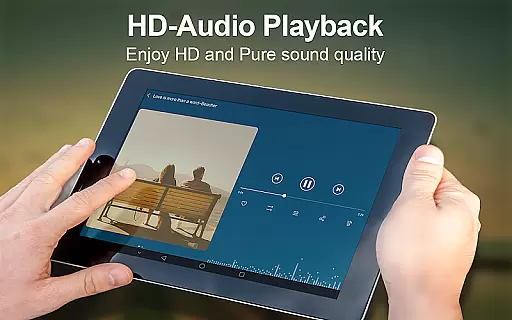
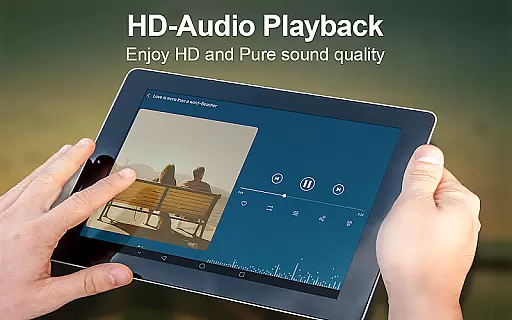
In addition to the equalizer, the app offers high-quality audio playback for all supported formats. This ensures that users enjoy their music in the best possible quality, regardless of the source. The inclusion of advanced audio settings, such as balance and reverb controls, further enhances the depth and richness of the sound output.
Another standout feature is the SHAKE IT function, which lets users change tracks by simply shaking their device. Combined with headset and Bluetooth controls, Music Player + provides a seamless and intuitive way to manage audio playback. These innovative features not only improve accessibility but also ensure that users can enjoy high-fidelity sound with minimal effort.
User-friendly interface
Powerful equalizer
Customizable skins
Automatic lyrics
Wide format support
No iOS version
Occasional bugs
Heavy on memory
Limited sharing
Ads in free version

Performance-Synthesizer & Multi-Track-Sequencer, polyphonic + multi timbral!
 4.70
4.70
DJ Music Mixer - DJ Remix: remix songs, make beat music & record mix of DJ.
4.40
A High-Precision Audio Spectrum Analysis App
4.20
Your song collections with lyrics and chords on Android smartphones and tablets.
4.80
Record, Mix & Master with all n-Track effects, 64-bit audio and Stem Separation.
4.70
Super Sound Editor, Song Maker & Mixer, Vocal Remover, Voice Recorder & Changer!
4.60
Sheet music reader, piano & music note player. Play music score & learn to read.
3.90
Full featured mp3 and audio player with Chromecast and Android Auto support.
4.40
Uninterrupted Tunes, Unmatched Vibes
3.90
Voice recorder - Audio recorder. Best recorder for recording
4.90
Walkout Song DJ is the most intuitive app to manage your sports music.
4.70
SqueezePlayer turns your Android phone or tablet into a SqueezeBox on its own!
4.60
Reverse your voice & songs instantly! Fun singing challenge with cool effects.
4.60
Fun & Easy Voice Changer – Record, Edit & Add Hilarious Effects!
4.50
Save hundreds of dollars for a physical strobe tuner and instead use this app.
4.50
Slow music down without changing pitch.
3.70
The Minimalistic Premium Music Player. Handmade with passion for music
2.20
Make music anywhere. Turn your device into an instrument.
4.4
Music Streaming suite for Ampache, Nextcloud Music and compatible backends.
4.3


User Reviews