
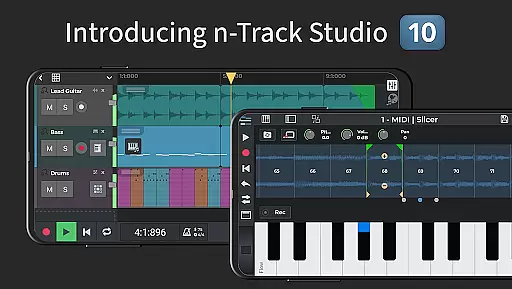
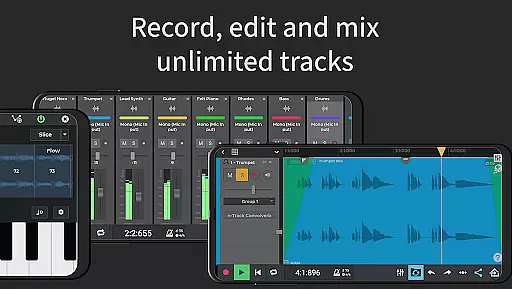
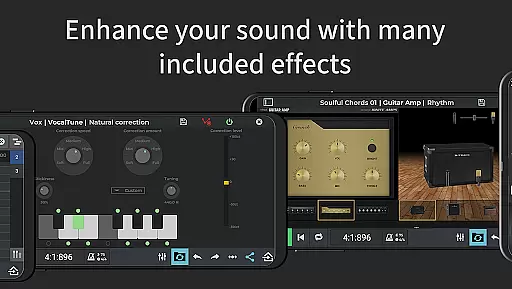
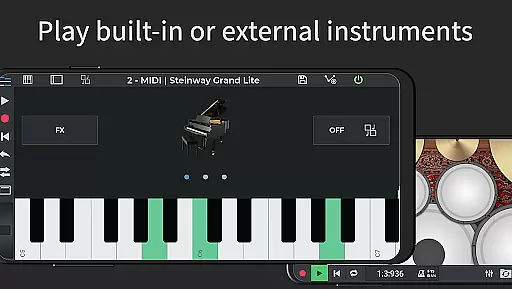
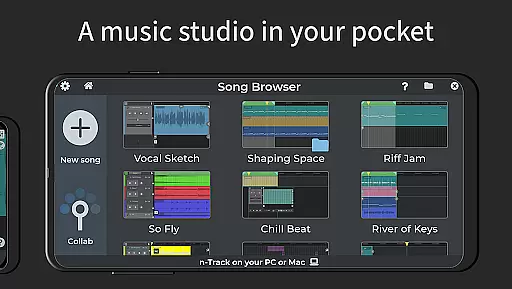
n-Track Studio Pro is a comprehensive music production application that transforms your Android device into a fully functional recording studio. The app allows users to record an unlimited number of audio, MIDI, and drum tracks, making it ideal for both amateur enthusiasts and professional musicians. With features like built-in effects such as Guitar Amps, VocalTune, and Reverb, users can mix tracks during playback and edit songs with precision.
One of the standout capabilities of n-Track Studio Pro is its compatibility with external audio interfaces and support for virtually unlimited track layers, which ensures high-quality audio production. Whether you're creating simple melodies or complex compositions, this app provides all the tools necessary for music creation, editing, and sharing within an intuitive interface.
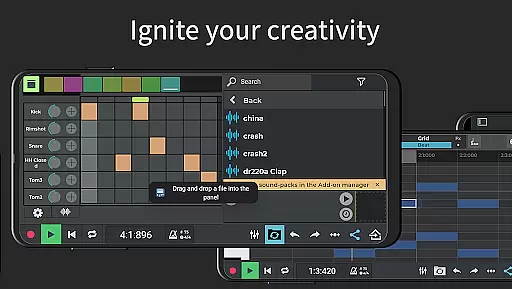
n-Track Studio Pro offers an extensive array of features tailored for music creators. The app includes a Step Sequencer Beat Maker, stereo and mono audio tracks, and MIDI tracks with built-in synthesizers. Users can take advantage of the Loop Browser and in-app sample packs to enhance their compositions. Additionally, the app supports advanced functionalities like 64-bit double precision floating point audio engine and internal audio routing, catering to audiophiles who demand the highest sound quality.
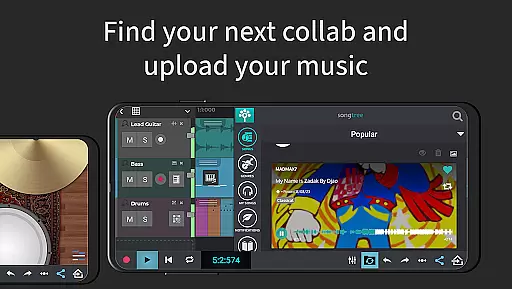
The mixer within the app allows detailed adjustments of levels, pan, EQ, and various effects including Reverb, Echo, Chorus, Flanger, Tremolo, Pitch Shift, Phaser, Tube Amp, and Compression. These can be applied to any track or the master channel, providing complete control over the final audio output. Moreover, collaboration is made easy through Songtree, an integrated online community where musicians can work together on projects seamlessly.
n-Track Studio Pro offers an extensive music library that caters to a wide array of musical genres and preferences. The app provides users with virtually unlimited audio and MIDI tracks, enabling them to explore their creativity without constraints.
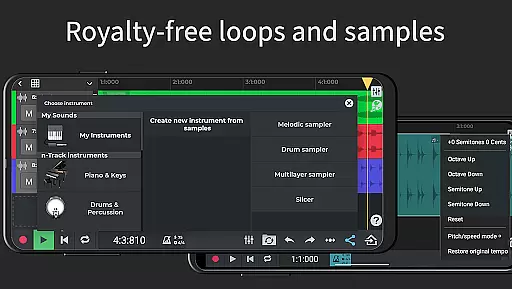
With the inclusion of royalty-free sample packs and loops, n-Track Studio ensures that all content is copyright-authenticated, giving users peace of mind when utilizing these resources in their projects. This vast library not only enhances the creative process but also saves time and effort in sourcing external samples.
The app's dedication to copyright authenticity means musicians can focus on their art without legal concerns. By providing a rich repository of sounds and instruments, n-Track Studio Pro empowers artists to produce high-quality music while respecting intellectual property rights.
Audio quality is paramount in music production, and n-Track Studio Pro excels in delivering top-tier sound options. The app supports exporting audio files in 16, 24, or 32-bit formats, ensuring that users can achieve the desired level of clarity and depth in their recordings.
In addition to flexible bit-depth options, n-Track Studio Pro allows setting sampling frequencies up to 192 kHz. This high-frequency support, although requiring an external audio device for rates above 48 kHz, guarantees pristine audio fidelity for professionals and audiophiles alike.
Furthermore, the 64-bit double precision floating point audio engine contributes to maintaining exceptional audio quality throughout the production process. This technological advantage results in more accurate mixing, mastering, and overall superior sound output, making n-Track Studio Pro a reliable choice for discerning musicians.
User-friendly interface
Extensive feature set
High-quality audio processing
Versatile track options
Active user community
Steep learning curve
Resource-intensive
Additional in-app purchases
Limited free version
Occasional bugs

Pay Once, no monthly payment
 4.60
4.60
Taal player that lets you sing any Indian & Western song with Tabla & Tanpura
4.60
Advanced 10-Band Audio Graphic Equalizer Sound Booster Pro
4.30
Enjoy singing any song, no matter how high or low it is
4.30
Smart piano keyboard, Classical to Pop, Real-time multiplayer connection!
4.20
Offline Music Player&MP3 Player with themes, equalizer, lyrics, music play mode
4.60
MilkDrop for Android TV
3.00
Listen to offline music and sounds from all categories
4.70
Play your music offline without limits
4.80
Voice recorder - Audio recorder. Best recorder for recording
4.90
Help you quickly get started with Shokz headphones
4.40
Full featured mp3 and audio player with Chromecast and Android Auto support.
4.40
Your HD audio recorder on the go for music, meetings, ambience, animal sounds…
4.30
Network/Cloud Streaming, Visualization, Graphic Equalizer and Sound Effects.
4.20
The alternative folder based music player.
4.20
No wifi music app. Mp3 offline. Tuner radio, young radio music. Music downloader
4.20
Next generation modular control surface
4.10
Permanently backup Now Playing. Maps, filters & listening stats.
4.00
The Skullcandy App Experience
3.20


User Reviews