
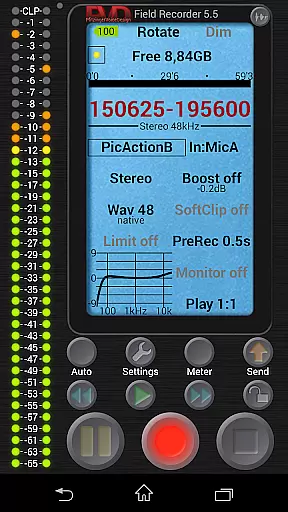
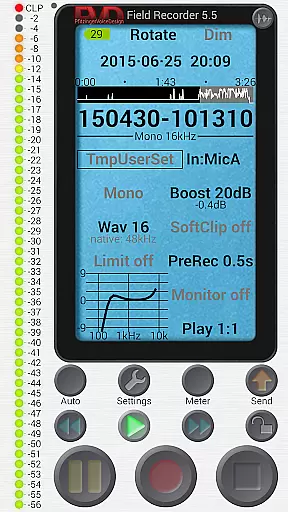
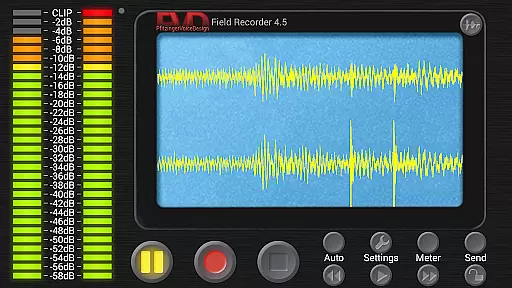
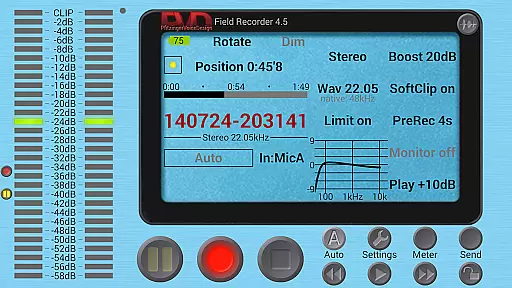
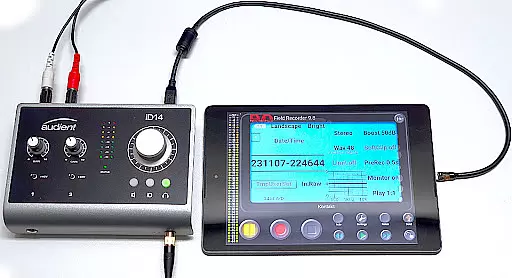
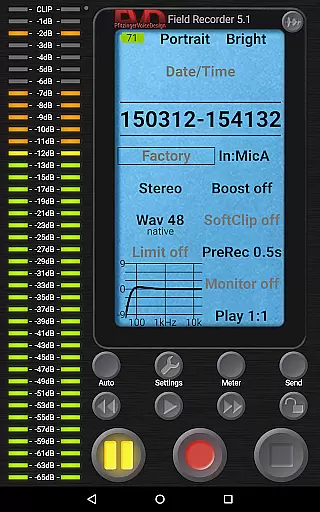
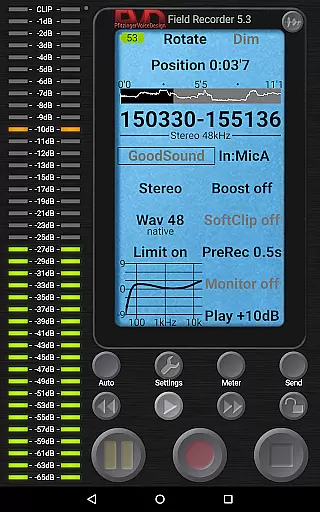
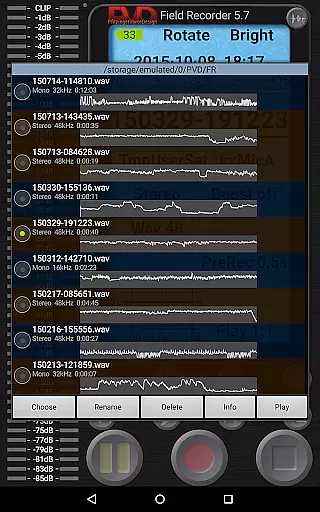
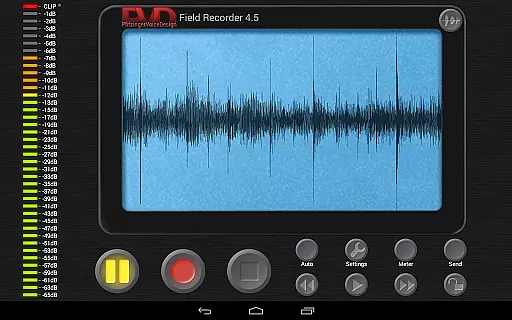
Field Recorder transforms your mobile device into a versatile audio recording tool, offering professional-grade features in a lightweight package. Designed for audiophiles and professionals alike, this app supports high-quality recordings using built-in microphones, external mics, or USB sound cards.
The application provides extensive customization options with adjustable audio parameters and savable presets, allowing users to tailor their recording experience. Whether capturing live concerts, interviews, meetings, or ambient sounds, Field Recorder ensures you can quickly share or archive your audio files right after recording.
With its unique capabilities like pre-recording buffer, auto-start/stop functionality, and advanced audio correction tools, the app is suitable for various scenarios from band rehearsals to field monitoring. The intuitive interface and real-time spectrum display make it an indispensable tool for anyone serious about audio recording.
Field Recorder stands out with its comprehensive feature set tailored for both casual users and audio professionals. The app allows recording in multiple formats ranging from efficient mono/16kHz/16-bit WAV files to professional stereo/192kHz/24-bit quality.
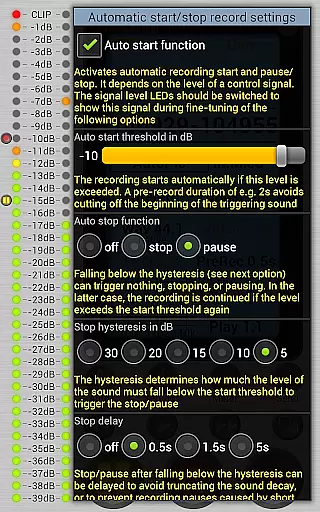
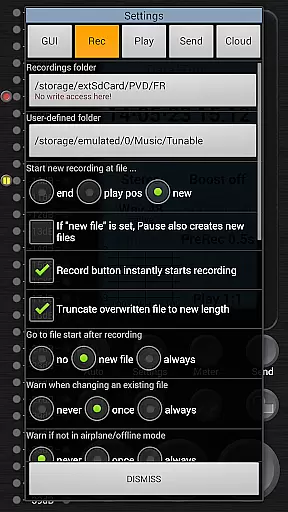
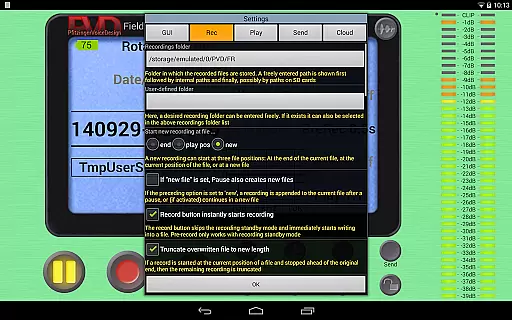
Advanced functionalities include automatic file splitting at 4GB, configurable limiter and equalizer settings, and support for external devices. Users can benefit from the auto-start/stop controlled by volume, email alerts on noise level exceedance, and seamless integration with helper apps for format conversion.
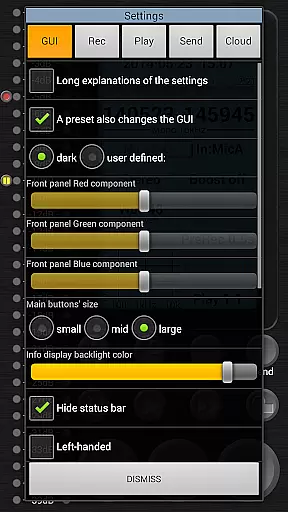
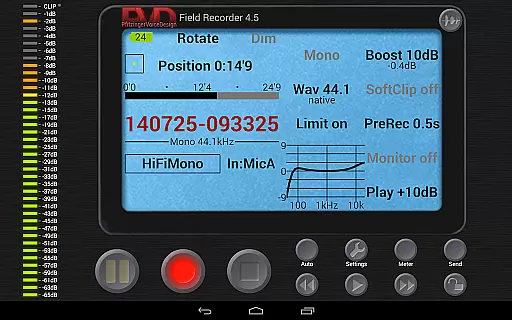
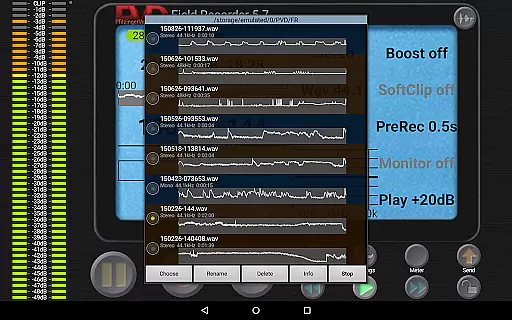
The user interface is highly customizable, offering options like color schemes, layout adjustments, and detailed monitoring displays. With low-latency HD monitoring, precise playback controls, and homescreen widget support, Field Recorder delivers a complete package for all audio recording needs.
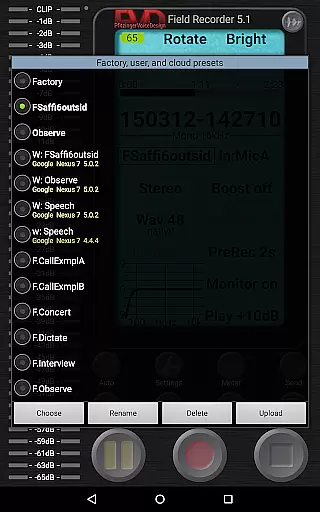
Field Recorder offers an extensive range of audio recording capabilities that ensure high-quality captures for various scenarios. While it doesn't provide a traditional music library, its ability to save presets and adjust audio parameters makes it a versatile tool for creating original content.
The app supports multiple recording formats including WAV and MP3, with options for mono or stereo recordings at different bit rates. This flexibility allows users to create professional-grade audio files suitable for diverse applications such as podcasts, interviews, and music production.
All recordings are original creations by the user, ensuring complete copyright authenticity. The app's advanced features like parametric equalizers and noise shaping enable users to produce polished audio content without worrying about copyright infringement issues.
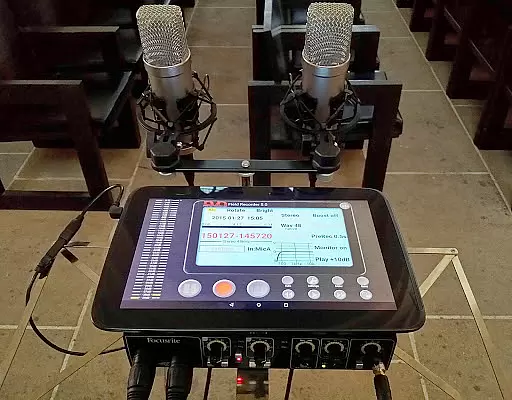
With support for external microphones and USB sound cards, Field Recorder provides professional musicians and audio engineers with the tools needed to build their personal audio libraries while maintaining full ownership rights over their creations.
Field Recorder stands out in the Music & Audio category through its exceptional audio quality options. The app supports recording resolutions from standard 16kHz/16-bit mono up to professional-grade 192kHz/24-bit stereo, catering to both casual users and audio professionals.
The built-in audio processing features include low-cut filters, parametric equalizers, and stereo balance correction. These tools help users overcome common recording challenges and achieve optimal sound quality regardless of their environment or equipment limitations.
Advanced audio enhancement options such as soft clipping, noise shaping, and dithering provide users with precise control over their recordings. The configurable limiter ensures distortion-free audio capture even in challenging acoustic situations.
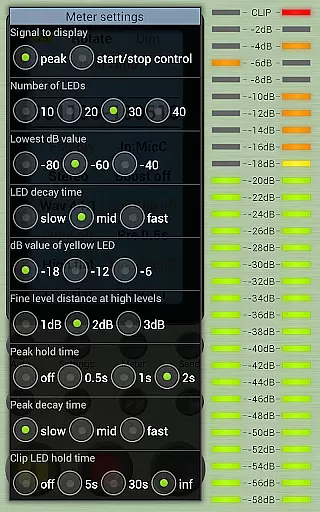
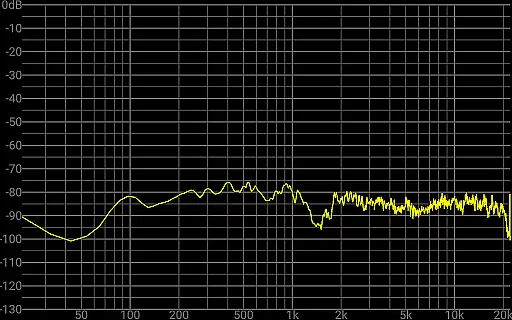
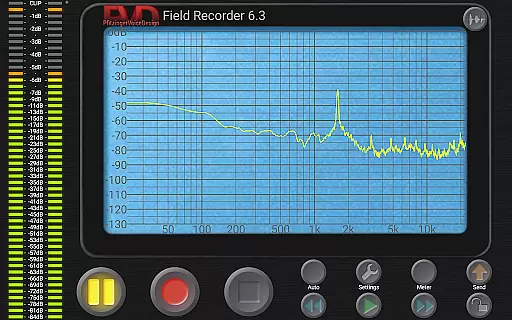
Real-time monitoring with latency as low as 20ms allows users to make immediate adjustments during recording sessions. This feature, combined with the spectrum and sonogram display, enables precise quality control throughout the recording process.
User-friendly interface
High-quality recording
Extensive customization
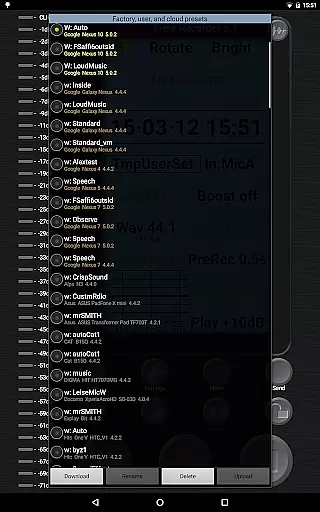
Versatile preset system
Real-time audio monitoring
Complex for beginners
Requires good hardware
Some features are premium
Occasional bugs reported
Steep learning curve

Equalizer, Bass Booster and Volume Booster (Eq & Bass) improve sound quality
 4.30
4.30
Make music anywhere. Turn your device into an instrument.
4.4
Voice recorder - Audio recorder. Best recorder for recording
4.90
Learn and play 2M+ music tabs & chords on guitar, ukulele, bass, and more
4.30
The Minimalistic Premium Music Player. Handmade with passion for music
2.20
Turn your Android phone into a professional audio analyser with up to 120 bands.
4.00
Full featured mp3 and audio player with Chromecast and Android Auto support.
4.40
Reverse your voice & songs instantly! Fun singing challenge with cool effects.
4.60
Get alarms that fit your lifestyle and wake up to the sounds you love.
4.80
Make songs with AI! Any genre, custom lyric, song generator for music creation!
4.80
Performance-Synthesizer & Multi-Track-Sequencer, polyphonic + multi timbral!
4.70
Bass Booster & Volume Equalizer Pro improves your music and video sound quality
4.60
Enhance the sound quality of your devices, listen to what you want
4.50
Let your Android device with the sound effects you want
4.50
Ringtone Maker is free app create ringtone from music files or your recording.
4.40
Master Salsa Rhythm quickly and with a lot of fun!
4.30
Offline and always ad-free - stream in the highest quality available.
4.10
Simple mp3 and mp4 player with advanced features.
3.40
Control your MIDI USB or Bluetooth devices in app and avoid some trampling
3.30


User Reviews