
Cubase iC Pro is an advanced control application designed specifically for music production professionals using Cubase software. This app serves as your personal recording assistant, providing seamless integration with Cubase to enhance your recording workflow.
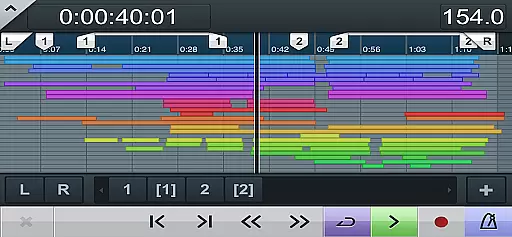
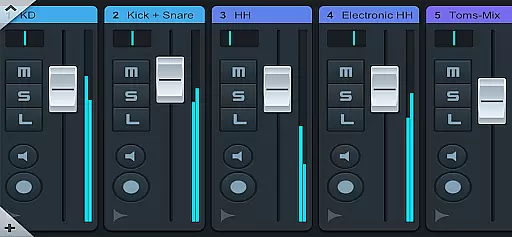
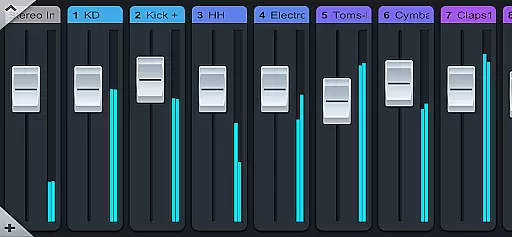
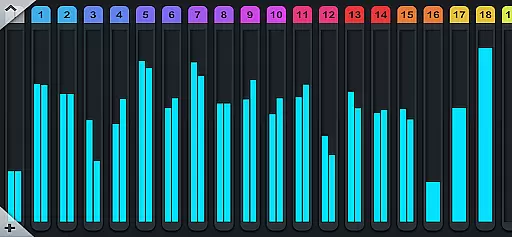
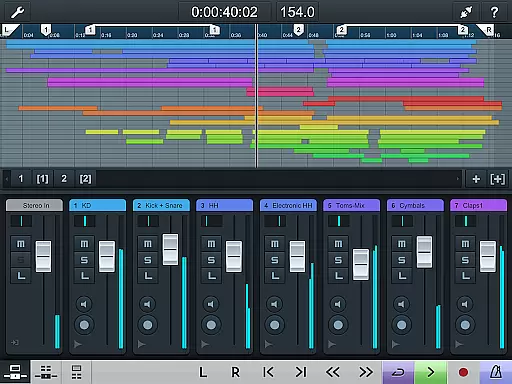
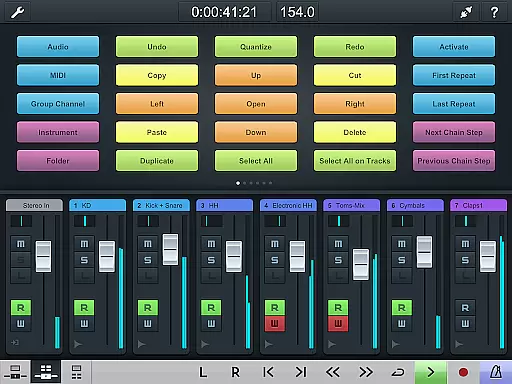
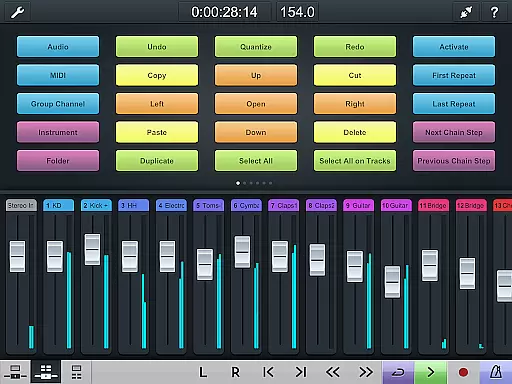
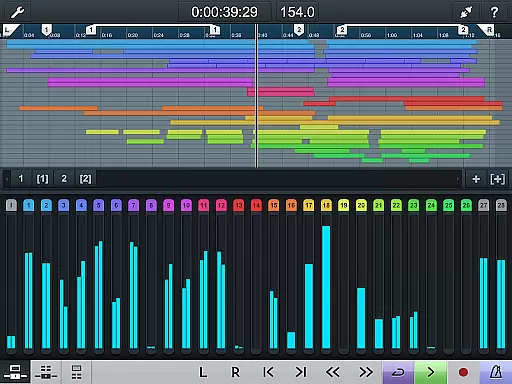
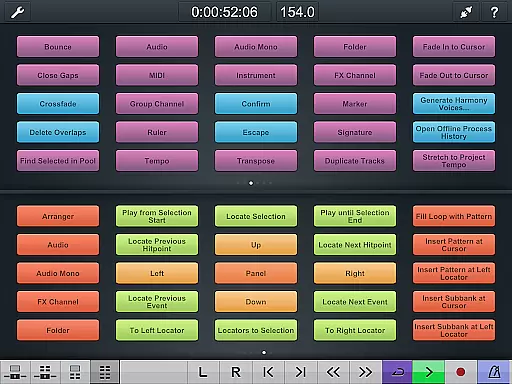
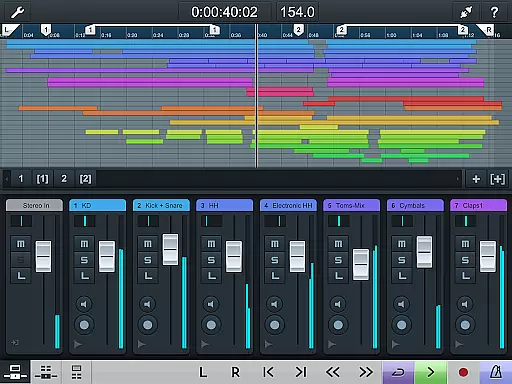
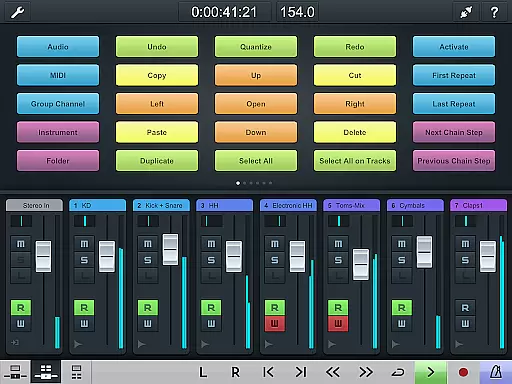
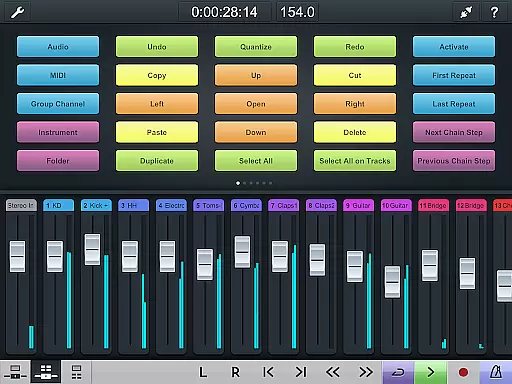
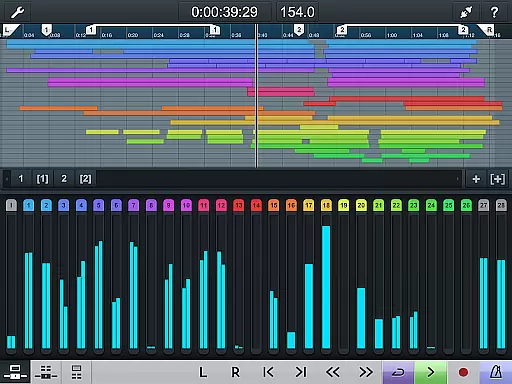
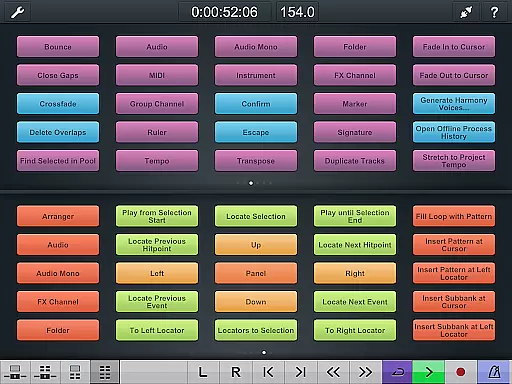
The application features a project overview page and mixer that mirrors your Cubase interface, allowing you to manage your projects with familiarity and ease. Additionally, the key command page enables efficient setup of frequently used keyboard shortcuts and macros, streamlining your creative process.
Ideal for studio environments, Cubase iC Pro requires connection to Cubase and works best with advanced versions of the software. It's particularly useful during complex recording sessions where quick access to controls can significantly impact productivity.
Cubase iC Pro offers several distinguishing features that set it apart from other music control apps. Its most notable feature is the ability to replicate the Cubase interface on mobile devices, including the project overview and mixer pages.
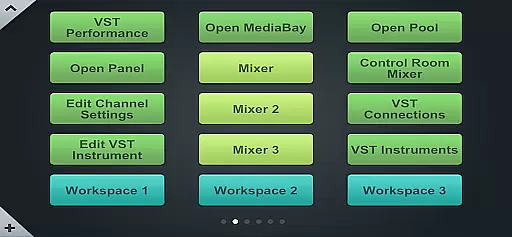
The app's key command functionality allows users to customize their workflow by setting up personalized keyboard shortcuts and macros. This level of customization helps optimize studio operations and enhances productivity during recording sessions.
For optimal performance, users must install the Steinberg SKI Remote before using the app. This requirement ensures maximum compatibility and functionality with Cubase software, making Cubase iC Pro an indispensable tool for professional audio engineers and producers.
When it comes to digital audio workstations, having access to a vast music library is essential for creativity. Cubase iC Pro offers an extensive collection of high-quality sounds and loops that are fully licensed, ensuring users can produce music without worrying about copyright issues.
The app connects seamlessly with Cubase's sound library, which includes thousands of samples, instruments, and presets. These resources are updated regularly, providing users with fresh content to inspire their music production.
Moreover, the authenticity of the music library in Cubase iC Pro is guaranteed by Steinberg's commitment to quality and legal compliance. This means musicians can focus on their art, knowing that all the sounds they use are properly licensed and legally safe to incorporate into their projects.
Audio quality is paramount when producing professional-grade music. Cubase iC Pro excels in this area by offering superior audio processing capabilities that ensure every note and beat is captured with precision.
The app supports various audio formats and resolutions, allowing producers to choose the best option for their specific needs. Whether it's recording live instruments or programming virtual ones, users have the flexibility to adjust settings to achieve the desired sound quality.
In addition, Cubase iC Pro provides advanced features such as real-time effects processing and high-resolution metering, which contribute to achieving pristine audio output. These tools empower musicians to craft their tracks with confidence, knowing that the final product will meet industry standards.
Seamless Cubase integration
Customizable key commands
Project overview display
Mixer control functionality
Professional-grade features
Requires Cubase connection
Limited standalone use
Advanced version dependency
Additional setup needed
Steinberg SKI prerequisite

Pay Once, no monthly payment
 4.60
4.60
Performance-Synthesizer & Multi-Track-Sequencer, polyphonic + multi timbral!
4.70
Most Advanced AI Song Generator and Music Creator. Rap, Pop, Rock, Gospel & more
4.70
Bass Booster Pro takes auto-equalizing to the next level!
4.30
Voice recorder - Audio recorder. Best recorder for recording
4.90
Play your hearts out on TouchTunes jukeboxes & connect with fellow music lovers.
4.80
A complete sound package for the sound engineer or enthusiast
4.60
One-tap booster for max volume - enjoy powerful sound with this audio booster
4.50
Be a true music maker: create beats, mix and make music like a real DJ!
4.30
Record, Mix & Master with all n-Track effects, 64-bit audio and Stem Separation.
4.70
Taal player that lets you sing any Indian & Western song with Tabla & Tanpura
4.60
Time Guru will strengthen your internal sense of musical time via random muting.
4.30
The Music Journey in Your Hands
4.30
PowerAudio is a powerful offline music player.
4.20
Next generation modular control surface
4.10
USB audio recording and playback finally possible on Android 3.1 or higher!
3.90
Learn to play the piano using falling notes!
3.80
The iconic iOS metronome app is now on Android.
3.70
Remove ads permanently from Music Visualizer
4.5


User Reviews