
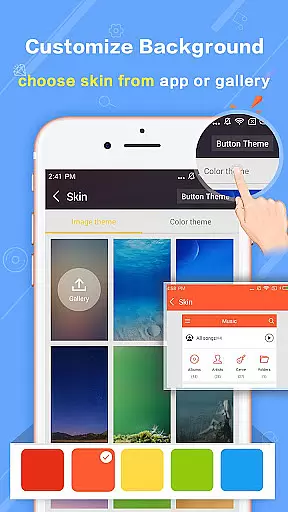
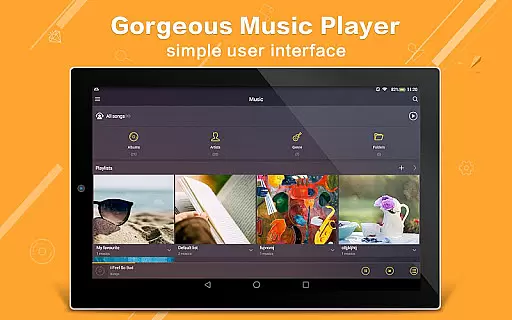
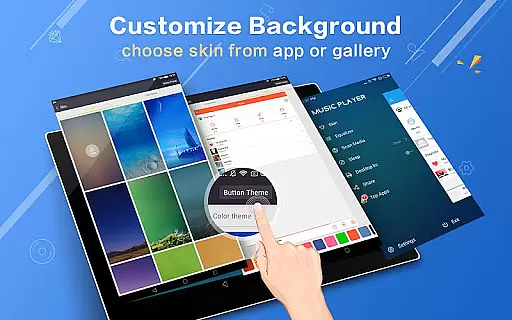
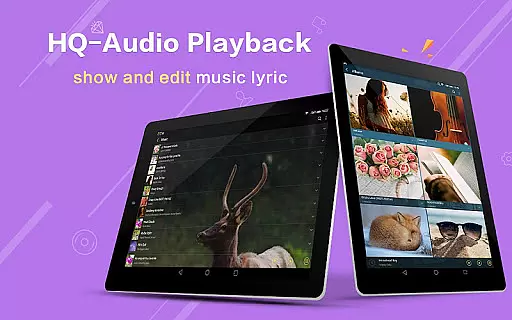
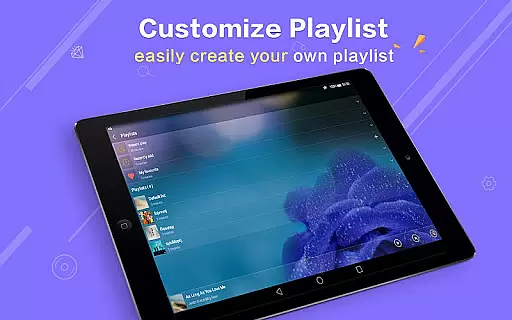
Music Player Plus is a feature-rich audio player designed to elevate your music listening experience. This app not only supports all popular music file formats but also provides an intuitive interface for organizing and accessing your music library. With its powerful equalizer offering over 22 preset styles, you can customize sound profiles to match your preferences. The replaceable background skins allow personalization, making the player visually appealing while maintaining ease of use.
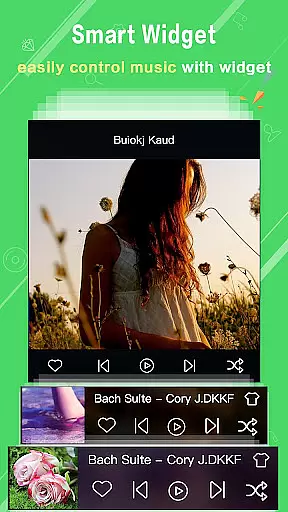
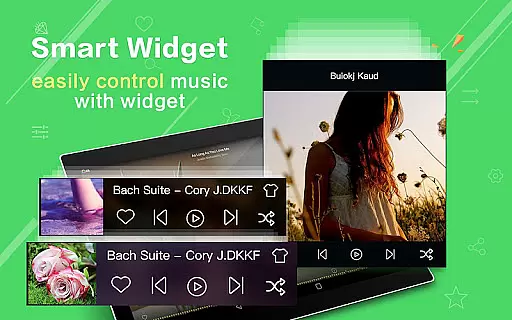
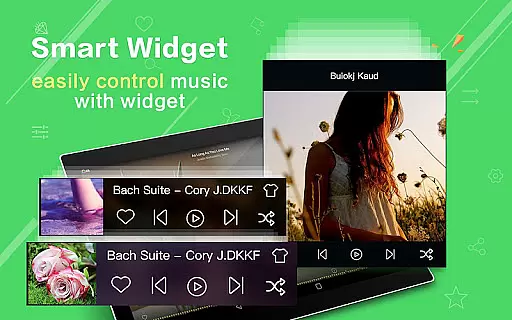
The app's standout features include folder-based navigation, automatic lyric matching, and widgets for quick access. Whether you're at home or on the go, Music Player Plus ensures seamless playback with notification controls and headset support. Its efficient search functionality helps you find any track instantly. These capabilities make it an ideal choice for audiophiles seeking both functionality and style in their music player.
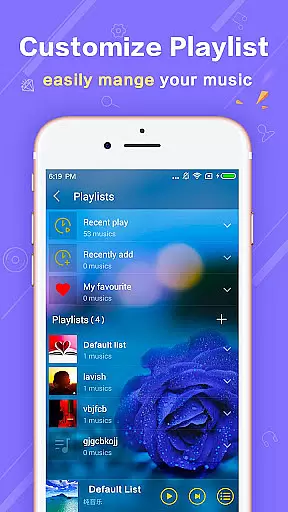
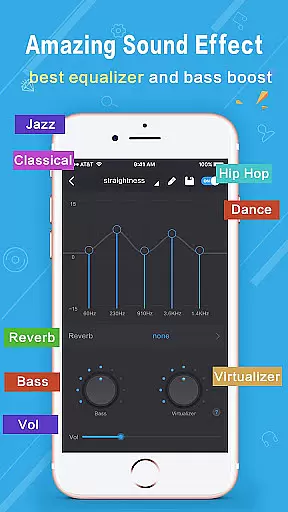
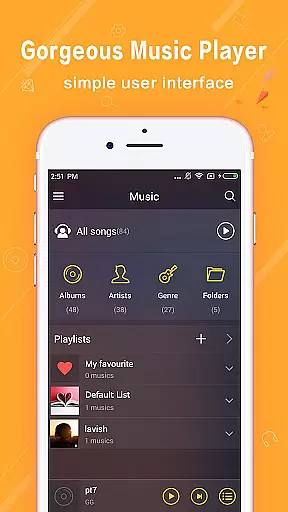
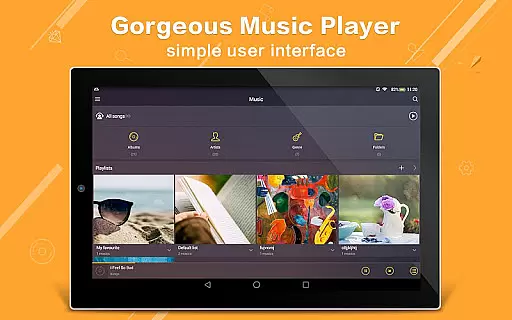
Music Player Plus boasts an array of advanced features that cater to diverse user needs. The app's powerful equalizer lets you choose from multiple preset styles like Classic, Jazz, and Rock, or manually adjust settings for a personalized audio experience. With support for genre lists and various browsing modes including albums, artists, and playlists, organizing your music has never been easier.
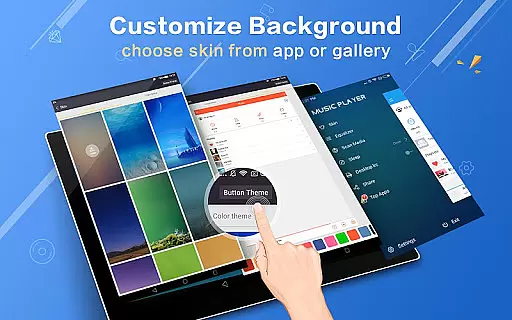
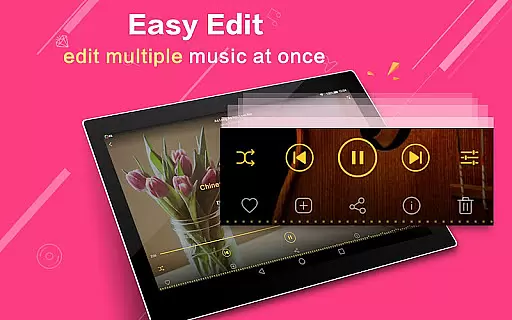
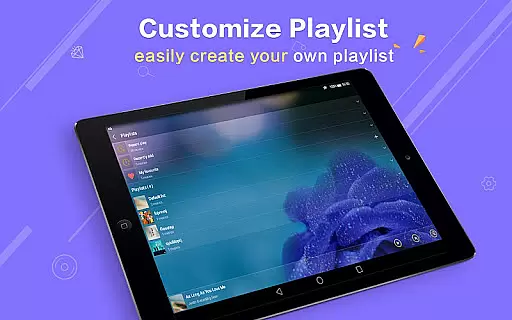
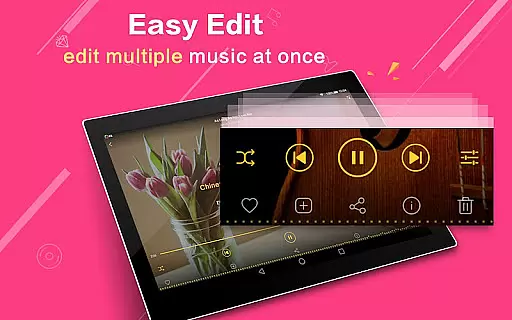
Customization is at the heart of this app. Users can select from 22+ gorgeous background skins or set personal photos as the player's backdrop. Practical features such as shake-to-change-song, notification status with album artwork, and Bluetooth controls enhance usability. Additionally, the app offers widgets, multi-select operations for managing files, and easy playlist creation. These comprehensive features ensure Music Player Plus stands out in the crowded field of music applications.
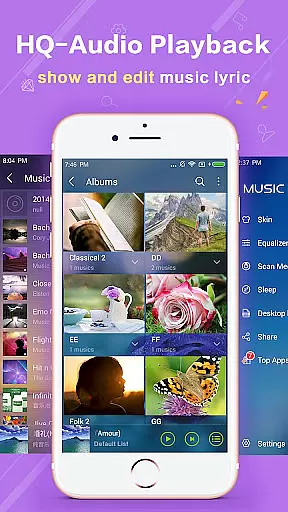
Music Player Plus offers an extensive music library that supports all the most popular music file formats, ensuring users have access to a wide variety of audio content. The application's capability to quickly search and categorize music by albums, artists, songs, playlists, and folders highlights its comprehensive approach to music management.
In terms of copyright authenticity, Music Player Plus respects intellectual property rights by allowing users to manage and play their legally acquired music files. This ensures that users can enjoy their personal collections without concerns about copyright infringement.
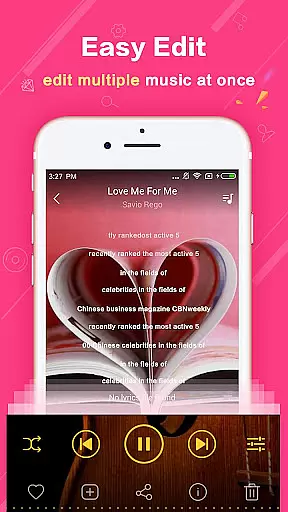
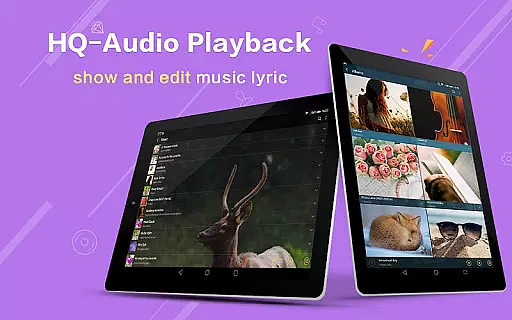
The inclusion of genre lists and support for lyric files further enriches the user experience, providing detailed metadata and enhancing music discovery. Automatic scanning and matching of lyric files enable users to sing along or understand the song's context better.
One of the standout features of Music Player Plus is its powerful equalizer, which comes with over 22 preset music tone styles, including Normal, Classic, Dance, Folk, Heavy, Hip hop, Jazz, Pop, Rock, and more. This functionality allows users to tailor their listening experience according to their preferences or mood.
For audiophiles seeking precision, the app also supports custom tone music styles and manual adjustment of the equalizer settings. This level of control ensures that every track sounds as close to the artist's intention as possible or matches the listener's unique taste.
Additionally, the availability of high-quality audio playback options, combined with features like headset and Bluetooth controls, guarantees an immersive and uninterrupted music experience. Users can easily switch between tracks, adjust volume, or change music styles with simple gestures or commands.
User-friendly interface
Powerful equalizer
Customizable skins
Efficient search function
Ads-free experience
Limited social sharing
No cloud integration
Heavy on storage
Occasional bugs
Complex for beginners

Turn your phone into a musical instrument from the future!
 3.90
3.90
Make music anywhere. Turn your device into an instrument.
4.5
Full-featured, High-Quality Groovebox Workstation, perfect for Live Performance!
4.80
Time Trainer: accurate metronome w tools to help you develop your internal time!
4.20
Background pads for your band
3.80
Powerful beat maker & DJ mixer to remix tracks, make music, & perform DJ mix
3.70
Network/Cloud Streaming, Visualization, Graphic Equalizer and Sound Effects.
4.20
The official Sonos app
4.10
Turn Every Moment into Music
3.60
Voice recorder - Audio recorder. Best recorder for recording
4.90
Brian Eno and Peter Chilvers’ acclaimed music app Bloom, radically reinvented.
4.80
Make songs with AI! Any genre, custom lyric, song generator for music creation!
4.80
Ultimate Sonos Controller
4.70
Offline Music Player&MP3 Player with themes, equalizer, lyrics, music play mode
4.60
Enhance the sound quality of your devices, listen to what you want
4.50
Formerly known as Spotistats! View your top tracks, artists, albums and more!
4.40
The Cubase remote control app
3.60
MilkDrop for Android TV
3.00
The Minimalistic Premium Music Player. Handmade with passion for music
2.20


User Reviews