
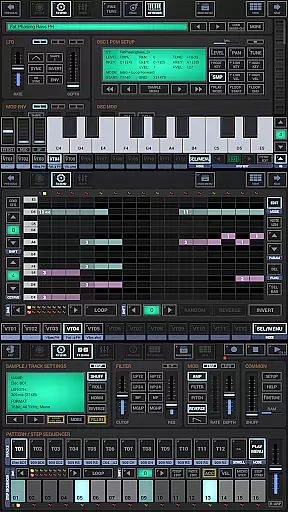
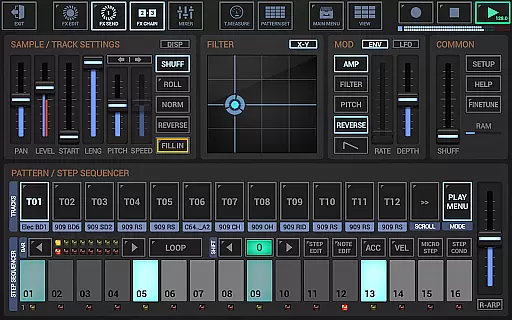
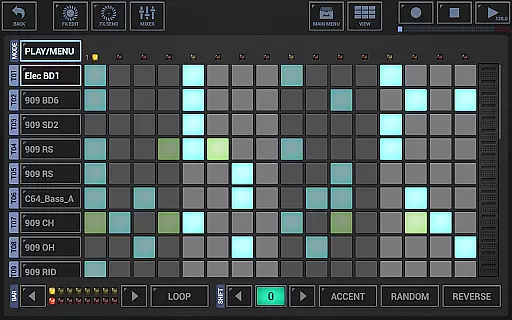
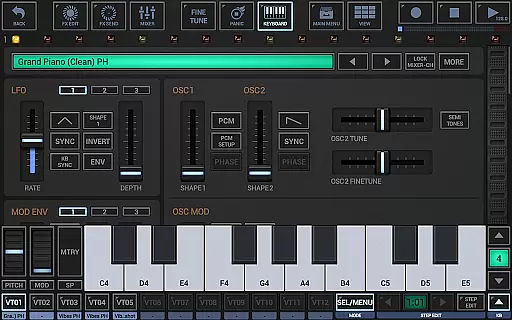
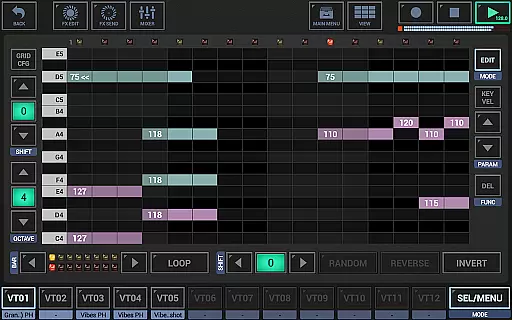
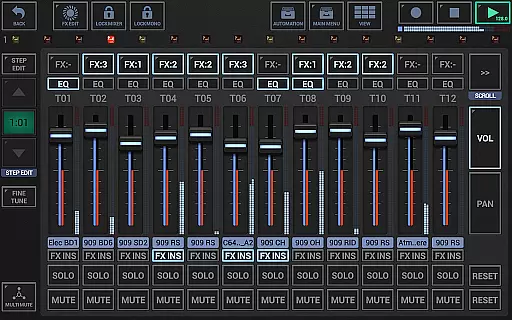
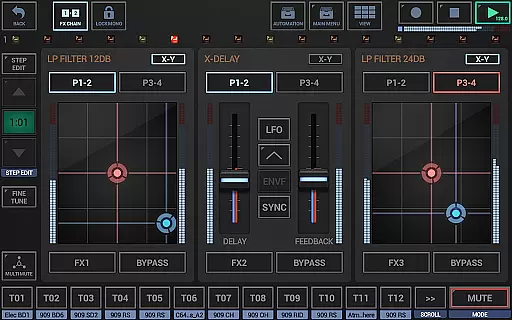
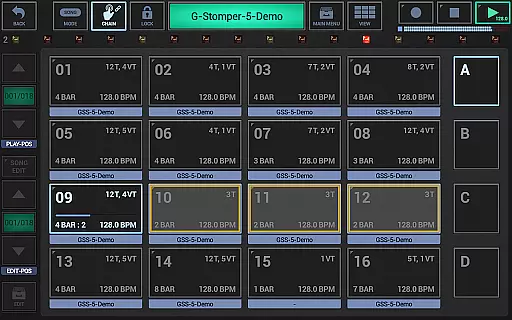
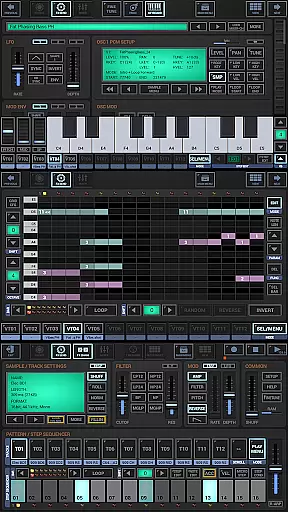
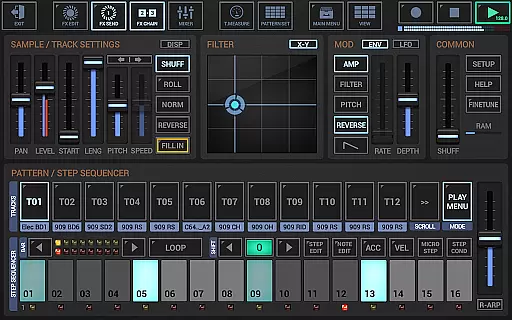
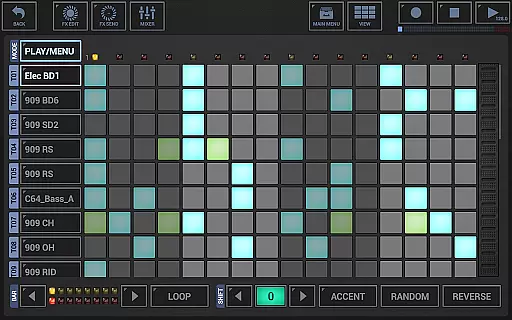
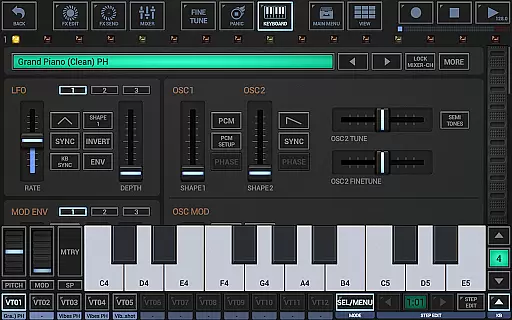
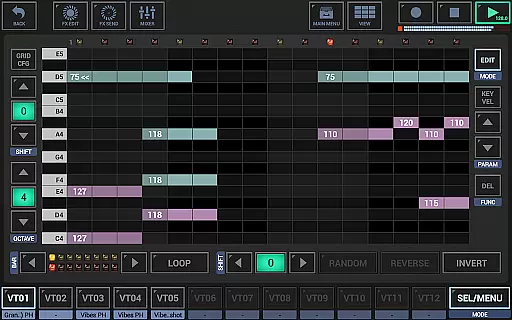
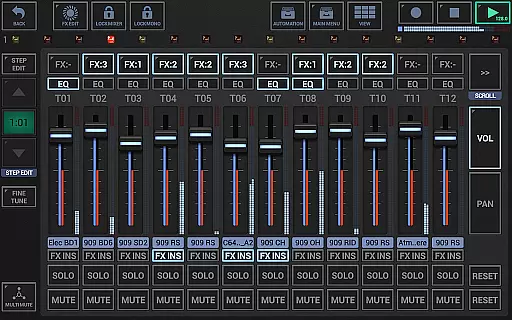
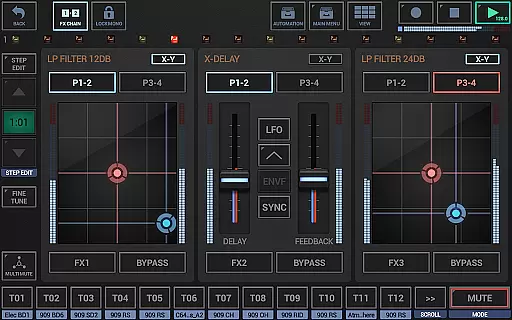
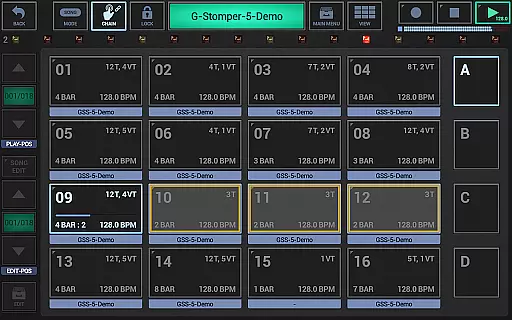
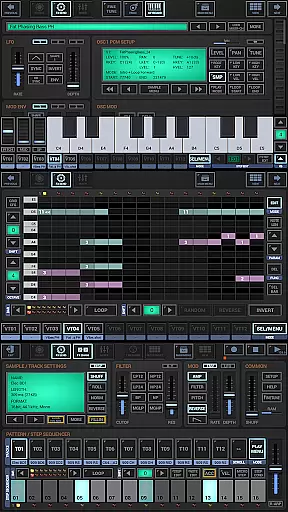
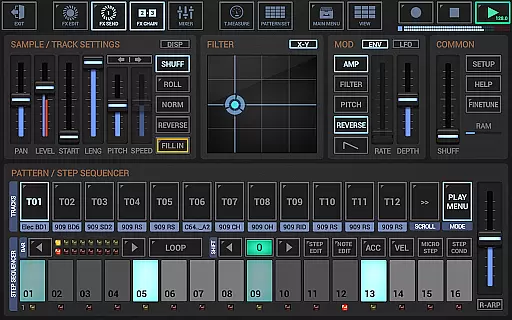
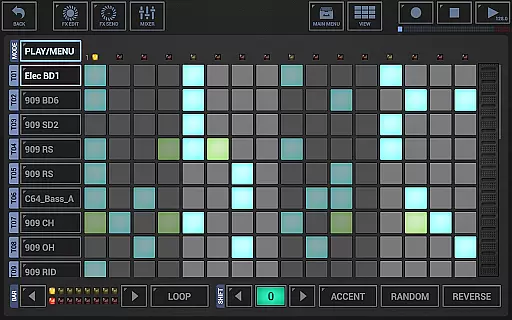
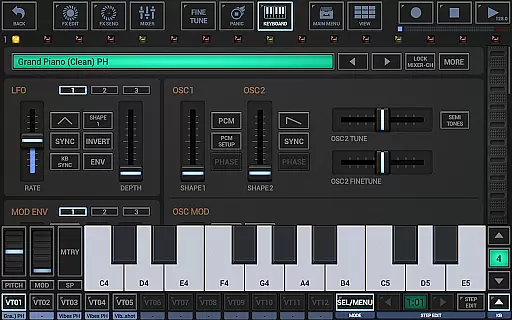
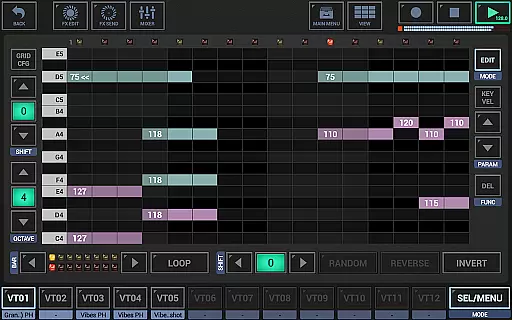
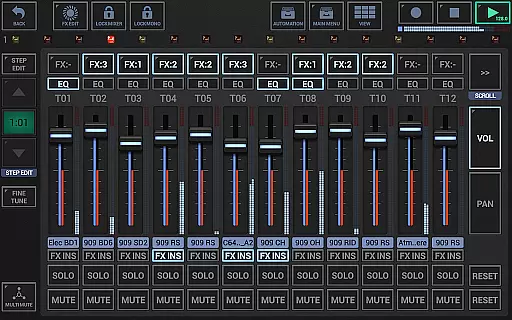
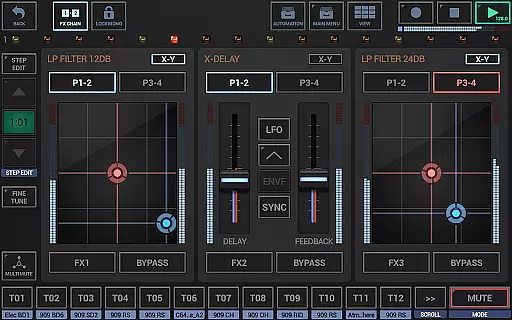
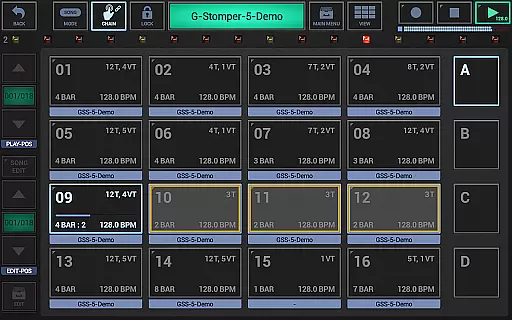
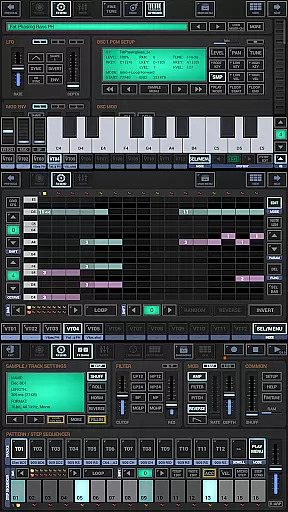
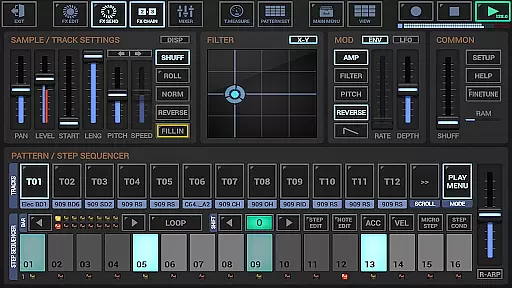
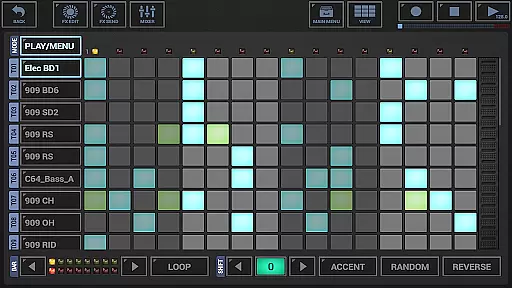
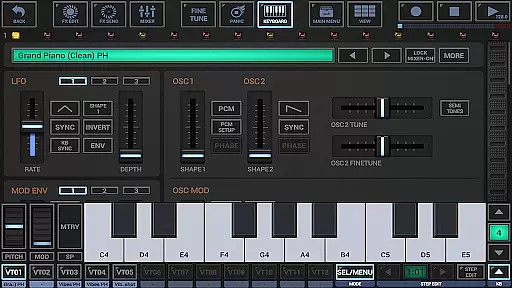
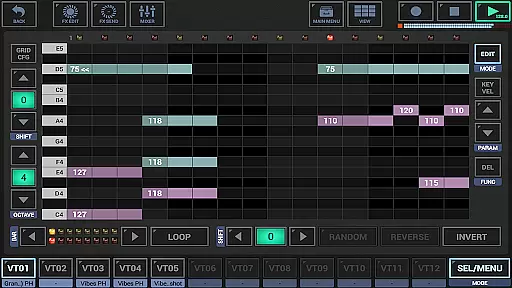
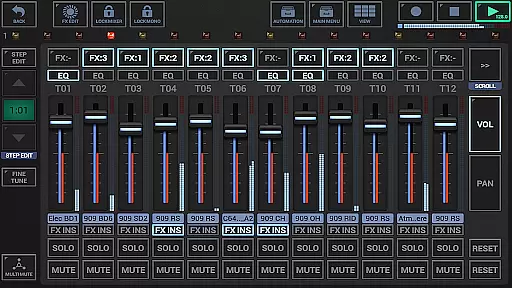
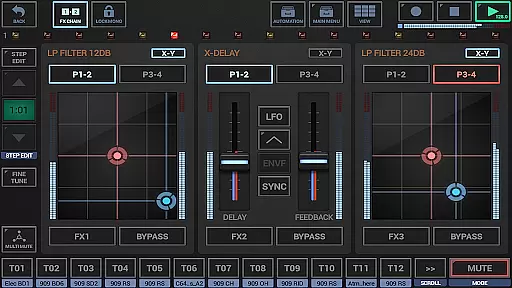
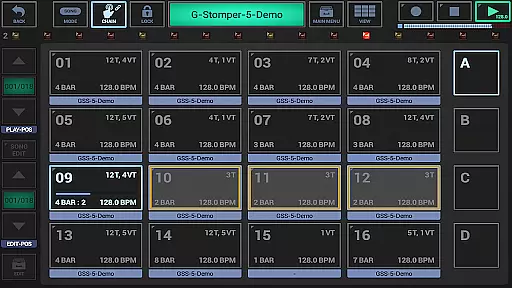
G-Stomper Studio is a comprehensive music production tool optimized for electronic live performances in studio quality. This feature-packed application combines a step sequencer-based drum machine, sampler, virtual analog synthesizer (VA-Beast), polyphonic and monophonic step sequencers, track grid sequencer, piano keyboard, drum pads, effect rack, master section, line mixer, and live pattern/song arranger.
The integrated VA-Beast synthesizer allows users to produce complex synthetic sounds with advanced FM support and waveform-based synthesis. Suitable for both experienced sound designers and beginners, it offers an intuitive interface for creating impressive studio-quality sounds quickly. The app also supports Ableton Link, full round-trip MIDI integration, and high-quality audio engine processing.
Ideal for musicians on the go, G-Stomper Studio enables immediate music creation on mobile devices with features like motion sequencing, automation support, and real-time sample modulation. Its extensive functionality makes it a complete mobile music studio solution.
G-Stomper Studio stands out with its diverse set of instruments and sequencing options. It includes a sample-based drum machine with up to 24 tracks, a multi-track step sequencer, monophonic melodic step sequencer, and a polyphonic step sequencer for the VA-Beast synthesizer. The app provides 24 drum pads for live playing and a piano keyboard spanning eight octaves.
The mixing capabilities are equally impressive, featuring a line mixer with up to 36 channels, each equipped with a parametric 3-band equalizer and insert effects. The effect rack allows chaining of three effect units, while the master section includes two sum effect units. Timing and measure controls offer tempo, swing quantization, time signature, and measure adjustments.
Additional features include an audio editor for graphical sample editing, full MIDI integration via USB and Bluetooth, and support for uncompressed WAV or AIFF files. The full version enables WAV file export, real-time audio recording, and MIDI pattern export, making it compatible with digital audio workstations. Optimized for tablets, it supports portrait mode and motion sequencing for dynamic music production.
G-Stomper Studio offers an extensive music library that caters to a wide array of musical genres and styles. The app includes a rich collection of factory sounds, which are complemented by the ability to import user samples in various formats such as WAV, AIFF, MP3, OGG, and FLAC. This ensures that musicians have access to high-quality audio resources for their productions.
Regarding copyright authenticity, G-Stomper Studio provides users with the peace of mind that comes from using legitimately licensed content. The app supports the use of uncompressed and compressed audio files, allowing creators to integrate their purchased or self-produced samples into their projects without any legal concerns.
The inclusion of Ableton Link functionality further enhances the value of the music library by enabling seamless synchronization with other Link-enabled applications and hardware. This interoperability allows for an expanded creative workflow and integration with a broader ecosystem of music production tools.
Moreover, the VA-Beast Synthesizer within G-Stomper Studio is designed to produce complex synthetic sounds, offering both beginners and experienced sound designers the opportunity to craft unique compositions. With its impressive sound capabilities and intuitive interface, users can swiftly create the sounds they envision, all while maintaining complete control over the originality and legality of their work.
Audio quality is paramount in music production, and G-Stomper Studio excels in delivering pristine sound through its high-quality audio engine. Utilizing 32-bit float DSP algorithms, the app ensures that every note and beat is rendered with precision and clarity, providing an audio experience that meets studio-quality standards.
The app's feature set includes 47 effect types ranging from dynamic processors to resonant filters, distortions, delays, reverbs, vocoders, and more. These effects support sidechain functionality, tempo sync, LFOs, and envelope followers, granting producers granular control over their sound design and the ability to shape their audio with professional-grade tools.
G-Stomper Studio also supports full round-trip MIDI integration via USB and Bluetooth, making it compatible with a variety of external devices and expanding the possibilities for high-fidelity audio creation. This connectivity enables real-time sample modulation and motion sequencing, empowering users to manipulate audio parameters with exceptional accuracy.
For those seeking the utmost in audio fidelity, the full version of G-Stomper Studio offers WAV file export capabilities at bit depths from 8 to 32 bits and sample rates up to 96kHz. Whether exporting sum files or individual tracks for further refinement in a digital audio workstation, musicians can rest assured that their work will retain its integrity and superior sound quality throughout the production process.
Comprehensive music production suite
High-quality audio engine
Intuitive user interface
Extensive instrument library
Real-time performance capabilities
Steep learning curve
Requires powerful hardware
Complex interface for beginners
Full version is paid
Bluetooth connectivity issues

Over 100 million tracks available for high quality streaming and download
 4.60
4.60
Control your MIDI USB or Bluetooth devices in app and avoid some trampling
3.30
Taal player that lets you sing any Indian & Western song with Tabla & Tanpura
4.60
More downloads than any other metronome. Includes drum machine & tempo trainer.
4.80
The only true audiophile music player with Hi-Fi audio rendering and DSP engine
3.90
Bass Booster Pro takes auto-equalizing to the next level!
4.30
Bass Booster & Volume Equalizer Pro improves your music and video sound quality
4.60
Learn to play the piano using falling notes!
3.80
Smart piano keyboard, Classical to Pop, Real-time multiplayer connection!
4.20
Tune in to the greatest hits on UK Radio | The home of Capital, Smooth & Heart.
4.90
Brian Eno and Peter Chilvers’ acclaimed music app Bloom, radically reinvented.
4.80
Make songs with AI! Any genre, custom lyric, song generator for music creation!
4.80
Gorgeous UI, Powerful music Search and Equalizer, the great choice for you!
4.70
Super Sound Editor, Song Maker & Mixer, Vocal Remover, Voice Recorder & Changer!
4.60
Offline Music Player&MP3 Player with themes, equalizer, lyrics, music play mode
4.60
Equalizer, Bass Booster and Volume Booster (Eq & Bass) improve sound quality
4.30
The alternative folder based music player.
4.20
Versatile MP3 recorder with auto-backup to Dropbox and Google Drive
4.10
Make music anywhere. Turn your device into an instrument.
4.4


User Reviews