
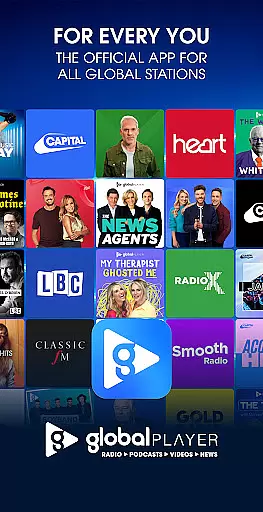
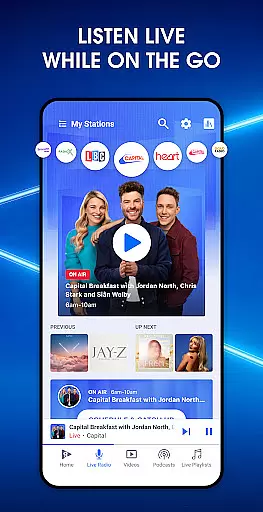

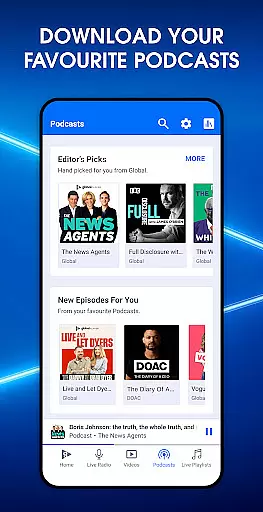
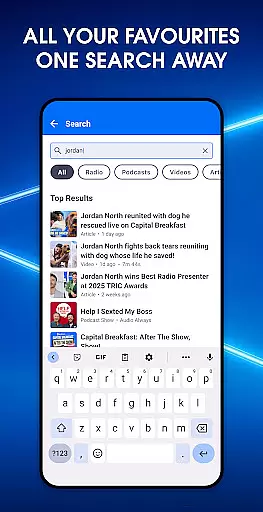
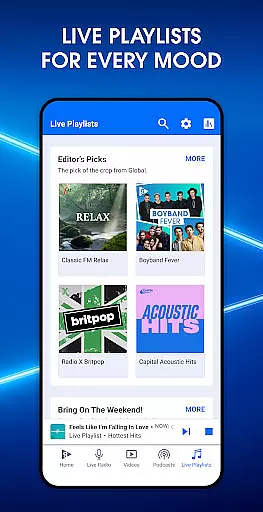
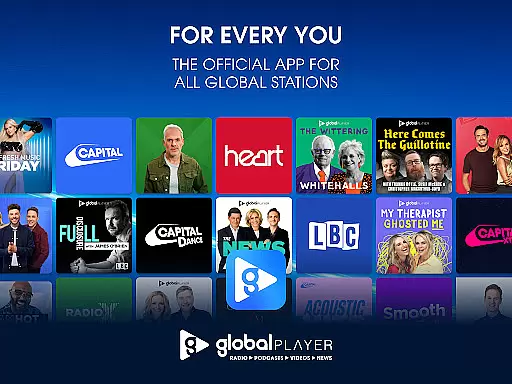
Global Player Radio & Podcasts is the ultimate audio entertainment app, offering a diverse range of UK radio stations and exclusive podcasts. As the award-winning home of popular stations like Smooth, Classic FM, Heart, LBC, and Capital, it provides users with seamless access to live radio, curated playlists, and on-demand content. Whether you're looking for hit music, talk shows, or specialized audio experiences, Global Player brings together the best of UK radio in one platform.
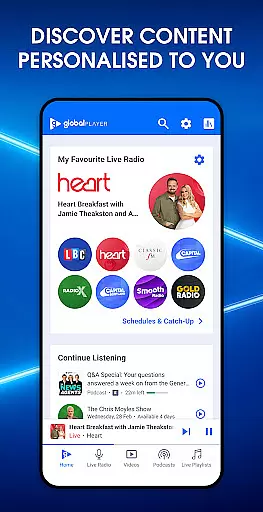
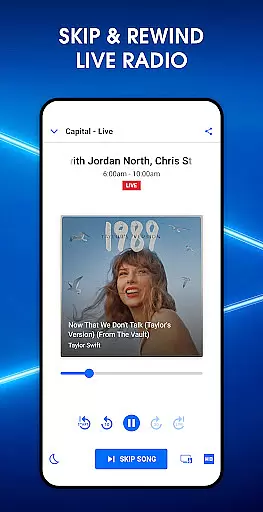
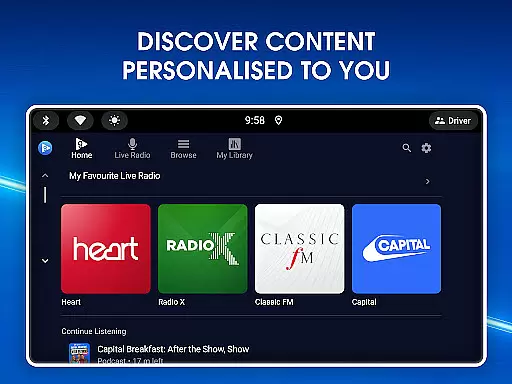
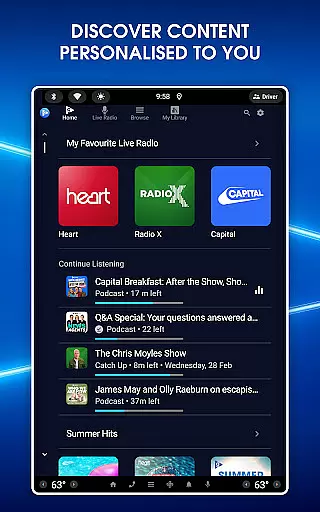
The app features a personalized homepage where users can set their favorite stations, catch up on missed content, and explore curated playlists tailored to their preferences. With advanced controls, listeners can rewind to their favorite songs, skip tracks, and even download content for offline listening. This flexibility makes Global Player an ideal choice for both casual listeners and dedicated audio enthusiasts who want more control over their listening experience.
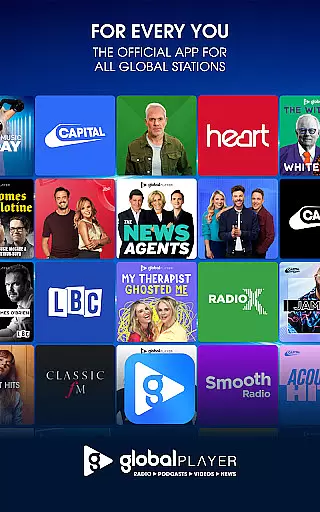
Global Player stands out with its extensive selection of UK radio stations and original podcasts. The app includes popular stations such as Capital, Heart, Smooth, and Classic FM, each offering unique channels like Heart 80's, Smooth Chill, and Classic FM Movies. Users can also access exclusive podcasts like The News Agents and My Therapist Ghosted Me, providing a rich variety of audio content that caters to different tastes.
A key feature is the ability to personalize your experience through the homepage, which displays recommended content based on your listening habits. The app allows users to take control of their audio by rewinding live radio, skipping unwanted tracks, and downloading shows for offline playback. Additionally, Global Player supports catching up on content from the last seven days, ensuring you never miss your favorite programs. These robust features make the app a comprehensive solution for all your audio entertainment needs.
Global Player Radio & Podcasts offers an extensive music library that spans multiple genres and decades, ensuring a diverse listening experience for all users. The app features popular UK radio stations such as Capital, Heart, and Smooth, which are known for playing chart-topping hits and classic favorites.
Copyright authenticity is a top priority for Global Player, providing users with peace of mind that the music they enjoy is fully licensed and legal. This commitment to copyright compliance allows listeners to access their favorite songs and podcasts without concern for legal issues or content takedowns.
The app's vast music library includes exclusive shows and curated playlists from expert DJs, giving users access to unique content not available on other platforms. Whether you're in the mood for the latest pop hits or classic rock anthems, Global Player has something for everyone.
With its comprehensive music library and dedication to copyright authenticity, Global Player ensures a seamless and enjoyable audio entertainment experience. Users can explore various radio stations, download podcasts for offline listening, and discover new music through personalized recommendations.
Global Player Radio & Podcasts places a strong emphasis on audio quality, offering users multiple options to enhance their listening experience. The app supports high-quality streaming, allowing users to enjoy crystal-clear sound whether they're tuning in to live radio or downloading podcasts for later.
Listeners can customize their audio settings based on their preferences and network conditions. For optimal sound quality, users can choose higher bitrate streams when connected to Wi-Fi, while lower bitrate options are available for mobile data usage or areas with limited connectivity.
The app's commitment to audio excellence extends to its podcast offerings, where users can download episodes in various quality formats. This flexibility ensures that even when offline, users can enjoy their favorite shows without compromising on sound fidelity.
Global Player's dedication to providing excellent audio quality options makes it a standout choice for discerning listeners. With its range of customizable settings and support for high-fidelity streaming, the app delivers an immersive audio experience across all its content categories.
User-friendly interface
Extensive station variety
Personalized recommendations
Offline listening support
Live radio controls
Limited international availability
Some features geo-restricted
Occasional ads interruption
Premium content requires subscription
Heavy data usage for streaming

Offline and always ad-free - stream in the highest quality available.
 4.10
4.10
Remove ads permanently from Music Visualizer
4.4
Permanently backup Now Playing. Maps, filters & listening stats.
4.00
Learn and play 2M+ music tabs & chords on guitar, ukulele, bass, and more
4.30
A complete sound package for the sound engineer or enthusiast
4.60
Slow music down without changing pitch.
3.70
Powerful 10-Band equalizer pro with sound booster improves Android audio quality
4.30
Turn your Android phone into a professional audio analyser with up to 120 bands.
4.00
Learn the notes on the guitar fretboard fast with this easy and fun app
4.60
SqueezePlayer turns your Android phone or tablet into a SqueezeBox on its own!
4.60
Super Sound Editor, Song Maker & Mixer, Vocal Remover, Voice Recorder & Changer!
4.60
Offline Music Player&MP3 Player with themes, equalizer, lyrics, music play mode
4.60
A synth that really lets you shape your sounds!
4.50
Manage your Sonos system directly from your home-screen!
4.40
Time Guru will strengthen your internal sense of musical time via random muting.
4.30
Bass Booster Pro takes auto-equalizing to the next level!
4.30
Enjoy singing any song, no matter how high or low it is
4.30
A sleek, no-frills player designed for true music lovers.
4.20
No wifi music app. Mp3 offline. Tuner radio, young radio music. Music downloader
4.20


User Reviews