
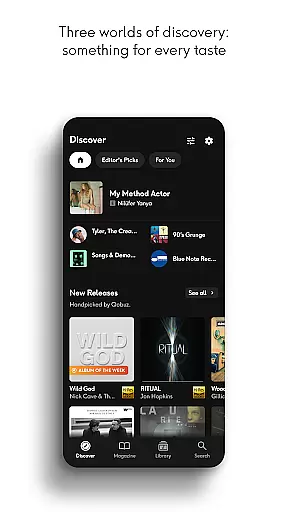
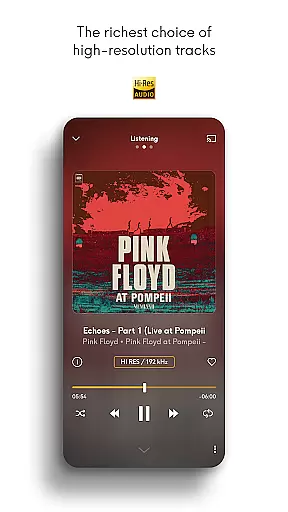
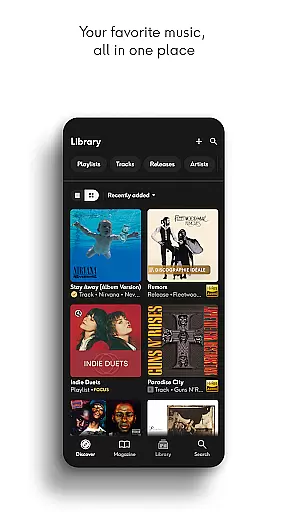
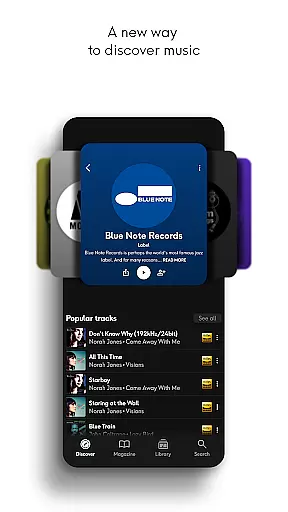
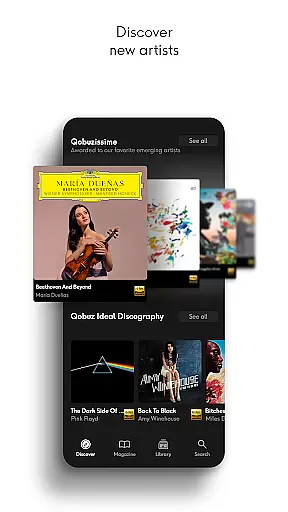
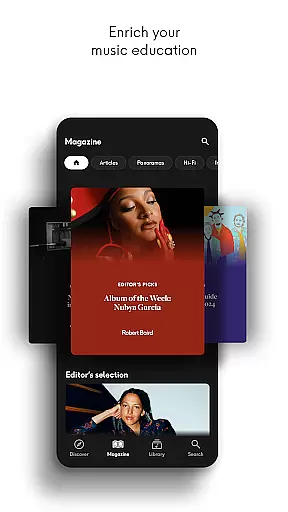
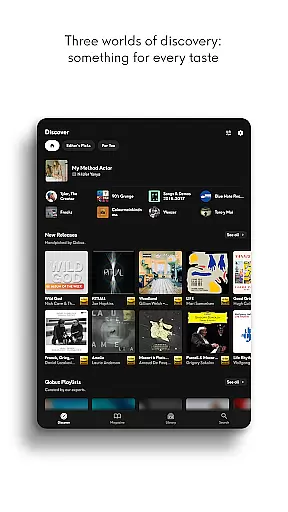
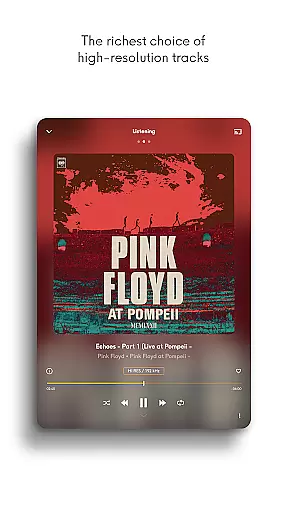
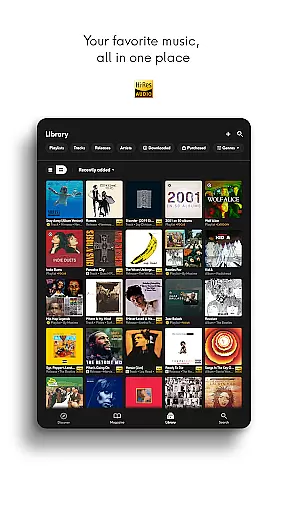
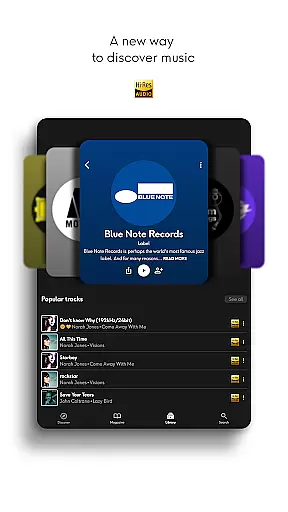
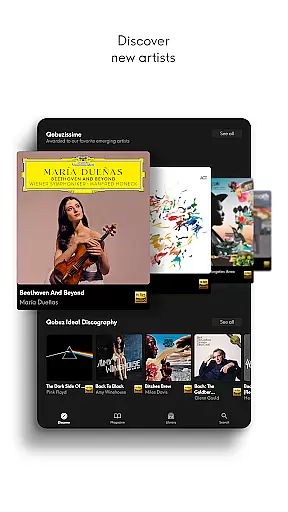
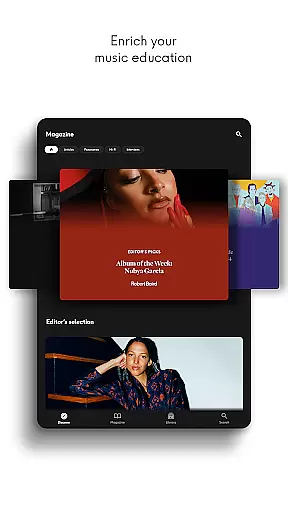
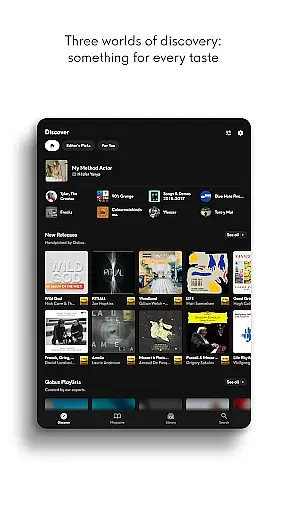
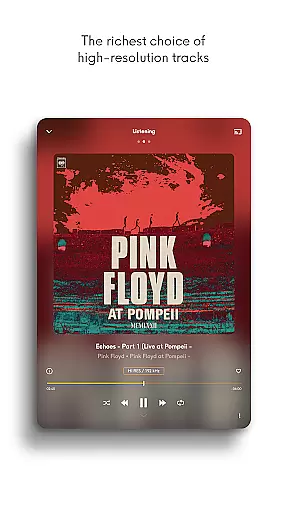
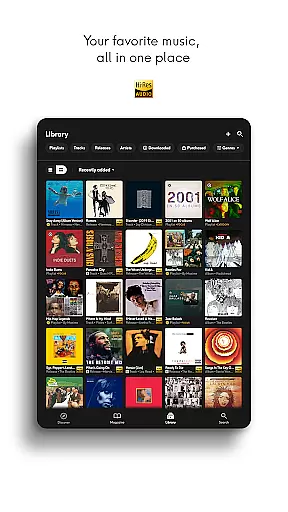
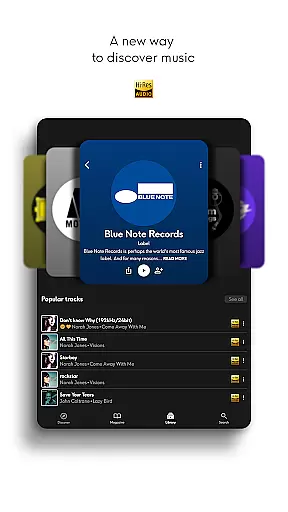
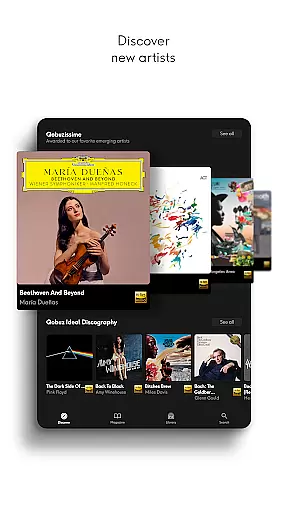
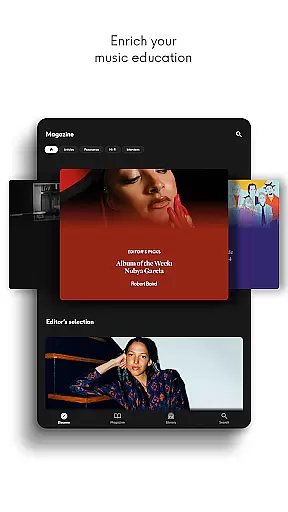
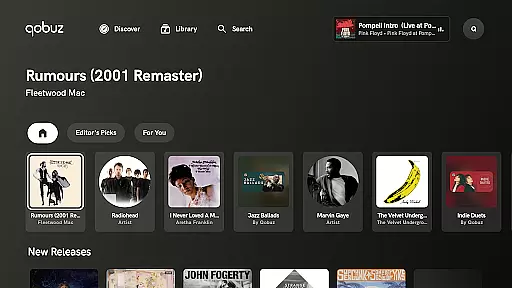

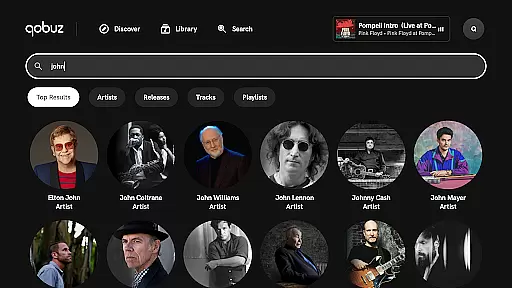
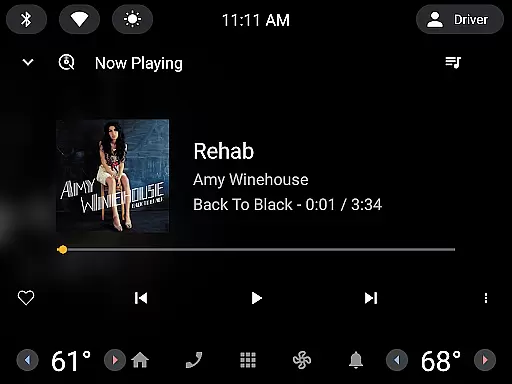
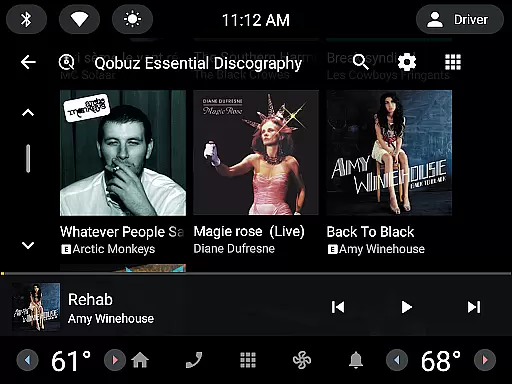
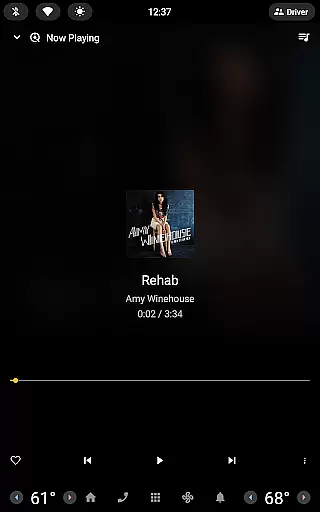
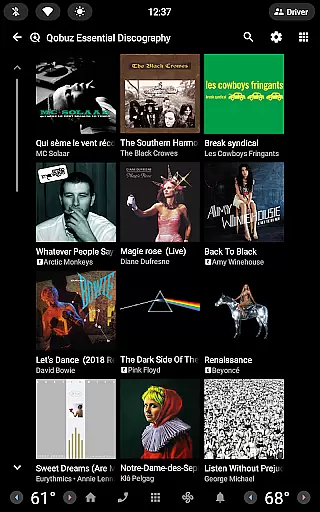
Qobuz is a premier music streaming and editorial platform that offers an unparalleled listening experience with over 100 million tracks in high-resolution and CD-quality audio. The service stands out by combining unlimited music streaming with expertly curated content, including human-made playlists, articles, interviews, and reviews. Available on all devices, Qobuz ensures seamless offline playback and background control through Android notifications.
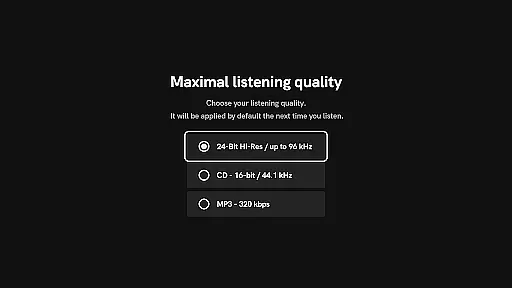
What sets Qobuz apart is its commitment to authentic sound, offering lossless FLAC 16-Bit/44.1 kHz and Hi-Res 24-Bit audio up to 192 kHz. Music enthusiasts can explore new releases, reissues, and deep dives into artists or genres through the Discover page. With compatibility across major Hi-Fi equipment and wireless listening devices like Chromecast and Airplay, Qobuz caters to audiophiles seeking both convenience and uncompromised quality.
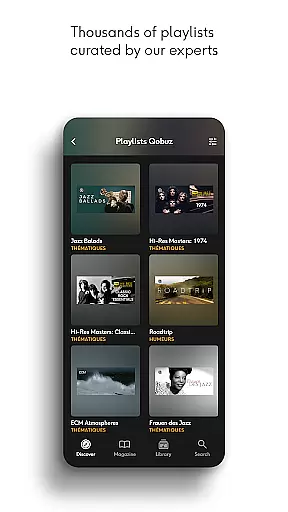
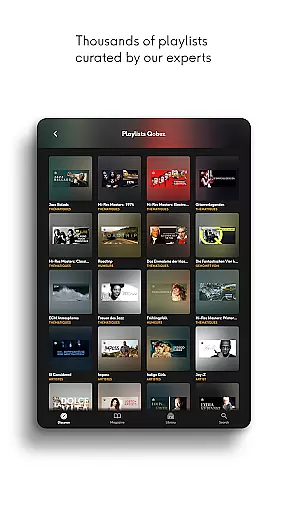
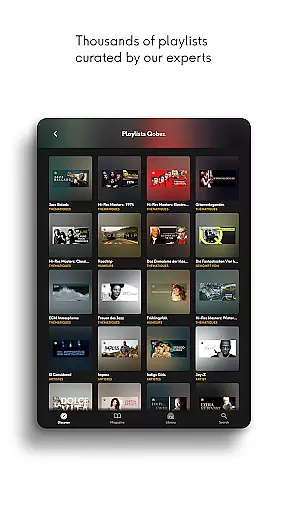
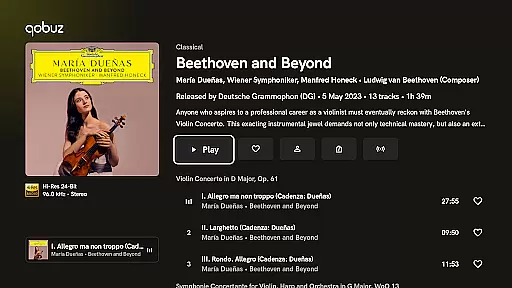
For users who value enriched music discovery, Qobuz provides digital booklets, liner notes, and access to thousands of regularly updated playlists curated by experts. This makes it not just a streaming app but also an educational tool for discovering iconic albums and emerging talents. Whether you're enjoying studio-quality sound or exploring unique editorial insights, Qobuz delivers a holistic musical journey tailored to your preferences.
Qobuz boasts several standout features that enhance the user experience. First, its high-fidelity audio options include lossless CD-quality FLAC files (16-Bit/44.1 kHz) and Hi-Res audio (up to 24-Bit/192 kHz), ensuring listeners enjoy music exactly as the artists intended. This feature appeals particularly to audiophiles who demand superior sound reproduction compared to standard compressed formats found on other platforms.
Another key feature is the extensive library of human-curated content. With over 500,000 original editorial articles, artist interviews, news pieces, and genre-specific panoramas, Qobuz goes beyond mere music streaming. Users benefit from guided exploration via expert recommendations, making each listening session more meaningful. Additionally, the redesigned Discover page simplifies navigation while providing instant access to recent articles and personalized listening sessions through widgets.
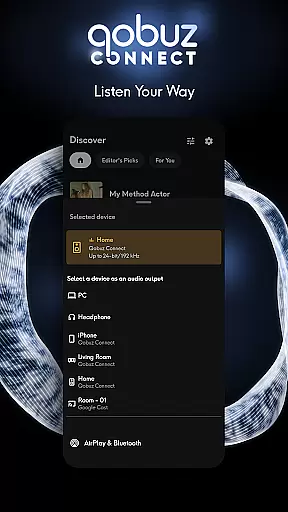
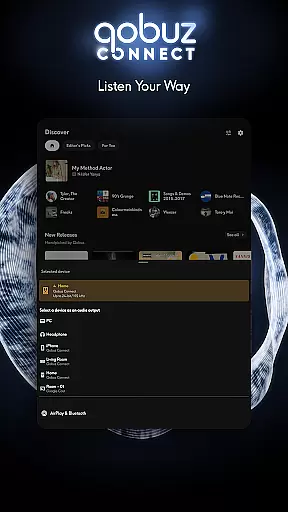
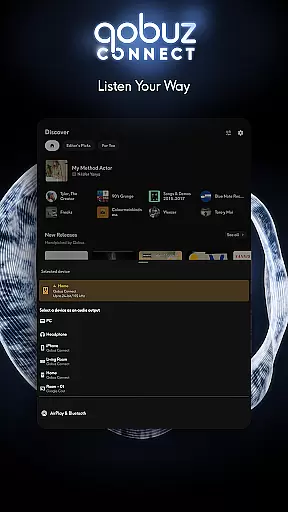
Lastly, Qobuz Connect enhances usability by integrating seamlessly with Hi-Fi partners' equipment without sacrificing audio quality. It supports major wireless protocols such as Chromecast and Airplay, allowing users to stream music effortlessly across various devices. Furthermore, playlist transfers from other services are simplified using tools like Soundiiz, ensuring a smooth transition for new subscribers looking to consolidate their music libraries within one high-quality ecosystem.
Qobuz offers an extensive music library with over 100 million tracks available in high resolution and CD quality. This vast collection ensures that users have access to a wide variety of music genres, from classical to contemporary hits.
The platform is committed to copyright authenticity, providing users with legally acquired music. By working directly with artists and labels, Qobuz guarantees that all content is properly licensed, giving users peace of mind while enjoying their favorite tunes.
With thousands of human-curated playlists and original editorial articles, the app enriches the listening experience by offering context and insights into the music. These curated selections are crafted by experts, ensuring a high-quality and engaging musical journey.
Additionally, Qobuz supports Hi-Res audio, making it a unique player in the market. Music enthusiasts can explore new releases and reissues in lossless formats, experiencing sound as the artists intended.
Qobuz stands out for its exceptional audio quality options, delivering an authentic sound experience straight from the studio. The platform supports FLAC 16-Bit/44.1 kHz for CD-quality streaming and up to 24-Bit/192 kHz for Hi-Res audio, catering to audiophiles who demand the best sound fidelity.
Listeners can enjoy uninterrupted playback with the background player feature, which allows control at any time through Android notifications. This ensures a seamless experience whether you're streaming online or downloading tracks for offline listening.
The app also integrates with major wireless listening devices like Chromecast and Airplay, as well as Roon, maintaining top-notch quality across different platforms. Compatibility extends to prestigious Hi-Fi brands, enhancing your setup without compromising on audio excellence.
Moreover, Qobuz provides digital booklets with liner notes and album details, enriching the user's understanding and appreciation of the music. This combination of superior sound quality and educational content makes Qobuz a premier choice for discerning listeners.
High-quality audio streaming
Expert-curated playlists
Extensive editorial content
Offline playback support
Cross-device compatibility
Higher subscription cost
Limited free tier options
Complex interface for beginners
Fewer mainstream pop songs
Requires good internet speed

Control your MIDI USB or Bluetooth devices in app and avoid some trampling
 3.30
3.30
Walkout Song DJ is the most intuitive app to manage your sports music.
4.70
USB audio recording and playback finally possible on Android 3.1 or higher!
3.90
24,000 free audio books and no ads!
4.90
Learn and play 2M+ music tabs & chords on guitar, ukulele, bass, and more
4.30
Offline Music Player&MP3 Player with themes, equalizer, lyrics, music play mode
4.60
The original SP-1200 experience on your iPad
4.20
Travel To The Music Universe
3.40
Be a true music maker: create beats, mix and make music like a real DJ!
4.30
Gorgeous UI, Powerful music Search and Equalizer, the great choice for you!
4.70
Let your Android device with the sound effects you want
4.50
DJ Music Mixer Pro is a real DJ controllers and DJ Music Studio to remix DJ.
4.40
Manage your Sonos system directly from your home-screen!
4.40
Ringtone Maker is free app create ringtone from music files or your recording.
4.40
Equalizer, Bass Booster and Volume Booster (Eq & Bass) improve sound quality
4.30
Sing, record, and create music together — enhanced by smart voice tools.
4.00
The iconic iOS metronome app is now on Android.
3.70
Simple mp3 and mp4 player with advanced features.
3.40
Simply convert wav to mp3. Clear. Reliable. Safe.
4.3


User Reviews