
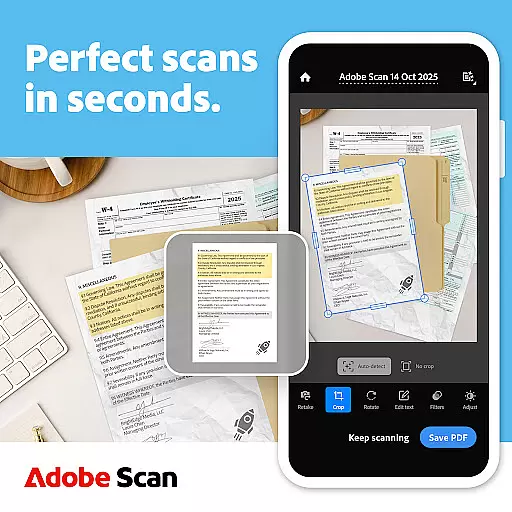
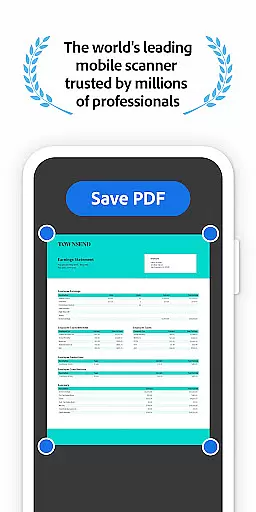
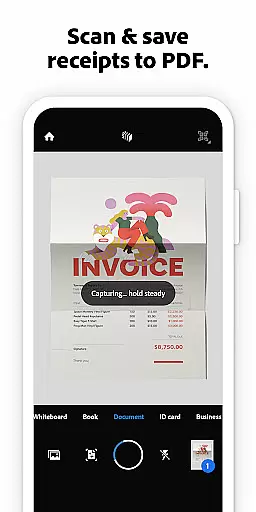
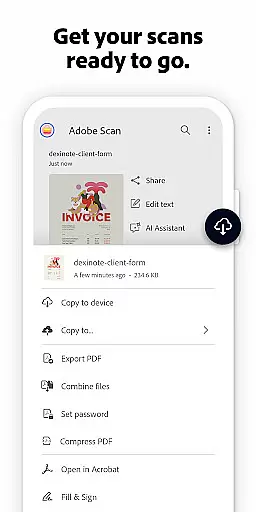
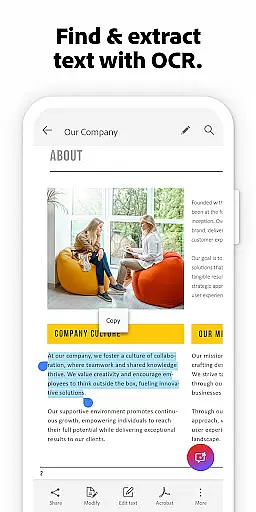


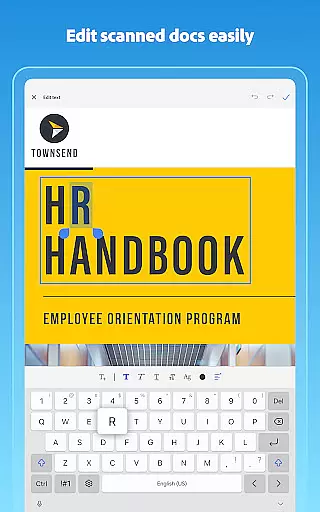
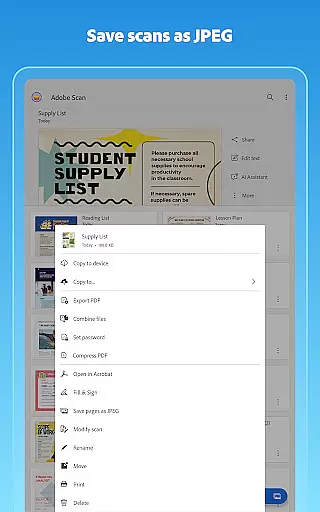
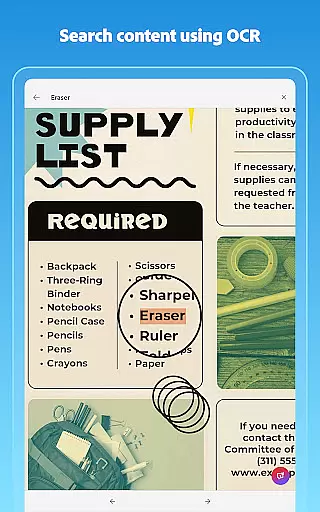
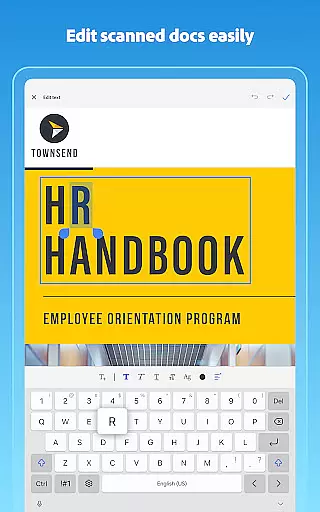
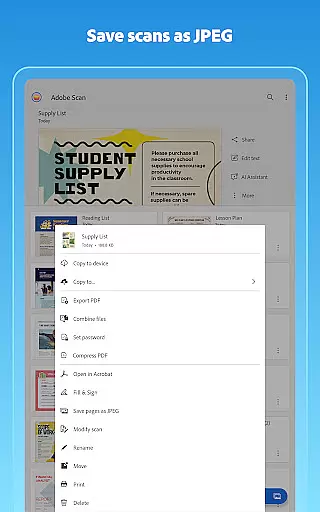
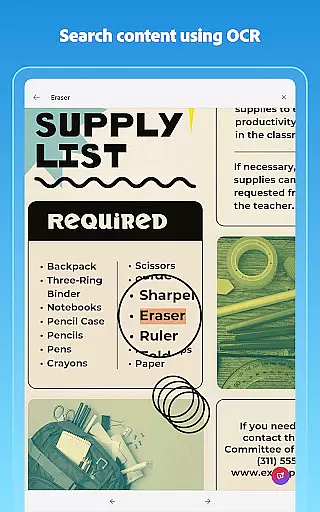
Adobe Scan AI PDF Scanner is a powerful mobile application that transforms your device into a versatile document scanner. It allows users to scan various types of documents, including receipts, notes, and business cards, converting them into high-quality PDFs or JPEGs. The app's advanced OCR technology makes scanned text searchable and editable, enhancing productivity.
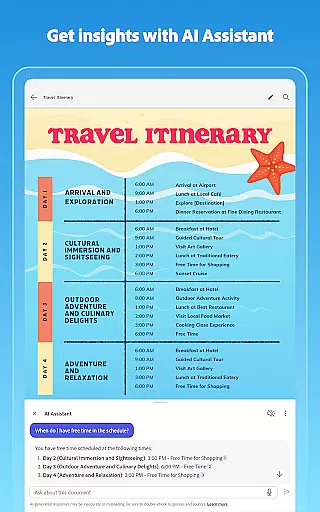
The app offers unique features such as AI Assistant, which extracts key points from scans, and Generative Summary for quick document summarization. With capabilities like automatic border detection, image enhancement, and cloud integration with Adobe Document Cloud, it ensures professional-quality scans every time. This makes it an essential tool for professionals and students alike.
Whether you need to digitize paperwork, organize important files, or share documents seamlessly across devices, Adobe Scan provides a comprehensive solution. Its intuitive interface and robust functionality make it suitable for both personal and business use, streamlining workflows and reducing manual effort significantly.
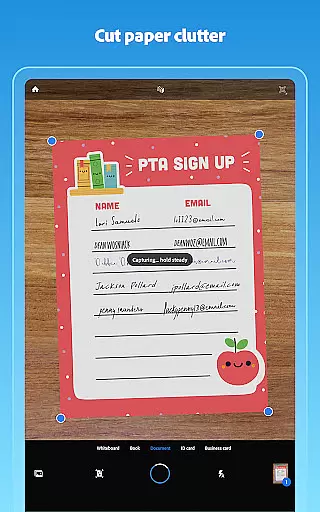
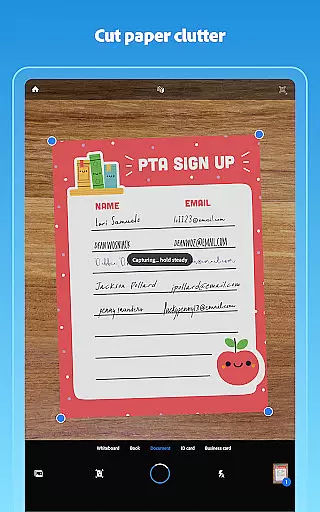
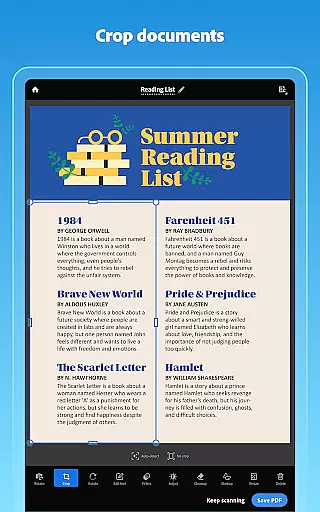
Adobe Scan AI PDF Scanner stands out with its array of sophisticated features designed to optimize document management. One notable feature is the Straighten tool, which automatically corrects curved or tilted scans, ensuring neat and professional-looking PDFs without additional steps. This tool exemplifies the app's commitment to precision and quality.
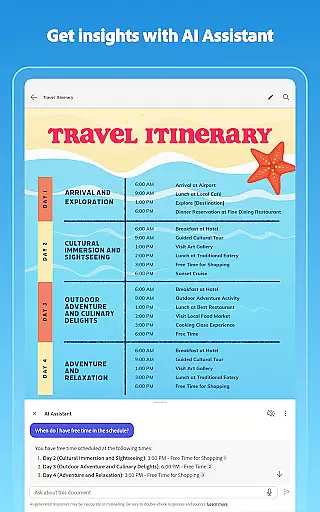
Another remarkable aspect is the app's High-speed scan capability, allowing users to bulk scan documents quickly. Coupled with AI-driven functionalities like AI Assistant and Generative Summary, users can efficiently extract critical information and summarize documents in seconds. These innovations save considerable time and enhance user engagement by simplifying complex tasks.
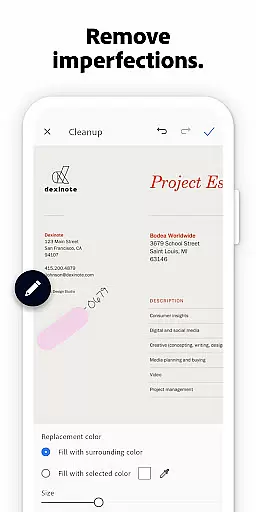
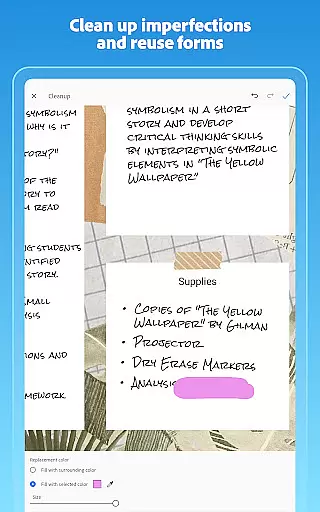
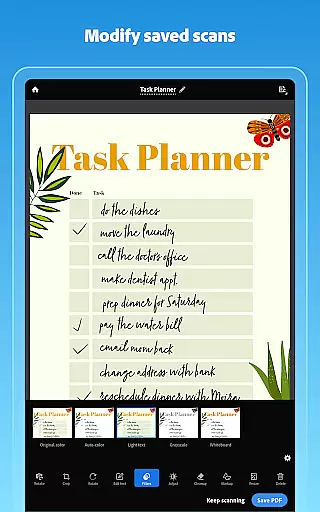
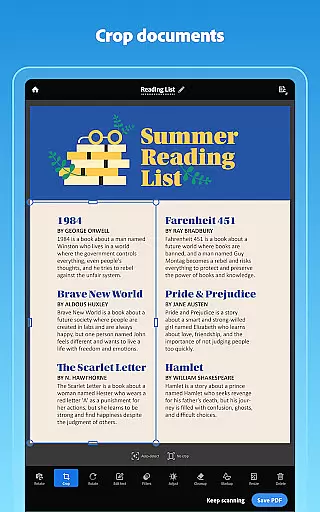
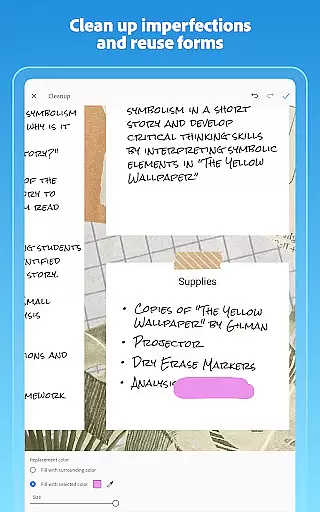
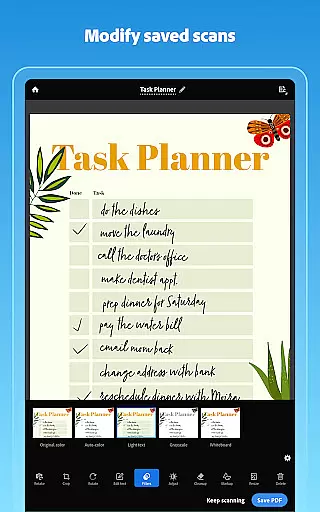
Additionally, the app includes robust editing tools such as Modify, Cleanup, and Reorder pages, enabling users to refine their scans meticulously. Integration with Adobe Document Cloud facilitates seamless access and sharing, while export options to Word, Excel, and PowerPoint extend the app's versatility. Such comprehensive features underscore Adobe Scan's leadership in the document scanning space.
In today's fast-paced business environment, collaborative work features are essential for maximizing productivity and ensuring seamless communication among team members. Adobe Scan AI PDF Scanner, OCR offers a comprehensive solution that supports collaborative efforts by enabling users to create, edit, and share digital documents effortlessly.
With Adobe Scan, teams can quickly convert physical documents into digital formats using advanced OCR technology. This feature not only makes scanned documents searchable and editable but also allows multiple users to access and modify the content from different devices. The ability to reorder pages, adjust colors, and clean up imperfections ensures that every team member receives clear and professional-looking documents.
Moreover, the app integrates with Adobe Document Cloud, providing a centralized platform where team members can store, retrieve, and share their scans instantly. This cloud-based approach eliminates the need for cumbersome email attachments or physical document exchanges, streamlining workflows and enhancing collaboration efficiency.
By leveraging these collaborative work features, businesses can significantly reduce turnaround times, improve document accuracy, and foster a more cohesive working environment. Whether it's scanning meeting notes, sharing contracts, or collaborating on project reports, Adobe Scan empowers teams to work smarter and faster.
Effective task management is crucial for maintaining organization and achieving business objectives efficiently. Adobe Scan AI PDF Scanner, OCR provides robust tools that enhance task management capabilities, allowing users to streamline their workflows and focus on high-priority activities.
The applicationu2019s powerful scanning technology enables users to convert paper documents into digital files rapidly. With features like High-speed scan and bulk scanning, individuals can process large volumes of documents in seconds, freeing up valuable time for other critical tasks. Additionally, the Generative summary function helps users extract key points from scans, making it easier to prioritize and manage information effectively.
Adobe Scan also offers customizable folders for organizing various types of documents, such as work files, personal records, or school forms. This organizational structure ensures that all relevant materials are easily accessible when needed, reducing the time spent searching for specific documents. Furthermore, the automatic saving feature to Adobe Document Cloud guarantees that users can retrieve their scans from any device, promoting flexibility and continuity in task execution.
Overall, Adobe Scan equips users with the necessary tools to optimize their task management processes. By transforming how documents are handled and shared, the app enhances productivity and supports a more structured approach to managing daily responsibilities.
User-friendly interface
Advanced OCR technology
AI-powered summarization
Cloud integration
Multi-format export
Limited free OCR pages
Premium subscription cost
Occasional bugs
Internet required
Heavy file sizes

VSD Viewer - Visio Drawings Viewer for Android Preview VSD, VDX, VSDX drawings
 4.10
4.10
BuildCalc - the easiest AND the most advanced construction calculator app.
4.80
Take the stress out of storage with the all-in-one app to manage your space.
3.70
Finance, Investing, Stocks, Trading and Stock news
4.60
Start earning fast. Apply Today.
4.80
USPS Mobile®Access USPS.com’s most popular tools on-the-go.
4.70
All-in-one Mobile solutions for employees & managers to succeed at work
4.30
The app that lets you deliver with Amazon.
4.50
Make money as a delivery driver with DoorDash and work when you want as a Dasher
4.30
Make invoices, bills, receipts & estimates on the go with Invoice Generator.
4.70
Amazon A to Z is the place to manage your work-life at Amazon.
4.50
Measure distances, surfaces and draw plans in seconds with CamToPlan!
4.40
Formerly Facebook Ads Manager. Manage and create ads on the go.
4.20
Scan Business Cards & Conference Badges - Capture Leads at Events & Tradeshows
4.20
Zoom built for Chrome OS
3.90
enjoy effortless PDF reading anytime, anywhere
3.90
Windows App allows you to connect to remote PCs and virtual apps.
3.70
Access All PDF Files
3.40
Completed Course Lectures on how to use IBM Maximo in Maintenance issues
4.4


User Reviews