


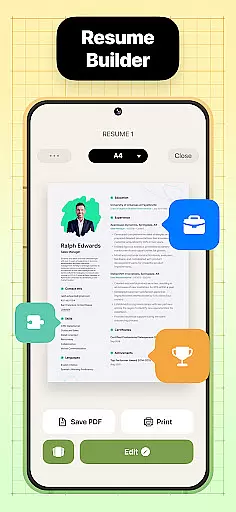

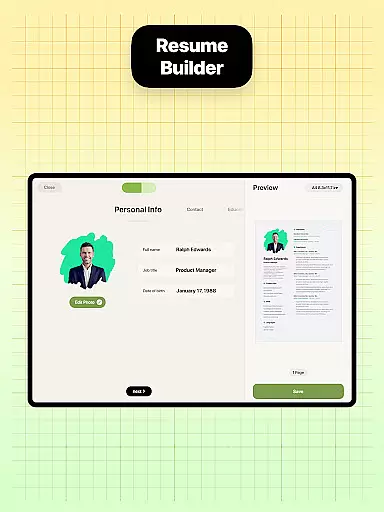

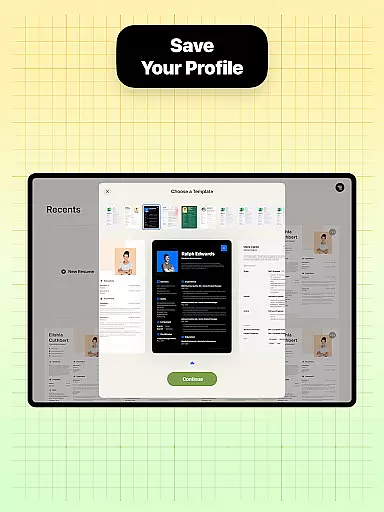
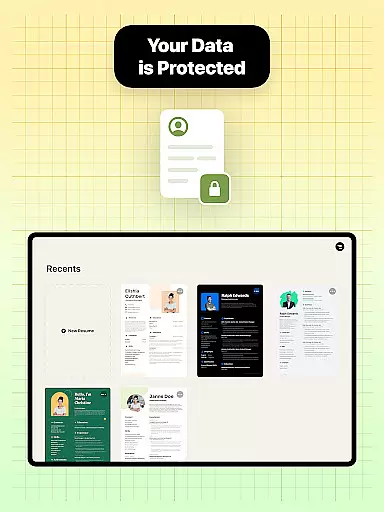
Resume Builder is a powerful business application designed to help users create professional and visually appealing resumes in PDF format. The app offers an intuitive step-by-step guidance system that simplifies the resume creation process, making it accessible for both recent graduates and seasoned professionals.
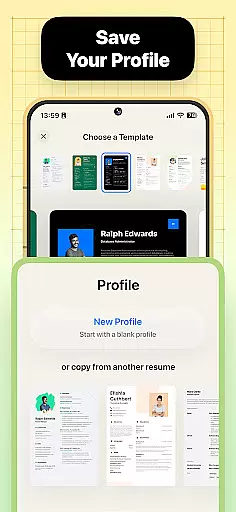
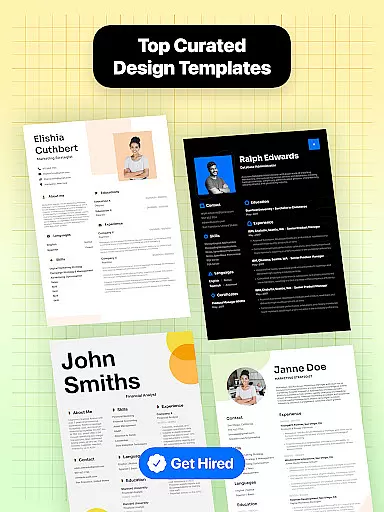
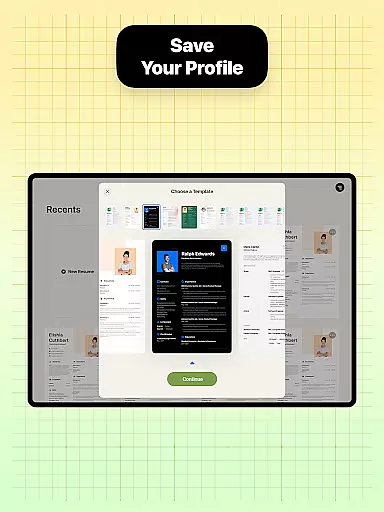
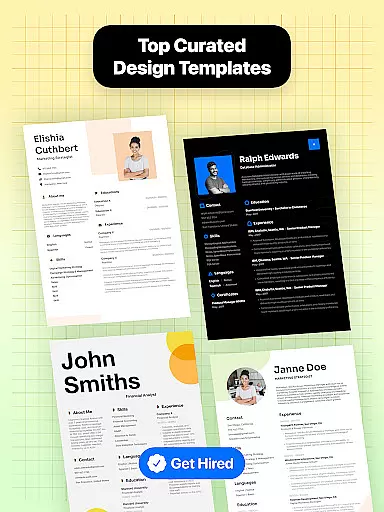
One of the standout features of Resume Builder is its wide selection of customizable resume templates. Users can choose from various designs tailored to different career stages and job applications. The app allows seamless customization of sections and content, ensuring each resume is unique and optimized for specific career goals.
This app is particularly useful for job seekers who need to create a strong first impression through their resumes. With real-time editing capabilities and easy export options, Resume Builder empowers users to present their qualifications effectively, increasing their chances of landing desired positions.
Resume Builder stands out with its comprehensive set of features designed to streamline the resume creation process. The app provides users with multiple resume templates that cater to different industries and experience levels. Each template is fully customizable, allowing users to adjust sections, fonts, colors, and layouts to match their personal style and professional needs.
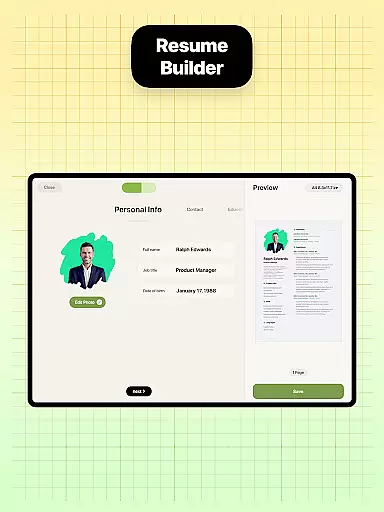
A key feature of this app is its user-friendly interface and intuitive navigation system. The step-by-step guidance helps users input their information efficiently while maintaining proper formatting. Advanced features include real-time preview functionality, which lets users see how their final resume will look as they make changes.
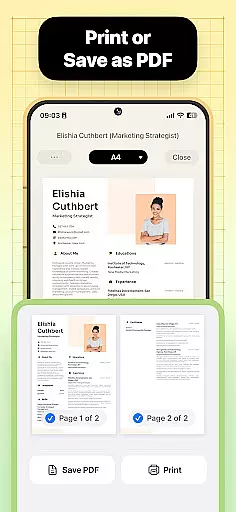
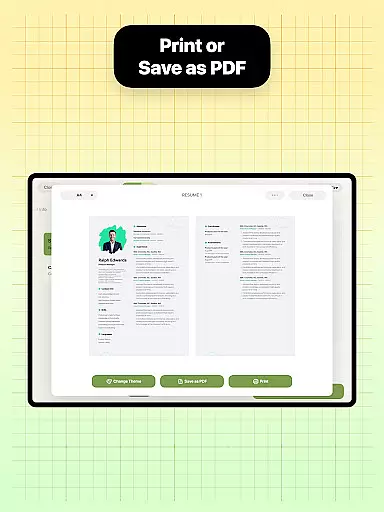
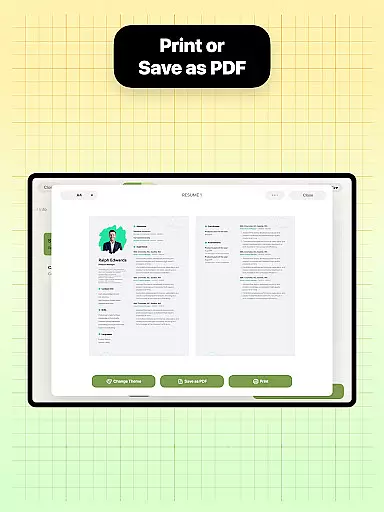
The app also includes practical tools such as built-in sharing functions for direct email sending or printing. Additionally, Resume Builder supports exporting resumes in PDF format, ensuring documents maintain their professional appearance across different devices and platforms. These features collectively help users create polished, industry-standard resumes quickly and easily.
Collaborative work features are essential for modern business applications, enabling teams to work together efficiently regardless of location. Resume Builder incorporates these features by allowing users to share their resumes easily with peers or mentors for feedback and refinement.
The app's built-in sharing functionality supports collaborative efforts by enabling direct sharing of resumes in PDF format. This allows trusted contacts to review and provide input on the resume design and content, ensuring it meets professional standards before submission to potential employers.
Users benefit from real-time updates and easy editing capabilities, which streamline the collaborative process. As changes are made, users can instantly see the impact on their resume, promoting iterative improvement and refinement.
This collaborative approach not only enhances the quality of the final resume but also saves time by facilitating clear communication and swift revisions among all parties involved in the job application process.
Task management is a critical component of productivity, especially when crafting documents as important as resumes. Resume Builder excels in task management by providing an intuitive step-by-step guidance system that helps users organize and execute the resume creation process effectively.
The app offers customizable options for different sections of the resume, allowing users to manage tasks such as entering professional experience, qualifications, and personal information systematically. This structured approach ensures no critical element is overlooked during the resume-building process.
With real-time progress tracking, users can monitor their advancement through each stage of resume creation. This feature provides a clear overview of completed tasks and those that require attention, enhancing overall efficiency and focus.
By integrating task management features, Resume Builder empowers users to maintain control over their resume development, resulting in a polished and professional document that accurately represents their skills and experiences.
User-friendly interface
Wide range of templates
Real-time editing
PDF export capability
Customizable options
Limited free templates
Premium features locked
Occasional ads
Internet connection required
Basic design limitations

Earn crypto with secure cloud mining. Monitor, track & withdraw easily
 4.40
4.40
Finance, Investing, Stocks, Trading and Stock news
4.60
Build a store in minutes with our full suite of AI tools. Start for free!
4.20
Master crypto trading with real-time simulations and exciting challenges!
4.50
Access to Paylocity, empowering employees with information they need 24/7.
4.70
From Gone to Back Again — In Just a Few Taps
4.50
Say hello to the mobile work experience built to help you thrive at work.
4.30
Earn money with the driver & delivery partner app for Uber, UberEats & Postmates
4.60
We help people get jobs
4.70
FaxCover - Create fax cover pages. Works with any app or fax machine.
4.90
Permission Guard is a security app that helps you manage app permissions.
4.80
Earn free swag, G-Cards & food • Enter sweepstakes • Find stores • So much more.
4.70
Grow your business and connect with more people with Meta Business Suite.
4.60
Ship, Track, Find a Location or Get a Quote with UPS. Anytime. Anywhere.
4.60
Formerly Facebook Ads Manager. Manage and create ads on the go.
4.20
Smarter career moves start here. AI job alerts, insights & the right tools.
4.20
The All-in-One File Manager for Phone, TV, Watch, Cars, XR / VR, Chromebook
4.10
All document reader, pdf viewer app, read docs & excel files
3.80
viewing and sharing PDFs and other files—anytime, anywhere!
4.4


User Reviews