
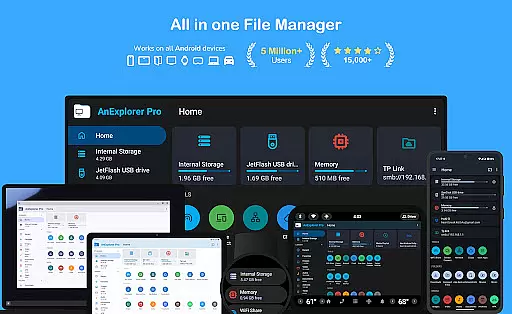
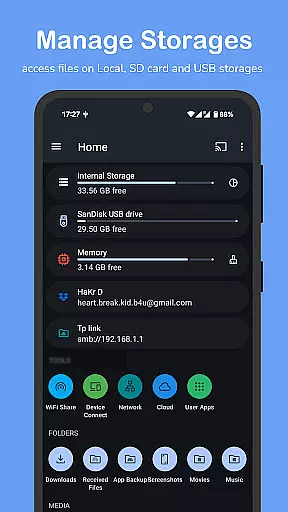

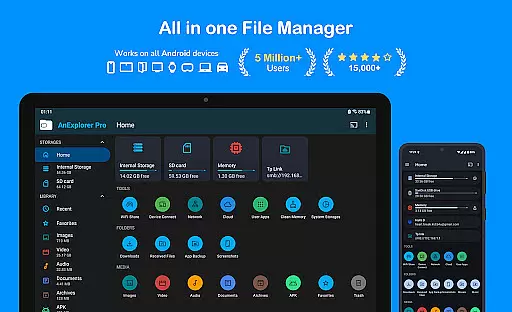
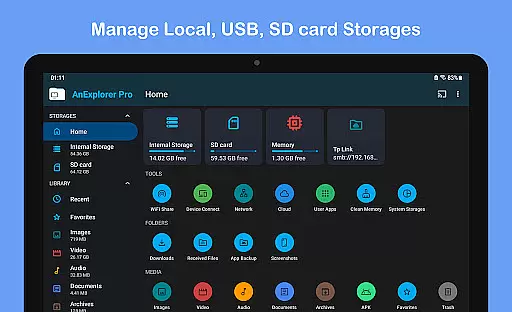

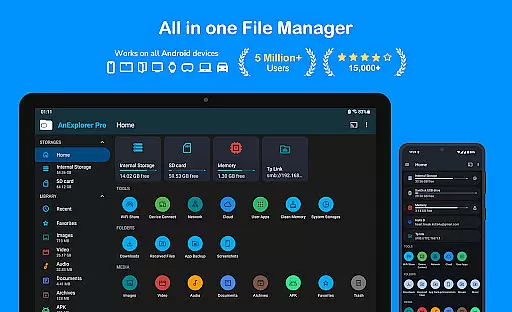
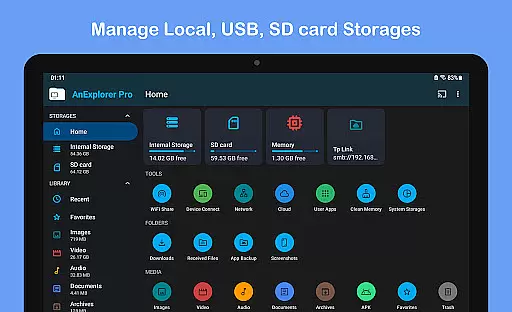

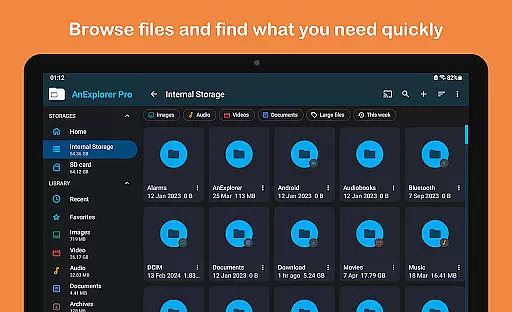
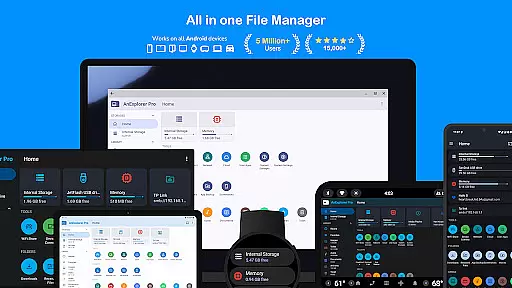
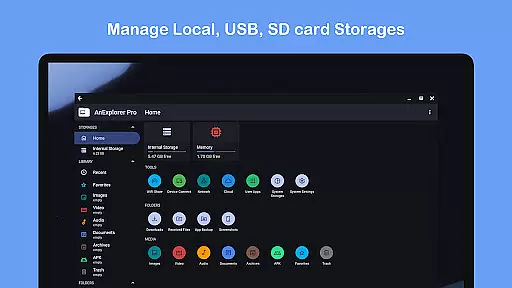
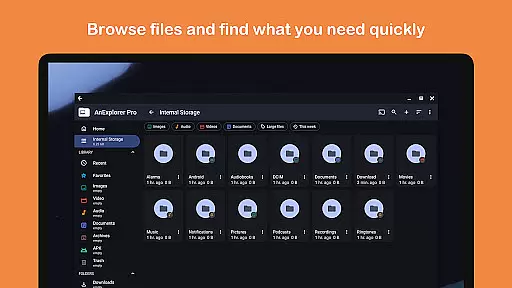
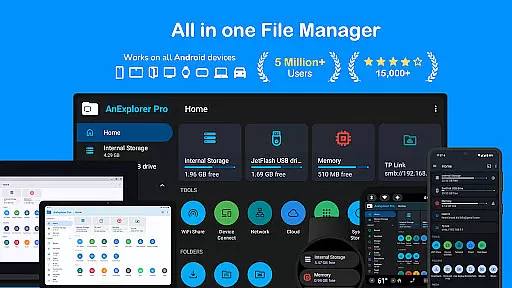
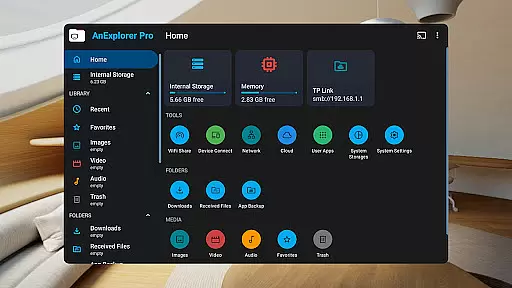
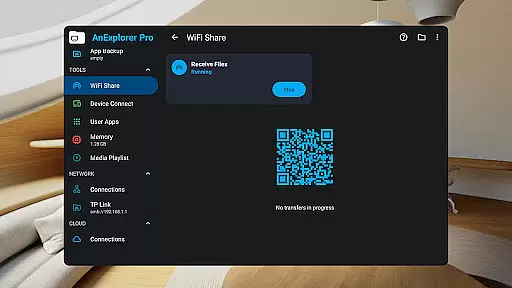
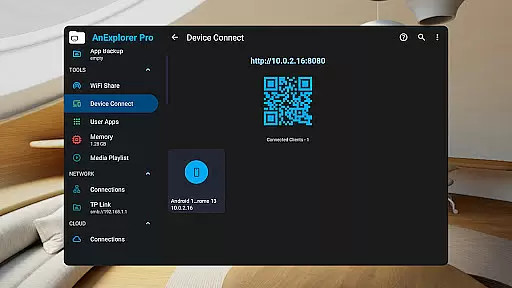
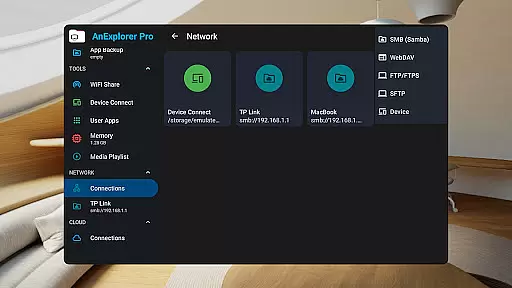
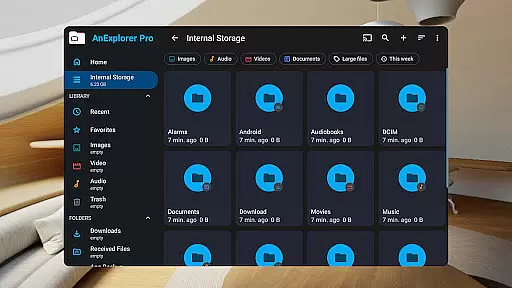
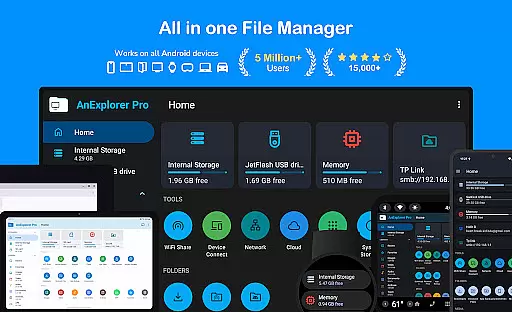
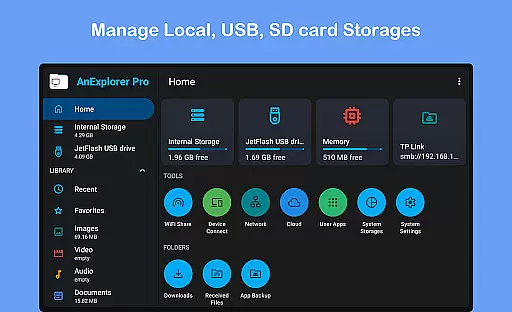
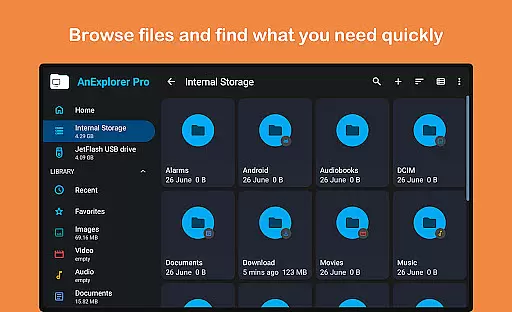
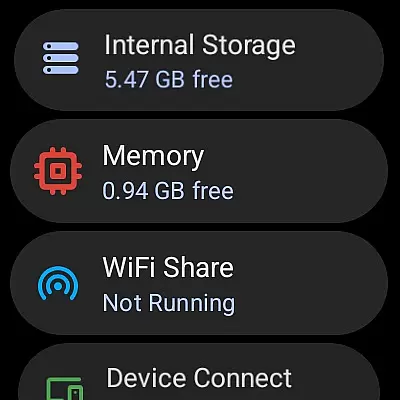
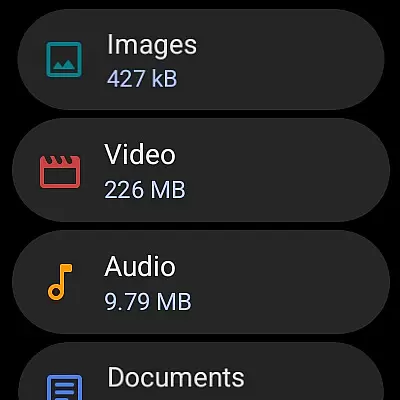
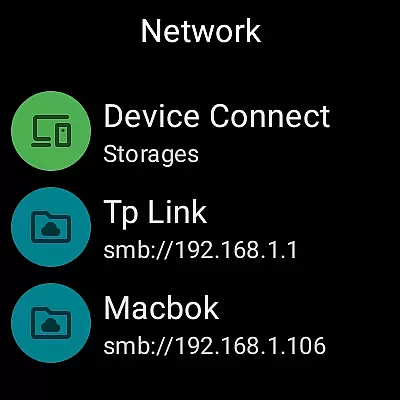



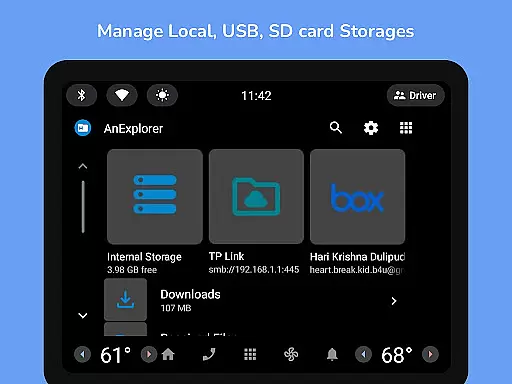
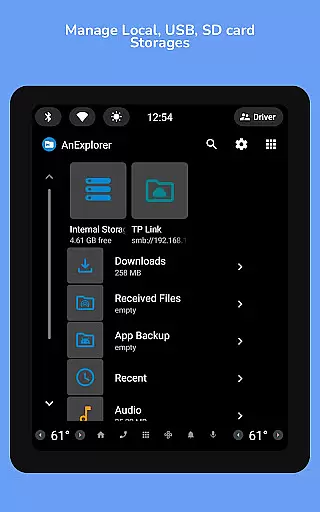
AnExplorer Pro File Manager is a versatile business tool designed for efficient file management across various Android devices. This powerful app allows users to seamlessly browse, organize, and transfer files on phones, tablets, TVs, cars, and more. With support for multiple storage types including USB, SD cards, network drives, and cloud services, it ensures comprehensive file access and management.
The app stands out with its clean, intuitive interface and advanced features like folder size display, hidden file visibility, and full FAT32/NTFS support. Its unique RTL language support makes it accessible to a wider business audience. Whether you're managing documents, media files, or system-level data, AnExplorer Pro provides the tools necessary for optimal productivity and organization.
AnExplorer Pro distinguishes itself through an impressive array of features tailored for business users. The app's core functionality includes robust file organization capabilities, allowing users to copy, move, rename, and compress files with ease. Its advanced search and filter options enable precise file location by name, type, size, or date parameters.
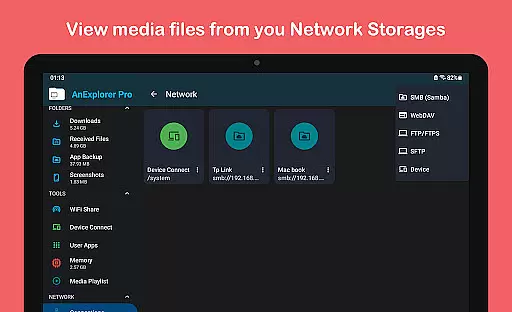
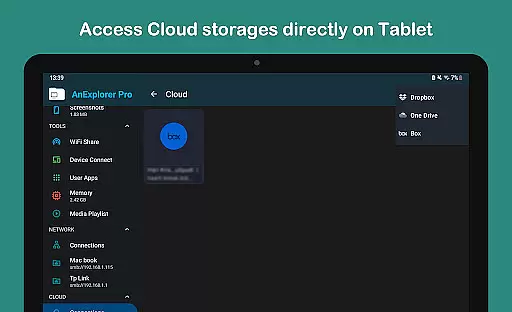
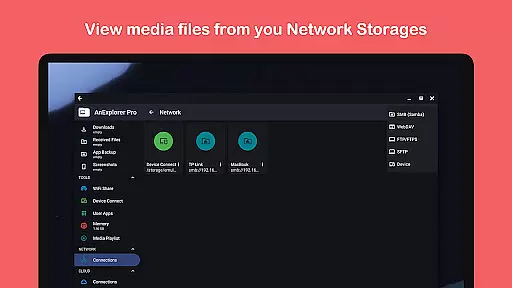
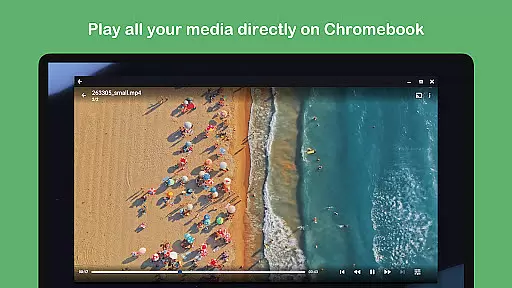
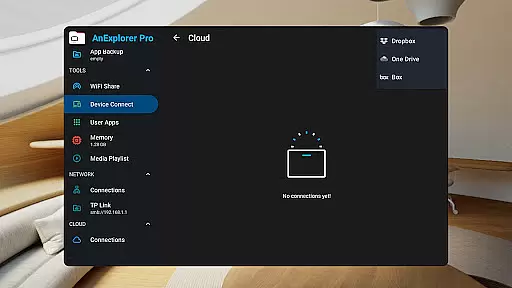
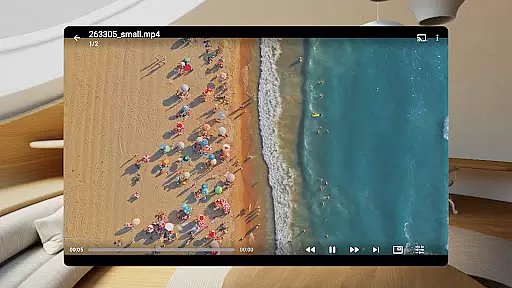
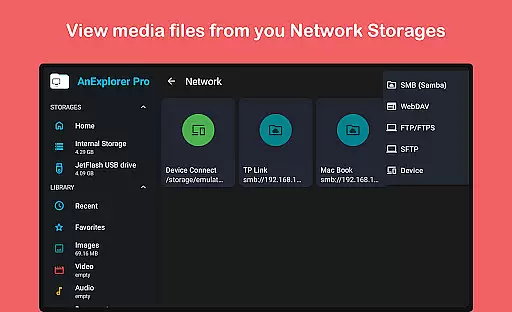
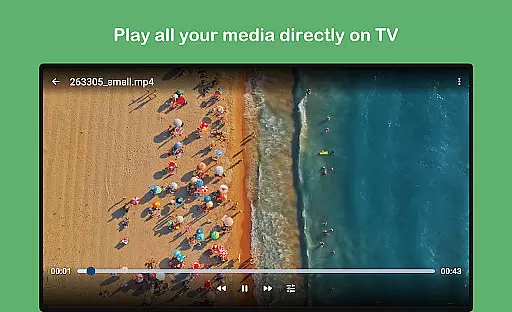
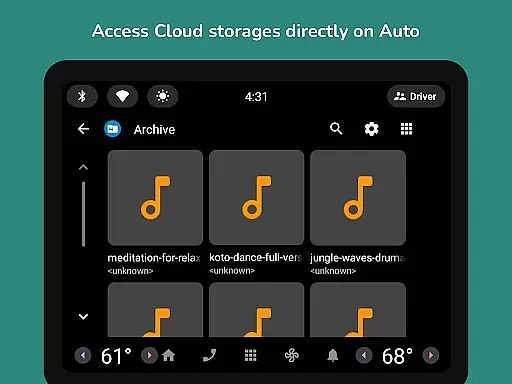
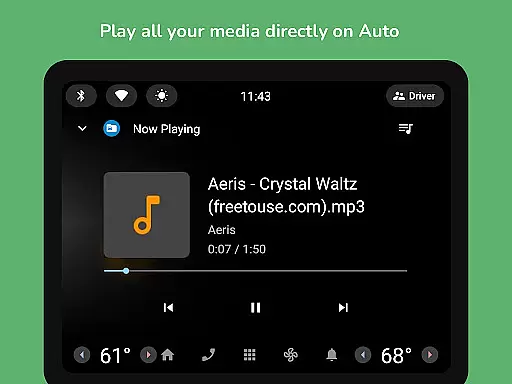
For multimedia management, the app integrates dedicated viewers and players for photos, music, and videos, supporting background playback and casting. The built-in text editor and PDF viewer facilitate document editing directly within the app, while the archive manager handles various compression formats. Particularly valuable for business use are the network file management capabilities, including FTP/SMB/WebDAV support, and the ability to manage cloud storage from major providers like Dropbox and OneDrive.
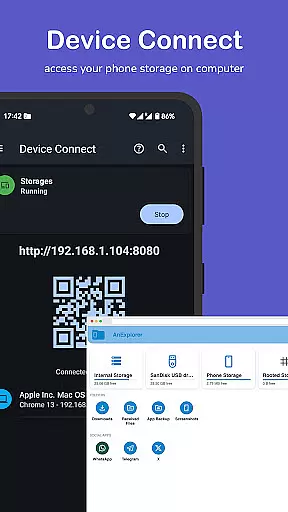
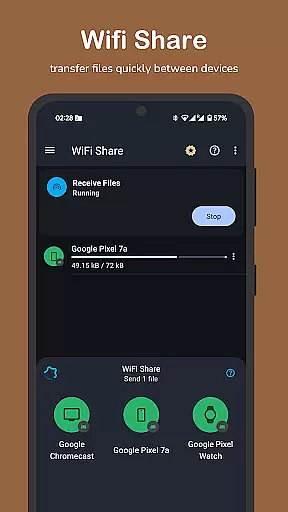
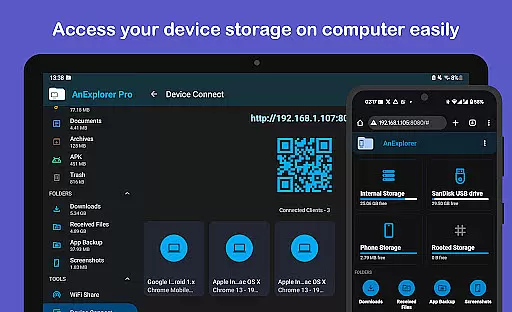
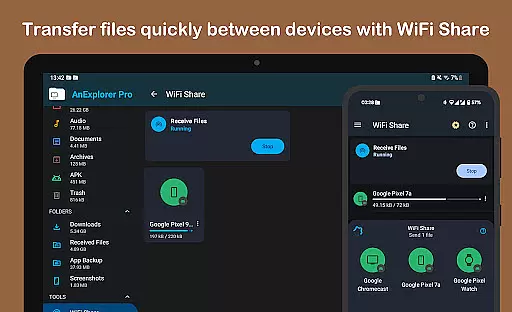
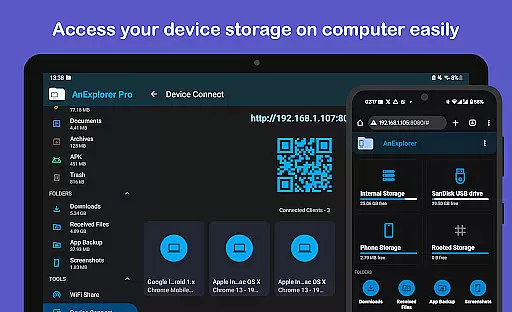
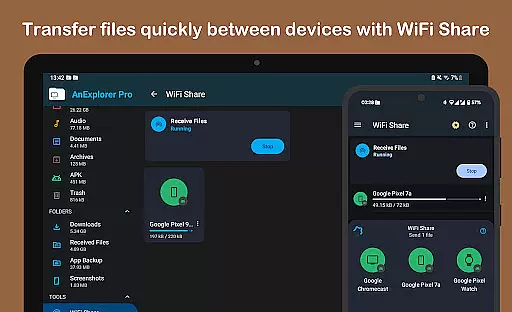
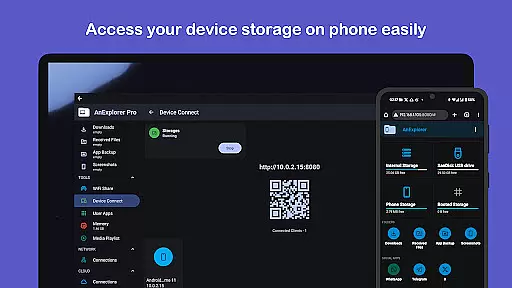
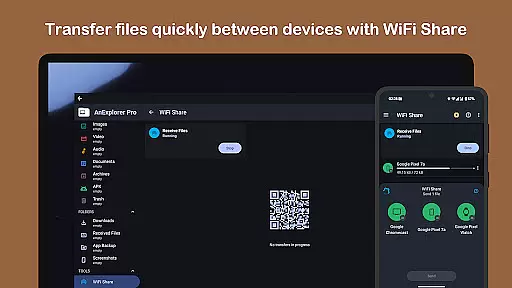
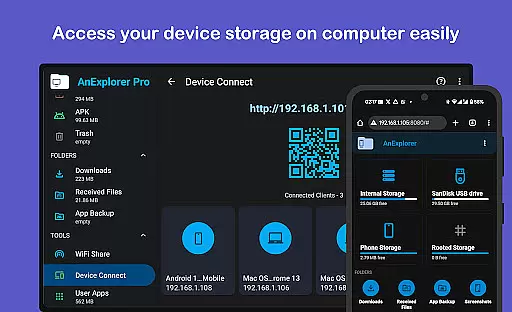
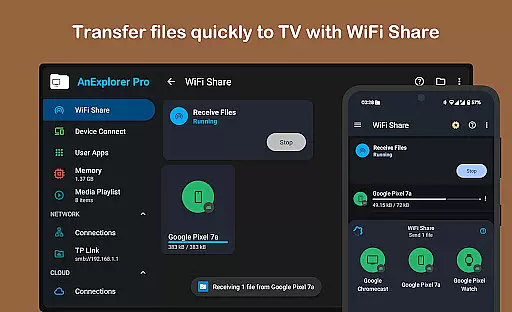
Additional enterprise-grade features include offline WiFi sharing, device connectivity through IP access, and memory optimization tools. The app's support for APK management, root mode operations, and specialized managers for TV, watch, and VR devices make it an indispensable tool for comprehensive business file management across diverse platforms.
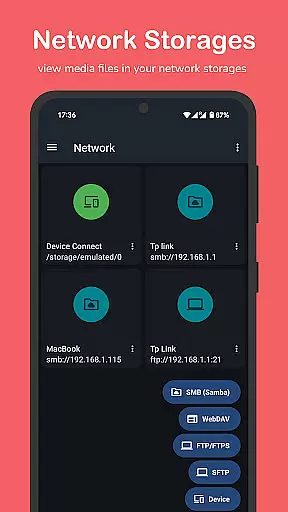
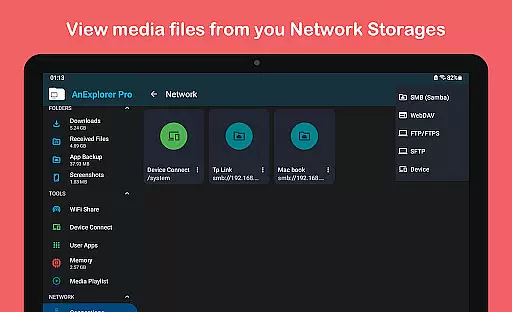
Collaborative work features are essential for modern business applications, enabling teams to work together efficiently regardless of location. AnExplorer Pro File Manager supports this through its network file management capabilities, allowing users to connect to FTP, FTPS, SMB, and WebDAV servers.
This functionality facilitates seamless file sharing and collaboration across different devices and platforms. Users can stream and transfer files from NAS devices and shared folders, ensuring that all team members have access to the necessary resources when they need them.
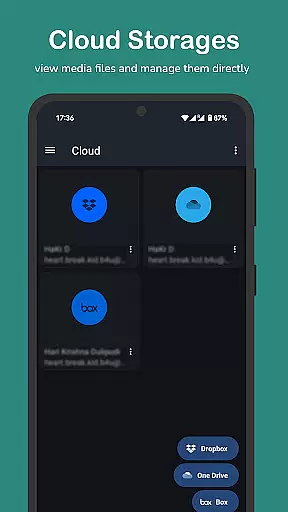
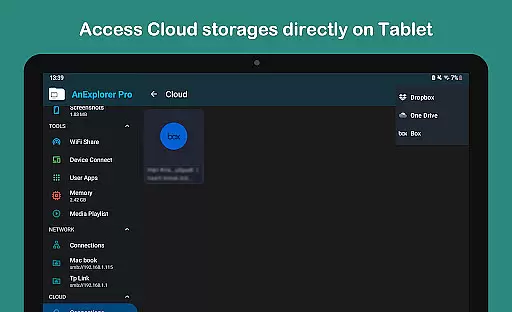
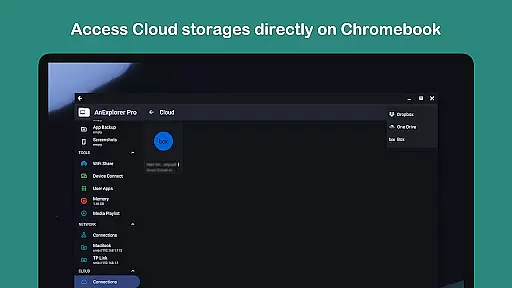
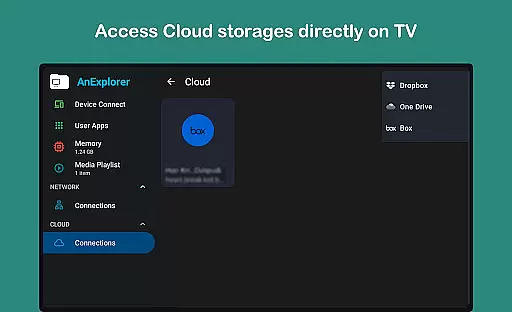
The app's cloud file manager further enhances collaborative efforts by integrating with services like Box, Dropbox, and OneDrive. This allows teams to manage, upload, download, delete, or preview media directly in the cloud, promoting a flexible and dynamic work environment.
By providing these robust collaborative tools, AnExplorer Pro File Manager ensures that businesses can maintain productivity and cohesion among their teams, even in remote or hybrid work settings.
Effective task management is crucial for maintaining productivity and ensuring that projects progress smoothly. AnExplorer Pro File Manager offers several features that contribute to efficient task management, particularly through its file organization and media library management capabilities.
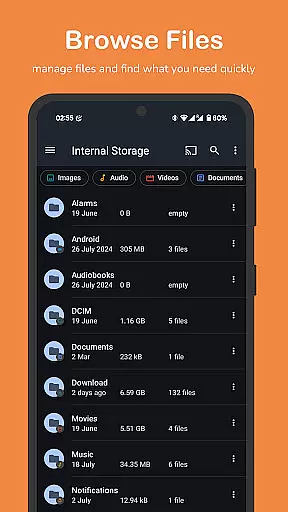
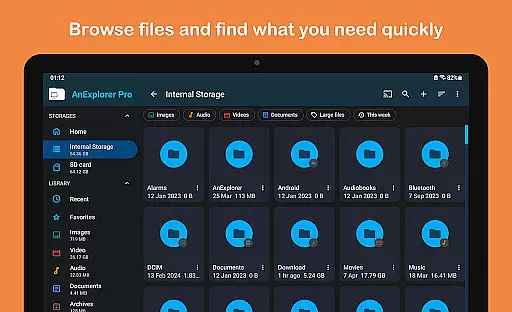
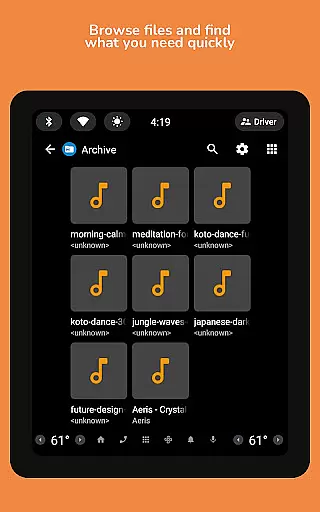
The app allows users to browse, copy, move, rename, delete, compress, and extract files and folders, streamlining the process of managing digital assets. Its ability to search by file name, type, size, or date, and filter by media types, helps users quickly locate and organize necessary files.
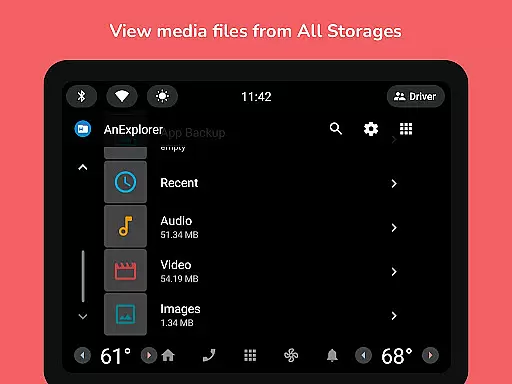
AnExplorer Pro also includes a media library manager that auto-categorizes files into Images, Videos, Music, Documents, Archives, and APKs. This feature not only organizes downloads and Bluetooth transfers but also enables users to bookmark favorite folders for quick access, enhancing overall task efficiency.
With these comprehensive task management tools, AnExplorer Pro File Manager empowers users to handle their responsibilities more effectively, ensuring that important files are always organized and accessible.
User-friendly interface
Wide device compatibility
Advanced file management
Cloud integration
Network support
Paid version only
Complex for beginners
Heavy on resources
Limited iOS support
No Mac version

 4.70
4.70
Completed Course Lectures on how to use IBM Maximo in Maintenance issues
4.3
VSD Viewer - Visio Drawings Viewer for Android Preview VSD, VDX, VSDX drawings
4.10
Get your benefits on-the-go.
3.80
Your employer must have UKG Ready software configured for Mobile.
4.60
Amazon A to Z is the place to manage your work-life at Amazon.
4.50
Paychex Flex - Save Time and Stay Connected
4.60
Use Generative Summary to understand your rental or insurance docs in seconds.
4.70
On the go? Take FedEx with you.
4.00
BuildCalc - the easiest AND the most advanced construction calculator app.
4.80
TurboScan turns your phone into a full-featured PDF document scanner.
4.80
The MyWalmart App is available for all associates in stores.
4.70
Get instant construction estimates: accurate home repair & material calculator.
4.70
Chat, meet, and collaborate to achieve more together, all in one place on Teams
4.60
ADP Mobile Solutions is an employee self service app
4.50
Zoom built for Chrome OS
3.90
Take the stress out of storage with the all-in-one app to manage your space.
3.70
Access All PDF Files
3.40
We are a dynamic team of creatives people of design, marketing, web & apps
3.00


User Reviews