
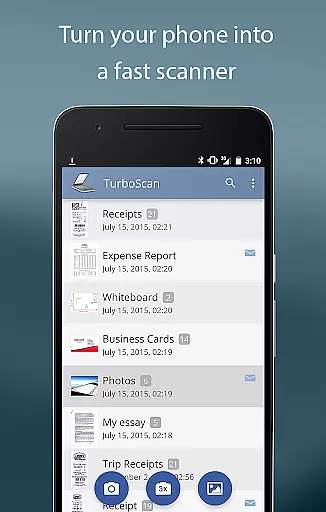
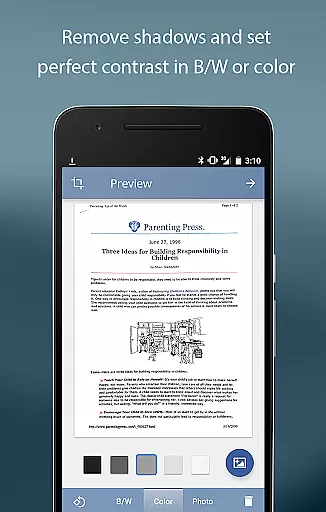
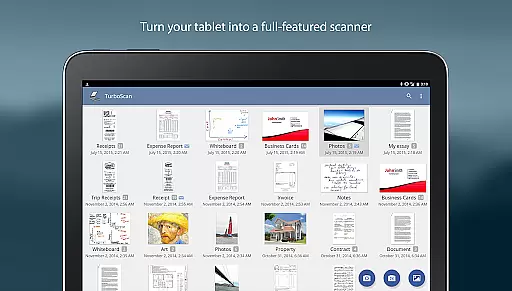
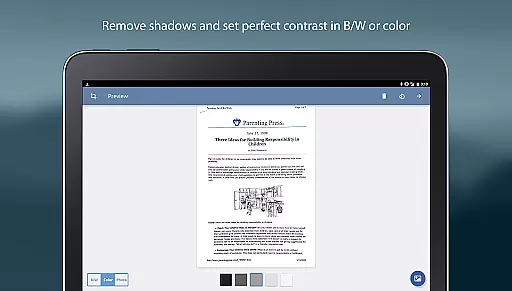
TurboScan Pro is a premier mobile scanning solution that transforms your smartphone into a sophisticated multipage scanner. Designed for professionals and individuals alike, this app excels in capturing high-quality scans of documents, receipts, notes, whiteboards, and photos. The application stands out with its advanced algorithms that ensure precise edge detection, perspective correction, and optimal contrast for every scan.
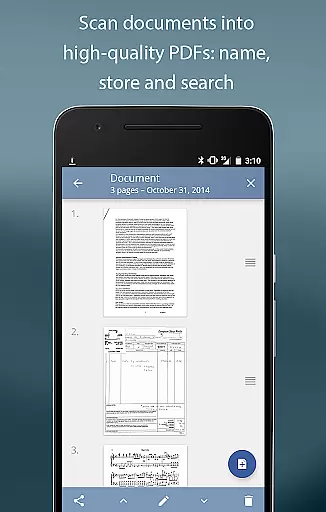
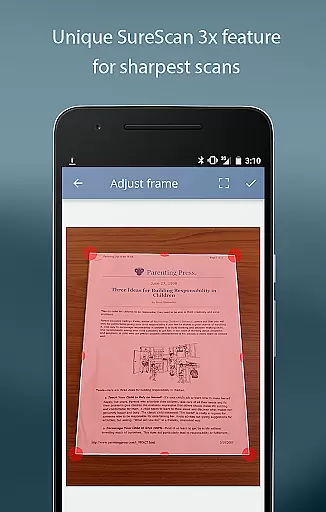
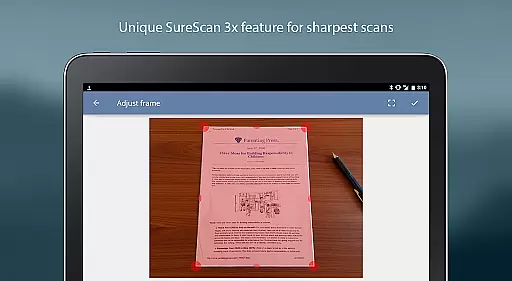
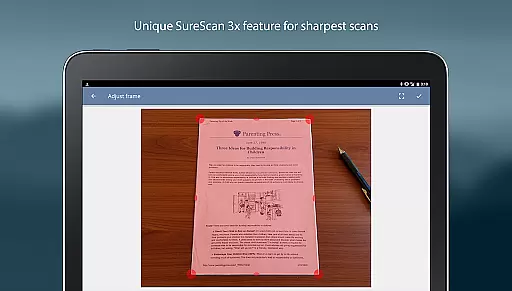
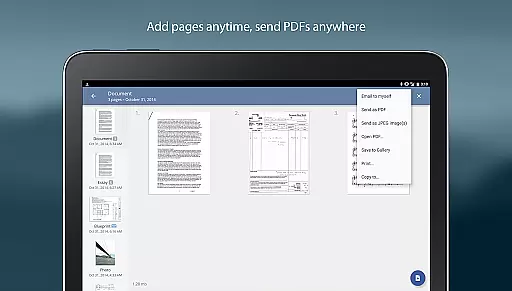
What sets TurboScan Pro apart is its proprietary SureScan mode, which delivers exceptionally sharp scans even in challenging lighting conditions. This feature requires capturing three images of the document, guaranteeing unparalleled clarity. Additionally, TurboScan Pro offers robust organizational tools such as document naming, internal storage, search functionality, and multipage editing capabilities. Users can effortlessly manage their digital documents by adding, reordering, or deleting pages as needed.
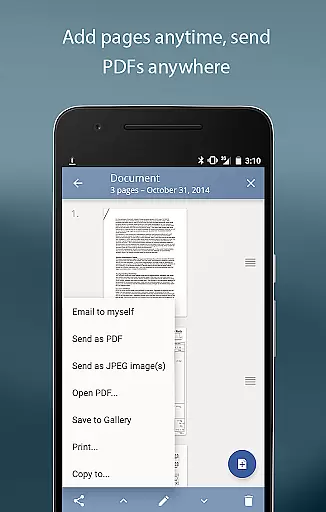
The app's commitment to data security is evident as all processing occurs directly on the device without requiring an internet connection. With TurboScan Pro, you can conveniently send documents to predefined email addresses or upload them to cloud services like Evernote with just one tap. Its versatility extends to exporting options, allowing users to share files in various formats including PDF, JPEG, or PNG. Whether you're digitizing important paperwork or organizing business cards, TurboScan Pro provides a comprehensive solution tailored to enhance productivity and streamline document management.
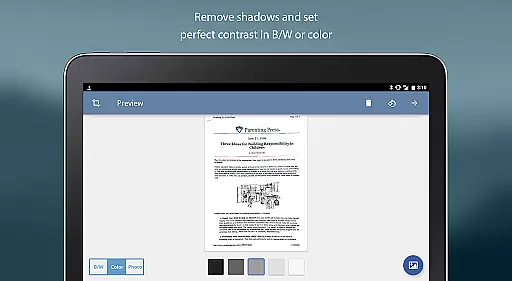
TurboScan Pro boasts an array of features designed to elevate your document scanning experience. At its core, the app utilizes cutting-edge algorithms to automatically detect document edges, correct perspective distortions, and eliminate shadows, ensuring every scan is crisp and professional-looking. The innovative SureScan mode takes this a step further by capturing three images of the same document, resulting in exceptionally sharp scans even in low-light environments.
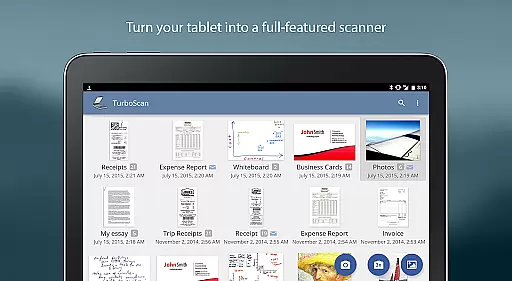
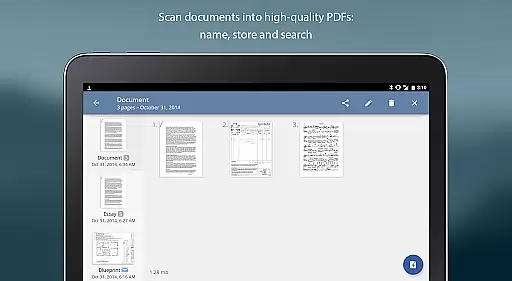
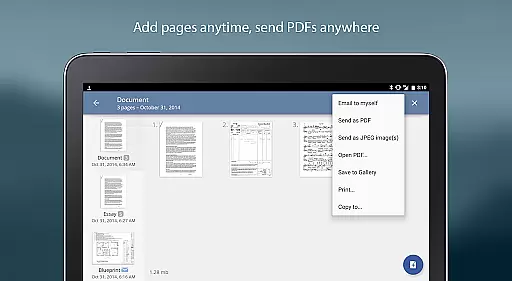
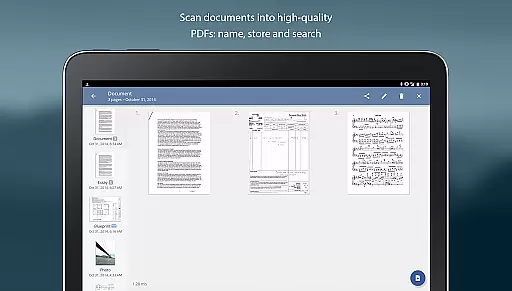
Efficiency is paramount with TurboScan Pro, offering ultra-fast processing speeds of under three seconds per page. This rapid performance is complemented by comprehensive document management tools. Users can name their scans, store them within the app, and utilize the search function for easy retrieval. The multipage editing feature allows for seamless organization, enabling users to add, reorder, or delete pages as needed. Additionally, the app facilitates copying pages between stored scans, enhancing workflow flexibility.
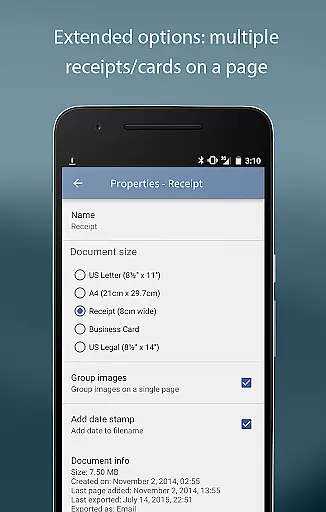
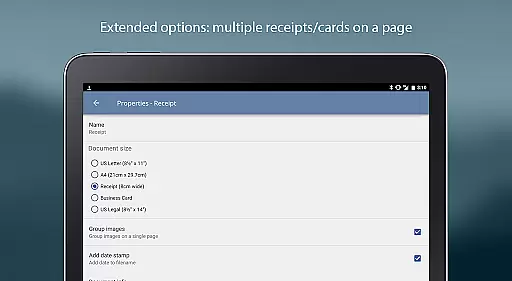
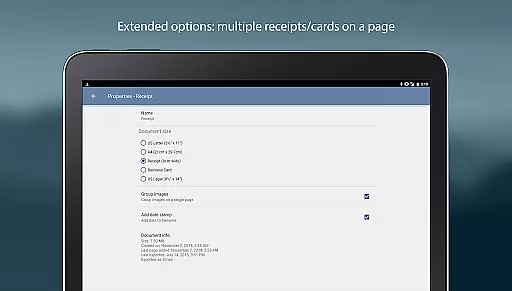
TurboScan Pro also shines in its sharing and export capabilities. The 'Email to myself' feature simplifies document distribution by allowing users to send files to predefined addresses with a single tap. Documents can be exported in multiple formats including PDF, JPEG, or PNG, catering to diverse user needs. The app supports arranging multiple receipts or business cards on a single PDF page, optimizing space and presentation. Furthermore, TurboScan Pro integrates seamlessly with other applications such as Dropbox, Evernote, and Google Drive, enabling users to effortlessly transfer files to cloud storage or fax apps. Printing is equally convenient through Cloud Print or compatible print applications, making TurboScan Pro an indispensable tool for modern document management.
Advanced scanning algorithms
Proprietary SureScan technology
Ultra-fast processing speed
Comprehensive document management
Robust security features
Premium price point
Complexity for casual users
Limited free features
Occasional processing errors
Requires careful lighting setup

All Your Gig Work. One App.
 4.30
4.30
Quickly open and manage PDF files on your device.
3.80
Get your benefits on-the-go.
3.80
Windows App allows you to connect to remote PCs and virtual apps.
3.70
Your employer must have UKG Ready software configured for Mobile.
4.60
All document reader, pdf viewer app, read docs & excel files
3.80
A secure, all-in-one team collaboration app
4.30
Ship, Track, Find a Location or Get a Quote with UPS. Anytime. Anywhere.
4.60
Chat, meet, and collaborate to achieve more together, all in one place on Teams
4.60
Employee Management Made Easy
4.80
Find jobs and make money fast with JobStack.
4.60
Finance, Investing, Stocks, Trading and Stock news
4.60
No more passwords, easier sign-in, and greater protection for your accounts.
4.60
Manage work life on the go
4.50
The revolutionary flexible staffing platform
4.40
All-in-one Mobile solutions for employees & managers to succeed at work
4.30
Formerly Facebook Ads Manager. Manage and create ads on the go.
4.20
VSD Viewer - Visio Drawings Viewer for Android Preview VSD, VDX, VSDX drawings
4.10
On the go? Take FedEx with you.
4.00


User Reviews