

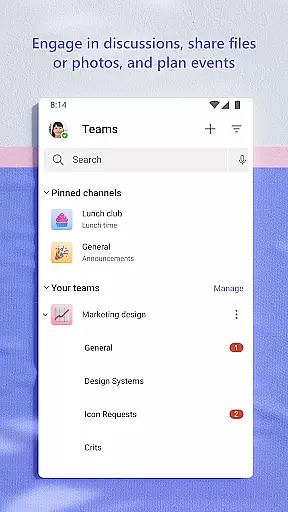
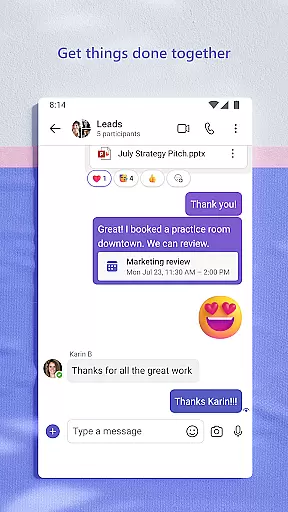
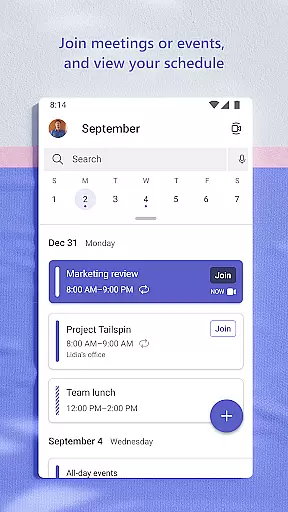
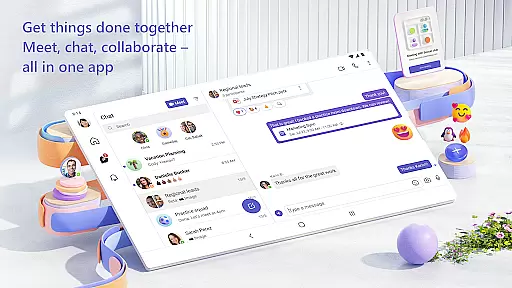
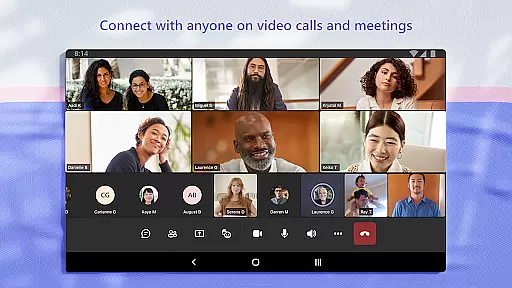
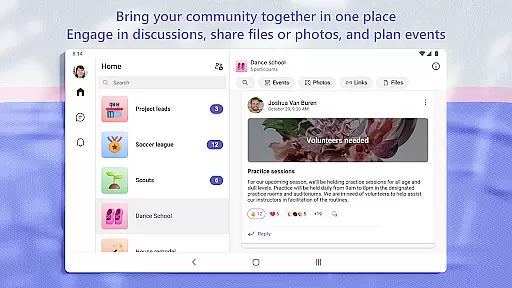
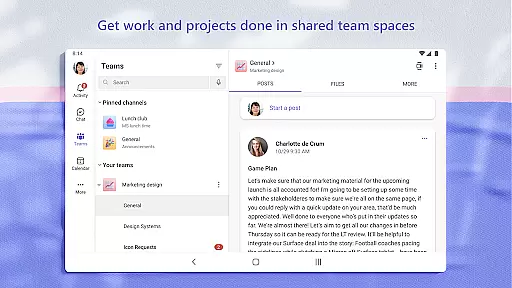
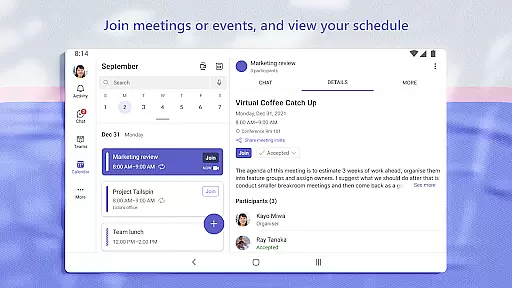
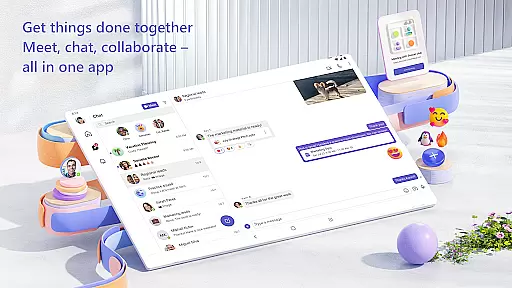
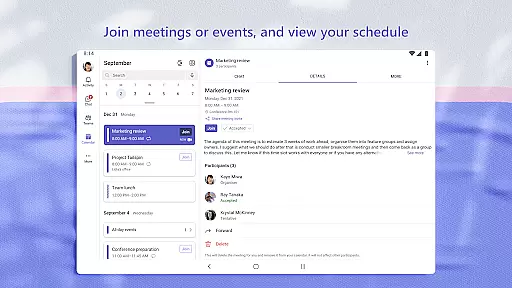
Microsoft Teams is a comprehensive business communication platform that integrates communities, events, chats, channels, meetings, storage, tasks, and calendars into a single interface. This unified solution enables users to connect, collaborate, and manage access to information efficiently. Whether you're coordinating with your community for an upcoming event or collaborating with teammates on a project, Microsoft Teams provides the tools necessary to accomplish tasks, share ideas, and make plans.
The app supports secure audio and video calls, document collaboration, and built-in cloud storage for files and photos. With features like dedicated communities, topic-specific channels, and task management, Microsoft Teams ensures that teams can stay organized and productive. Its enterprise-level security and compliance standards provide peace of mind, making it suitable for both personal and professional use.
Microsoft Teams stands out with its rich feature set tailored for efficient collaboration. One of its key strengths is the integration of multiple communication methods—chats, calls, and video meetings—into a seamless experience. Users can easily transition from text-based conversations to audio or video calls, even converting group chats into conference calls instantly. The ability to organize discussions by topics and projects using teams and channels helps maintain clarity and focus in teamwork.
Another significant feature is its robust file management system. Built-in cloud storage allows users to access shared documents and files on the go, ensuring that important resources are always available. Task lists enable teams to assign responsibilities, set deadlines, and track progress effectively. Additionally, advanced meeting tools such as screen sharing, whiteboards, and virtual breakout rooms enhance interactive sessions. These capabilities, combined with enterprise-grade security measures, ensure that data remains protected while facilitating smooth collaboration.
Microsoft Teams revolutionizes collaborative work by integrating multiple functionalities into a single platform. This unified approach ensures that teams can seamlessly interact and manage all aspects of their projects without switching between different applications.
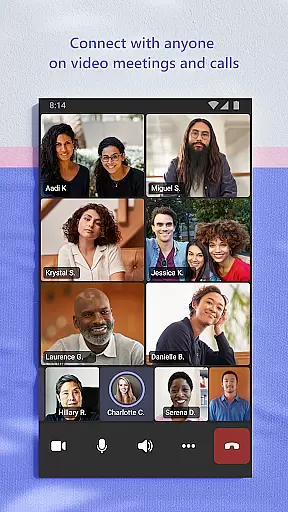
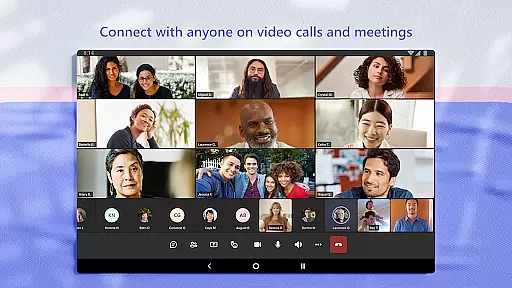
The app enables secure audio and video calls, allowing users to meet with teammates, family, or friends effortlessly. By setting up meetings within seconds and inviting others via a simple link or calendar invite, Microsoft Teams simplifies communication. Additionally, the ability to chat one-on-one or with entire communities ensures everyone stays connected and informed.
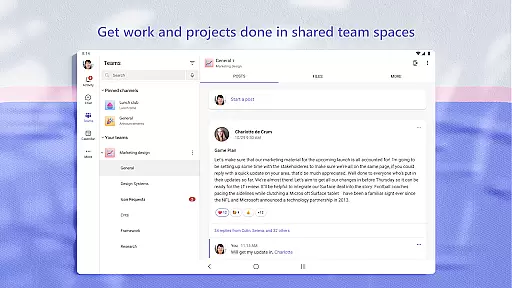
Organizing conversations by specific topics and projects through teams and channels keeps discussions focused and productive. The option to instantly convert group chats into calls enhances real-time collaboration. Furthermore, features like GIFs, emojis, and message animations provide creative ways to express ideas beyond plain text.
Task management in Microsoft Teams is designed to streamline project execution and enhance productivity. With built-in task lists, users can efficiently assign tasks, set due dates, and track progress, ensuring that everyone remains aligned and accountable.
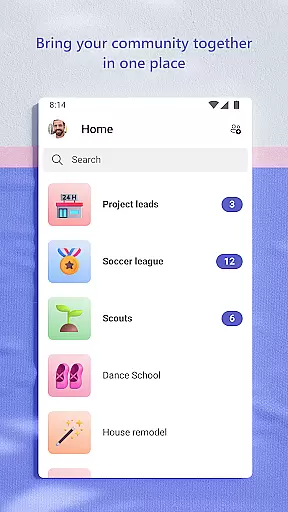
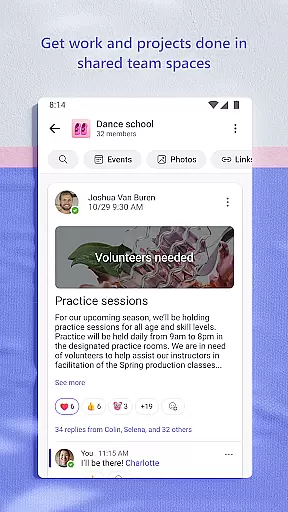
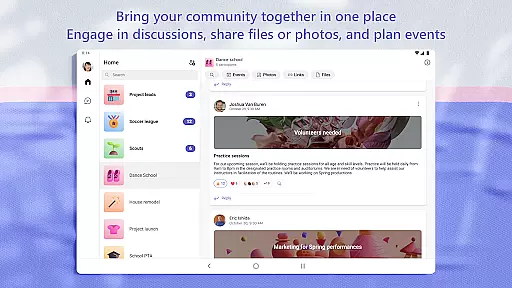
The app offers cloud storage solutions, enabling access to shared documents and files from anywhere. This feature not only facilitates remote work but also helps organize shared content such as events, photos, links, and files within communities, reducing the time spent searching for information.
Microsoft Teams also supports advanced meeting tools like screen sharing, whiteboards, and breakout rooms, which maximize the effectiveness of virtual meetings. These capabilities ensure that meetings are not just discussions but productive sessions where actionable insights are generated and tasks are clearly defined.
User-friendly interface
Integrated communication tools
Robust file management
Advanced meeting features
Enterprise-level security
Requires paid subscription for full features
Steep learning curve for new users
Occasional connectivity issues
Limited customization options
Resource-intensive on older devices

Find jobs and make money fast with JobStack.
 4.60
4.60
Scan Business Cards & Conference Badges - Capture Leads at Events & Tradeshows
4.20
Windows App allows you to connect to remote PCs and virtual apps.
3.70
viewing and sharing PDFs and other files—anytime, anywhere!
4.2
One marketplace. Hundreds of services. Unlimited possibilities. All on Fiverr.
4.40
Access to Paylocity, empowering employees with information they need 24/7.
4.70
From Gone to Back Again — In Just a Few Taps
4.50
Smarter career moves start here. AI job alerts, insights & the right tools.
4.20
Roadie connects people with stuff to send with drivers already going that way.
3.50
Employee Management Made Easy
4.80
Get instant construction estimates: accurate home repair & material calculator.
4.70
We help people get jobs
4.70
Ship, Track, Find a Location or Get a Quote with UPS. Anytime. Anywhere.
4.60
ANDROID'S TOP MOBILE OFFICE - Word, Excel, PowerPoint and PDF at your fingertips
4.50
Measure distances, surfaces and draw plans in seconds with CamToPlan!
4.40
On the go? Take FedEx with you.
4.00
Zoom built for Chrome OS
3.90
Simple, Fast & Lightweight
3.90
Get your benefits on-the-go.
3.80


User Reviews