
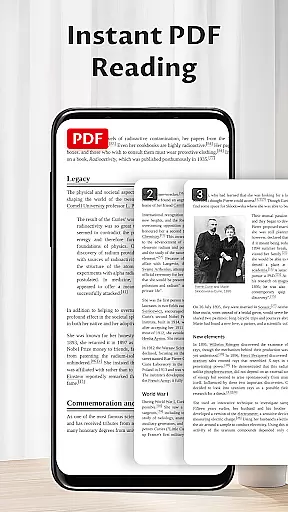
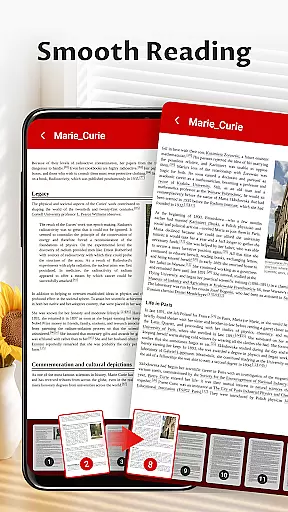
Pocket PDF is a streamlined PDF reader tailored for everyday use, focusing on simplicity and efficiency. It allows users to open, view, and manage PDF documents with ease, eliminating unnecessary complexities. The app's minimalist interface ensures an uninterrupted reading experience, making it ideal for professionals and students who need a clutter-free environment.
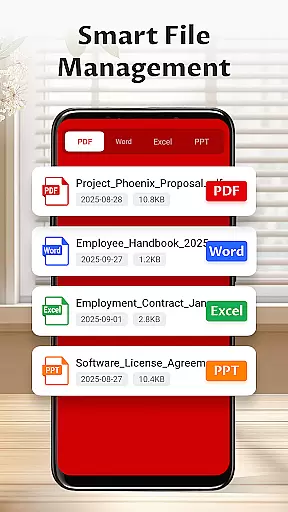
With features like local file access, easy sharing options, and quick deletion capabilities, Pocket PDF supports seamless document handling. Its permission requirements are transparent, needing only essential access to function properly. This makes it a reliable choice for users seeking a no-fuss way to handle their PDFs while maintaining control over their device's storage.
Pocket PDF stands out with its clean design and user-focused functionality. The app provides quick access to locally stored PDF files, allowing users to retrieve documents without delay. Its minimalist interface removes distractions, helping users focus solely on their content.
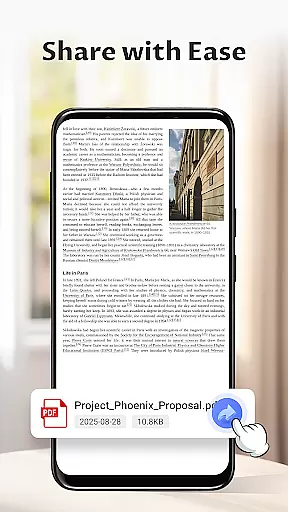
Sharing and managing files is effortless thanks to the app's intuitive options for sending documents via email or other platforms, as well as deleting unnecessary files directly from the app. For Android 11+ users, the app requests MANAGE_EXTERNAL_STORAGE permission, which is used exclusively for core document operations such as opening and saving files. These practical features ensure that Pocket PDF delivers exactly what users need—a straightforward tool for efficient document management.
In today's interconnected work environments, collaborative work features are essential for seamless teamwork. Pocket PDF understands this need and offers functionalities that support collaboration without complexity.
Through its easy sharing capabilities, users can swiftly send PDF documents to colleagues or team members directly from the app interface. This ensures that important files are accessible to everyone who needs them, promoting efficient workflows.
Moreover, the minimalist design reduces distractions, allowing teams to focus on the content of the documents rather than navigating through complicated menus. The straightforward deletion feature also helps in managing document versions effectively.
While Pocket PDF maintains a simple approach, it empowers business users by integrating essential collaborative functions that enhance productivity without overwhelming them with unnecessary options.
Effective task management is crucial for maintaining productivity in a business setting. Pocket PDF contributes to this by providing tools that help users manage their PDF documents efficiently.
The app allows quick access to local PDFs stored on the device, ensuring that users can promptly retrieve necessary documents for their tasks. This immediacy in accessing files translates into saved time and increased efficiency.
With an intuitive interface, Pocket PDF makes it easy to perform document-related tasks such as sharing and deleting files. These operations are fundamental when handling multiple projects or assignments, aiding in better organization.
By focusing on simplicity and performance, Pocket PDF ensures that its task management features cater to users who value a clean, no-fuss approach to document handling, thus streamlining their workflow effortlessly.
User-friendly interface
Quick file access
Easy sharing options
Transparent permissions
Lightweight performance
Limited advanced tools
No cloud integration
Basic customization
Few collaboration features
Restricted format support

viewing and sharing of PDFs
 3.60
3.60
AI-powered document scanner with auto enhance for perfect PDFs.
4.60
Formerly Facebook Ads Manager. Manage and create ads on the go.
4.20
TurboScan turns your phone into a full-featured PDF document scanner.
4.80
Windows App allows you to connect to remote PCs and virtual apps.
3.70
Take the stress out of storage with the all-in-one app to manage your space.
3.70
All document reader, pdf viewer app, read docs & excel files
3.80
Make invoices, bills, receipts & estimates on the go with Invoice Generator.
4.70
Roadie connects people with stuff to send with drivers already going that way.
3.50
Job search app that finds jobs for you! Takes the work out of looking for a job!
4.90
BuildCalc - the easiest AND the most advanced construction calculator app.
4.80
USPS Mobile®Access USPS.com’s most popular tools on-the-go.
4.70
Paychex Flex - Save Time and Stay Connected
4.60
No more passwords, easier sign-in, and greater protection for your accounts.
4.60
Manage work life on the go
4.50
One marketplace. Hundreds of services. Unlimited possibilities. All on Fiverr.
4.40
Find flexible, hourly jobs hiring near you in restaurant, retail & hospitality!
4.00
Zoom built for Chrome OS
3.90
enjoy effortless PDF reading anytime, anywhere
3.90


User Reviews