
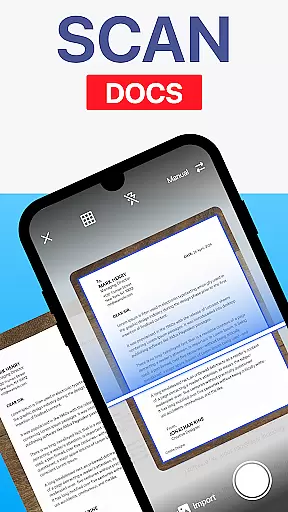
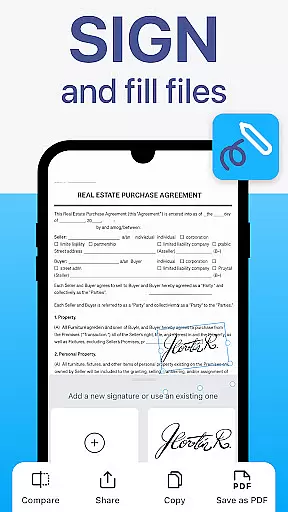
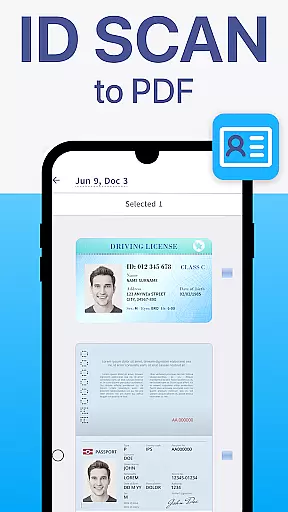
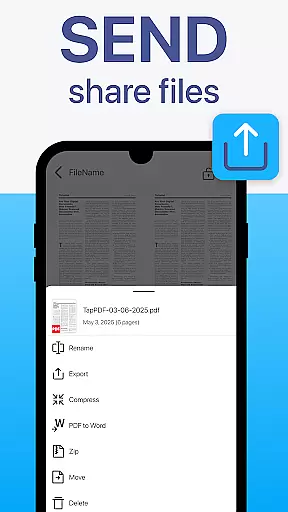
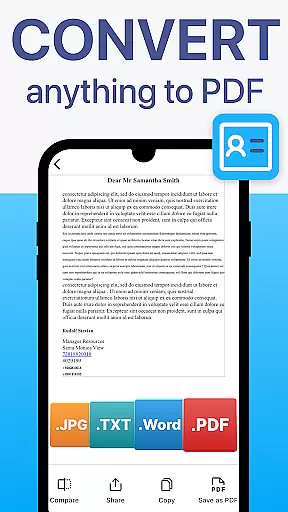
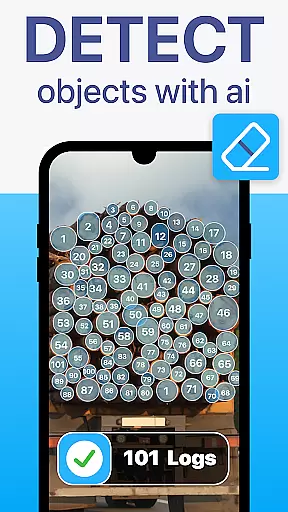
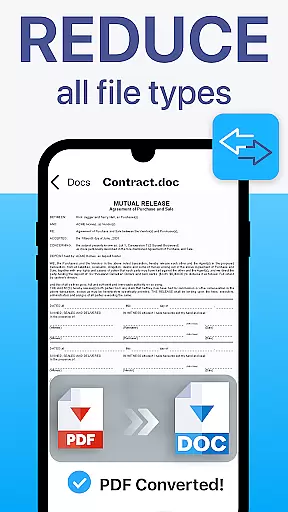
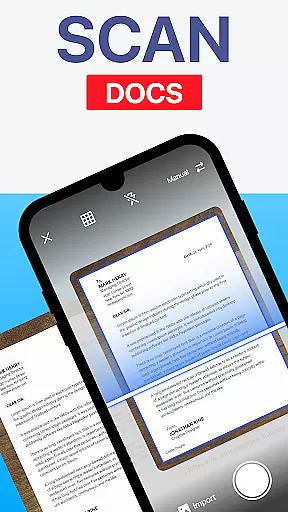
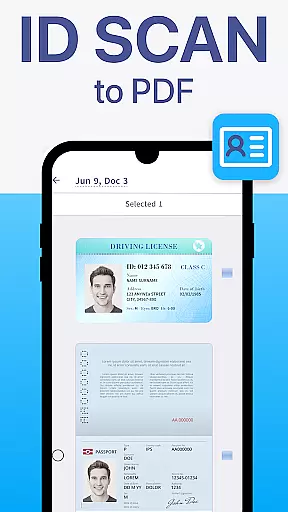
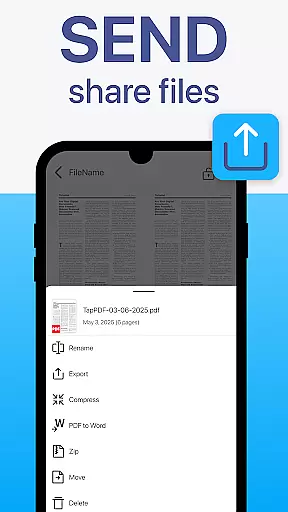
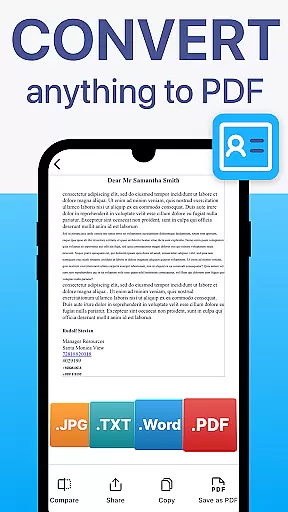
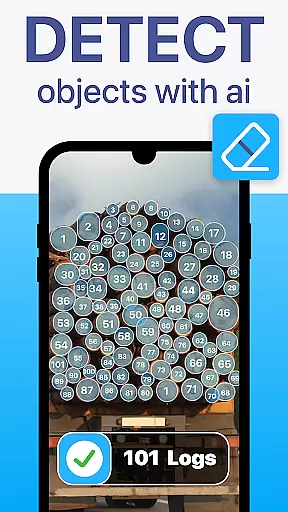
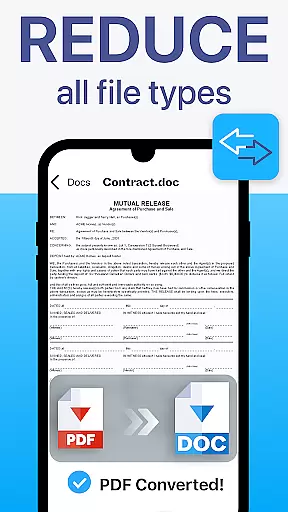
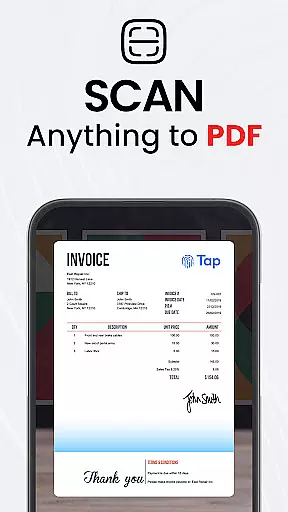
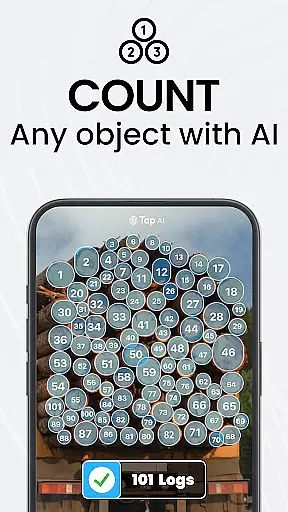
TapScanner is a powerful mobile application that transforms your device into a professional-grade document scanner and comprehensive PDF management tool. Trusted by millions globally, this app allows users to effortlessly capture, edit, organize, and share various types of documents.
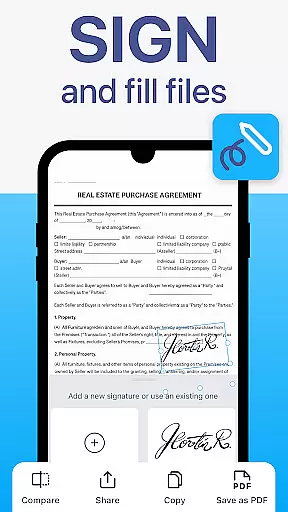
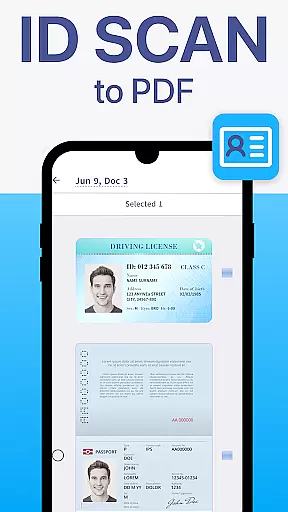
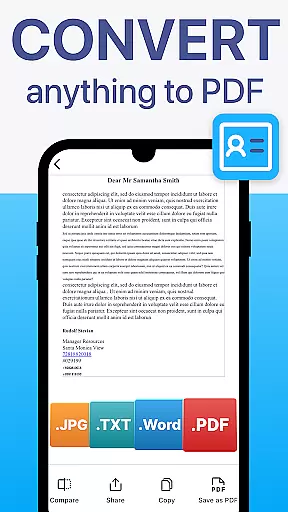
The core functionality includes high-quality scanning with automatic edge detection and image correction, making it ideal for digitizing receipts, contracts, business cards, and multi-page documents. TapScanner also offers advanced PDF features such as merging, splitting, reordering, signing, and annotating files. The built-in OCR technology supports over 110 languages, enabling users to convert images into editable and searchable text.
This versatile app is particularly beneficial for professionals who need to manage paperwork on the go. With secure cloud backup options and instant sharing capabilities, TapScanner streamlines document workflows while maintaining data security and accessibility.
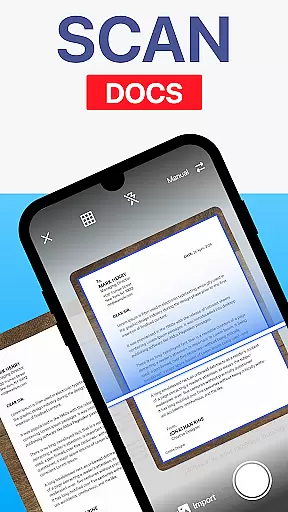
TapScanner stands out with its comprehensive feature set designed to enhance productivity. The app's intelligent scanning technology automatically detects document edges and applies image corrections to produce clear, professional-quality scans every time.
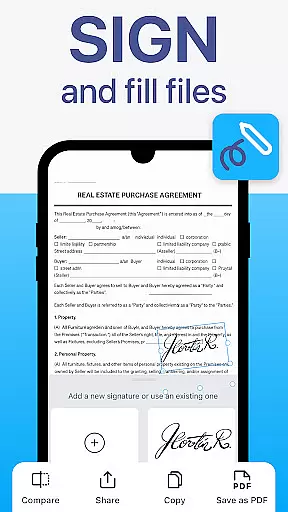
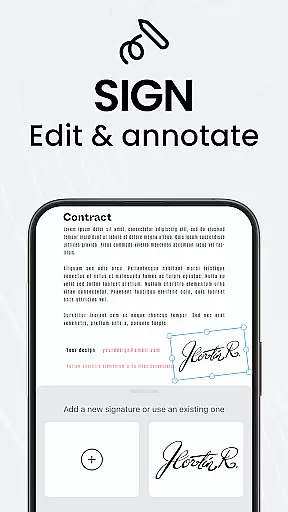
One of the key strengths is its complete PDF workspace functionality. Users can merge multiple files, split large documents, reorder pages, add digital signatures, and annotate PDFs directly within the app. The OCR capability is particularly impressive, supporting over 110 languages and allowing users to extract text from scanned images with remarkable accuracy.
Additional productivity features include batch scanning, one-tap renaming, and automated file organization. The app also offers advanced image enhancement tools for adjusting brightness, contrast, and applying filters to optimize scan quality. With seamless integration to cloud services like Google Drive, Dropbox, and OneDrive, plus password protection for sensitive documents, TapScanner provides both convenience and security for managing important files.
TapScanner offers robust collaborative work features that are essential for modern business environments. The app allows multiple users to access and manage PDF documents simultaneously, ensuring seamless teamwork.
Through its integration with popular cloud services like Google Drive, Dropbox, and OneDrive, TapScanner enables real-time document sharing and synchronization across devices. This ensures that all team members have access to the latest version of important files without delay.
The ability to annotate, sign, and edit PDFs directly within the app enhances productivity during collaborative projects. Users can leave comments, highlight text, and make necessary changes, streamlining the review and approval process.
Furthermore, TapScanner's secure cloud backup and password protection features provide peace of mind when sharing sensitive documents. Teams can collaborate confidently, knowing their data is protected against unauthorized access.
Effective task management is a cornerstone of TapScanner's functionality, helping users organize and prioritize their document-related tasks efficiently. With features like batch scanning and one-tap renaming, users can process multiple documents quickly.
The app's multi-page support allows users to compile dozens of scans into a single, ordered PDF, simplifying task organization for large projects. This feature is particularly useful for managing extensive paperwork such as contracts or reports.
TapScanner also offers automated file organization tools that save time by categorizing scans based on predefined criteria. Users can set up custom folders and tags to keep their documents systematically arranged.
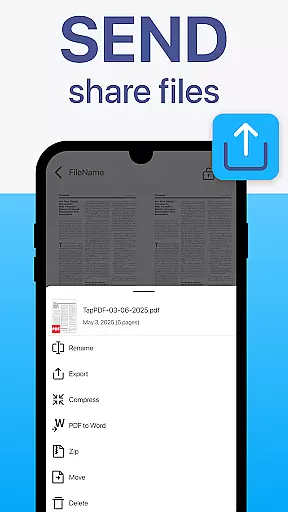
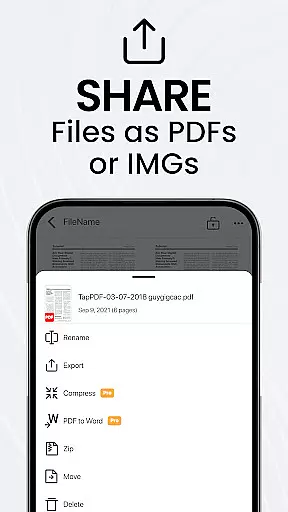
Additionally, the instant sharing and printing capabilities ensure that completed tasks can be distributed promptly. Whether sending scans via email or printing directly to Wi-Fi printers, TapScanner keeps workflows moving smoothly without unnecessary delays.
User-friendly interface
Advanced OCR technology
Comprehensive PDF tools
Multi-page scanning support
Secure cloud integration
Subscription required
Limited free features
Occasional ads
Internet connection needed
File size limitations

Formerly Facebook Ads Manager. Manage and create ads on the go.
 4.20
4.20
The Penny Puss app with DG penny finder
4.10
Convert Your Lovable.dev Website into a Mobile App Instantly!
4.2
TurboScan turns your phone into a full-featured PDF document scanner.
4.80
Finance, Investing, Stocks, Trading and Stock news
4.60
Mobile POS for any business: sales, invoices, retail, restaurants & appointments
4.60
Job search app that finds jobs for you! Takes the work out of looking for a job!
4.90
Smarter career moves start here. AI job alerts, insights & the right tools.
4.20
Roadie connects people with stuff to send with drivers already going that way.
3.50
BuildCalc - the easiest AND the most advanced construction calculator app.
4.80
Use Generative Summary to understand your rental or insurance docs in seconds.
4.70
All your team communication in one place
4.70
Manage work life on the go
4.50
Find work, shifts and gigs near you. Jobs lasting a few hours to a few months.
4.30
Deliver and earn money
4.30
Say hello to the mobile work experience built to help you thrive at work.
4.30
Shop, deliver, and earn with the Spark Driver™ App
4.10
On the go? Take FedEx with you.
4.00
Delivery Track App - Tracking with Fedex, USPS, UPS, DHL. Monitor your Orders.
3.20


User Reviews