
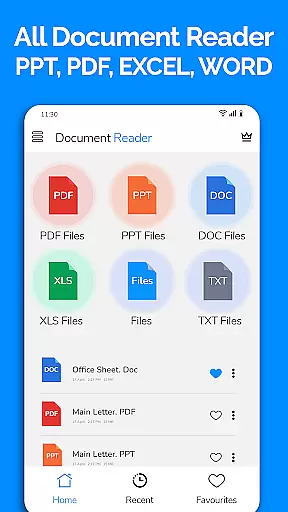
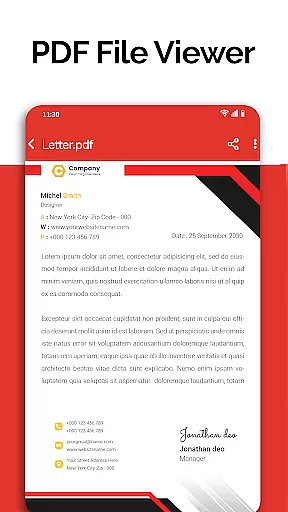
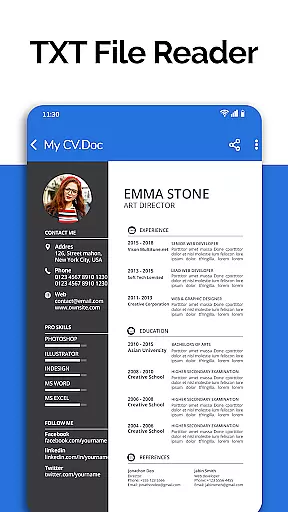
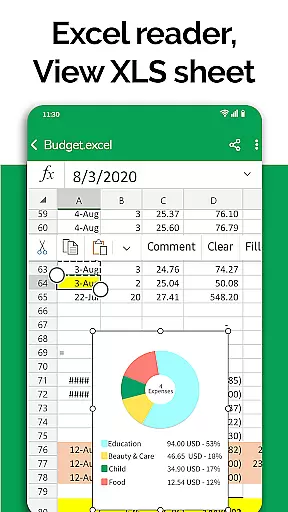
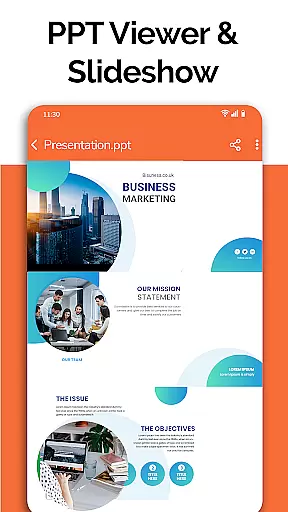
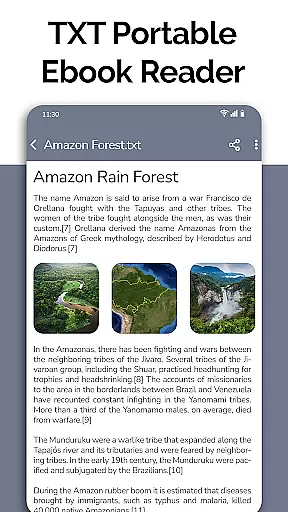
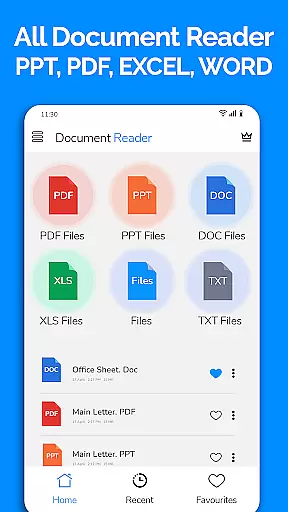
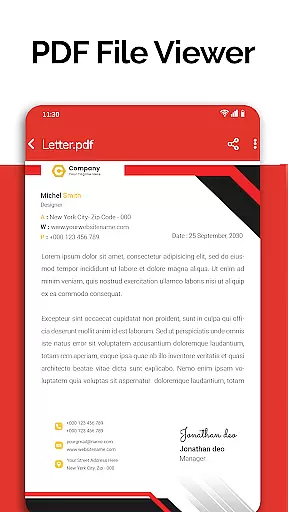
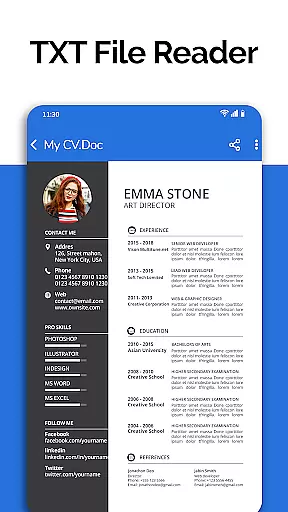
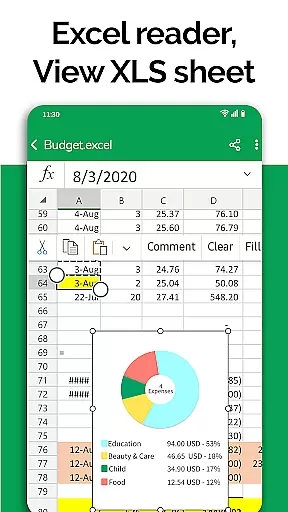
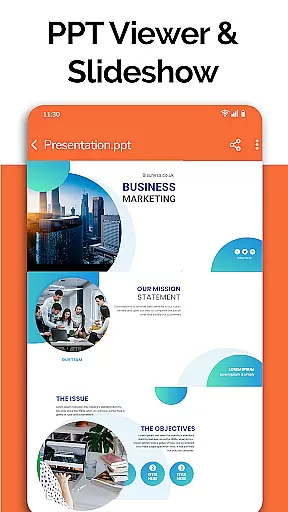
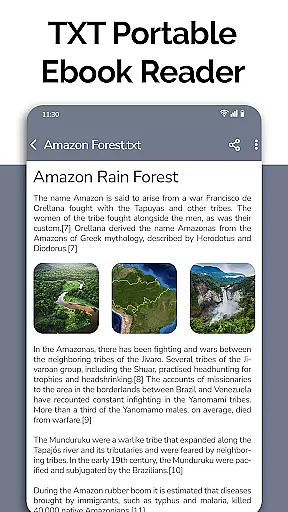
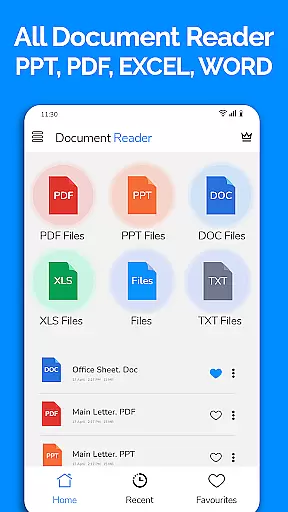
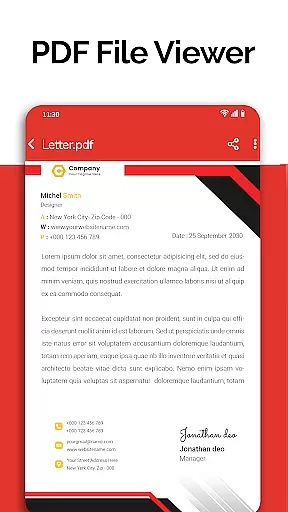
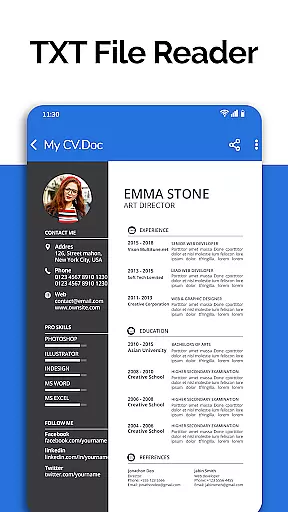
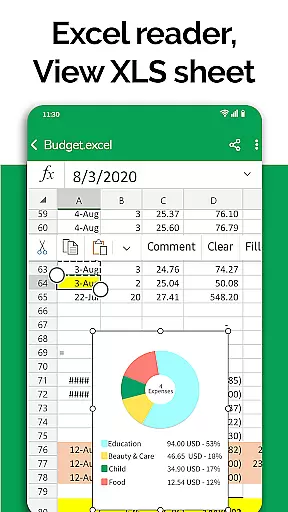
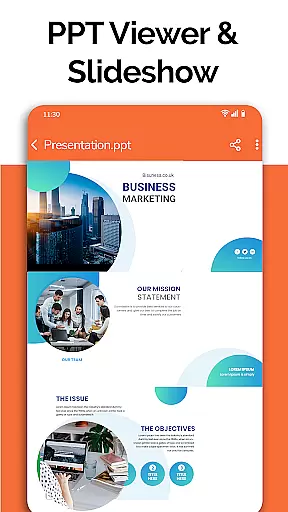
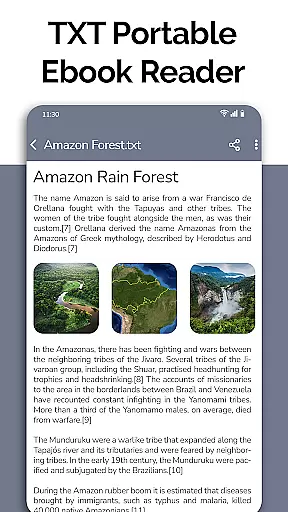
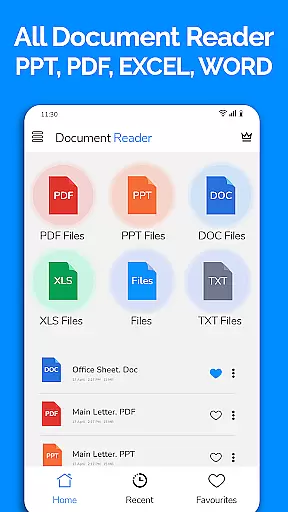
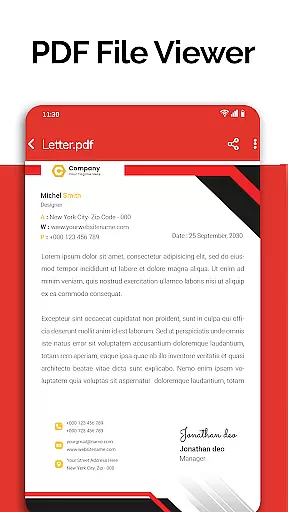
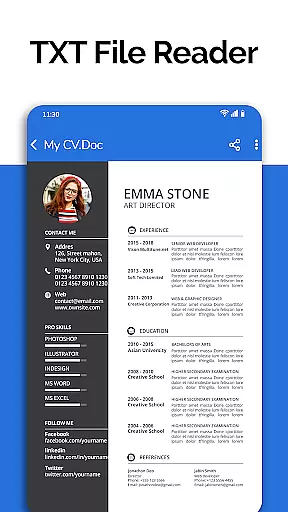
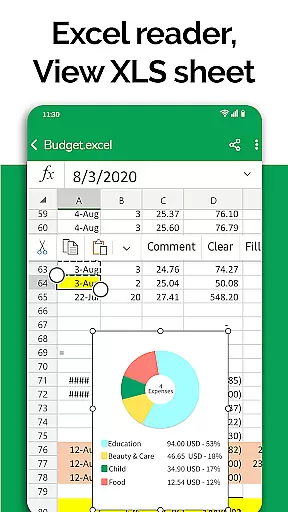
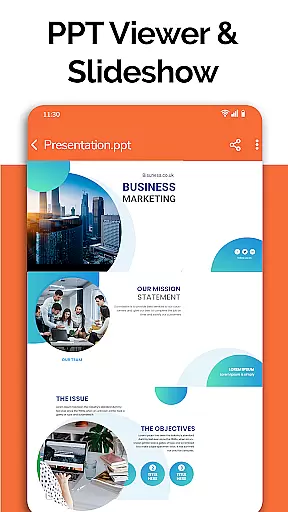
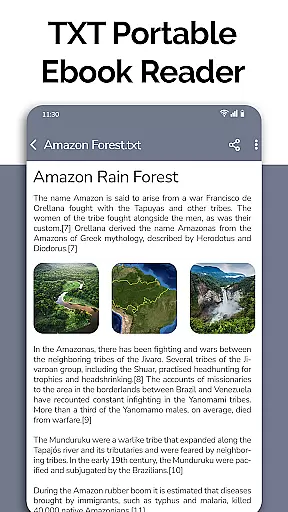
All Document Reader is a comprehensive document management solution that allows users to open, view, and manage various office file formats within a single application. The app supports PDF, Word, Excel, PowerPoint, and TXT files, providing an all-in-one platform for document handling.
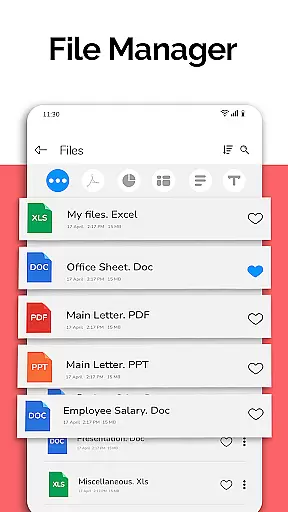
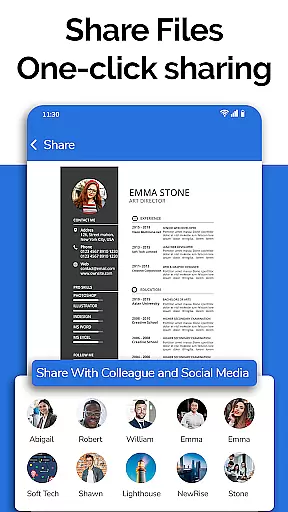
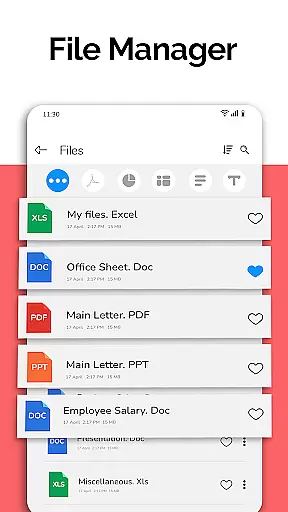
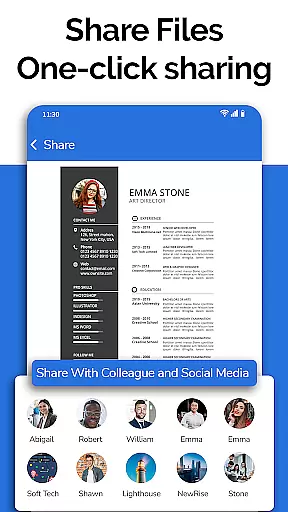
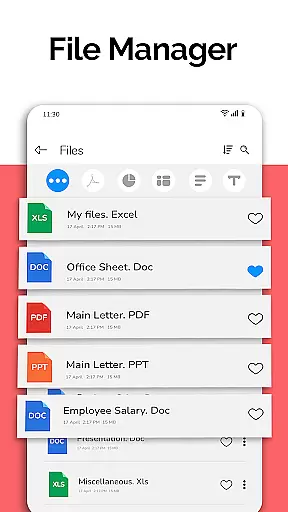
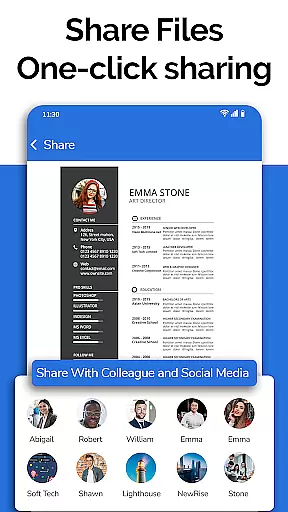
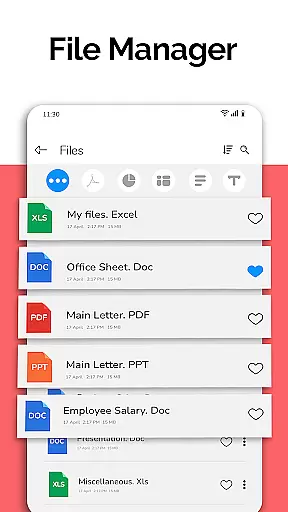
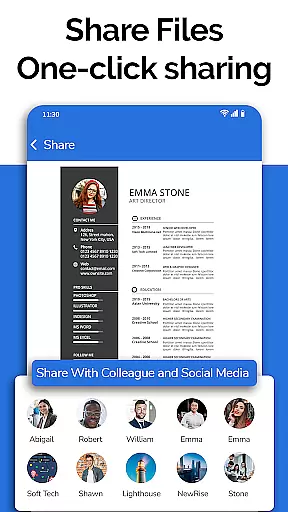
One of the standout features of this app is its integrated file manager, which simplifies the process of organizing and accessing documents. Users can easily search, share, and edit their files while benefiting from automatic sorting and detailed file information. Whether you're reading business invoices or preparing presentation slides, All Document Reader offers a seamless experience across different document types.
This app is particularly useful for professionals and students who need quick access to multiple document formats on their mobile devices. With its intuitive interface and powerful functionality, it ensures productivity without the need for a computer.
All Document Reader stands out with its extensive format compatibility, supporting DOC, XLSX, PPT, PDF, and TXT files. Each document type has specialized viewing options - from smooth PDF navigation to detailed Excel spreadsheet analysis, ensuring optimal readability.
The app's file manager provides advanced organizational tools, allowing users to sort, rename, delete, and share documents effortlessly. Its intuitive UI makes document management accessible even to non-technical users. Additionally, the built-in document editor enables basic editing capabilities across various formats.
Unique features include presentation-ready PPT viewing, text file organization, and comprehensive file information display. The upcoming dark mode and voice search functionality promise to enhance user experience further, making document management more efficient and comfortable in various environments.
In today's fast-paced business environment, the ability to collaborate effectively is crucial. All Document Reader: PDF Viewer facilitates collaborative work by allowing users to view, edit, and share various document formats including Word, Excel, PowerPoint, PDF, and TXT files directly from their mobile devices.
The app simplifies teamwork by providing a file manager that organizes documents automatically, making it easy for teams to find and work on the necessary files. With options to delete, rename, and share documents, project collaboration becomes seamless and efficient.
Moreover, the document editor feature supports preparing presentations and reviewing Excel files, which are essential tasks in a collaborative setting. This ensures that team members can make necessary adjustments and updates to documents without needing access to a computer.
By integrating these collaborative work features, All Document Reader enhances productivity and ensures that all team members can contribute effectively, regardless of their location, thus supporting modern distributed work environments.
Efficient task management is vital for maintaining productivity and meeting deadlines. All Document Reader: PDF Viewer contributes to better task management by offering an intuitive platform where users can manage different types of documents with ease.
With capabilities to handle DOC, XLSX, PPT, PDF, and TXT files, users can keep track of their tasks and responsibilities organized within the app. The automatic sorting and organization of documents ensure that users spend less time searching for files and more time focusing on their execution.
Additionally, the app provides complete file information such as file path, size, and last modification date, which is beneficial for task tracking and management. Users can quickly identify the most recent document versions and access them for review or further editing.
All Document Reader: PDF Viewer stands out by streamlining task management processes, allowing professionals to maintain an overview of their projects and efficiently distribute their workload, ultimately leading to enhanced performance and timely completion of tasks.
User-friendly interface
Multi-format support
Integrated file manager
Offline functionality
Regular updates
Limited editing features
Large file size
No cloud integration
Ads in free version
Advanced tools locked

Zoom built for Chrome OS
 3.90
3.90
Quickly open and manage PDF files on your device.
3.80
Create curriculum vitae, a professional cover letter creator and resume designer
4.80
The All-in-One File Manager for Phone, TV, Watch, Cars, XR / VR, Chromebook
4.10
Get instant construction estimates: accurate home repair & material calculator.
4.70
Finance, Investing, Stocks, Trading and Stock news
4.60
Start earning fast. Apply Today.
4.80
Build a store in minutes with our full suite of AI tools. Start for free!
4.20
Access to Paylocity, empowering employees with information they need 24/7.
4.70
FaxCover - Create fax cover pages. Works with any app or fax machine.
4.90
GoTo Mobile is a simple & secure calling, messaging & meetings solution
4.80
Manage Your Shop
4.70
Your employer must have UKG Ready software configured for Mobile.
4.60
The app that lets you deliver with Amazon.
4.50
Formerly Facebook Ads Manager. Manage and create ads on the go.
4.20
Find flexible, hourly jobs hiring near you in restaurant, retail & hospitality!
4.00
Get your benefits on-the-go.
3.80
Windows App allows you to connect to remote PCs and virtual apps.
3.70
Take the stress out of storage with the all-in-one app to manage your space.
3.70


User Reviews