
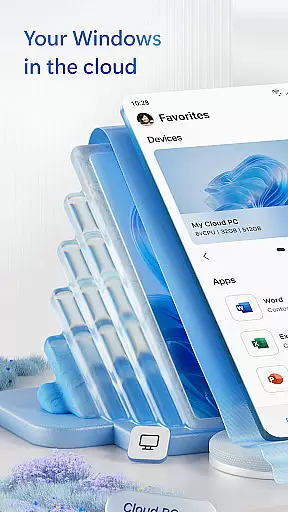
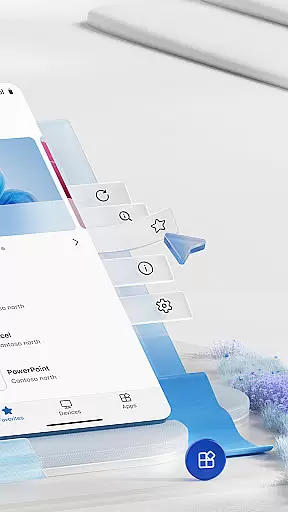
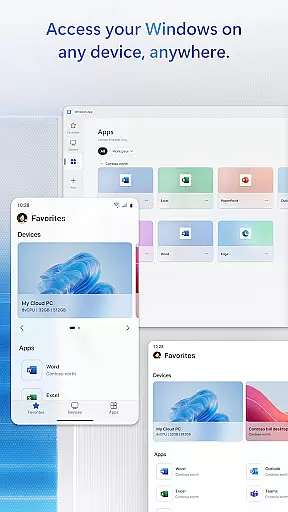
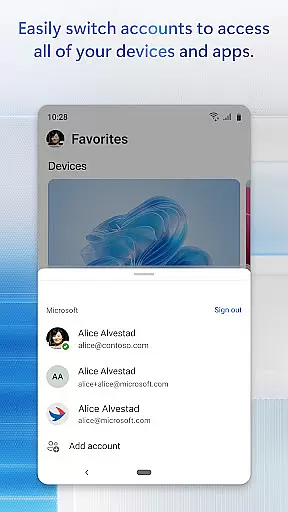
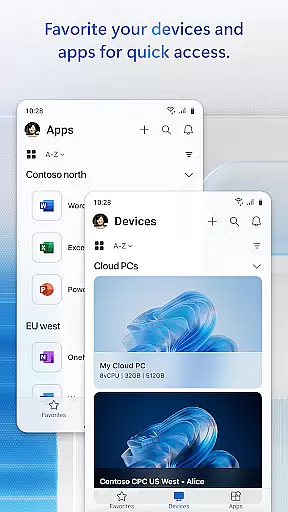
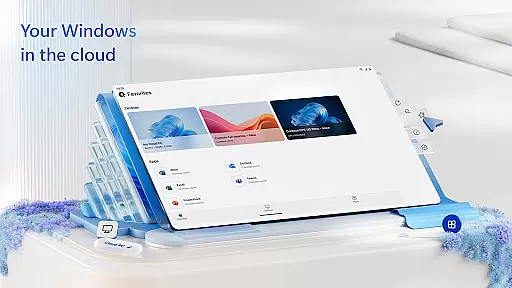
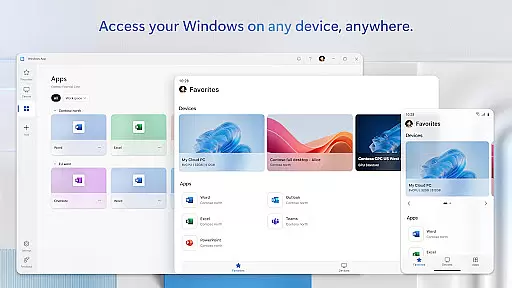
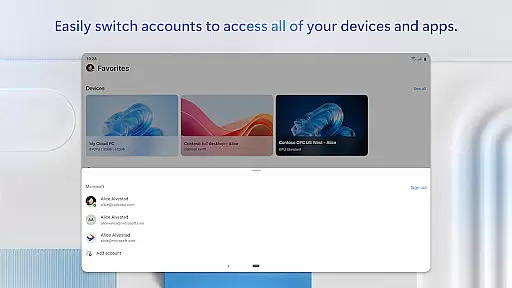
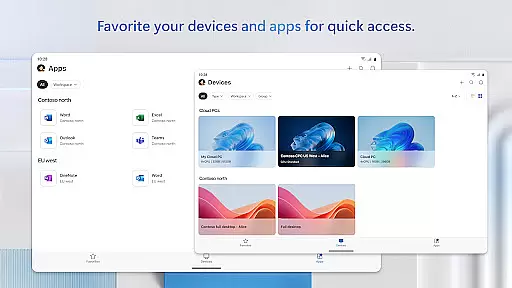
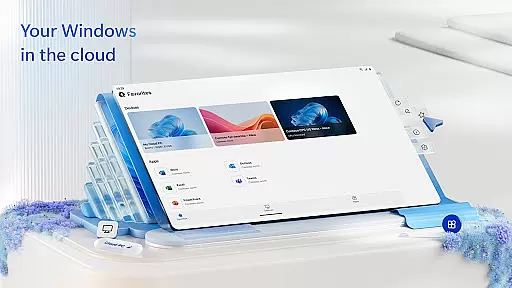
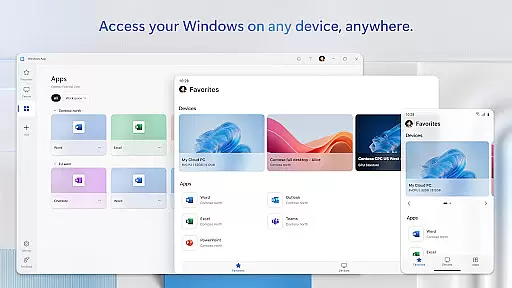
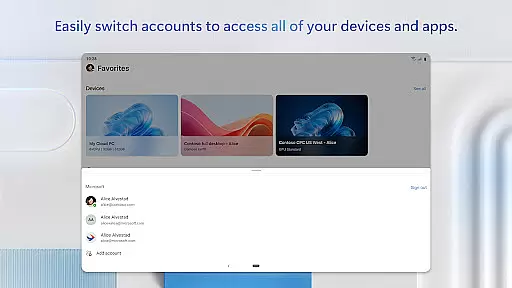
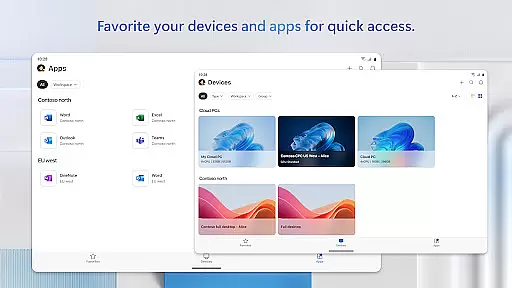
Windows App is a powerful business tool that enables secure remote connections to various Windows services and environments. The app provides access to Azure Virtual Desktop, Windows 365, Microsoft Dev Box, Remote Desktop Services, and remote PCs, making it an essential solution for professionals who require mobility and flexibility in their work.
Designed for Android devices running version 11 and above, this includes tablets, smartphones, VR headsets, and Chromebooks that support apps from the Play Store. With its comprehensive connectivity options, Windows App ensures users can maintain productivity regardless of location while delivering a seamless and secure remote desktop experience.
Windows App offers a robust set of features tailored for business use. One key feature is its ability to connect securely to multiple remote Windows services, including Azure Virtual Desktop and Windows 365. This allows users to access their virtualized desktops and applications from anywhere, providing unparalleled flexibility.
In addition to supporting various devices such as tablets, smartphones, VR headsets, and Chromebooks, the app also ensures compatibility with Android 11 and above. Users benefit from high-performance remote sessions with advanced security protocols, ensuring data protection during transmission. Furthermore, regular updates introduce new functionalities and improvements, keeping the application at the forefront of remote access technology.
In today's interconnected world, the ability to collaborate effectively is crucial for business success. Windows App excels in providing robust collaborative work features that securely connect users to remote Windows environments.
This application enables seamless access to various remote services including Azure Virtual Desktop, Windows 365, and Microsoft Dev Box. These integrations allow teams to work together in real-time, regardless of their physical location, ensuring productivity is not compromised.
Users can expect a consistent and reliable connection to their remote desktops and applications, which is essential for maintaining workflow continuity. The app supports multiple Android devices, making it versatile for different work scenarios and team preferences.
Efficient task management is at the core of any successful business operation. Windows App offers comprehensive tools that help users organize and prioritize their work tasks effectively.
The application provides secure connections to remote PCs and services like Remote Desktop Services, empowering users to manage their tasks from anywhere. This flexibility ensures that important deadlines are met without being tied to a specific workstation.
With support for Android devices running version 11 and above, including tablets and smartphones, professionals can stay productive on-the-go. The app's compatibility with various devices enhances its utility as a task management solution for modern businesses.
Secure remote access
Wide device compatibility
High performance
Regular updates
Comprehensive Windows support
Limited to Android 11+
Requires stable internet
Complex setup
Premium features cost
Occasional bugs

Ask Accio anything about business. Alibaba-backed, built by experts, not just AI
 4.60
4.60
Quickly open and manage PDF files on your device.
3.80
The Penny Puss app with DG penny finder
4.10
One marketplace. Hundreds of services. Unlimited possibilities. All on Fiverr.
4.40
Mobile POS for any business: sales, invoices, retail, restaurants & appointments
4.60
Access All PDF Files
3.40
Collaborate seamlessly with Google Chat, part of Google Workspace
4.50
All-in-one Mobile solutions for employees & managers to succeed at work
4.30
The app that lets you deliver with Amazon.
4.50
GoTo Mobile is a simple & secure calling, messaging & meetings solution
4.80
Employee Management Made Easy
4.80
We help people get jobs
4.70
Find jobs and make money fast with JobStack.
4.60
Amazon A to Z is the place to manage your work-life at Amazon.
4.50
Drive and earn extra money
4.50
Make money as a delivery driver with DoorDash and work when you want as a Dasher
4.30
Smarter career moves start here. AI job alerts, insights & the right tools.
4.20
Get your benefits on-the-go.
3.80
Convert Your Lovable.dev Website into a Mobile App Instantly!
4.2


User Reviews