
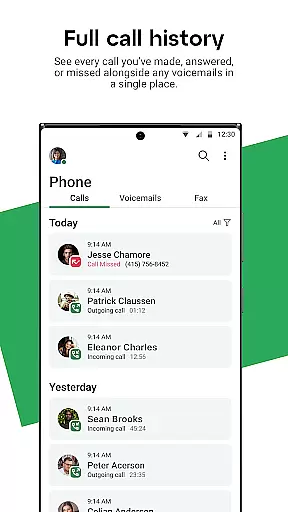
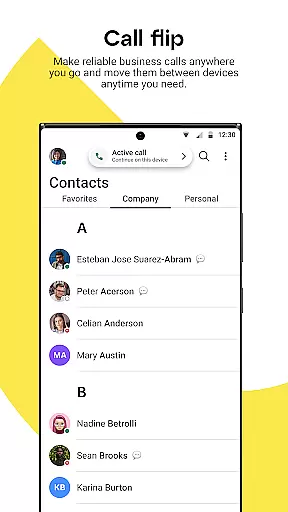
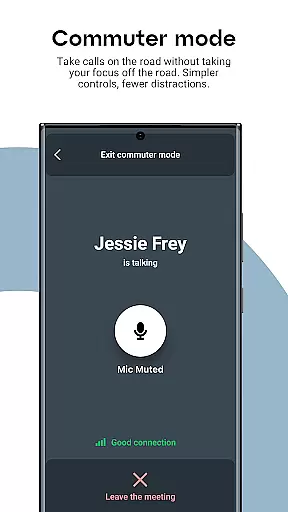
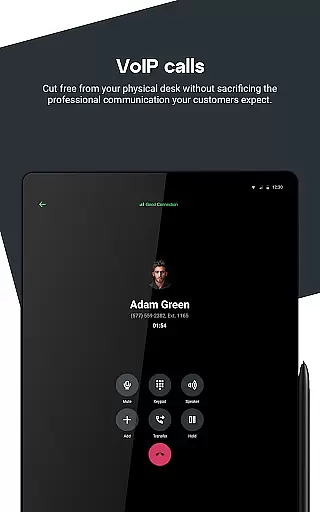

GoTo is a leading business communication app designed to streamline flexible work environments. It offers an all-in-one solution for phone, messaging, meetings, training, and webinars, making it ideal for professionals who need reliable communication tools on the go. The app ensures secure and high-quality HD audio and video connections, allowing users to stay productive from anywhere.
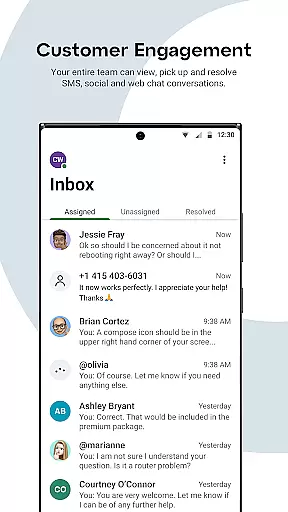
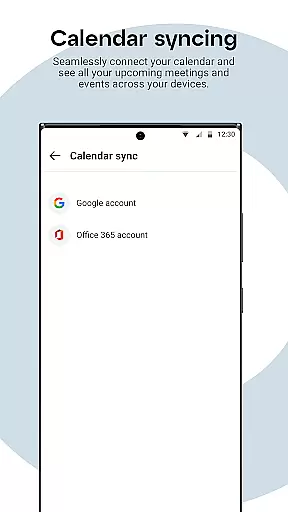
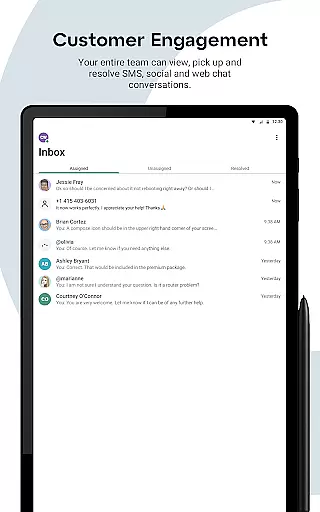
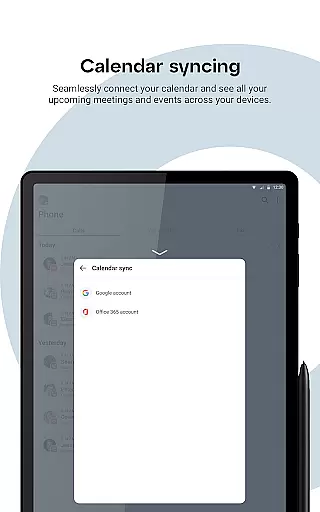
A key feature of GoTo is its multi-channel inbox, which consolidates SMS, webchat, and social media communications into a single platform. This enables businesses to meet rising customer expectations by responding quickly across various channels. Additionally, advanced features like Business Calendar Integration, Caller ID Swap, and Find Me Follow Me provide users with enhanced control over their communication workflows, ensuring they never miss important interactions.
Whether you're managing internal team collaborations or engaging with customers, GoTo empowers businesses to maintain seamless connectivity while protecting personal privacy. By integrating local contacts with company directories and offering fallback options like PSTN calling, this app is a comprehensive tool for modern workplace needs.
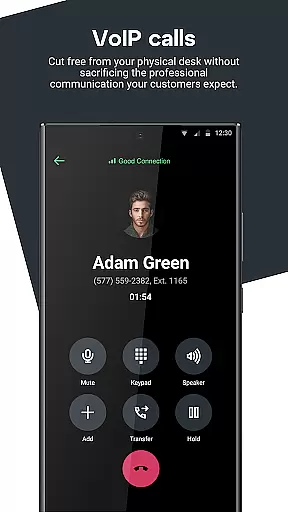
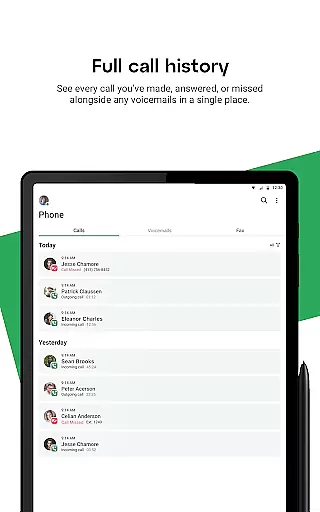
GoTo stands out with its robust set of features tailored for business communication. One of its core strengths is the consolidation of multiple communication methods—voice, messaging, and video—into a single, user-friendly interface. This simplifies workflows and ensures that users can transition smoothly between different modes of interaction without switching apps.
The app also includes innovative tools such as Caller ID Swap, which allows users to display specific business numbers when contacting clients, enhancing professionalism. Features like Instant Response automate replies to missed calls, while Find Me Follow Me routes incoming calls based on predefined preferences, ensuring no critical call goes unanswered. These functionalities are further supported by integrations with business calendars and reminders, helping users manage their schedules effectively.
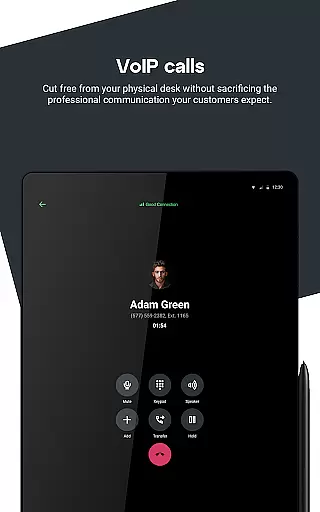
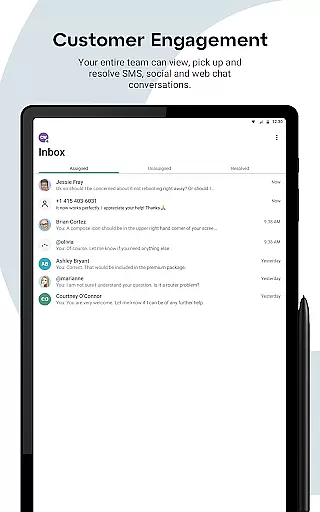
For customer engagement, GoTo provides a unified inbox where businesses can handle SMS, social media messages, surveys, and web chats in one place. The ability to assign, resolve, and initiate conversations directly from the mobile app makes it a powerful tool for teams focused on delivering exceptional service. With HD audio and video quality, along with fallback options for poor data coverage, GoTo ensures consistent performance across diverse environments.
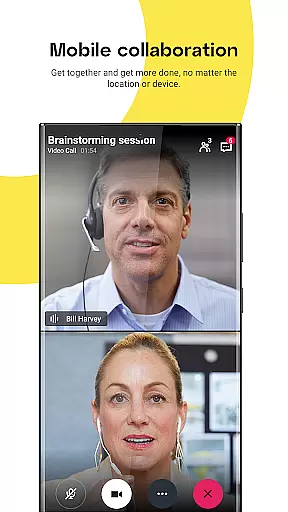
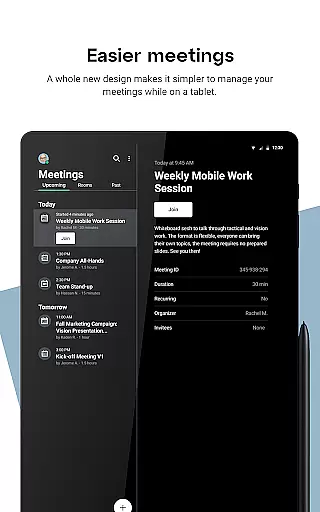
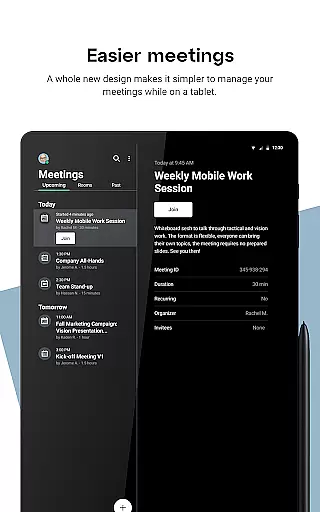
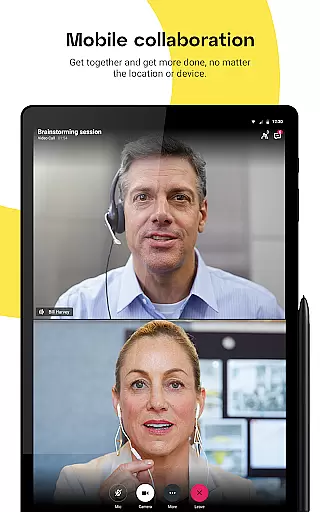
Collaborative work features are essential for modern businesses that require seamless communication and teamwork. GoTo excels in this area by offering a fully integrated solution for phone, messaging, meetings, training, and webinars. This ensures that teams can collaborate effectively regardless of their physical location.
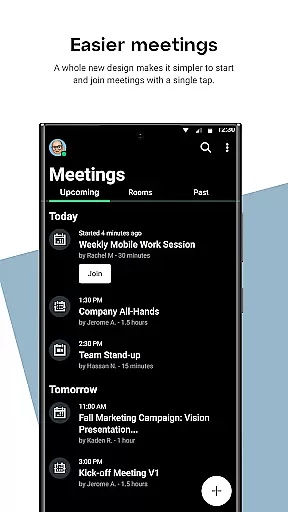
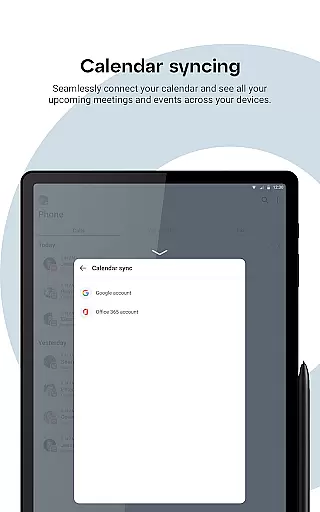
The app provides HD audio and video quality for all communications, ensuring crystal-clear interactions during virtual meetings. With business calendar integration and meeting reminders, users can efficiently manage their schedules and never miss an important discussion. These features collectively enhance productivity and streamline workflows.
GoTo also supports multi-channel inbox communication through SMS, webchat, and social media channels. This consolidation allows users to engage with customers and colleagues from a single interface, simplifying the communication process. As a result, businesses can respond more quickly and maintain better relationships with their clients.
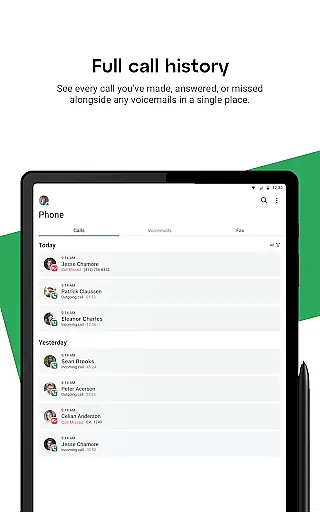
Effective task management is crucial for maintaining organizational efficiency and ensuring projects stay on track. GoTo offers several features that empower users to control incoming calls and messages efficiently. The Find Me Follow Me feature allows users to manage the behavior of incoming calls, ensuring they never miss a critical conversation.
With Instant Response, users can automatically send text messages to missed calls, providing timely communication even when unavailable. Additionally, the Caller ID Swap feature enables users to switch between multiple business numbers, giving them flexibility in how they present themselves to customers.
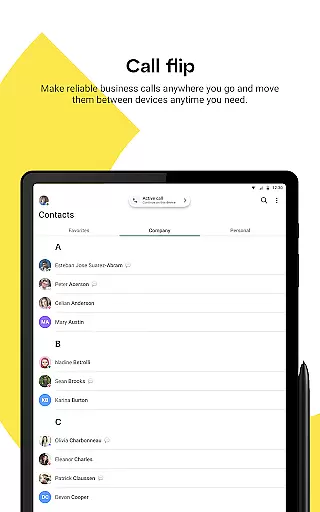
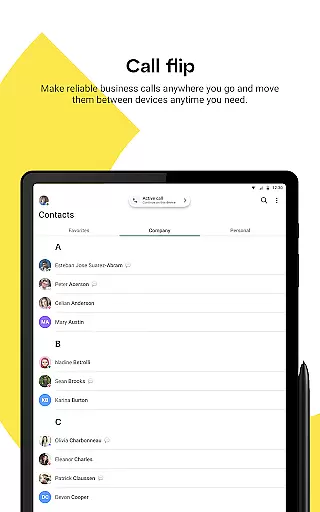
Moreover, GoTo's ability to retrieve and merge local contacts with company contacts ensures that users have a comprehensive view of their network. This feature aids in task management by keeping all relevant contact information accessible and organized, thus improving overall operational efficiency.
User-friendly interface
HD audio and video quality
Multi-channel inbox
Advanced call management
Business calendar integration
Limited free features
Subscription costs may add up
Requires stable internet
Occasional syncing issues
Steep learning curve for beginners

 4.70
4.70
Find flexible, hourly jobs hiring near you in restaurant, retail & hospitality!
4.00
VSD Viewer - Visio Drawings Viewer for Android Preview VSD, VDX, VSDX drawings
4.10
view, manage, and share every PDF file you have
3.60
Find jobs near you and temp work in minutes, from your phone.
4.50
USPS Mobile®Access USPS.com’s most popular tools on-the-go.
4.70
Access to Paylocity, empowering employees with information they need 24/7.
4.70
Access All PDF Files
3.40
We help people get jobs
4.70
Use Generative Summary to understand your rental or insurance docs in seconds.
4.70
Ship, Track, Find a Location or Get a Quote with UPS. Anytime. Anywhere.
4.60
Chat, meet, and collaborate to achieve more together, all in one place on Teams
4.60
ANDROID'S TOP MOBILE OFFICE - Word, Excel, PowerPoint and PDF at your fingertips
4.50
From Gone to Back Again — In Just a Few Taps
4.50
FX Plus adds media, networking, and cloud capabilities to FX File Explorer.
4.10
Shop, deliver, and earn with the Spark Driver™ App
4.10
Work happy with AI Companion
4.10
Simple, Fast & Lightweight
3.90
Completed Course Lectures on how to use IBM Maximo in Maintenance issues
4.5


User Reviews