
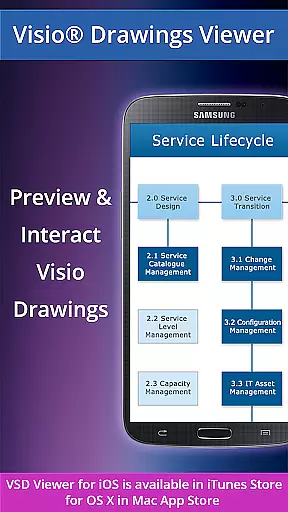
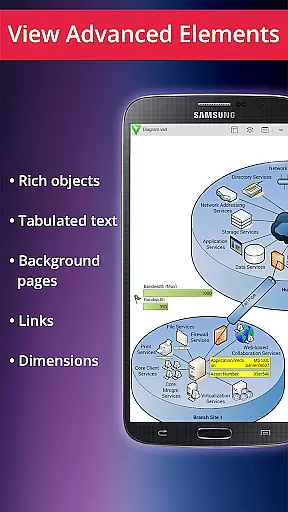
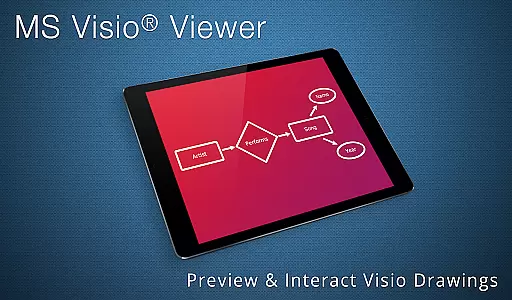
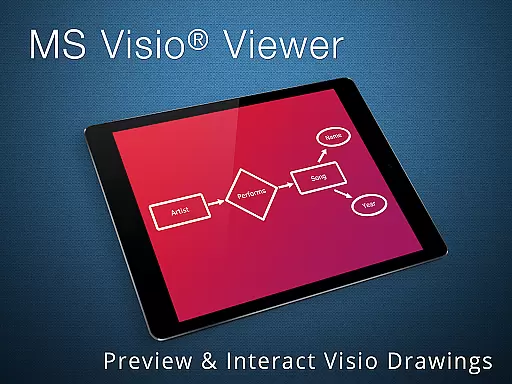
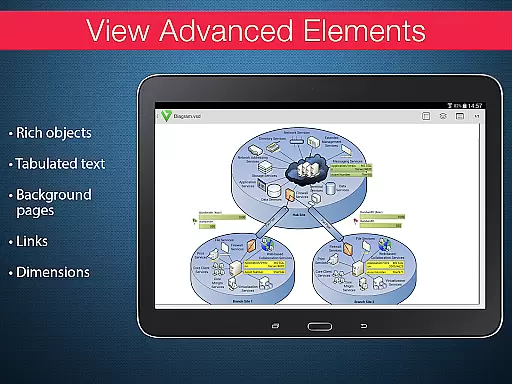
VSD Viewer is a professional Visio drawings viewer for Android devices, enabling users to open and preview any MS Visio 2000-2013 VSD drawing. It supports multiple file formats including VSD, VDX, and VSDX, making it versatile for various business needs.
With features like scroll, zoom, and multipage document navigation, users can efficiently interact with complex diagrams. The app also allows copying of texts, viewing formatted objects, and switching layer visibility, providing an in-depth review of technical diagrams.
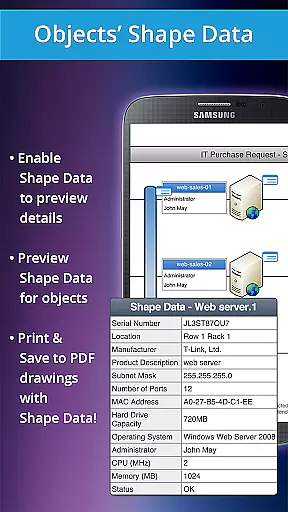
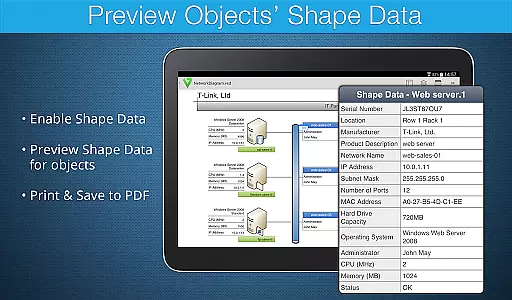
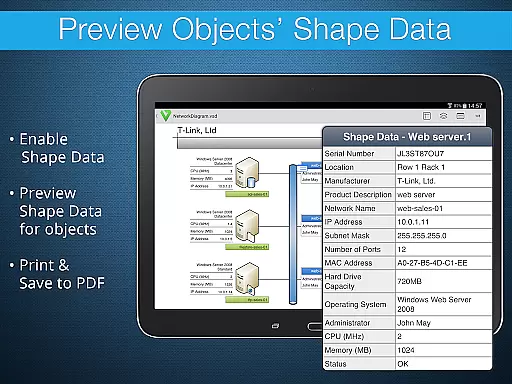
Whether you're reviewing architectural plans or organizational charts, VSD Viewer ensures that all elements are displayed accurately, maintaining the integrity of original documents while offering advanced options such as viewing shape data and hidden layers.
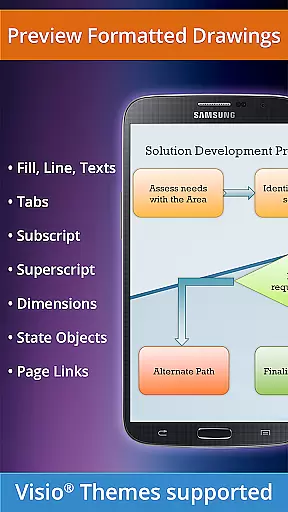
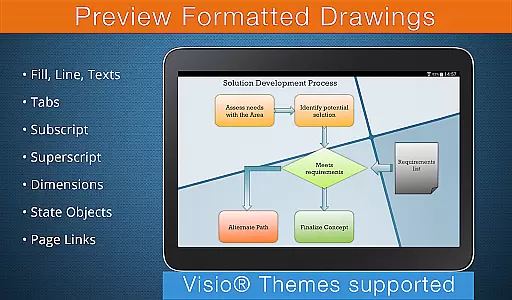
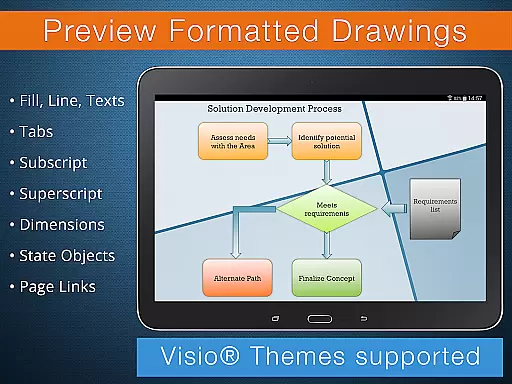
VSD Viewer stands out with its ability to handle complex formatted objects including lines, fill, color gradients, and text formatting. Users can view subscript and superscript texts, switch document guides visibility, and even access objects placed outside page boundaries.
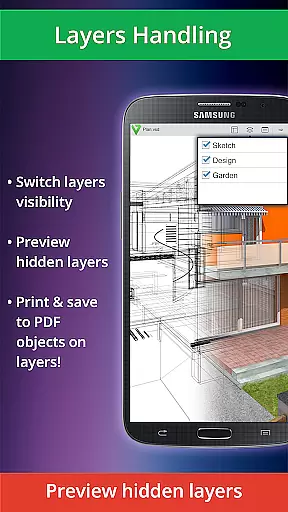
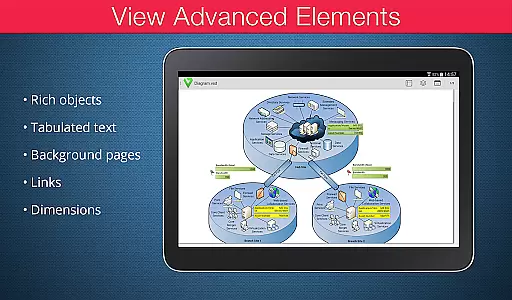
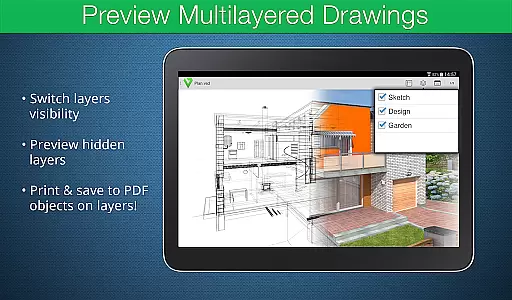
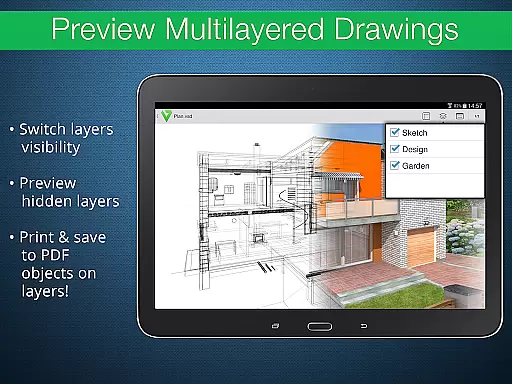
The app supports advanced functionalities like previewing hidden layers and switching layer visibility, which is crucial for multilayered technical diagrams. Additionally, it maintains original dimension units and supports page numbering, ensuring precise document representation.
While processing huge documents may take time and rendering built-in metafiles requires internet connection, these features ensure that every detail of your Visio drawings is accessible on your Android device, enhancing productivity and convenience.
Collaborative work features are essential for any business tool aiming to enhance team productivity. VSD Viewer supports this by enabling users to open and preview any MS Visio 2000-2013 VSD drawing, making it easier for teams to share and review technical diagrams on the go.
The application allows viewing complex formatted objects including lines, fill, color, gradients, text formatting, and more. This ensures that all team members can access detailed and accurate representations of their projects, regardless of their location.
Moreover, VSD Viewer offers advanced options such as previewing hidden layers and switching layer visibility. These features facilitate in-depth analysis and discussion among team members, allowing them to focus on specific parts of a drawing without distractions.
By providing these collaborative capabilities, VSD Viewer empowers businesses to streamline their workflows, ensuring that everyone involved has the necessary tools to contribute effectively to project development.
Effective task management is crucial for maintaining productivity and meeting deadlines. With VSD Viewer, users can efficiently manage tasks related to Visio drawings through its comprehensive set of features designed for handling various file formats.
The app supports opening and navigating multipage documents, which is particularly useful when dealing with large projects that span multiple files. Users can scroll, zoom, and copy drawing texts, facilitating easy reference and annotation during task execution.
VSD Viewer also includes functionalities like viewing objects placed outside page boundaries and original dimension units, which help maintain precision in task management. The ability to switch document guides visibility further enhances accuracy in reviewing and editing tasks.
These robust task management features ensure that users can handle their responsibilities with greater efficiency and confidence, ultimately leading to improved project outcomes.
User-friendly interface
Supports multiple formats
Advanced layer management
Precise object rendering
Efficient navigation tools
Rendering large files slow
Internet needed for metafiles
Limited offline functionality
No editing capabilities
Occasional bugs reported

 4.70
4.70
AI-powered document scanner with auto enhance for perfect PDFs.
4.60
Scan Business Cards & Conference Badges - Capture Leads at Events & Tradeshows
4.20
viewing and sharing PDFs and other files—anytime, anywhere!
4.4
Build a store in minutes with our full suite of AI tools. Start for free!
4.20
view, manage, and share every PDF file you have
3.60
Access to Paylocity, empowering employees with information they need 24/7.
4.70
Collaborate seamlessly with Google Chat, part of Google Workspace
4.50
The app that lets you deliver with Amazon.
4.50
Start earning fast. Apply Today.
4.80
Get instant construction estimates: accurate home repair & material calculator.
4.70
ANDROID'S TOP MOBILE OFFICE - Word, Excel, PowerPoint and PDF at your fingertips
4.50
Drive and earn extra money
4.50
Find work, shifts and gigs near you. Jobs lasting a few hours to a few months.
4.30
A secure, all-in-one team collaboration app
4.30
Say hello to the mobile work experience built to help you thrive at work.
4.30
FX Plus adds media, networking, and cloud capabilities to FX File Explorer.
4.10
The All-in-One File Manager for Phone, TV, Watch, Cars, XR / VR, Chromebook
4.10
Quickly open and manage PDF files on your device.
3.80


User Reviews