
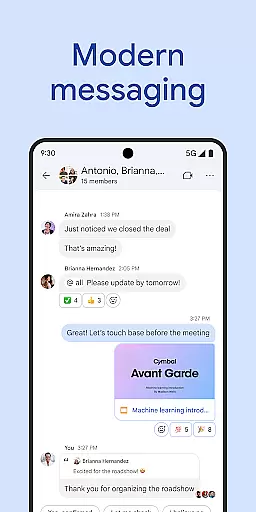
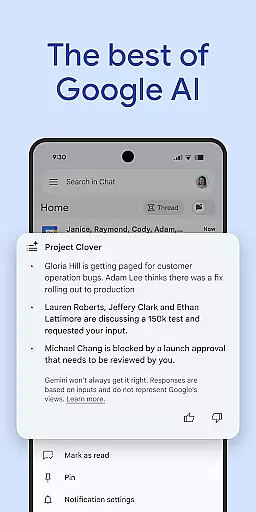
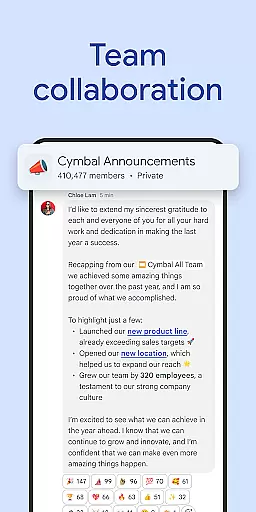
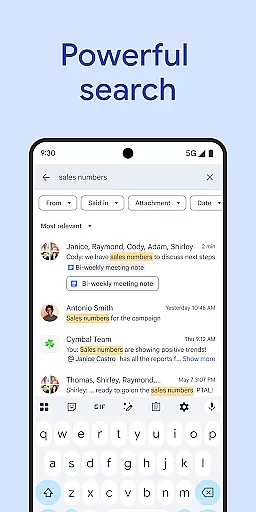
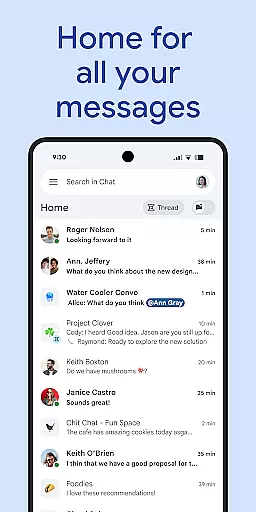
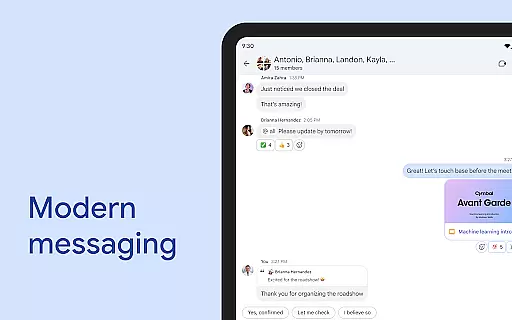
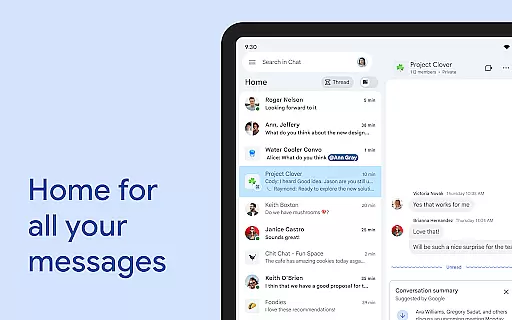
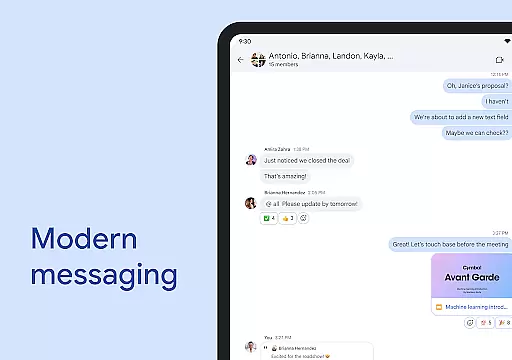
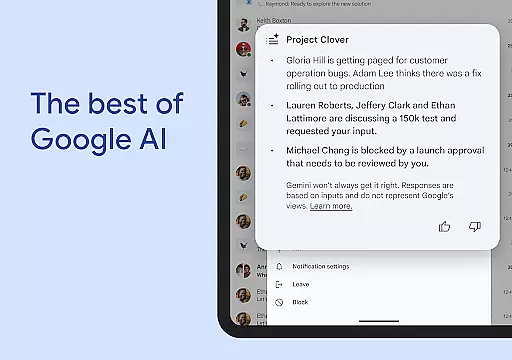
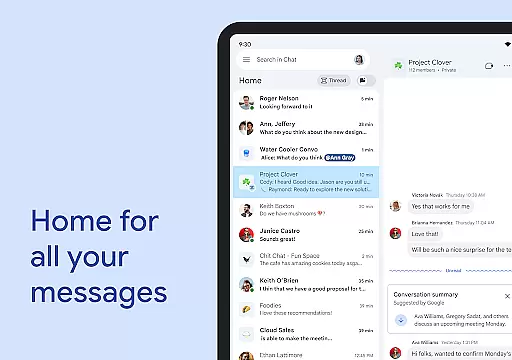
Google Chat is a powerful communication and collaboration tool designed specifically for teams using Google Workspace. This AI-first messaging platform offers advanced features like automatic translation across 120+ languages, intelligent conversation summaries, and AI-powered search capabilities. The application integrates seamlessly with other Workspace apps including Gmail, Calendar, and Drive, creating a unified productivity ecosystem.
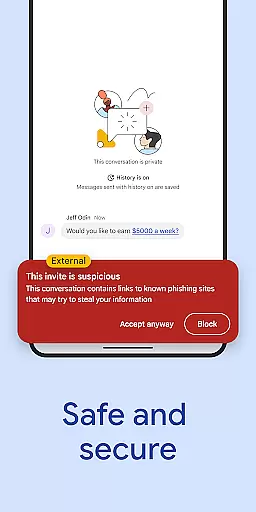
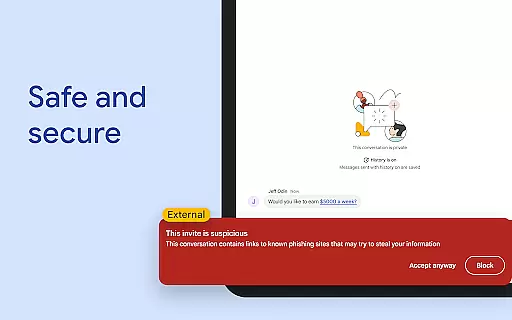
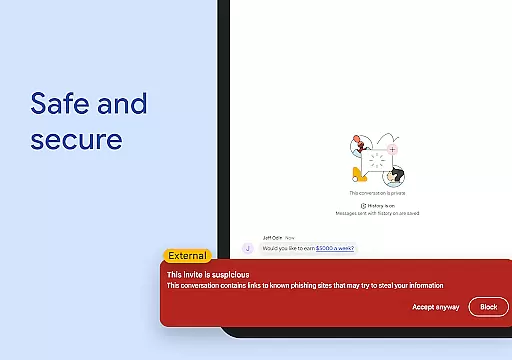
Beyond basic messaging, Google Chat provides comprehensive team management features such as personalized status updates, audio/video message sharing, and real-time huddles. Its enterprise-grade security architecture ensures data protection through zero-trust principles and AI-powered threat detection. While basic features are available for all Workspace users, premium functionalities require a paid subscription, making it suitable for businesses of all sizes.
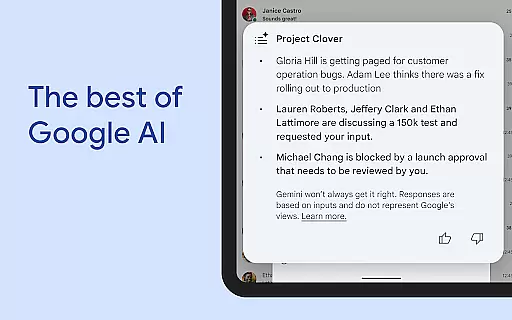
Google Chat distinguishes itself through its innovative AI capabilities and deep Workspace integration. The application's AI-powered features include automatic translation across multiple languages, intelligent conversation summaries, and advanced search functionality. These tools help teams stay organized and maintain productivity regardless of geographical locations or language barriers.
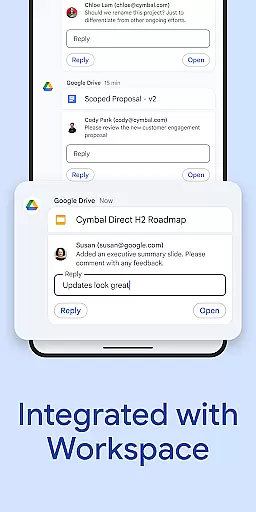
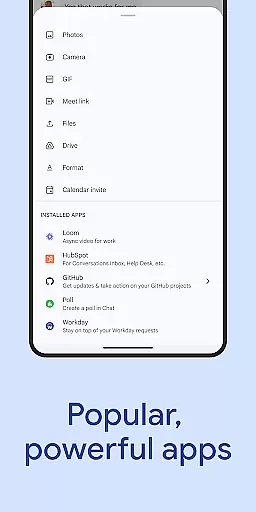
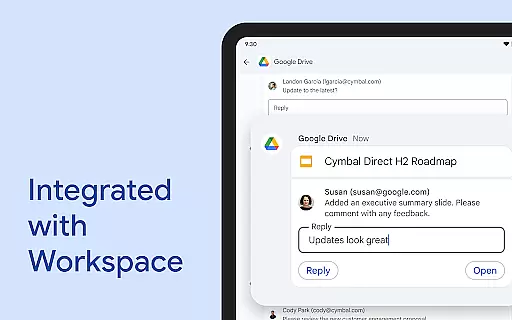
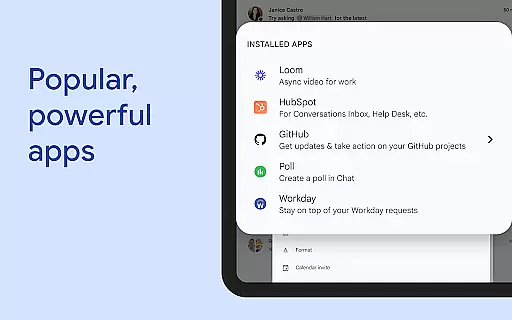
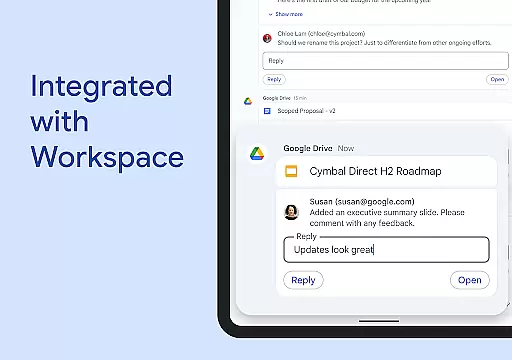
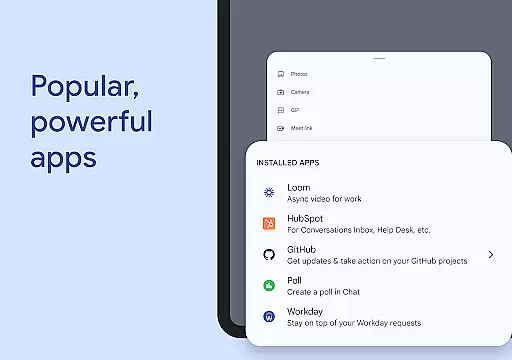
The platform's integration with Workspace apps creates a seamless workflow experience. Users can leverage smart chips to link files and people, manage task approvals through the Google Drive app, and access popular third-party applications like PagerDuty and Jira directly within Chat. Additionally, developers can build custom applications using Chat APIs, while administrators benefit from enterprise-grade security features including data loss prevention and malware protection.
Unique to Google Chat is its cloud-native architecture that eliminates the need for desktop applications and prevents local data storage on user devices. This approach, combined with real-time collaboration tools and customizable status updates, makes it an ideal solution for modern distributed teams seeking secure and efficient communication channels.
Google Chat revolutionizes team collaboration by integrating advanced AI capabilities with seamless Workspace integration. The platform's AI-powered features ensure teams can maintain productivity through automated translations in over 120 languages and intelligent conversation summaries that keep everyone aligned.
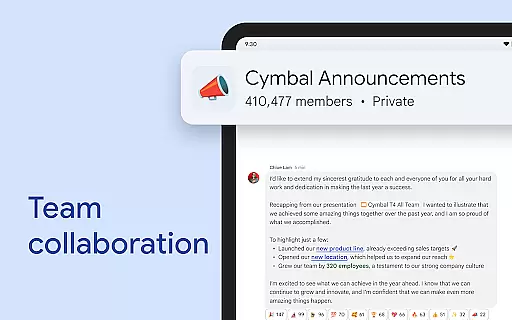
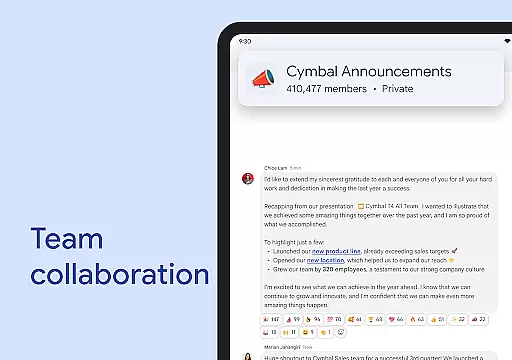
The application facilitates real-time teamwork with smart chips that connect crucial elements like files, people, and spaces. This creates a unified ecosystem where users can easily reference resources and collaborate without switching contexts, thus streamlining workflows across different projects and departments.
With integrated audio and video messaging alongside status updates, Google Chat enables detailed communication while respecting individual work preferences. Users can signal their availability or focus time, ensuring colleagues understand the best times for interaction, which ultimately enhances team coordination and project momentum.
Task management within Google Chat is elevated through its deep integration with essential Workspace apps such as Gmail, Calendar, Drive, Tasks, and Meet. This interconnected system allows users to create, assign, and track action items directly within chat threads, ensuring all team members are aware of their responsibilities and deadlines.
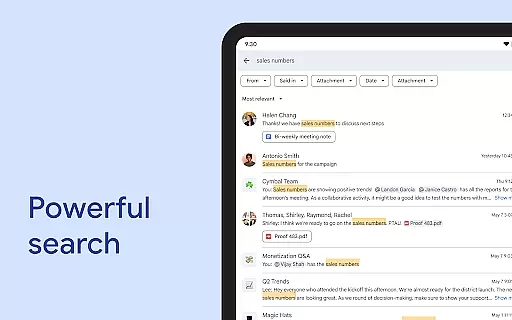
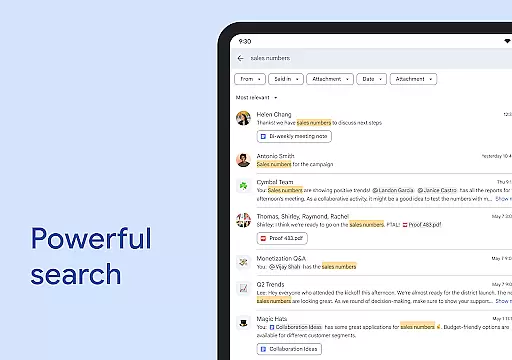
The platform's AI-driven search functionality makes locating specific tasks or conversations effortless, even within extensive chat histories. This ensures critical information is always accessible, enabling teams to stay organized and focused on their objectives without getting lost in unnecessary details.
Additionally, Google Chat's API support and third-party app integrations, including popular tools like PagerDuty, Jira, and GitHub, provide enhanced task management capabilities. These features allow teams to build custom workflows and automate processes, resulting in improved efficiency and project visibility across the organization.
Seamless Workspace Integration
Advanced AI Capabilities
Enterprise-Grade Security
Real-Time Collaboration Tools
Multi-Language Support
Premium Features Cost Extra
Requires Workspace Subscription
Limited Offline Functionality
Steep Learning Curve
Third-Party App Dependency

Formerly Facebook Ads Manager. Manage and create ads on the go.
 4.20
4.20
All Your Gig Work. One App.
4.30
ANDROID'S TOP MOBILE OFFICE - Word, Excel, PowerPoint and PDF at your fingertips
4.50
Your employer must have UKG Ready software configured for Mobile.
4.60
Manage work life on the go
4.50
All document reader, pdf viewer app, read docs & excel files
3.80
Find part-time earning opportunities near you that pay within days.
3.20
ADP Mobile Solutions is an employee self service app
4.50
Chat, meet, and collaborate to achieve more together, all in one place on Teams
4.60
Start earning fast. Apply Today.
4.80
TurboScan turns your phone into a full-featured PDF document scanner.
4.80
No more passwords, easier sign-in, and greater protection for your accounts.
4.60
The app that lets you deliver with Amazon.
4.50
Make money as a delivery driver with DoorDash and work when you want as a Dasher
4.30
FX Plus adds media, networking, and cloud capabilities to FX File Explorer.
4.10
VSD Viewer - Visio Drawings Viewer for Android Preview VSD, VDX, VSDX drawings
4.10
Find flexible, hourly jobs hiring near you in restaurant, retail & hospitality!
4.00
Simple, Fast & Lightweight
3.90
viewing and sharing PDFs and other files—anytime, anywhere!
4.1


User Reviews