
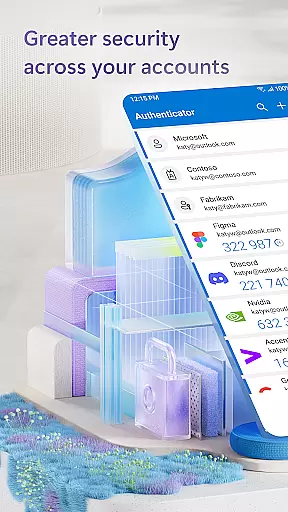
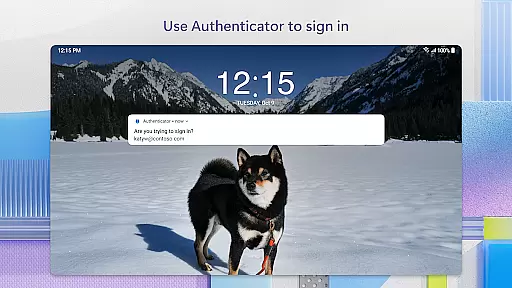
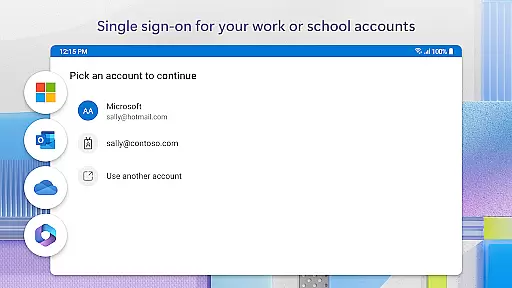
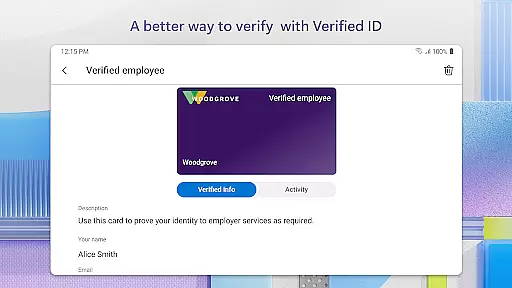
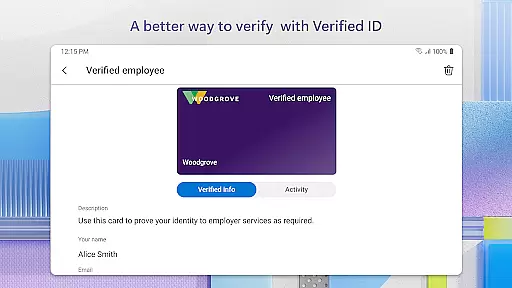
Microsoft Authenticator is a business-focused authentication app that provides secure sign-in options for online accounts through multi-factor authentication (MFA), passwordless login, and traditional passwords. The app supports both personal Microsoft accounts and work or school accounts, offering users a reliable way to protect their digital identities.
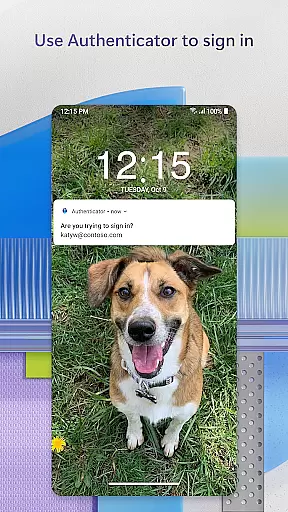
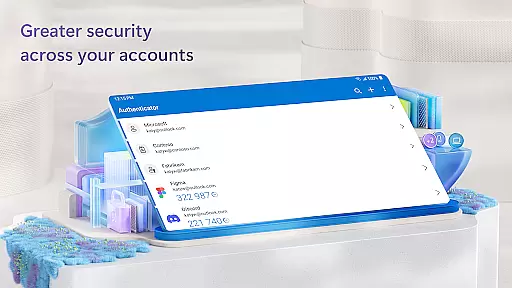
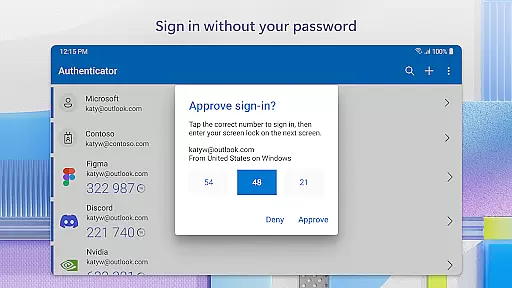
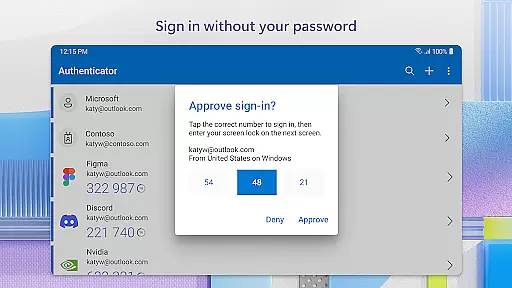
One of the key features of Microsoft Authenticator is its support for two-factor authentication (2FA). When logging in, users enter their password and then approve a notification sent to the app or enter a time-based one-time password (TOTP) generated within the app. These OTP codes refresh every 30 seconds, ensuring enhanced security without requiring network connectivity. Additionally, the app allows users to add multiple accounts, including non-Microsoft services like Facebook, Amazon, and Google.
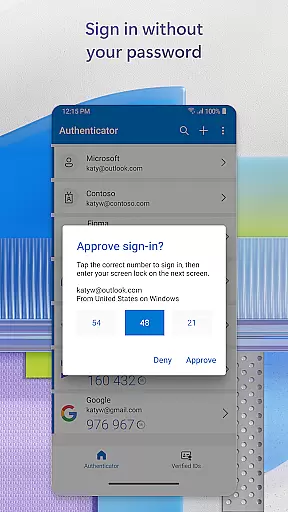
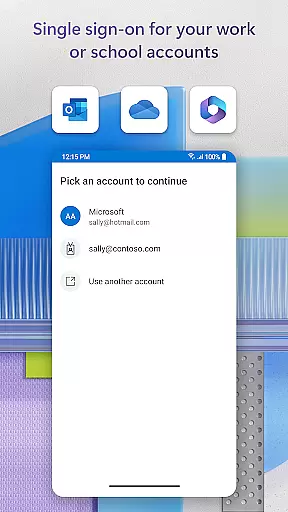
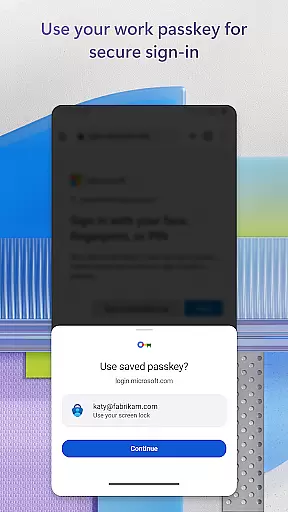
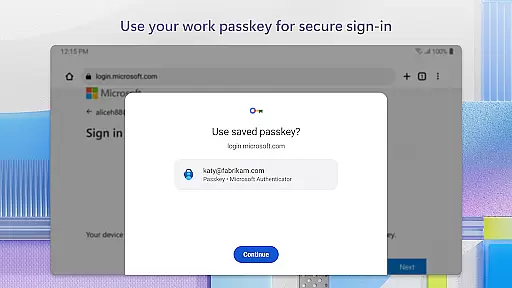
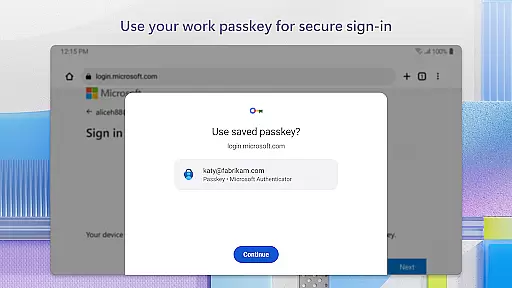
The app also enables passwordless login using biometric verification such as fingerprint or face ID, or a PIN. This streamlined process lets users access Microsoft products like Outlook, OneDrive, and Office seamlessly. For enterprise users, the app supports certificate-based authentication, allowing organizations to verify trusted devices and enable single sign-on across Microsoft services.
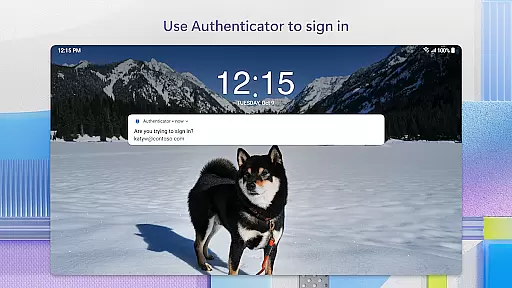
Microsoft Authenticator offers several notable features that enhance its functionality as a business tool. First, it provides robust multi-factor authentication (MFA) capabilities, ensuring an additional layer of security when accessing sensitive accounts. Users can approve login requests via push notifications or generate time-based OTP codes that automatically refresh every 30 seconds.
Another standout feature is the app's support for passwordless login. By leveraging biometric data such as fingerprints or facial recognition, or by using a device-specific PIN, users can authenticate their identity without needing to remember complex passwords. This not only improves security but also simplifies the login process.
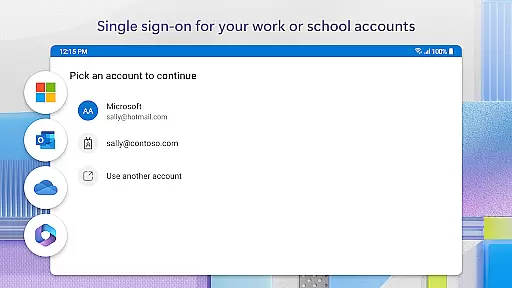
For enterprise environments, Microsoft Authenticator supports certificate-based authentication and single sign-on (SSO). Once a user verifies their identity, they gain seamless access to all authorized Microsoft apps and services without needing to log in repeatedly. The app also includes optional permissions like camera access for QR code scanning and location services for organizations with specific access policies.
Microsoft Authenticator enhances collaborative work environments by providing secure access to organizational resources. The app supports cert-based authentication, issuing a certificate on your device that verifies the sign-in request is from a trusted source.
This verification process allows seamless and secure access to multiple Microsoft apps and services without needing to log in individually each time. Such functionality is crucial for businesses that require employees to access various internal tools and platforms efficiently.
Additionally, the app's support for single sign-on (SSO) ensures that once users authenticate themselves, they can access all authorized business applications without repeated login prompts. This streamlined approach not only boosts productivity but also maintains high-security standards across the organization.
Task management within Microsoft Authenticator revolves around simplifying and securing user authentication processes. By enabling multi-factor authentication (MFA) or two-factor authentication (2FA), the app adds an essential layer of security when accessing online accounts.
Users can approve notifications sent directly to their phones, eliminating the need to remember complex passwords while ensuring secure entry. One-time passwords (OTP) generated by the app further enhance security with a 30-second timer, ensuring unique codes for every login attempt.
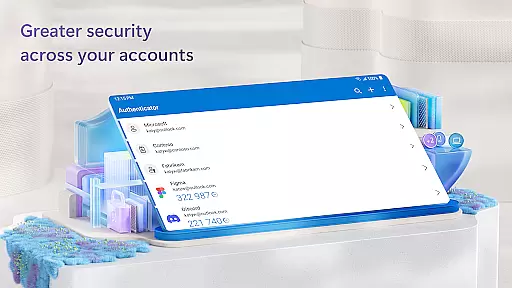
Moreover, the ability to add multiple accountsu2014including non-Microsoft ones like Facebook, Amazon, and Googleu2014into a single interface makes managing various profiles effortless. This consolidation helps users maintain robust security practices across different platforms without compromising convenience.
Enhanced security
User-friendly interface
Multi-account support
Enterprise-ready features
Passwordless convenience
Requires device setup
Limited offline functions
Dependent on network for some features
Permissions may concern privacy
QR code dependency for setup

Measure distances, surfaces and draw plans in seconds with CamToPlan!
 4.40
4.40
BuildCalc - the easiest AND the most advanced construction calculator app.
4.80
Earn free swag, G-Cards & food • Enter sweepstakes • Find stores • So much more.
4.70
Your employer must have UKG Ready software configured for Mobile.
4.60
Simple, Fast & Lightweight
3.90
Finance, Investing, Stocks, Trading and Stock news
4.60
view, manage, and share every PDF file you have
3.60
Smarter career moves start here. AI job alerts, insights & the right tools.
4.20
Make money as a delivery driver with DoorDash and work when you want as a Dasher
4.30 4.70
4.70
Access to Paylocity, empowering employees with information they need 24/7.
4.70
Find jobs and make money fast with JobStack.
4.60
Paychex Flex - Save Time and Stay Connected
4.60
ADP Mobile Solutions is an employee self service app
4.50
Deliver and earn money
4.30
Build a store in minutes with our full suite of AI tools. Start for free!
4.20
The All-in-One File Manager for Phone, TV, Watch, Cars, XR / VR, Chromebook
4.10
Find flexible, hourly jobs hiring near you in restaurant, retail & hospitality!
4.00
On the go? Take FedEx with you.
4.00


User Reviews