
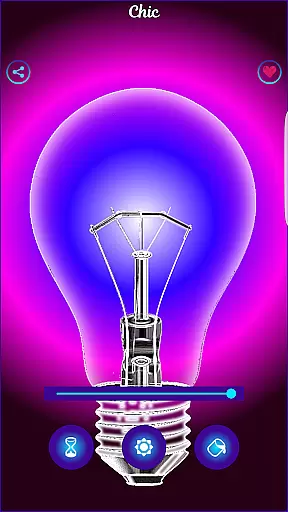
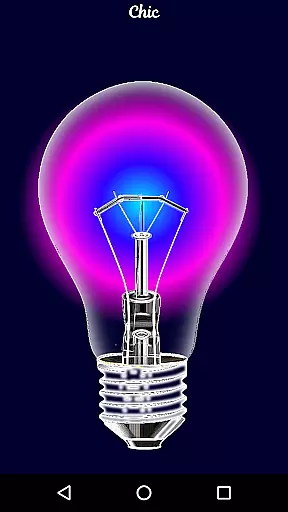
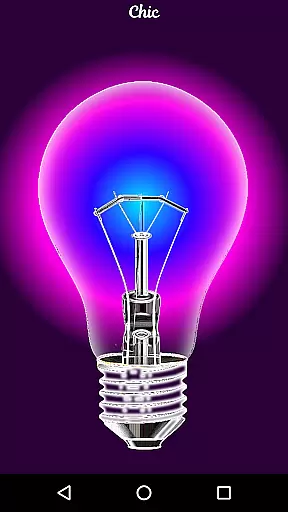
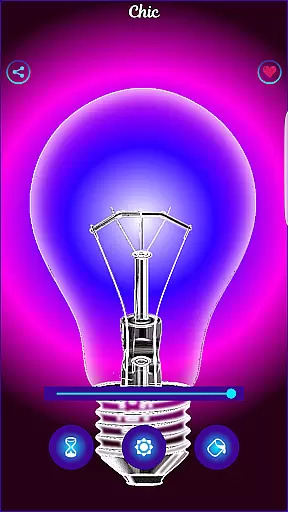
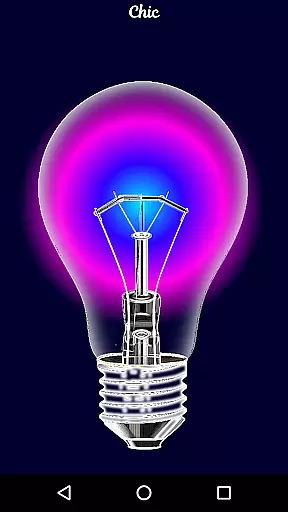
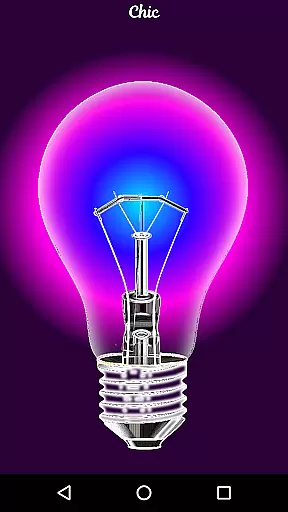
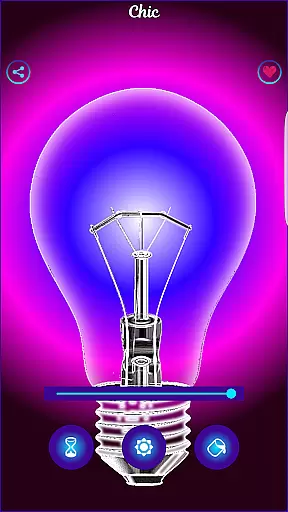
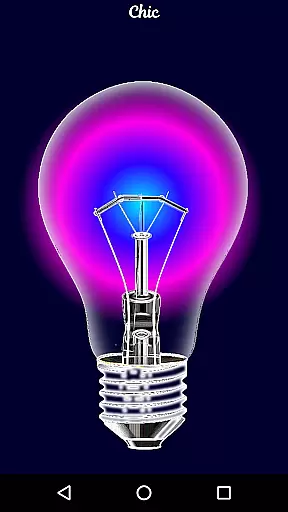
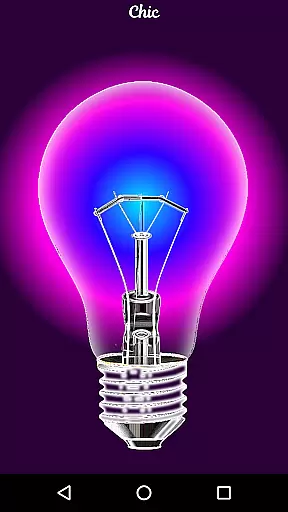
Black Light is a unique simulator app that recreates the visual effects of real black light. The app allows users to customize their experience by adjusting the tone, timing, and brightness settings. With deep purple color variations optimized for powerful radiant effects in the dark, this app creates an immersive environment perfect for entertainment purposes. While it doesn't produce actual black light, its simulation offers a fun way to enjoy vibrant visuals.
This application is particularly useful for creating ambient lighting during parties or events where a mystical atmosphere is desired. Users can tailor the settings to match their preferences, ensuring an engaging experience every time they use the app. Its easy-to-use interface makes it accessible for all types of users looking to add a touch of magic to their surroundings.
Black Light stands out with its customizable features designed to enhance user interaction. Users have the ability to choose from various deep purple tones, set specific durations for screen activity, and adjust brightness levels according to their needs. These options provide a personalized experience tailored to individual preferences.
The app's optimization for radiant effects ensures that colors appear vividly even in low-light conditions. This feature is especially beneficial when trying to create a captivating ambiance without needing additional equipment. Additionally, the intuitive design allows users to quickly navigate through settings, making adjustments seamless and hassle-free.
While primarily intended for entertainment, these features also make Black Light suitable for creative projects requiring special lighting effects. Whether used at home or during social gatherings, the app delivers consistent performance and reliability, enhancing any occasion with its simulated black light capabilities.
Black Light offers a comprehensive simulation of black light effects optimized for entertainment purposes. The app allows users to adjust key parameters such as color tone, which includes various deep purple variations that mimic the appearance of real black light.
In addition to color customization, the app provides control over the duration of screen activity, enabling users to set specific time intervals. This ensures that the simulated black light remains active only for as long as needed, offering both convenience and energy efficiency.
Brightness adjustment is another crucial feature, allowing users to fine-tune the intensity of the light emitted. This functionality ensures that the radiant effect is powerful enough to create an immersive experience in dark environments while maintaining user comfort.
While Black Light does not produce actual black light, its design focuses on delivering a fun and visually engaging experience by optimizing color output for dark settings. These features collectively ensure that the app covers essential aspects of black light simulation for casual use.
Usability is at the core of Black Light's design, ensuring that users can easily navigate and utilize its features without any learning curve. The interface is intuitive, providing straightforward access to controls for adjusting color tones, setting timers, and modifying brightness levels.
Operational smoothness is evident in how seamlessly the app functions during use. Users can switch between different deep purple variations effortlessly, experiencing no lag or performance issues. The timer function operates reliably, automatically turning off the screen after the selected period has elapsed.
The app also demonstrates smooth transitions when adjusting brightness levels, responding instantly to user inputs. This responsiveness enhances the overall user experience, making interactions with the app fluid and enjoyable.
By focusing on these usability aspects, Black Light ensures that users can fully immerse themselves in creating vibrant atmospheric lighting without being distracted by operational complexities. This dedication to smooth functionality makes it an ideal choice for those seeking an easy-to-use yet effective black light simulator.
User-friendly interface
Customizable settings
Vivid color effects
Optimized for dark environments
Suitable for parties and events
No real black light emission
Limited to purple tones
Battery consumption may increase
Requires manual adjustments
Not suitable for professional use

The Free Catholic Latin American Bible in complete Spanish
 4.60
4.60
Use your Phone as Drone Controller.
3.70
Demo for Key Attestation feature of the Android system.
4.80
use your smartphone as Remote control drones .
4.20
Zlink Carplay Android a mirror link app with a Carplay interface style
4.5
Mirror Link Car Display to share your screen with car dashboard wirelessly
4.5
Barcode scanning made simple!
4.40
Phone Software Update Quick Checker helps you to keep your phone apps up to date
4.50
Unlock the hidden menus of your phone with our mobile secret codes app.
4.20
Study Bible King James Version: the correct way to learn the Bible with audio
4.80
Expo is a free & open source platform to build apps using JavaScript and React.
4.70
Block and secure the microphone and protect from secret listening and recording.
4.50
Block, disable and secure phone camera from secretly taking photos by spyware.
4.50
Game booster GFX may reduce interruptions and improve gaming experience.
4.50
Test DPC is a sample device policy controller for use with Android Enterprise.
4.20
Do you want to drive easy ? do you wanna full mirror link Mobile with your car
4.10
CloudEye 365 is a easy-handling APP
3.60
Read Quran pak offline & listen online mp3 Quran in Al Quran Majeed app
4.5
Enjoy hours of entertainment with our Roblox mobile games app
4.4


User Reviews