
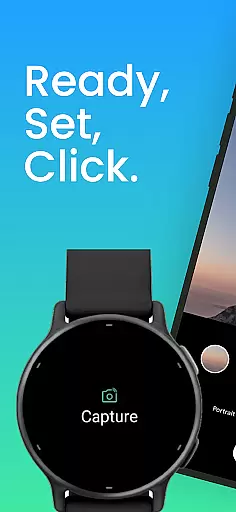
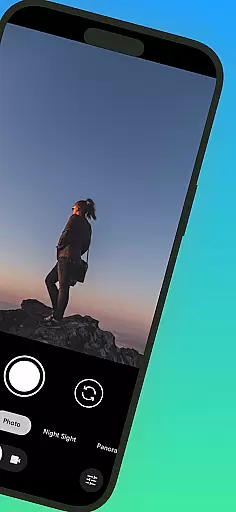
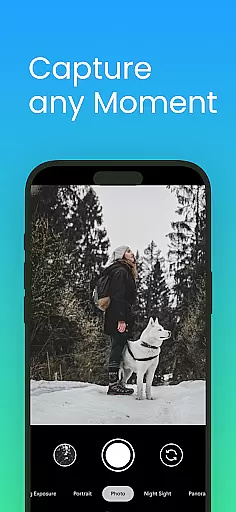
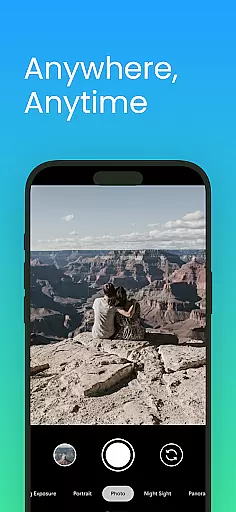
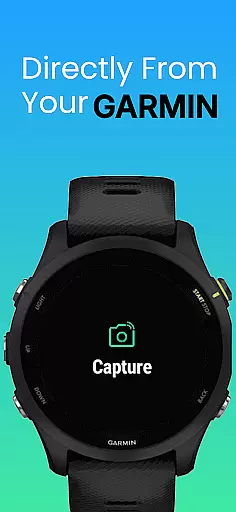
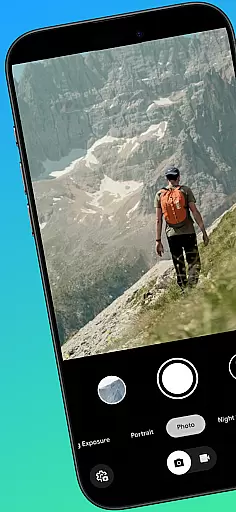
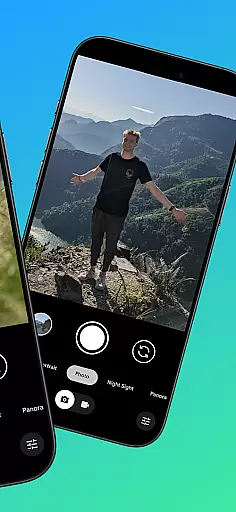
CameraClick is a powerful photography app that transforms your Garmin smartwatch into a wireless remote control for your Android phone's native camera. This seamless integration allows users to capture photos and videos effortlessly, whether they're taking group shots, solo adventures, or recording from a distance.
The app works directly with your phone’s existing camera app, preserving your preferred quality settings, lens choice, and storage path. With the help of Android’s AccessibilityService, CameraClick interacts with the camera shutter button, ensuring compatibility across a wide range of devices. It is an ideal tool for creators, athletes, and everyday users who want reliable and easy-to-use remote shooting capabilities.
Tested on popular Android devices from brands like Google, Samsung, Motorola, Xiaomi, and others, CameraClick ensures consistent performance and reliability. Whether you're filming workouts, capturing nature, or simply taking hands-free photos, this app provides a seamless experience tailored to your needs.
CameraClick offers several standout features that make it a top choice for remote photography. First, it leverages your phone's native camera app rather than relying on a custom viewer. This ensures that all your preferred camera settings—such as quality, lens selection, and storage paths—are preserved during use.
Another key feature is its compatibility with Android’s AccessibilityService, which allows the app to interact directly with the camera shutter button. This makes CameraClick compatible with a wide variety of camera apps across different devices, giving users full control over their photography experience.
Additionally, CameraClick has been rigorously tested on popular Android devices from brands like Google, Samsung, Motorola, Xiaomi, Fairphone, OPPO, Honor, Nothing, and OnePlus. This extensive testing guarantees reliable performance regardless of your device type, making it a versatile solution for all your remote photography needs.
Real-time capture and preview functionality is essential for ensuring that users can take photos or record videos with precision and confidence. CameraClick excels in this area by providing seamless integration between your Garmin smartwatch and Android phone.
The app leverages the native camera app on your phone, meaning you can use the same settings and features you're familiar with while gaining the convenience of remote control. This ensures that every shot maintains the quality and style you desire without any compromise.
With CameraClick, you have the ability to trigger the camera shutter directly from your wrist. This not only enhances the ease of capturing moments but also allows for more stable shots, as you don't need to physically interact with your phone during critical moments.
This feature is particularly beneficial for creators, athletes, and anyone looking to capture life's moments effortlessly. Whether you're recording a workout, taking group photos, or shooting in challenging environments, CameraClick ensures you never miss a moment.
While CameraClick does not focus heavily on AI beauty and enhancement features, it still provides a natural and authentic photography experience by leveraging your phoneu2019s native camera capabilities. The emphasis is on delivering genuine and high-quality captures rather than relying on heavy post-processing.
By working directly with your existing camera app, CameraClick preserves your preferred quality settings and lens choices. This means that any enhancements or beautification features you typically use will remain intact, offering a consistent and reliable photography experience.
The app's compatibility with a wide range of devices ensures that users can enjoy their usual photography experience without any loss of functionality. Whether you're using a Google Pixel, Samsung Galaxy, or OnePlus device, CameraClick supports your photography needs naturally and effectively.
Ultimately, CameraClick prioritizes authenticity and user control over artificial enhancements. This approach caters to those who value true-to-life images and videos, making it an ideal choice for capturing moments just as they are, without unnecessary alterations.
Wireless control
Native camera support
Wide compatibility
Easy setup
Reliable performance
Requires permissions
Garmin-only support
Limited iOS features
Device-specific issues
No manual mode

Trendy TikTok time warp scan funny filter app brings you unique photos & videos.
 4.40
4.40
1M influencer's special filter
4.60
Virtual makeup, hair filters & body tuner—edit from face to full body!
4.20
Pet Camera
3.70
Create AI Photos, Improve and restore quality of blurry, old or damaged pics.
4.20
Take videos and pictures with the popular TikTok TIME WARP SCAN filter.
4.60
Transform photos into videos! Create realistic or anime-style images easily!
4.50
AI-powered video creator by MiniMax - Where ideas meet cinema
4.20
RAW video capture with advanced controls
4.40
Find time and duration of different sunlight phases at any location
4.90
Gallery show photo, video, slideshow, is perfect 3D effect private photo albums.
4.80
Perfect body tune & face app - photo retouch, makeup, slim body & beautify face.
4.80
Easily create custom gifts, cards, photo books & more on the Shutterfly app!
4.60
HD Camera Pro with HD Video shooting, Panorama, Photo editor , Beauty Camera.
4.50
Search, tag and rate your way to an organized image gallery
4.40
Professional photography on your mobile phone
4.20
Hair color changer, AI haircut app, fun hair editor and buzz cut filter for all!
3.80
Long exposure camera with computational photography
2.60
Photo Album Watch Face shows your favorite pictures as a Watchface.
1.90


User Reviews